
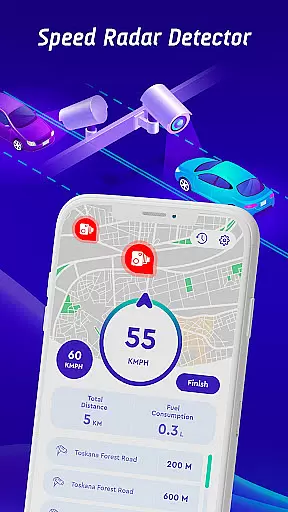
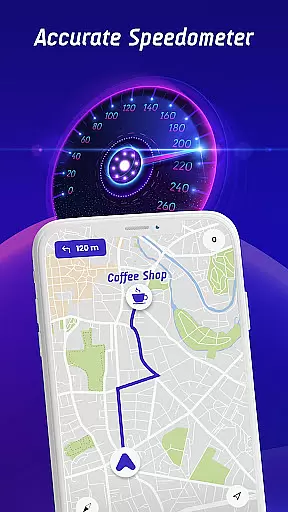

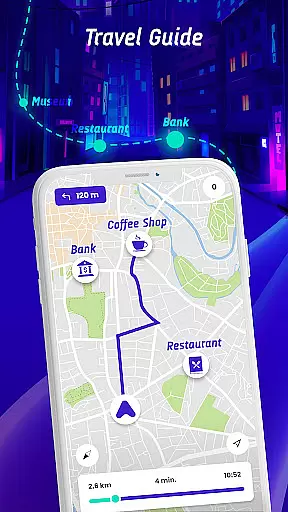
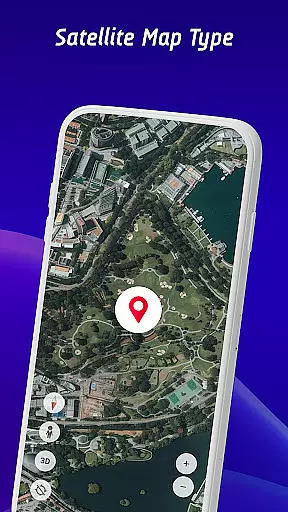
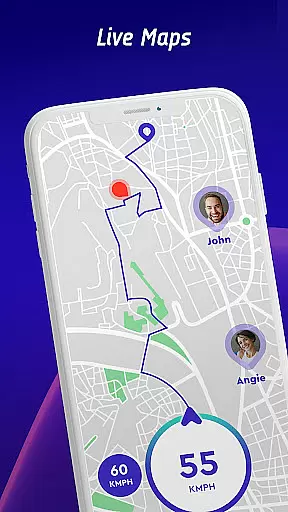
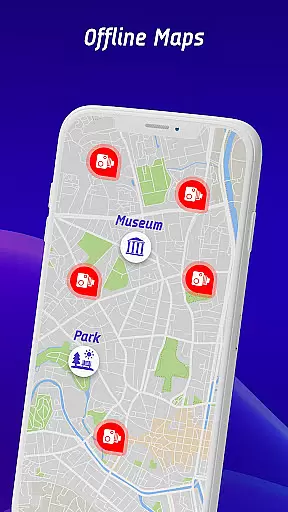
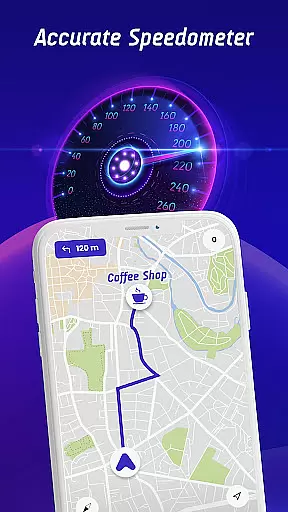

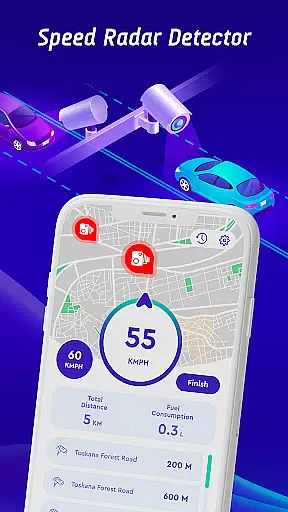
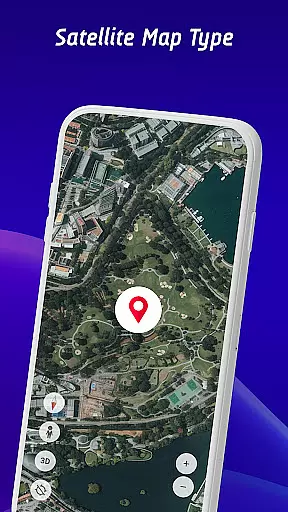
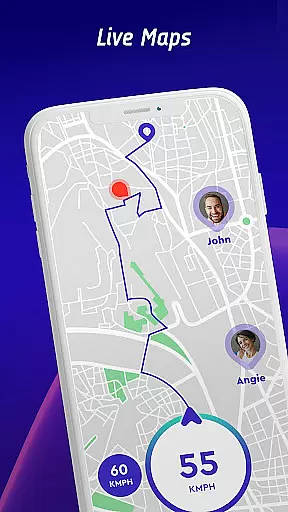
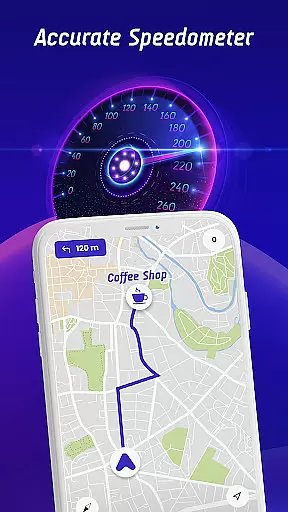

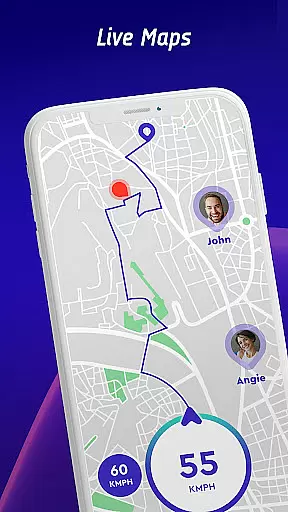
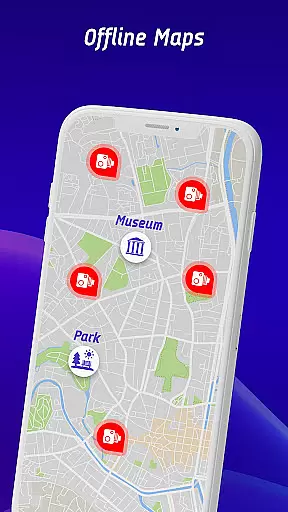
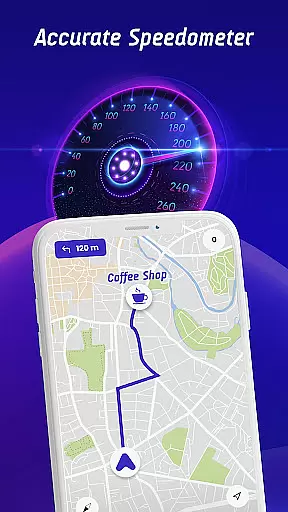

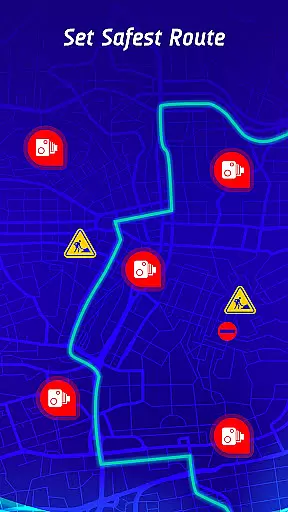
Offline Maps, GPS, Speedometer is a comprehensive driving companion app that integrates multiple essential features for safe and efficient travel. The app serves as a speed camera detector, speedometer, and GPS navigation tool, ensuring users stay within speed limits while receiving real-time alerts for various road hazards.
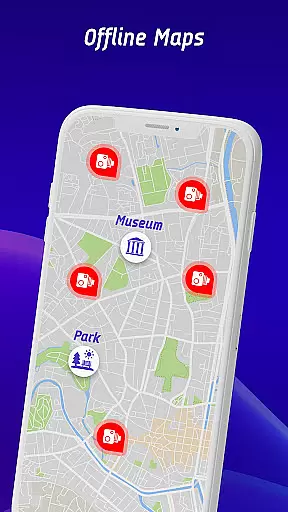
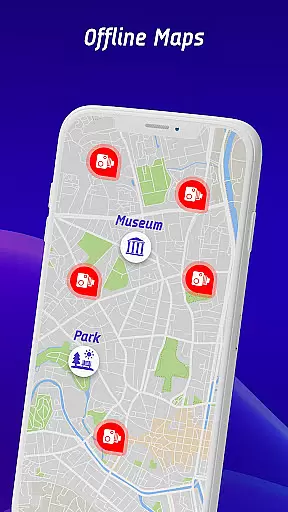
One of the standout features is its ability to provide vehicle-specific speed limit warnings for cars, bikes, and trucks. It also includes a head-up display (HUD) that projects crucial information like traffic alerts and speed onto the windshield, allowing drivers to keep their focus on the road. With offline map functionality, users can navigate without an internet connection, making it ideal for areas with poor connectivity.
The app's community-driven approach allows users to report encountered speed checks, maintaining an up-to-date database of potential road hazards. This feature, combined with detailed travel history and safest route recommendations, makes the app an invaluable tool for improving long-term driving habits while ensuring safer journeys.
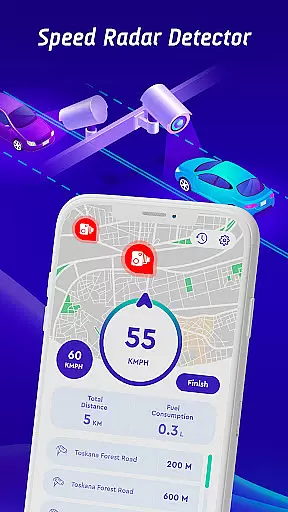
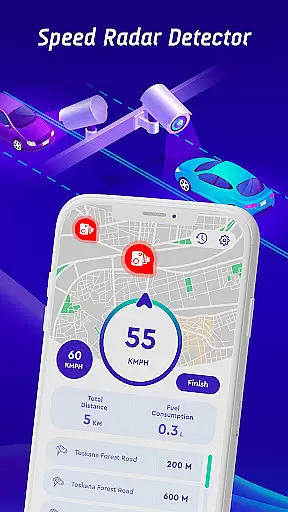
This app stands out in the Maps & Navigation category due to its extensive integration of advanced driving tools. Its core functionality revolves around accurate speed camera detection, which covers fixed cameras, mobile speed checks, red light cameras, and average speed monitoring zones. What sets it apart is the vehicle-specific alert system that customizes warnings based on whether you're driving a car, motorcycle, or truck.
The head-up display (HUD) is another innovative feature, projecting all critical driving information directly onto the windshield. This includes live speed readings, nearby speed checks, and traffic alerts, ensuring drivers never have to take their eyes off the road. Additionally, the inclusion of offline maps allows users to access navigation features without requiring an active internet connection, which is particularly useful in remote areas.
Beyond navigation, the app fosters a community of responsible drivers by enabling user-reported speed camera locations. This crowdsourced data ensures the app's hazard database remains current. Furthermore, the travel history feature provides insightful statistics about past trips, empowering users to analyze and improve their driving behavior over time.
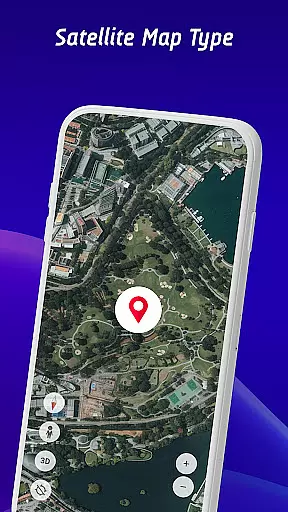
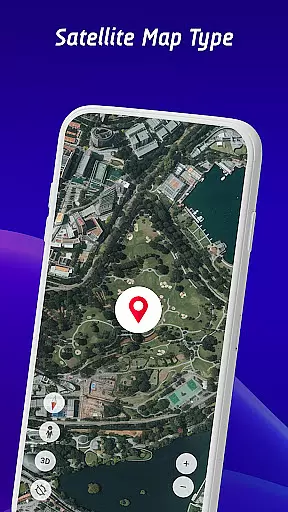
Map accuracy is essential for any navigation app, and Offline Maps, GPS, Speedometer excels in this area. The application provides real-time video streams from iconic locations worldwide, ensuring that users have access to live world cameras for the most up-to-date views.
The app goes beyond static maps by integrating a head-up display (HUD) feature. This HUD projects crucial information such as traffic alerts, radar warnings, and speedometer readings directly onto the windshield, allowing drivers to maintain focus on the road while staying informed about their surroundings.
With continuously updated radar data and an extensive database of speed cameras, including fixed, mobile, and red light cameras, the app ensures that drivers receive timely alerts tailored to their specific vehicle type. These dynamic updates contribute to the overall precision of the map data provided.
Furthermore, the inclusion of offline map functionality means that even without an internet connection, users can rely on pre-downloaded maps with maintained accuracy. This feature is particularly useful when traveling through areas with poor network coverage, ensuring uninterrupted navigation services at all times.
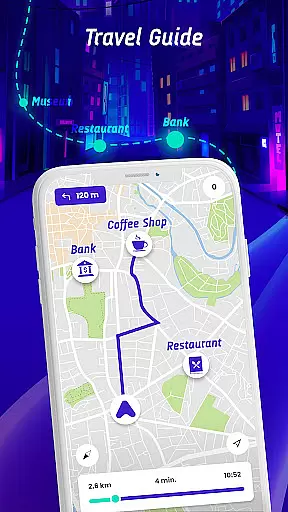
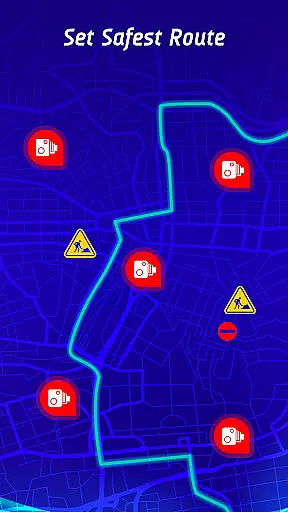
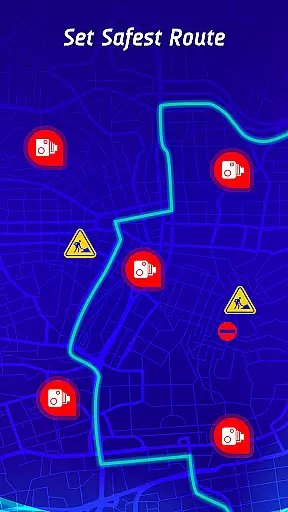
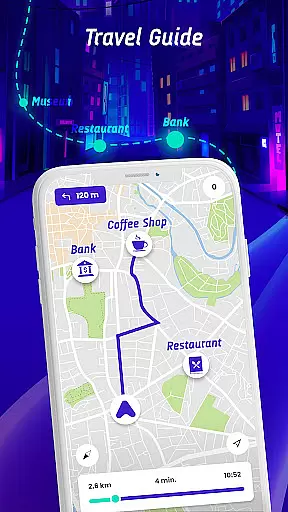
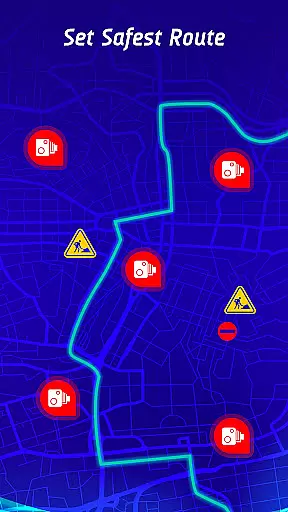
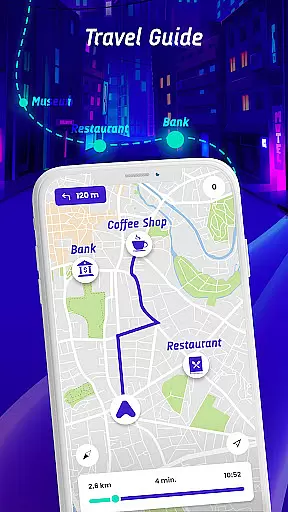
Route planning is a core component of Offline Maps, GPS, Speedometer, offering users not just directions but also the safest and fastest routes to their destinations. By factoring in real-time traffic conditions, speed camera locations, and reported active hazards POIs, the app delivers comprehensive route suggestions that enhance driver safety and convenience.
The travel history feature adds another layer of sophistication to route planning. Users can review past trips, analyze speed statistics, and identify patterns in speed checks or traps they've encountered. This long-term monitoring helps drivers understand their driving habits and make informed decisions about future journeys.
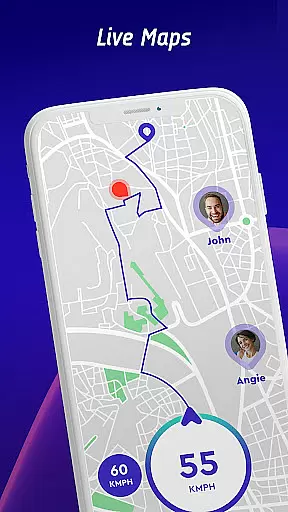
Additionally, community contributions play a significant role in refining route recommendations. Drivers using the app can report newly discovered speed cameras along their routes, which enriches the collective database and improves the quality of suggested paths for all users.
For those who prefer driving without mobile data, the offline maps mode offers peace of mind. It allows drivers to plan their journeys ahead of time and trust that they will have reliable guidance regardless of connectivity issues, making every trip more predictable and stress-free.
User-friendly interface
Real-time hazard alerts
Offline map support
Vehicle-specific warnings
Active driver community
Premium features locked
Occasional inaccuracies
Heavy on battery
Limited free usage
Requires frequent updates

Find AI powered cameras, ALPRs, and other surveillance infrastructure near you
 4.70
4.70
Route schedules, maps, and real-time tracking of MTA buses in New York City.
4.20
Discover over 800 points of interest along the canal.
3.70
OpenCPN is a full featured ChartPlotter and Navigator for Android.
3.60
Number locator, real connection map
4.10
Ride CTA, Metra & Pace: Manage your fares, buy Metra tickets, get arrivals.
3.00
LIRR and Metro-North tickets and trips
4.80
Off-Roading Navigation App With Trails, Public Lands, & Private Property Info
3.30
Track friends in real-time and explore worldwide live cameras.
4.60
Find shortest way and save energy . Distance and area calculator.
4.70
Navigate MTA, NJ Transit, MBTA, SEPTA, BART, MARTA, CTA & 900+ cities
4.60
America’s largest public fast charging network, with over 500 charging stations.
4.50
Track accurate speed & distance with GPS Speedometer. Check speed limit & time.
4.50
Neshan: map & navigation app with 20M+ monthly active users
4.50
GPS navigation offers route finder, compass, translator, currency converter, etc
4.30
GPS phone tracker, family locator, secure location sharing app
4.20
Route Planner is travel map to get turn by turn navigation & driving directions
3.90
Start your next adventure confidently using our Accurate Compass App
3.70
Offline maps for phone and smart watch: topographic maps, satellite images...
3.30
Complete Waymo autonomous vehicle review—how it works, safety record, pricing vs Uber, service areas, and the real experience of riding without a driver.



User Reviews