
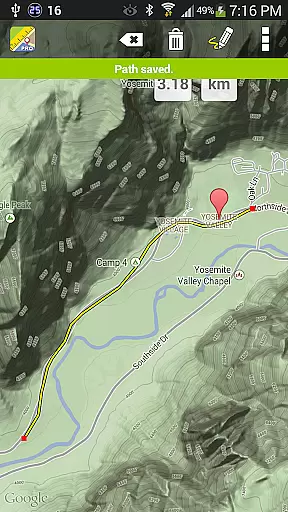
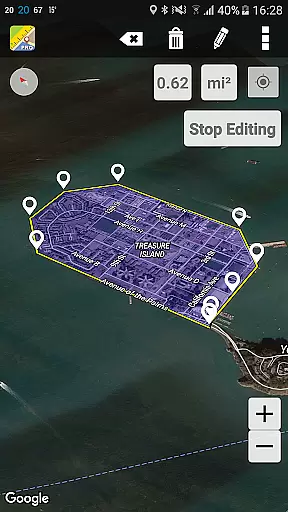
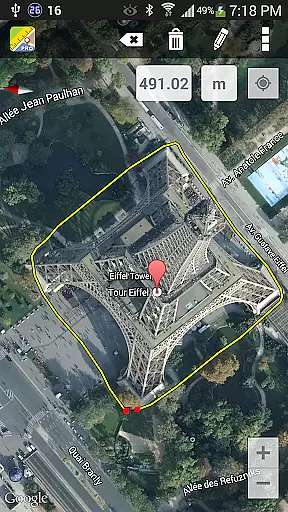
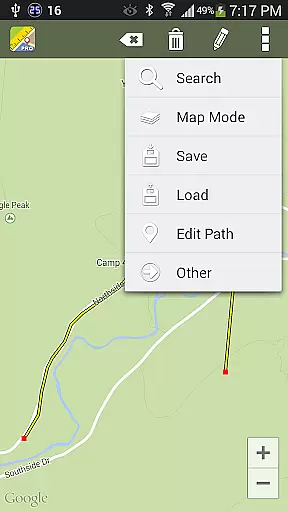
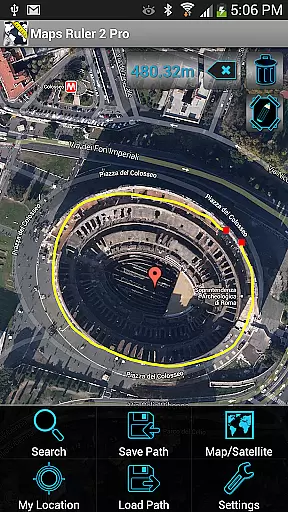
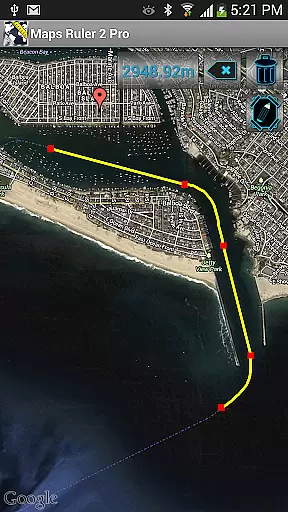
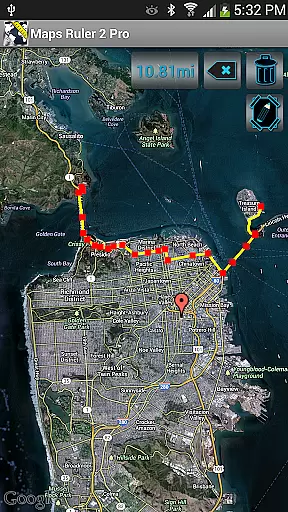
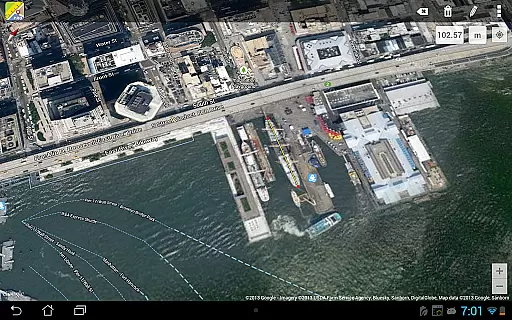
Maps Ruler Pro is a versatile mapping tool designed to calculate distances between multiple points on a map. This application is particularly useful for outdoor activities, allowing users to measure paths, find the shortest routes, and even function as a golf distance calculator in yards. It supports various measurement units including meters, kilometers, miles, feet, and fathoms.
In addition to its primary distance calculation feature, Maps Ruler Pro offers an area calculation mode currently in beta. The app stands out with its pro features such as continuous path drawing, naming paths, saving and loading paths, all without any advertisements. Whether you're planning a hiking trip or need precise measurements for professional purposes, this app provides essential tools for accurate mapping and navigation.
Maps Ruler Pro boasts several key features that enhance user experience in mapping and navigation. One of its standout capabilities is the continuous path calculation, which allows users to draw paths seamlessly on the map. This feature is complemented by the ability to name these paths, providing organization and easy reference for future use.
The app also supports advanced functionalities like path saving and loading, making it convenient to revisit previous calculations. With support for multiple points and various unit conversions, Maps Ruler Pro caters to diverse measurement needs. These features collectively ensure that users can customize their mapping experience while enjoying an ad-free interface, thus maintaining focus on their navigation tasks without interruptions.
Map accuracy is essential for any navigation application, and Maps Ruler Pro excels in this area. The app provides precise distance calculations between selected points on the map, ensuring users can rely on it for accurate measurements.
The application supports various measurement units including meters, kilometers, miles, feet, and fathoms. This versatility allows users to switch between different units based on their preference or specific needs, making it suitable for both casual and professional use.
With features like continuous path calculation and area calculation mode, Maps Ruler Pro offers advanced tools that enhance the precision of distance and area measurements. These functionalities are crucial for activities such as finding the shortest route or using the app as a golf distance calculator.
Route planning is a core feature of Maps Ruler Pro, enabling users to calculate the most efficient paths for their journeys. By allowing multiple points selection, the app helps in determining not just the distance but also the best sequence of travel points.
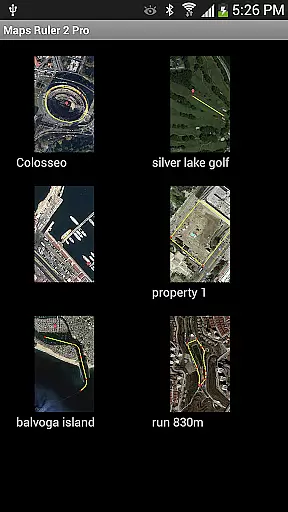
The ability to name paths and save/load them adds a layer of convenience for frequent travelers or professionals who need to revisit specific routes. This feature ensures that users can easily manage and access their planned routes whenever needed.
Additionally, the pro version of Maps Ruler comes with no ads, providing an uninterrupted experience while planning routes. This enhances user focus and efficiency, making the process of route planning more streamlined and enjoyable.
User-friendly interface
Continuous path drawing
Multiple unit conversions
Path save and load options
No advertisements
Beta limitations in area mode
Limited to mapping functions
Premium version cost
Requires internet connection
Interface may feel outdated

Turn your Android device into a real off-road GPS using off-line topo maps!
 4.40
4.40
OpenCPN is a full featured ChartPlotter and Navigator for Android.
3.60
TACNAV-X: Precision MGRS navigation, built specifically for the military.
4.00
Voice GPS with driving directions, offline maps navigation GPS for safe travel
4.50
Order a cab online. An affordable taxi ride and driver in no time. What a bolt!
4.80
Get directions, Maps, GPS navigation & GPS Maps using GPS App
4.10
Navigate via GPS Maps of GPS Voice Navigation, driving directions to find routes
3.60
Find radar, speed camera, flight tracker. Use hud, location tracker, speedometer
4.20
Park in Chicago, NYC, Boston, SF, Houston & more!
4.70
Ride or drive at YOUR price
4.70
Complete offline 1:50k South Island topo map including DOC Hunting Permit Areas
4.60
Navigate MTA, NJ Transit, MBTA, SEPTA, BART, MARTA, CTA & 900+ cities
4.60
Route tracker, Speedometer, Odometer, Fuel, HUD mode, save route as .GPX
4.40
Find radar maps, GPS coordinates, altitude, offline maps, location, travel route
4.40
Route schedules, maps, and real-time tracking of MTA buses in New York City.
4.20
Phone Tracker and GPS Location Sharing
4.20
Get route, find shortest path, near by places and weather update
3.90
Explore offline maps with radar, satellite view, and real-time alerts.
3.60
Your guide to the recreational opportunities of the Bureau of Land Management!
3.40
Honest Uber review—pricing surge charges, driver quality, safety features, hidden fees, and how it compares to Lyft and local taxis.



User Reviews