
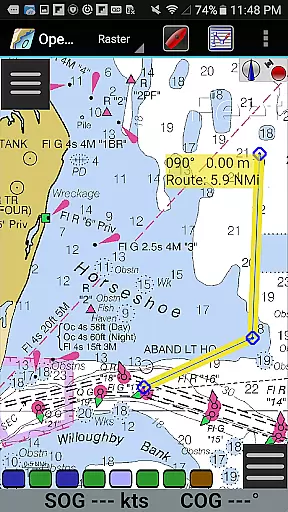
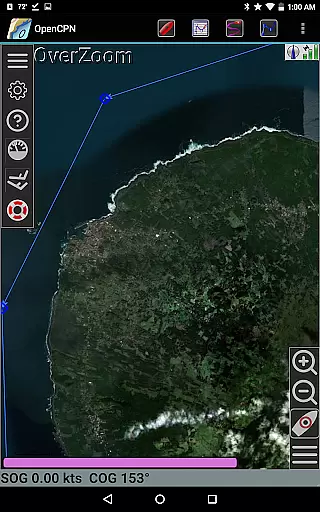
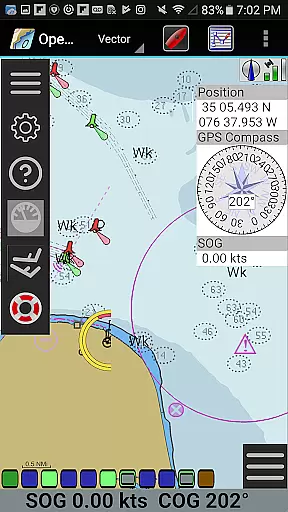
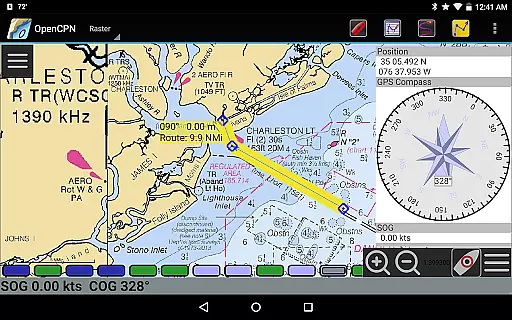
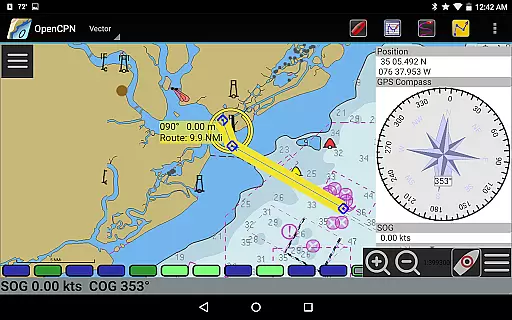
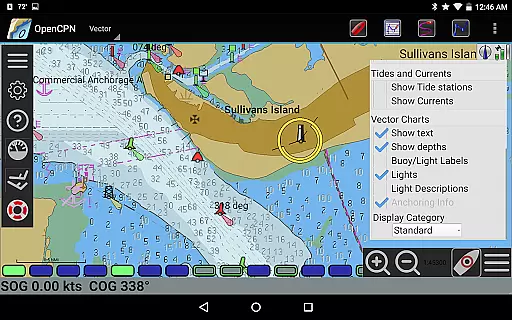
OpenCPN is a comprehensive chart plotter and navigation application designed for both desktop and mobile platforms. It offers advanced features such as BSB v3 raster chart support, S57 vector chart display, and integrated chart downloading. The app supports multiple display modes including North-up, Course-up, and Chart-up, providing users with flexible viewing options.
In addition to its robust charting capabilities, OpenCPN includes essential navigation tools like route planning, waypoint management, and AIS target tracking. With support for various GPS devices and networked AIS input, the app ensures accurate positioning and collision alerting. Whether you're a professional mariner or recreational boater, OpenCPN provides the necessary tools for safer and more efficient navigation.
OpenCPN stands out with its extensive feature set tailored for marine navigation. The app supports multiple chart formats including RNC, ENC, and CM93, with advanced display options compliant with IHO S52 standards. Its quilted display mode allows seamless integration of different chart types, while the moving-map mode offers dynamic tracking.
Beyond charting, OpenCPN excels in navigation functions. It provides comprehensive route planning with tidal support, anchor watch alarms, and autopilot output capabilities. The app's networked AIS system enables full target tracking and collision alerting, enhancing situational awareness. With Google Maps integration and GPX file support, users can easily manage waypoints and overlay additional data layers.
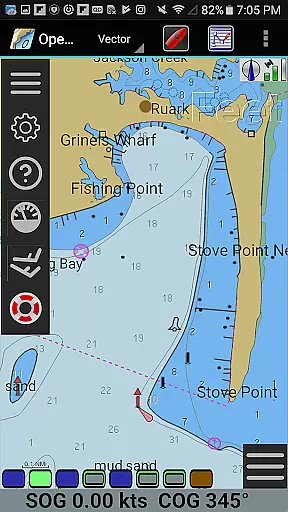
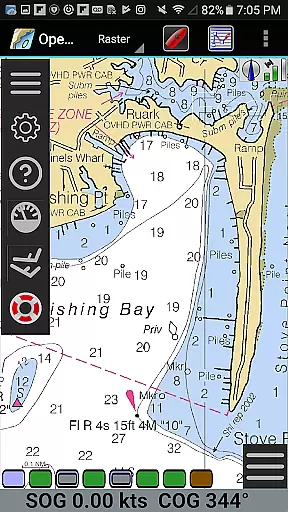
Map accuracy is a critical feature for any navigation application, and OpenCPN excels in this area. The app supports various chart formats including BSB v3 raster charts, S57 vector charts, and CM93 vector charts with per-cell offset corrections. This ensures that users have access to highly detailed and precise maritime maps.
The application's IHO S52 compliant display of S57 vector charts guarantees that the charts are presented in a standardized and internationally recognized format. Additionally, OpenCPN offers MBTiles chart overlay support, allowing users to integrate custom map layers for even more detailed navigation data.
With its integrated Chart Downloader, OpenCPN makes it easy for users to obtain the latest charts and keep their map data up-to-date. This commitment to accuracy and currency of map data ensures that sailors can navigate with confidence, knowing they have reliable information at their fingertips.
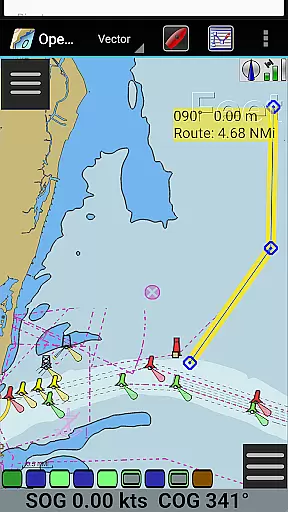
Effective route planning is essential for safe and efficient maritime navigation, and OpenCPN provides robust tools for this purpose. The app supports advanced route navigation features such as ship tracking functions, waypoint navigation, and options for both true north and magnetic north navigation. These capabilities enable users to plan and execute complex journeys with precision.
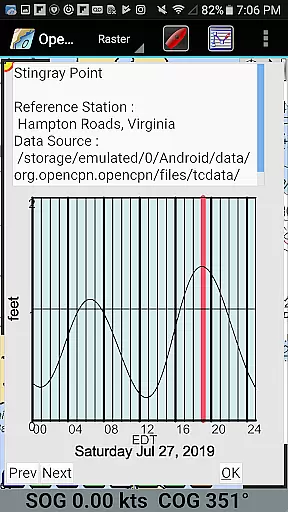
OpenCPN also includes tide and current prediction functionalities, which are crucial for accurate route planning. By considering tidal patterns and currents, sailors can optimize their routes for better performance and safety. Furthermore, the app's builtin great-circle routing feature allows for the calculation of the shortest path between two points on the globe.
In addition to traditional route planning, OpenCPN supports GPX Layers for annotating charts, providing an extra layer of customization and detail. Users can create detailed notes and markers directly on their maps, enhancing situational awareness and facilitating more informed decision-making during voyages.
User-friendly interface
Comprehensive chart support
Advanced AIS features
Flexible display options
Active community support
Steep learning curve
Resource-intensive
Limited offline functionality
Occasional performance issues
Complex setup process

Explore a light pollution map to find suitable dark sky locations for observing.
 4.30
4.30
Find 93 Octane Gas: Locate Gasoline Stations Selling Premium 93 Octane or Higher
4.0
Fully offline 1:50k New Zealand topographical map North Island
4.1
Turn your tablet or Android powered unit into a full blow Android Auto headunit.
2.30
Drive safe with real-time speed camera radar, police, and traffic alerts
3.80
Explore Live Earth Map with 3D World Map & locate cites, mountains real time.
3.80
Truck Safe GPS Navigation & Maps: Parking, Fuel, Diesel, Weight Station
4.80
Get route, find shortest path, near by places and weather update
3.90
Park in Chicago, NYC, Boston, SF, Houston & more!
4.70
Find AI powered cameras, ALPRs, and other surveillance infrastructure near you
4.70
Offline maps & GPS for hiking, travel, fieldwork & outdoor adventures
4.70
GPX Viewer PRO shows tracks, routes and waypoints from gpx and kml files.
4.60
Voice GPS with driving directions, offline maps navigation GPS for safe travel
4.50
Use GPS Maps and GPS Voice Navigation to find your way and get directions
4.10
MapQuest is your go-to app for maps, GPS, voice navigation & live traffic.
3.80
Gas Station & Fuel Rewards Points
3.70
Live Satellite view app for find GPS navigation Direction and live location map
3.70
Your real-time window to the world. Explore anywhere, anytime.
3.30
Compass is an accurate compass and a great tool for any outdoor activities
4.4
Complete Lyft review—pricing comparison, driver quality, safety features, rewards program, and how it stacks up against Uber and competitors.



User Reviews