
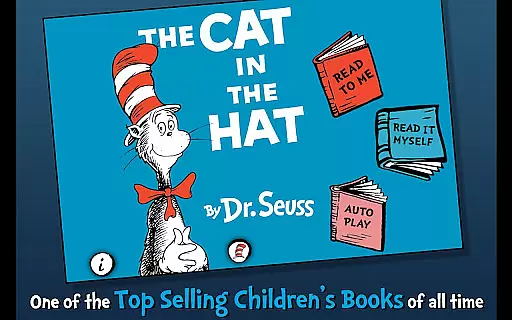
The Cat in the Hat is an interactive book app that brings Dr. Seuss's classic story to life for young readers. With engaging narration and playful illustrations, this app encourages literacy skills while providing entertainment. Designed for children ages 3-6, it offers various reading modes and interactive features that make learning enjoyable.
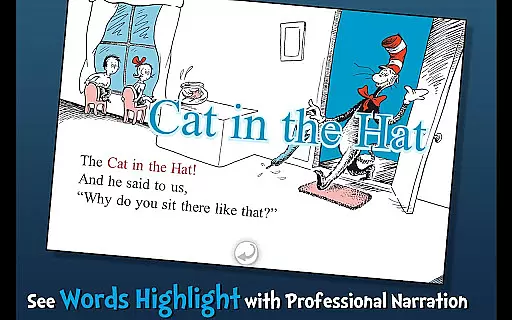
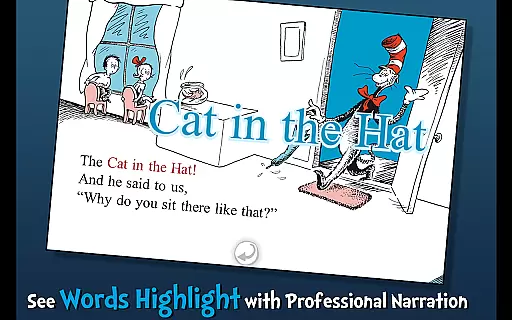
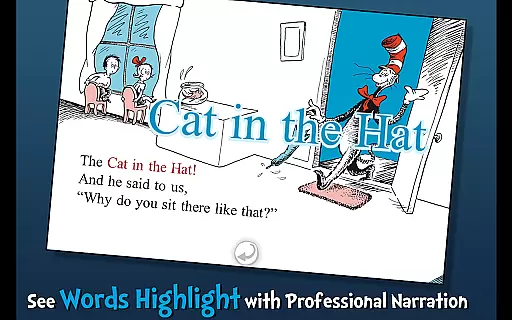
Children can follow along with highlighted narration, learn new vocabulary through tappable words, and interact with objects on the screen. This app not only entertains but also educates, making it a valuable tool for parents and educators who want to foster a love of reading in young children.
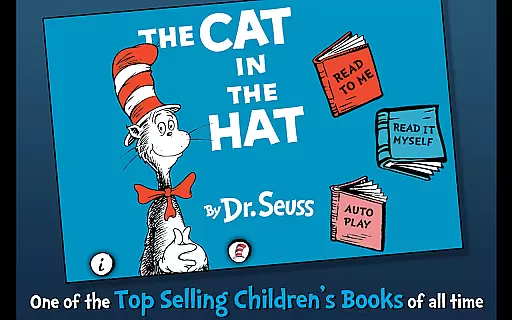
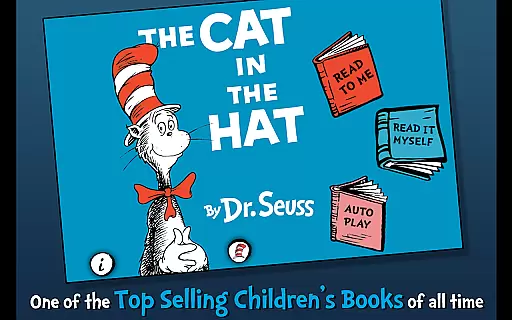
This app stands out with its three unique reading modes: Read to Me, Read Myself, and Auto Play. Each mode caters to different learning styles and allows children to engage with the story at their own pace. The Read to Me feature highlights text as it's narrated, helping kids connect spoken words with written text.
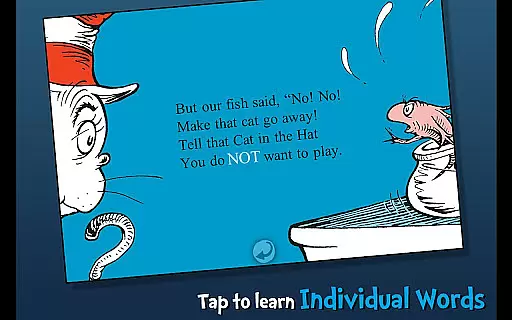
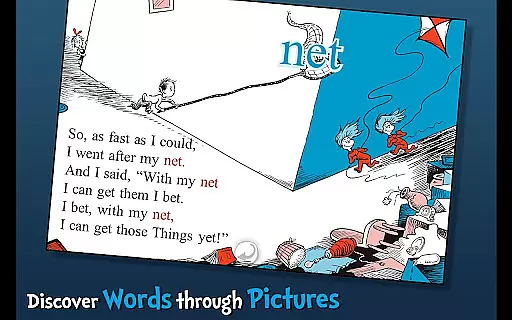
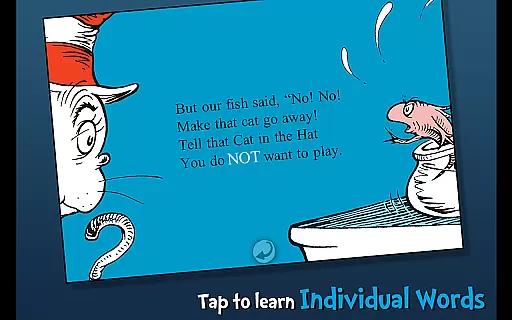
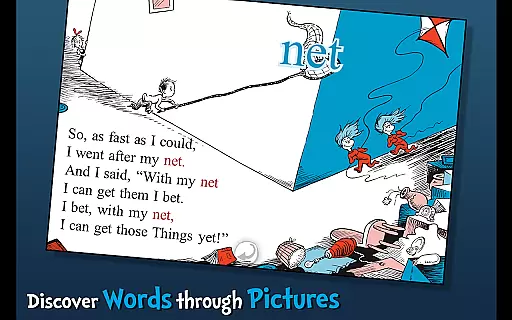
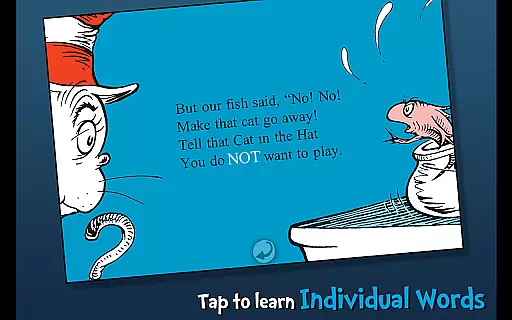
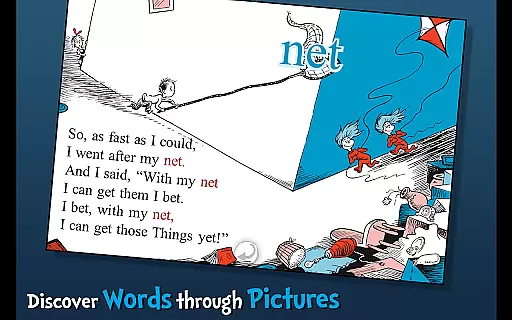
Interactive elements enhance the reading experience by allowing children to tap on objects to hear them named aloud. Additionally, the app includes a vocabulary feature where specific words can be tapped for definitions. These educational tools are designed to build confidence in young readers while maintaining the fun and whimsy of Dr. Seuss's original work.
The Cat in the Hat app offers a rich digital library experience by providing an interactive book that is officially licensed under Dr. Seuss Properties. This ensures not only the authenticity of the content but also gives users access to a beloved classic in a format that's suitable for modern devices.
With its focus on younger readers, the app includes features like highlighted narration and vocabulary learning, which are integrated seamlessly into the e-book experience. The availability of three different reading modes caters to various preferences and reading levels, making it a versatile addition to any child's digital bookshelf.
Parents can be confident in the legitimacy of this e-book, as it upholds the standards set by Dr. Seuss Enterprises. This means that the intellectual property is respected and that children are engaging with a legitimate version of the story that has been carefully adapted for digital platforms.
Ensuring a broad compatibility across devices, The Cat in the Hat app provides an accessible reading experience for children on their preferred platforms. Whether it's a tablet or smartphone, young readers can enjoy the mischief of the Cat in the Hat without any technical hindrances.
The app developers have taken care to ensure that interactive elements such as tappable words and objects function smoothly within the digital book. This attention to detail enhances the user experience by allowing children to learn new vocabulary and hear object names read aloud regardless of the device they are using.
Moreover, Oceanhouse Media's commitment to quality support and engagement with users further guarantees that any issues related to format compatibility will be addressed promptly. Their openness to feedback via reviews and direct contact options means that they are dedicated to maintaining high standards for their educational apps.
Engaging interactive features
Educational value for young readers
Three distinct reading modes
Highlighted narration for literacy
Official Dr. Seuss licensed content
Limited to Dr. Seuss stories
No offline functionality
Some features require tapping precision
Age range somewhat restrictive
Premium price for limited content

"Five Dr. Seuss titles in one omBook!"
 4.60
4.60
Words spoken by native English speakers and full definitions.
4.60
Shop over 13 million new and used books at up to 80% off list price
4.20
Bible Study App with Audio Book, Verse of the Day, and Devotionals.
4.80
8 Dr. Seuss short stories in 1 app!
4.70
Unlock unlimited access to bestselling ebooks, novels, stories, and audiobooks
4.60
King James Bible read offline, AI Priest, Bible Quiz, Guiding Prayers & Plans
4.80
A story reading app: Read stories, novels and books, or write your own.
3.90
The Apostolic Lutheran Church hymnal
4.4
Daily rosary and gospel reflections for catholic
4.90
Watch real short episodes in just minutes— addictive, you won't be able to stop!
4.70
Translate into 100+ languages with the world’s most accurate AI translator.
4.70
F9 Cookbook Mobile App
4.60
Bible Spiritual Companion
4.40
Learn Electricians' Handbook PRO complete guide beginners to advance.
4.40
Cute bedtime story for kids
4.30
A wonderful reader for good time spend.
4.20
ISAIAH EXPLAINED with Avraham Gileadi Ph.D.
4.00
Battle Royale Chapter 5 Season 2 HD Wallpapers Emotes Skins and BattlePass
3.00


User Reviews