
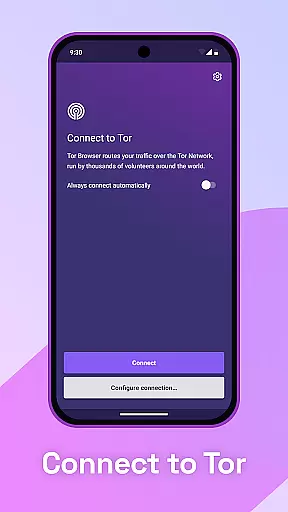
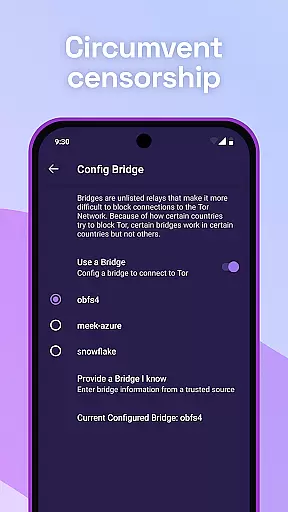
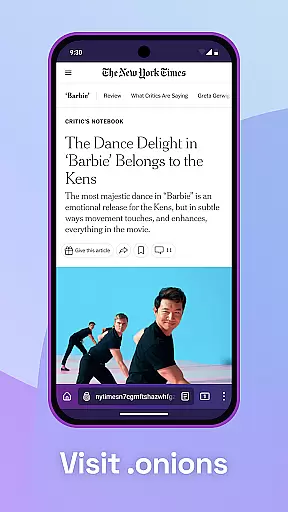
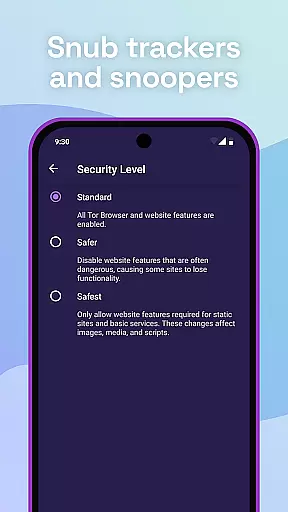
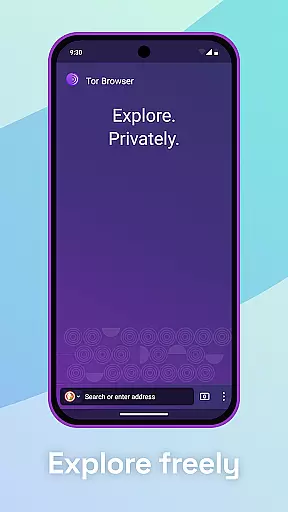
Tor Browser is the official mobile browser for Android developed by the Tor Project, offering users unparalleled privacy and freedom online. This secure browser isolates each website visit to block trackers and ads from following you, ensuring cookies are cleared automatically after browsing. With multi-layered encryption through a network of volunteer-run servers, it protects your online activities from surveillance while resisting fingerprinting based on your device information.
Designed for those who value privacy, Tor Browser allows you to browse freely, accessing sites that might be blocked by local internet service providers. It stands as a crucial tool for maintaining anonymity and defending against various forms of online tracking and censorship. The Tor Project supports this free and open-source software through donations, ensuring its continued independence and strength.
Tor Browser offers several key features that enhance user privacy and security. First, it isolates each website you visit, preventing third-party trackers and ads from following your online movements. This isolation ensures that cookies are automatically cleared once you finish browsing, enhancing your privacy. Additionally, the browser defends against surveillance by encrypting your traffic three times as it passes through the Tor network, comprised of thousands of volunteer-run servers known as Tor relays.
Another significant feature is its ability to resist fingerprinting, making all users appear the same and thus protecting their identities based on browser and device information. Tor Browser also enables users to access blocked sites, providing unrestricted internet access. These features collectively ensure that your online activities remain private, secure, and free from censorship, embodying the Tor Project's commitment to privacy and freedom online.
Real-time messaging speed and reliability are crucial for secure communication tools like Tor Browser. These features ensure that users can browse and communicate without noticeable delays or interruptions.
Tor Browser achieves this through its multi-layered encryption and vast network of volunteer-run servers known as Tor relays. This setup not only encrypts user traffic three times but also distributes it across multiple nodes, enhancing both speed and reliability.
For users, this means they can access blocked sites and browse the internet freely with confidence. The robust infrastructure ensures that their browsing experience remains smooth and uninterrupted, even when accessing content that may be restricted by local internet service providers.
Media sharing support in Tor Browser allows users to share various types of media files securely and privately. This feature is essential for maintaining privacy while still enabling rich interactions online.
The browser isolates each website visit, preventing third-party trackers and ads from following users. This isolation extends to media sharing, ensuring that any shared content does not compromise user privacy or security.
Users benefit from knowing that their media sharing activities are protected against surveillance and tracking. Whether sharing images, videos, or other files, Tor Browser provides peace of mind by automatically clearing cookies and preventing fingerprinting based on device information.
Enhanced privacy
Multi-layered encryption
Blocks trackers effectively
Resists fingerprinting
Free and open-source
Slower browsing speed
Complex for beginners
Limited mobile features
No built-in ad blocker
Occasional connectivity issues

فیلتر شکن قوی پرسرعت کلید جدید برای اندرویدسریع ترین وی پی ان برای همه اپراتورها
 4.70
4.70
Identify unknown numbers, block spam calls, customize calls with cool themes.
4.60
Adblock & VPN Browser: Blocks banners, pop-ups and video ads, fast downloader!
4.60
Federated instant messaging for your mobile device (Jabber, XMPP, Snikket)
4.10
RemoteHams.com Android RCForb Client Pre-Release
4.30
Measure BHP, Torque & 0-60 Clear car OBD faults View engine data in Google Earth
4.00
Manage your mobile phone plan, check unlimited 5g data usage and track rewards
4.50
BE PRIVATE
Anonymous. No Trace. Fast.
4.20
Say “hello” to privacy.
4.60
Faster version of Messages. Messenger for your contacts.
4.50
Fast and mini browser with Ad Blocker,Video Downloader and Video Player
4.40
Simple tool for businesses to talk to their customers.
4.40
Our Black Friday sale is here. Unlock special discounts on Proton Mail now.
4.30
Fast and simple walkie talkie app
4.20
Threema is the messenger with the most consistent focus on security and privacy.
4.00
Fast, Simple And Secure Application That Provides SMBv3 Server On Your Device
3.30
Watchgram for Telegram: Experience seamless Telegram messaging on your watch
1.80
Manage Phone Calls, call history, and contacts easily with Phone Pro.
4.1
Bringing the functionality of Winlink to your Android device
4.5


User Reviews