
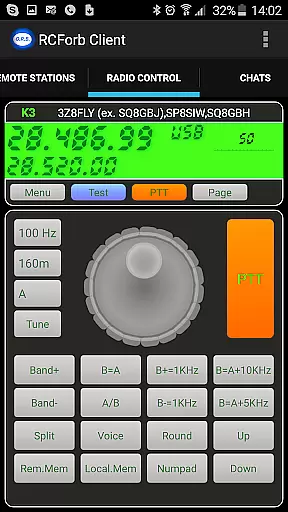
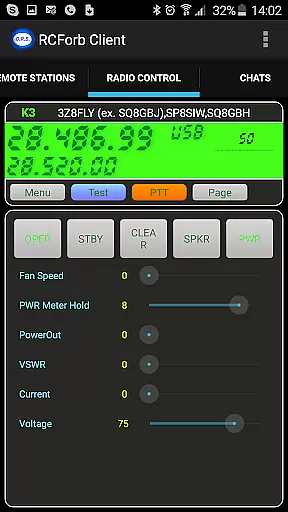
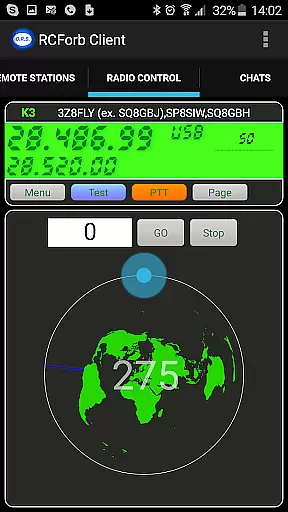
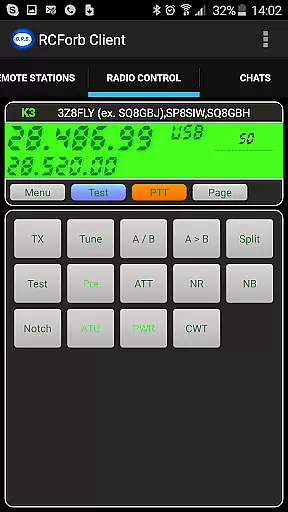
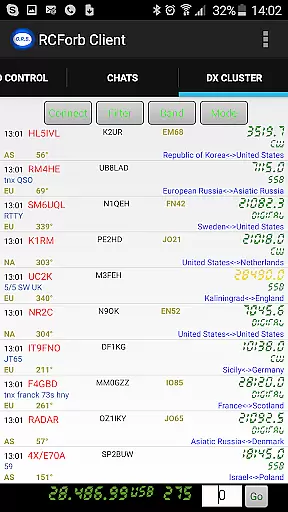
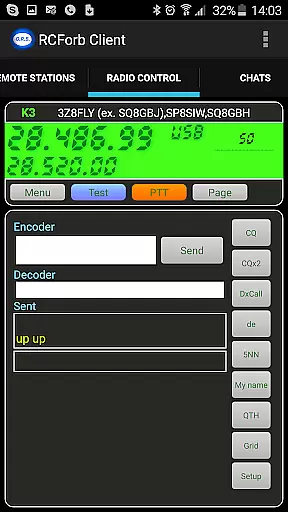
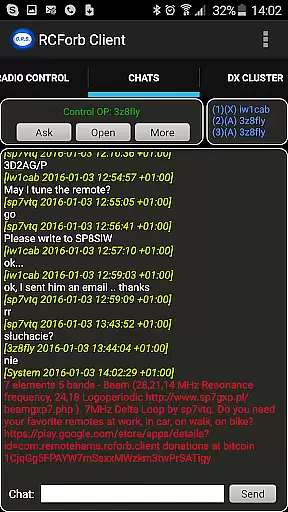
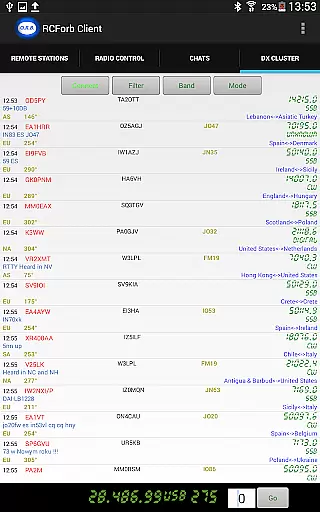
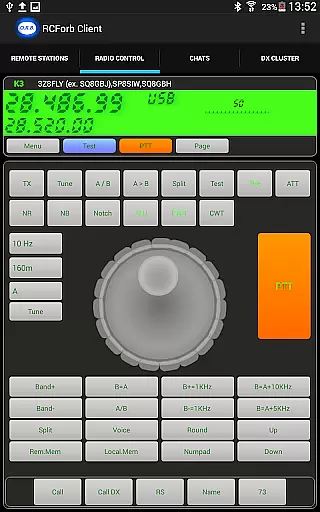
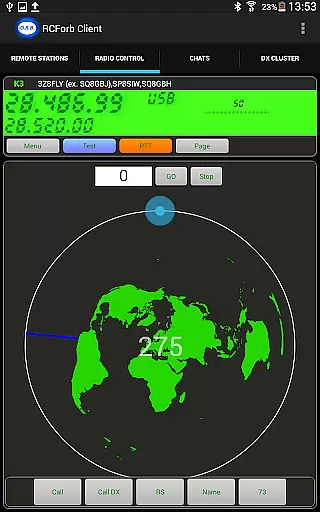
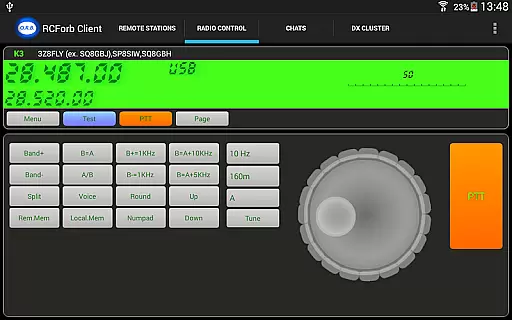
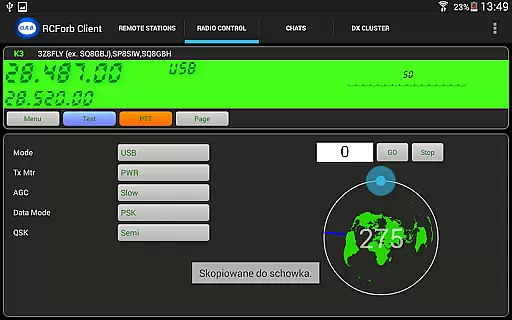
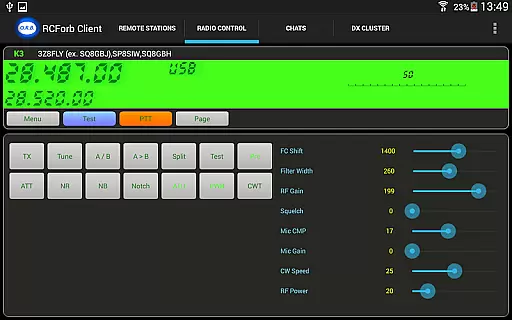
RCForb Client is a communication app designed for amateur radio enthusiasts, enabling remote operation of transceivers. The application allows users to test signal propagation and supports multiple operators for innovative contesting methods. By joining the RemoteHams.com community, users can access rare DX signals and participate in nets and round tables, enhancing both individual and group communication experiences.
This pre-release version is still under development, with ongoing feature enhancements based on user feedback. As the platform evolves, it promises to deliver a comprehensive toolset for both RF and REMOTE operators seeking to expand their amateur radio capabilities.
The RCForb Client offers several key features that cater specifically to amateur radio operators. One standout functionality is its ability to support multiple operators, allowing for new forms of contesting and collaboration between RF and REMOTE users. This creates opportunities for interactive communication methods such as nets and round tables.
Additionally, the app enables users to test their own signal propagation, providing valuable insights into how well their transmissions are being received at distant locations. With access to rare DX signals, users can explore unique transmission opportunities they might otherwise miss. These features collectively enhance the amateur radio experience by combining traditional RF operations with modern remote capabilities.
Real-time messaging speed and reliability are crucial for seamless communication in any platform. RCForb Client understands this need and offers a robust system that ensures messages are delivered instantly and consistently.
The application employs advanced algorithms to optimize data transmission, ensuring minimal delay in message delivery. This is particularly important for amateur radio operators who rely on timely communication to coordinate their activities.
Users can expect consistent performance even during peak usage times, thanks to the app's efficient server infrastructure and bandwidth management. This reliability fosters trust among users, knowing they won't miss critical communications.
Whether participating in contests or engaging in round-table discussions, the real-time capabilities of RCForb Client enhance the overall experience by providing dependable communication tools.
Media sharing support is an essential feature for modern communication apps, allowing users to exchange various types of content seamlessly. RCForb Client facilitates this by enabling users to share images, audio clips, and other media files effortlessly.
This functionality enriches the interaction between RF and REMOTE operators, as it allows them to supplement their conversations with visual aids or sound bites. For instance, operators can share signal propagation maps or audio samples of their transmissions.
The app supports multiple file formats, ensuring compatibility across different devices and operating systems. This versatility enhances user convenience and broadens the scope of potential applications within the amateur radio community.
By integrating media sharing capabilities, RCForb Client not only improves operational efficiency but also fosters a more engaging and interactive environment for its users.
User-friendly interface
Multiple operator support
Signal propagation testing
Rare DX signal access
Interactive communication tools
Pre-release instability
Limited feature set
Requires community registration
Dependent on internet connectivity
Privacy concerns for some users

Fast and simple walkie talkie app
 4.20
4.20
Pure modern IRC experience for Android
3.70
Radio communication simulator for gaming communities
4.0
Enjoy secure messaging & calling. Safe Messenger: group chats, calls, messages.
4.20
Browse fast on Opera Mini, with Data Saving, News, Football Scores, and Download
4.60
SMS & MMS Messaging App to easily send messages or schedule SMS on Chat
4.10
Manage and Fund Calling Accounts and Schedule and Join Video Sessions
3.60
SMS Messenger is a lightning-fast messaging app.
4.20
Talk & text free with a second phone number plus unlimited 5G data, no fees.
4.50
Read OBD2 data and DTCs Create custom dashboards Enhanced diagnostics available
4.70
Say “hello” to privacy.
4.60
HD Video Meeting app is a fast & unlimited video conferencing app across world.
4.30
WazzapMigrator: transfer your WhatsApp history from iPhone to Android
4.00
Fast Dialer & Contact Manager with Caller ID and Spam Protection
4.00
Call & Text Anywhere With A Canadian Number.
3.60
Auto Reply SMS, Text Messaging, Away SMS Response, Busy SMS messages, Block Text
3.10
Comprehensive and powerful scan tool app with enhanced functions
3.00
Chat on the Jabber network (XMPP protocol); support for SMS and other gateways
2.10
Manage Phone Calls, call history, and contacts easily with Phone Pro.
4.2


User Reviews