
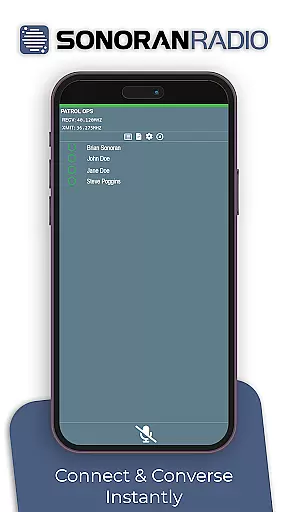
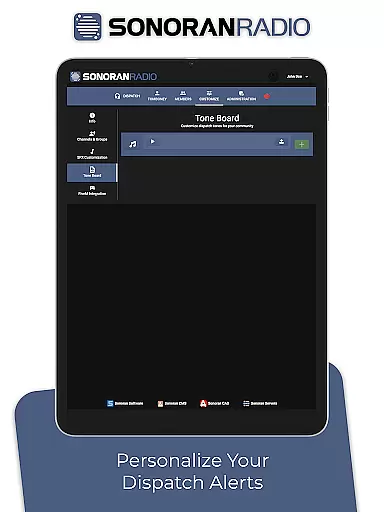
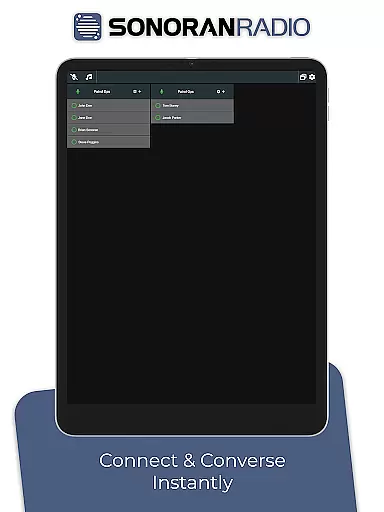
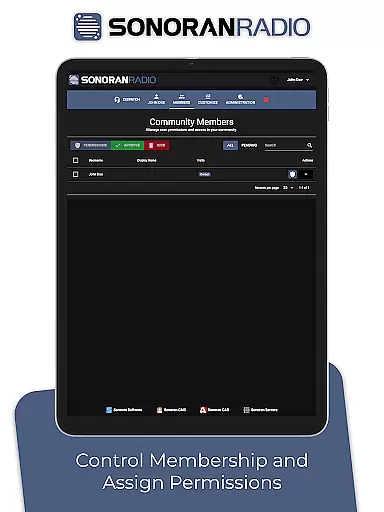
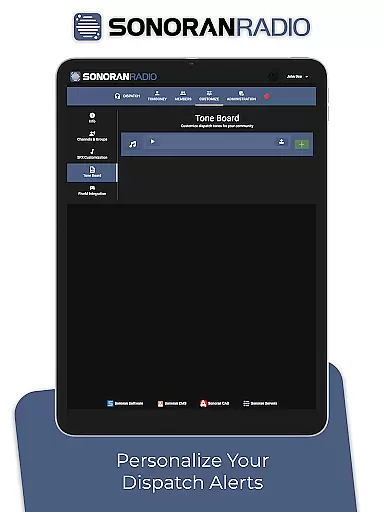
Sonoran Radio is a specialized communication app designed for emergency service roleplay scenarios. The application simulates realistic radio communication by offering users the ability to configure multiple channels, customize sound effects, and apply authentic radio voice effects during real-time interactions. This enhances the overall immersion and realism in roleplaying environments, making it an ideal tool for gamers and simulation enthusiasts who seek a genuine communication experience.
With its user-friendly interface, Sonoran Radio allows seamless integration into various roleplay settings. Whether you're participating in police, fire, or medical simulations, this app ensures that your communication feels as real as the scenario you're portraying. By delivering crisp and clear audio with minimal latency, Sonoran Radio stands out as a reliable choice for enhancing interactive gameplay.
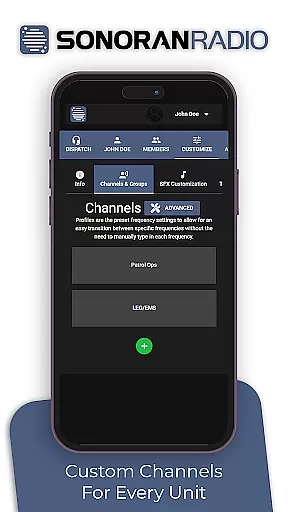
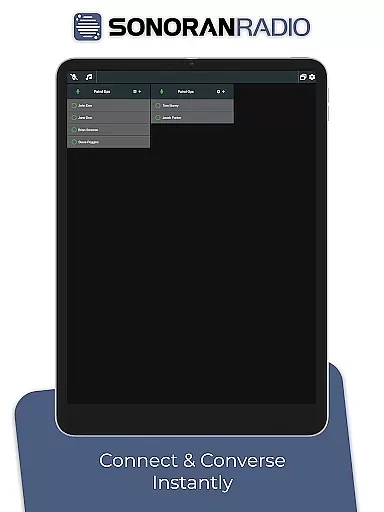
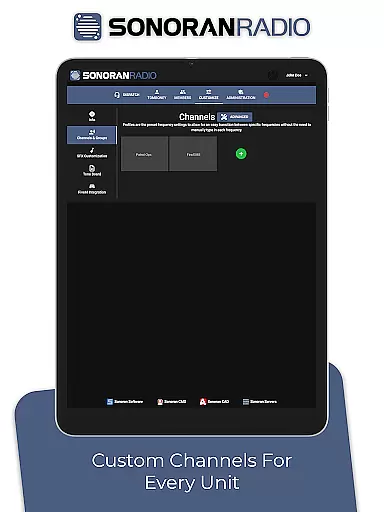
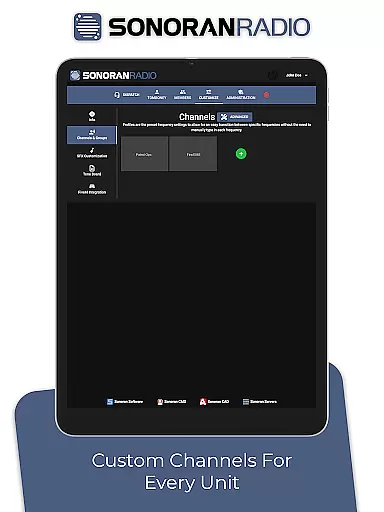
Sonoran Radio offers a comprehensive set of features tailored to enrich roleplay communication. One of its standout capabilities is the channel configuration system, which allows users to set up and manage multiple communication channels. This feature enables organized and efficient information exchange, mimicking professional emergency response systems.
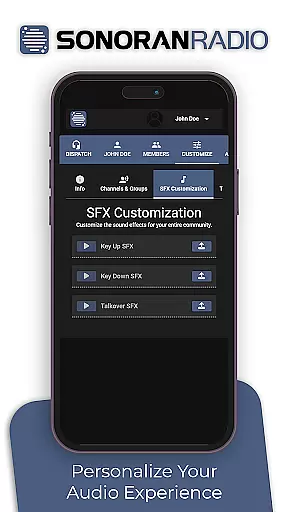
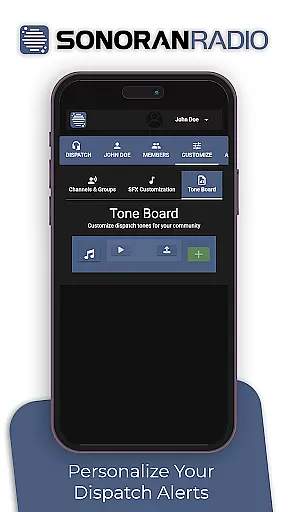
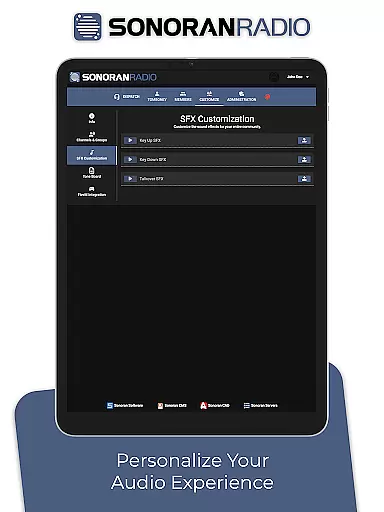
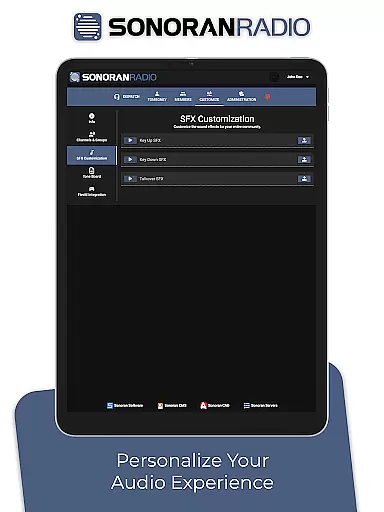
In addition to channel management, Sonoran Radio provides extensive customization options for sound effects. Users can personalize their audio experience by selecting from a variety of preloaded sounds or uploading custom ones. Furthermore, the app's real-time voice modulation technology transforms ordinary speech into authentic-sounding radio transmissions, adding another layer of realism to every conversation. These innovative features collectively create an unparalleled immersive experience for roleplay enthusiasts.
Real-time messaging speed and reliability are crucial for any communication app, especially one designed for emergency service roleplay games like Sonoran Radio. This feature ensures that messages are delivered instantly and consistently, without delays or failures.
Sonoran Radio achieves this by employing advanced server infrastructure and optimized data transmission protocols. These technologies guarantee minimal latency, allowing users to communicate seamlessly in real-time, just as they would in actual emergency scenarios.
For users, this means an immersive experience where radio communications happen without perceptible delays. Whether configuring channels or using authentic radio voice effects, the immediacy of message delivery enhances the overall realism and effectiveness of the simulation.
Media sharing support is another essential aspect of Sonoran Radio, enabling users to share various types of media, including audio files and sound effects. This functionality enriches the roleplay experience by allowing detailed customization of the radio communication environment.
The app supports different file formats, ensuring compatibility with a wide range of devices and systems. Users can easily integrate custom sound effects and background noises, making each communication session unique and engaging.
By facilitating media sharing, Sonoran Radio not only enhances user interaction but also significantly boosts the authenticity of simulated emergency service communications. Players can create a more dynamic and realistic soundscape, further immersing themselves in their roles.
User-friendly interface
Realistic radio effects
Customizable sound options
Multi-channel support
Enhances roleplay immersion
Limited to roleplay use
No offline functionality
Requires stable internet
Premium features locked
Occasional latency issues

BiP is a fast, secure, free messaging and HD video calling app!
 4.10
4.10
Enables Plus features of Quick Search.
4.2
A web browser that respects your privacy.
4.30
Messages is Private SMS Messenger 2023 with text message, instant messaging.
4.00
Chill zone on your phone: relax with fun reels & hype shorts!
4.20
A softphone app with seamless SIP calling and an intuitive VoIP dialer
3.50
A browser that does more than load page, like keeping your privacy safe.
4.70
SMS Messenger is a lightning-fast messaging app.
4.20
Caller ID, Spam Call & SMS Blocker
3.80
We’re taking the yada yada out of wireless—now we’ve taken it out of your app.
4.70
Useful. Social. Expressive.
4.70
Browse fast on Opera Mini, with Data Saving, News, Football Scores, and Download
4.60
Manage BoostMobile Account
4.60
HD Video Meeting app is a fast & unlimited video conferencing app across world.
4.30
A customizable phone number in the cloud
4.20
Tether to Windows, OS X, Linux PCs or Android tablets. No root. No tether fees.
3.90
Quickly and easily identify and block unknown callers
3.70
Manage Phone Calls, call history, and contacts easily with Phone Pro.
4.5
Bringing the functionality of Winlink to your Android device
4.4


User Reviews