
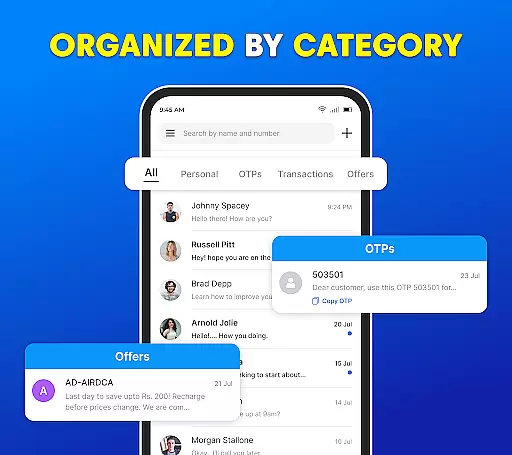
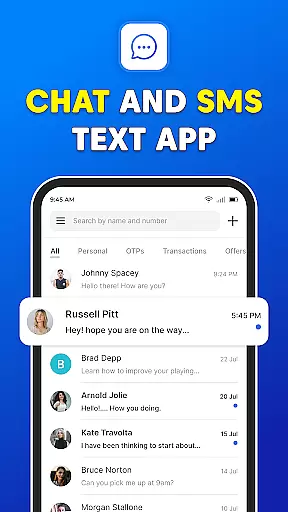
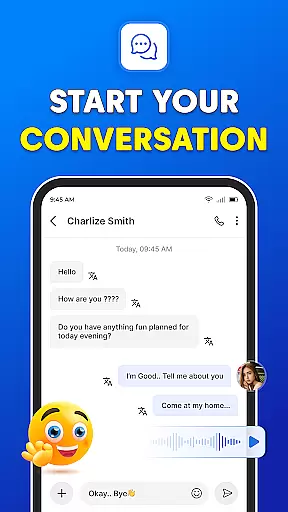

Messages: SMS Text Messenger is a comprehensive communication app designed for seamless private messaging. The core functionality allows users to send text messages (SMS, MMS), share multimedia content such as pictures, GIFs, videos, audios, and stickers, all while ensuring end-to-end encryption for privacy. Available on both smartphones and tablets, this app supports group chats, file sharing, and even voice calls without requiring an internet connection.
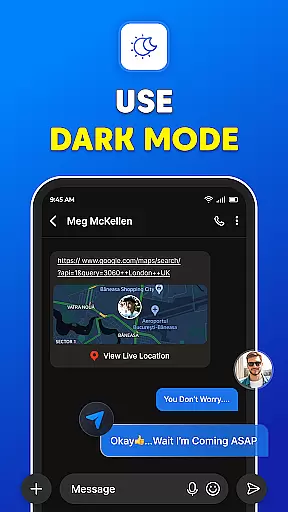
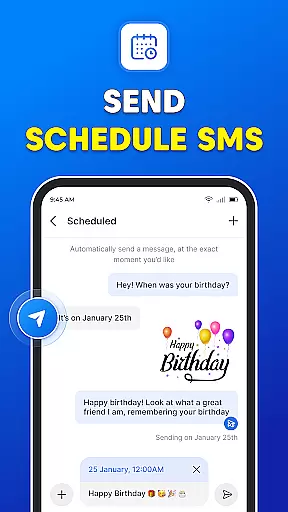
Beyond basic messaging, the app offers advanced features like scheduled messaging, backup and restore options for SMS/MMS, and a sleek dark mode interface. Whether you're coordinating with family, connecting with friends, or organizing work-related communications, Messages provides a reliable platform that enhances your texting experience while maintaining top-tier security standards.
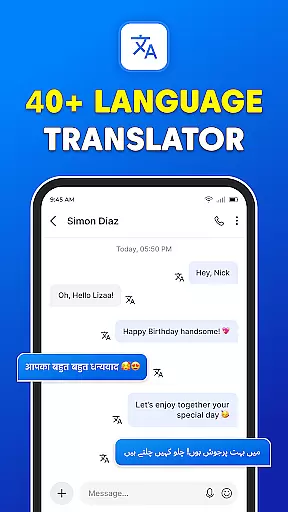
Messages stands out through its robust feature set tailored for modern communication needs. One of the key highlights is its powerful messenger functionality, which includes unlimited texting, audio, video, and group SMS capabilities. The app makes it easy to share various media formats including videos, audios, images, emojis, GIFs, and stickers, catering to diverse user preferences.
Additional notable features include instant access to your SMS inbox after every call, ensuring timely responses, and a backup-restore system that prevents data loss. Users can also schedule messages in advance, switch to a visually appealing dark mode, and enjoy fast, reliable service across devices. These innovations collectively create a dynamic messaging environment that prioritizes convenience, personalization, and reliability.
Real-time messaging speed and reliability are crucial for maintaining seamless communication in any messaging app. Messages App excels in this area by ensuring that your text messages, pictures, GIFs, emojis, videos, and audio clips reach their destination instantly and without fail.
The application supports end-to-end encryption, which not only secures your conversations but also enhances the speed of message delivery by optimizing data transfer protocols. This means you can send and receive messages quickly, regardless of whether you're using a smartphone or tablet.
Moreover, the app's robust infrastructure ensures that even during peak usage times, the quality of service remains high. Users can enjoy uninterrupted messaging, making it an ideal choice for staying connected with friends and family.
In addition to individual chats, group chats benefit from this reliable messaging system. Whether you're coordinating plans with a team or sharing important updates with multiple contacts, Messages App delivers your content swiftly and securely, enhancing collaboration and engagement.
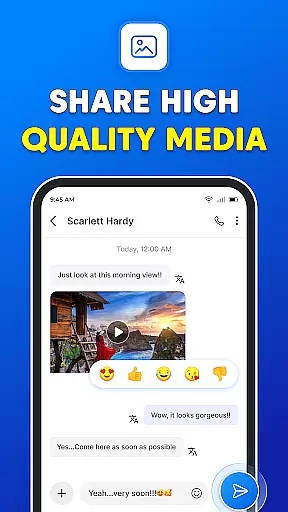
Media sharing support is a vital feature for modern messaging apps, allowing users to exchange various types of content seamlessly. Messages App offers comprehensive media sharing capabilities, enabling you to send photos, videos, audio files, GIFs, emojis, and stickers effortlessly.
This app stands out by providing a user-friendly interface that simplifies the process of selecting and sending multimedia content. With just a few taps, you can share your favorite moments captured in images or videos, express emotions through animated GIFs, or add playful elements to conversations with stickers.
Furthermore, the app supports different file formats, ensuring compatibility across devices and platforms. This versatility allows you to communicate creatively without worrying about format restrictions, enhancing the overall messaging experience.
Whether you're looking to brighten someone's day with a funny video or need to share important documents within a group chat, Messages App provides the tools necessary to do so efficiently. Its powerful media sharing features make it easier than ever to stay connected and engaged with your contacts.
User-friendly interface
End-to-end encryption
Multimedia sharing
Scheduled messaging
Dark mode available
Limited customization
No cloud sync
Ads in free version
Occasional bugs
Heavy on storage

BiP is a fast, secure, free messaging and HD video calling app!
 4.10
4.10
SMS Messenger ensures that communication become effortless and accessible.
3.80
Manage BoostMobile Account
4.60
A Browser with powerful ad blocker to help focus on what really matters.
3.00
Call Blocker app: Identify unknown callers, block spam calls, fraud & robocalls
4.30
Simplify texting with Messages SMS, offline messaging, themes & smart tools!
4.30
HD Video Meeting app is a fast & unlimited video conferencing app across world.
4.30
An app dedicated solely to marriage, not dating, and supported by a rigorous verification mechanism to ensure seriousness.
4.5
A customizable phone number in the cloud
4.20
Fast internet with AI, Adblock & VPN. Browse on a safe, incognito web browser.
4.70
Identify unknown numbers, block spam calls, customize calls with cool themes.
4.60
Browse fast on Opera Mini, with Data Saving, News, Football Scores, and Download
4.60
Messenger, an MMS & SMS messages app with Blockers, Driving mode & Private box
4.60
Block spam calls & scam - no more annoying calls with the call blocker function
4.30
Chill zone on your phone: relax with fun reels & hype shorts!
4.20
Federated instant messaging for your mobile device (Jabber, XMPP, Snikket)
4.10
Measure BHP, Torque & 0-60 Clear car OBD faults View engine data in Google Earth
4.00 3.90
3.90
Tether to Windows, OS X, Linux PCs or Android tablets. No root. No tether fees.
3.90


User Reviews