

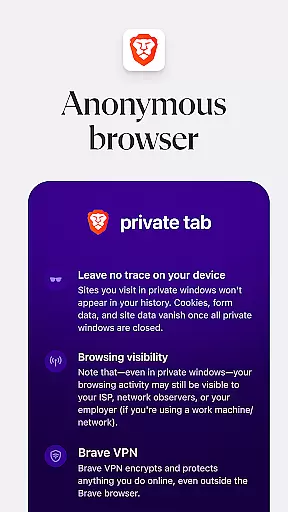
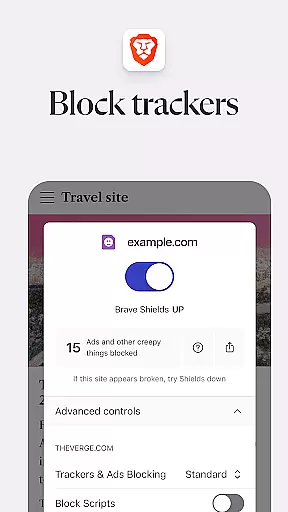
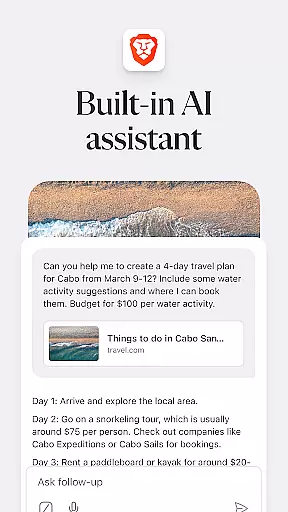
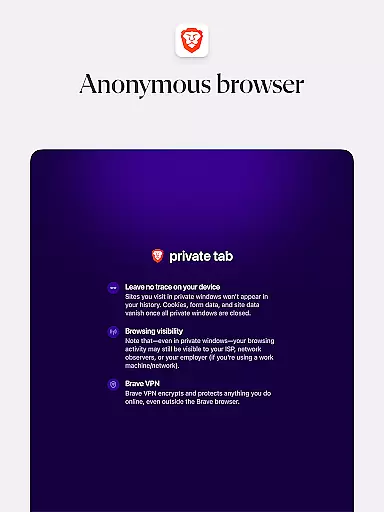
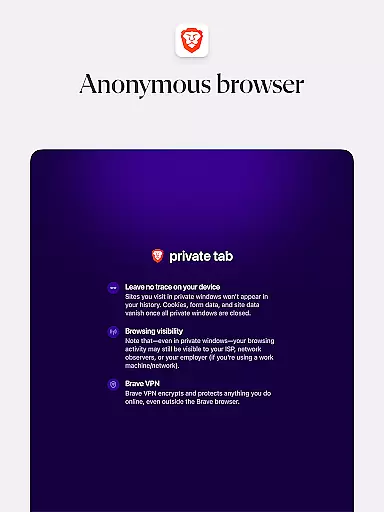
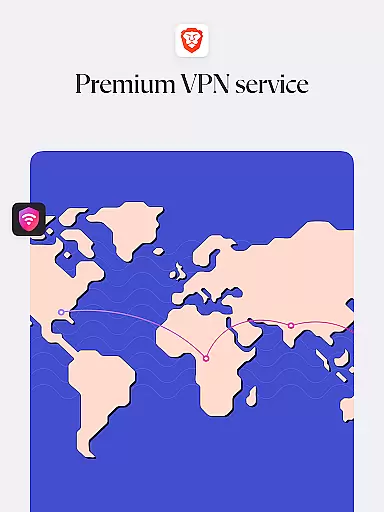
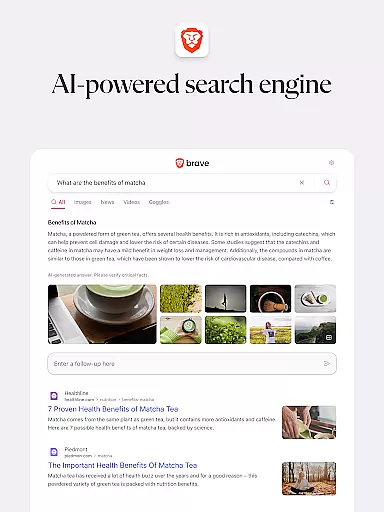
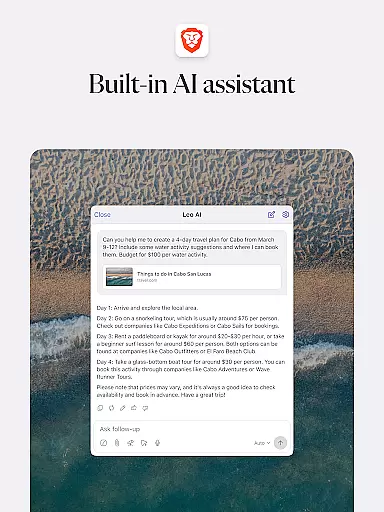
Brave Private Web Browser is a top-tier communication tool that combines privacy, speed, and innovative features to deliver an exceptional browsing experience. As a private web browser with built-in VPN capabilities, it ensures users can browse the internet securely while maintaining their anonymity. The app's AI assistant Brave Leo provides intelligent support, while its ad-blocking feature and tracking protection keep your online activities private and efficient.
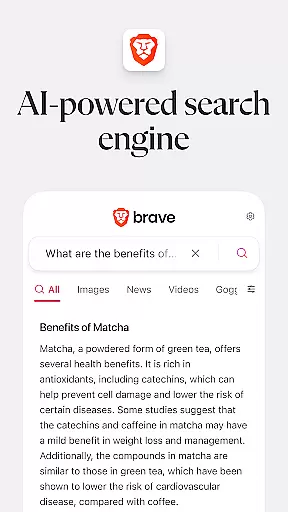
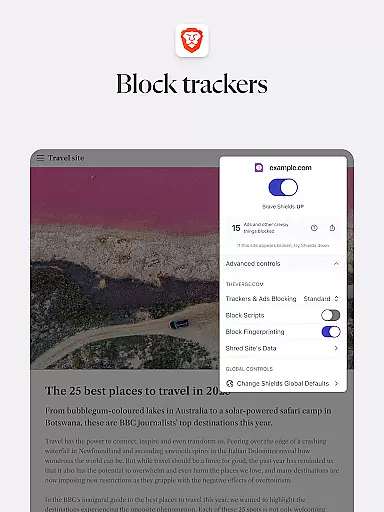
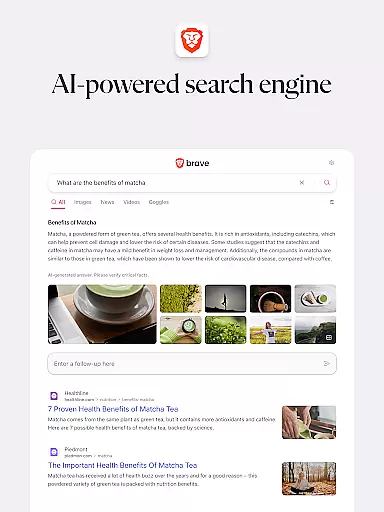
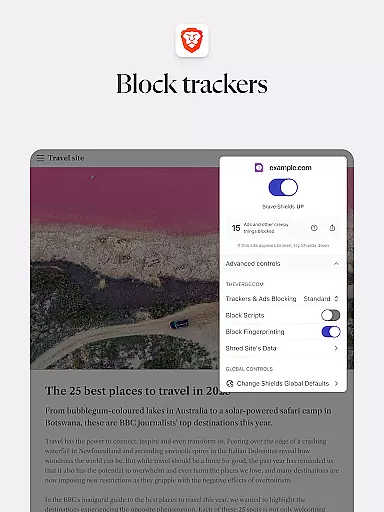
What sets Brave apart is its commitment to user privacy through features like HTTPS Everywhere, script blocking, and cookie consent notifications blocker. It also offers Brave Search, an independent search engine that doesn't profile users. With night mode for comfortable reading and secure bookmark syncing, this Android-supported browser is designed for users who value both performance and privacy in their online communications.
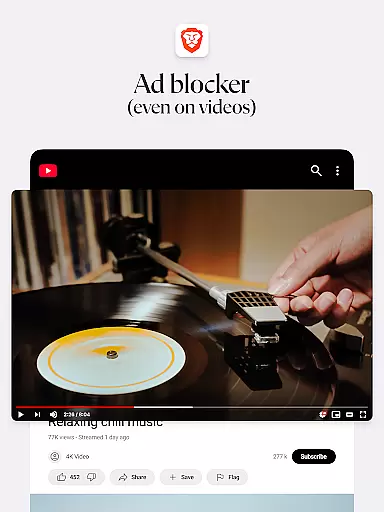
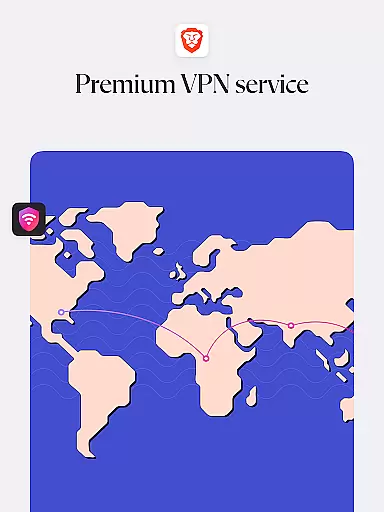
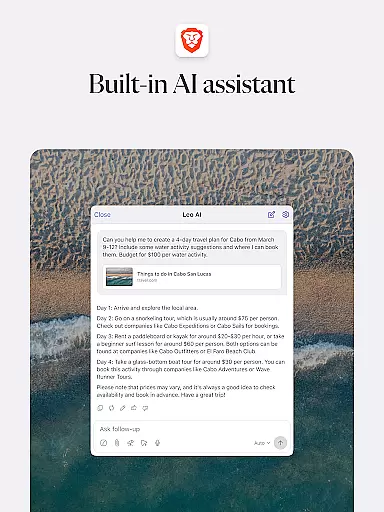
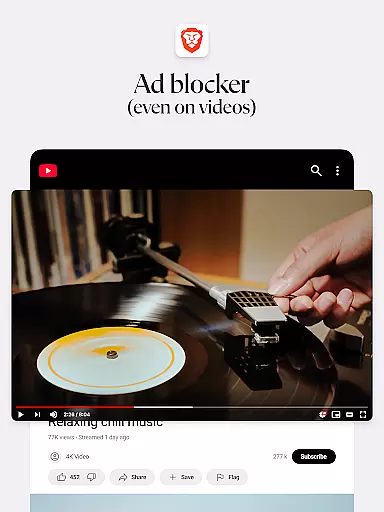
Brave Private Web Browser stands out with its comprehensive feature set tailored for privacy-conscious users. The integrated Firewall + VPN provides an additional layer of security, while Brave Leo, the AI assistant, helps with tasks like translation and answering queries without compromising user privacy. The browser's adblock functionality not only removes intrusive ads but also blocks those infected with malware, ensuring a safer browsing environment.
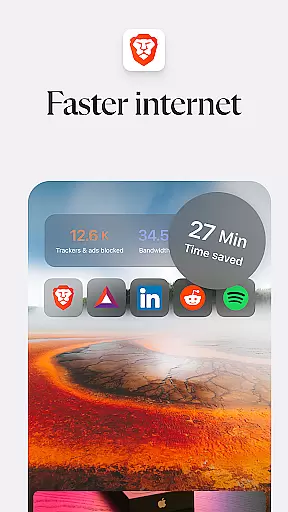
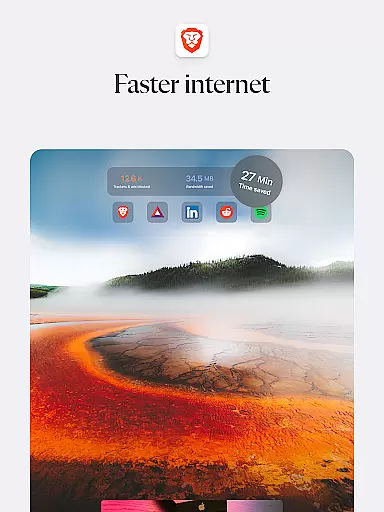
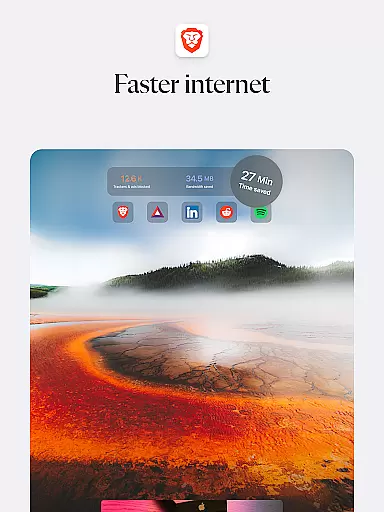
Performance-wise, Brave reduces page loading times significantly, making web browsing up to three times faster. Its HTTPS Everywhere feature encrypts data traffic, and the script blocker prevents malicious scripts from running. Users can enjoy private tabs, manage bookmarks efficiently, and benefit from Brave Rewards, which pays users for their attention. These features collectively create a secure, fast, and private browsing experience that challenges traditional browsers' limitations.
In today's fast-paced digital world, the speed and reliability of real-time messaging are crucial for effective communication. Brave Private Web Browser incorporates advanced technology to ensure messages are delivered instantly and consistently, without delays or failures.
The browser's architecture is designed to minimize latency while maximizing throughput, ensuring that users experience seamless interactions during their online communications. This is particularly important for applications such as live chat support, instant messaging services, and collaborative platforms where timing can be critical.
By choosing Brave, users benefit from a robust infrastructure that prioritizes message delivery, enhancing both personal and professional exchanges. The result is an uninterrupted flow of information, allowing individuals and teams to stay connected and productive regardless of their location.
Sharing media efficiently and securely is a key feature of modern web browsers. Brave Private Web Browser excels in this area by offering comprehensive support for various media formats, making it easy for users to exchange photos, videos, and documents without compatibility issues.
The browser leverages optimized protocols to facilitate quick uploads and downloads, even for large files. Additionally, its built-in privacy protections ensure that shared content remains confidential, safeguarding user data against unauthorized access or tracking.
With Brave, users can confidently share media knowing that their files are transmitted safely and swiftly. This capability not only enriches personal interactions but also supports professional workflows requiring reliable media exchange, thus elevating the overall browsing and communication experience.
Fast browsing speed
Strong privacy protection
Built-in adblock
Free AI assistant
Secure VPN
Limited iOS features
No native email
Complex settings
Fewer extensions
Learning curve

 3.90
3.90
Call Forwarding is easy and simple application to use.
3.80
Use this Dialer app alone or as a TREK: Total Interface companion.
4.70
2nd Phone Number Line for Anonymous Texting, Calling, and Picture Messages
4.30
A softphone with crystal clear SIP Calling & Reliable VoIP dialer
4.00
Threema is the messenger with the most consistent focus on security and privacy.
4.00
Measure BHP, Torque & 0-60 Clear car OBD faults View engine data in Google Earth
4.00
BE PRIVATE
Anonymous. No Trace. Fast.
4.20
Talk & text free with a second phone number plus unlimited 5G data, no fees.
4.50
Experience real private browsing without tracking, surveillance, or censorship.
4.50
An agentic AI browser for Android, built by Perplexity
4.50
Simplify texting with Messages SMS, offline messaging, themes & smart tools!
4.30
SMS Messenger is a lightning-fast messaging app.
4.20
A customizable phone number in the cloud
4.20
Messages: Fast, simple SMS app with scheduling and smart features.
4.00
Messages is Private SMS Messenger 2023 with text message, instant messaging.
4.00
Fun, free app that lets kids video call and message family and close friends.
3.80
A softphone app with seamless SIP calling and an intuitive VoIP dialer
3.50
Auto Reply SMS, Text Messaging, Away SMS Response, Busy SMS messages, Block Text
3.10


User Reviews