
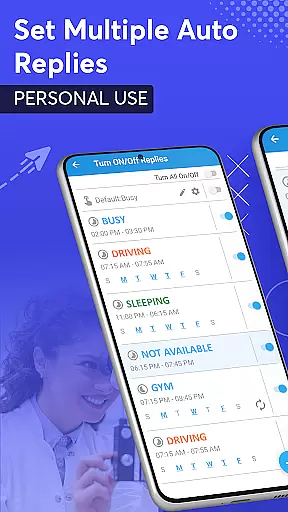
SMS Auto Reply is a versatile communication app designed to streamline your messaging experience. This app allows users to automatically respond to incoming messages across multiple platforms, including SMS, WhatsApp, Facebook, and more. Whether you're driving, in a meeting, or simply need some uninterrupted time, SMS Auto Reply ensures that your contacts are informed of your unavailability.
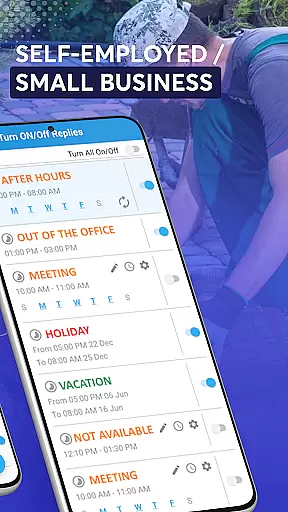
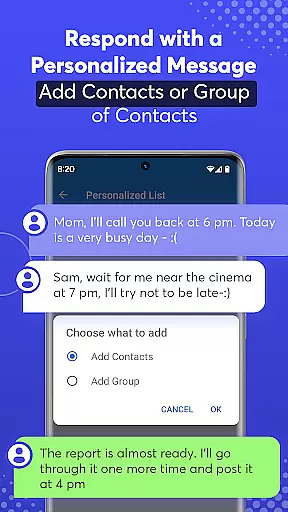
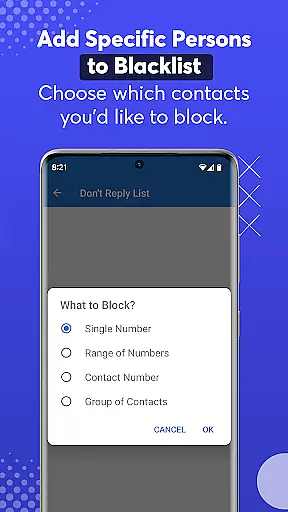
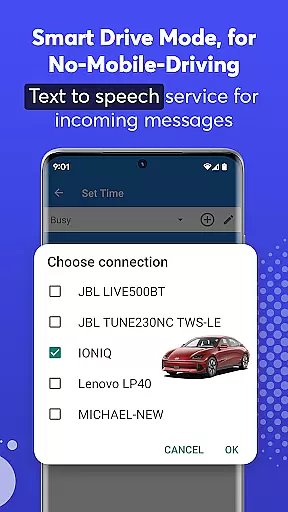
With customizable auto-reply options, the app caters to various scenarios such as driving, sleeping, or attending a class. It also supports personalized lists for tailored responses and includes a do-not-disturb feature to block unwanted messages. The app's Smart Drive Mode enhances safety by activating hands-free operation when connected via Bluetooth, ensuring minimal distraction while driving.
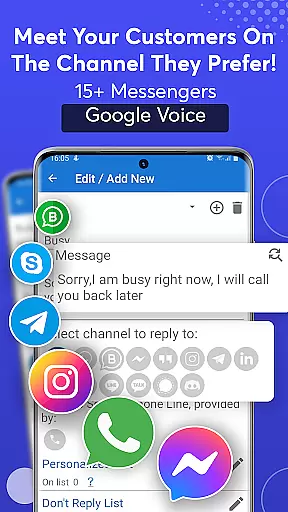
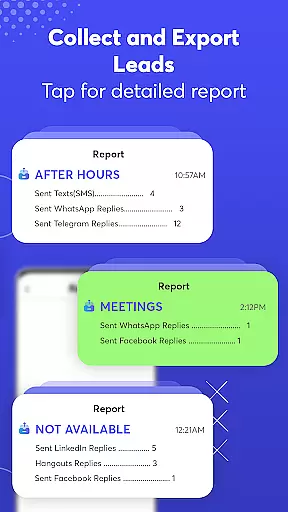
The standout feature of SMS Auto Reply is its ability to integrate with numerous messaging services like WhatsApp, Facebook, Telegram, and others, providing an all-in-one solution for automatic replies. Users can create multiple auto-response templates based on different triggers such as time of day, location, or specific contacts.
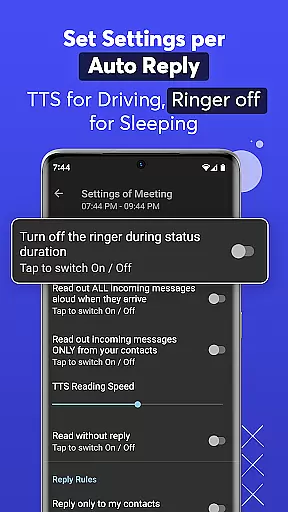
Additionally, the app offers advanced customization options, including setting up recurring replies, scheduling response times, and even reading out incoming messages through Text-to-Speech functionality. Its Smart Drive Mode activates automatically upon detecting a Bluetooth connection, promoting safer driving practices by minimizing phone usage. With virtually no impact on battery life, CPU, or RAM, SMS Auto Reply provides a seamless user experience without compromising device performance.
Real-time messaging speed and reliability are crucial for any communication app, ensuring that messages are delivered instantly and without fail. SMS Auto Reply excels in this area by providing automatic responses to incoming messages across multiple platforms such as SMS, WhatsApp, Facebook, and more.
The app's robust infrastructure ensures that auto-replies are sent out immediately after receiving an incoming message, maintaining the flow of conversation even when users cannot respond personally. This is particularly useful in scenarios where immediate acknowledgment of a message is necessary, like during meetings or while driving.
Users benefit from the peace of mind that comes with knowing their contacts will receive timely responses, thus maintaining engagement and preventing misunderstandings due to delayed replies. The reliability of SMS Auto Reply's system means fewer missed opportunities and enhanced communication efficiency.
Media sharing support is an essential feature for modern communication apps, allowing users to exchange various types of media seamlessly. While SMS Auto Reply primarily focuses on text-based auto-responses, it indirectly supports media sharing by integrating with platforms that handle multimedia content, such as WhatsApp, Facebook, and Instagram.
By setting up customized auto-replies, users can inform senders about their unavailability and provide instructions on how to share media files effectively. For instance, if someone receives a media file while they're busy, the auto-reply can guide the sender to resend the file later or share it through a preferred platform.
This indirect support for media sharing enhances user experience by keeping the lines of communication open, even when direct interaction isn't possible. It allows users to manage expectations and maintain smooth communication channels, ultimately leading to better connectivity and fewer disruptions in information exchange.
User-friendly interface
Wide compatibility
Customizable responses
Smart Drive Mode
Text-to-Speech
Premium version required
Limited free features
Occasional bugs
Bluetooth dependency
Notification delays

Fast and simple walkie talkie app
 4.20
4.20
Save 10% automatically on your first international mobile top up.
4.60
SMS & MMS Messaging App to easily send messages or schedule SMS on Chat
4.10
A Browser with powerful ad blocker to help focus on what really matters.
3.00
Message and video call your family and friends in HD!
3.80
Comprehensive and powerful scan tool app with enhanced functions
3.00
Read OBD2 data and DTCs Create custom dashboards Enhanced diagnostics available
4.70
Manage your mobile phone plan, check unlimited 5g data usage and track rewards
4.50
Simple tool for businesses to talk to their customers.
4.40
Messenger for SMS - texting message app, faster, simpler & safer, for you.
4.70
Manage BoostMobile Account
4.60
Welcome to the future of phone service.
4.60
Create a secure hotspot on-the-go with Portable WiFi - Mobile hotspot.
4.40
Caller ID App! Add names & photos to unknown calls & Call Recording
4.40
Get through your inbox faster with the mail app designed to simplify your life.
4.40
Call Blocker app: Identify unknown callers, block spam calls, fraud & robocalls
4.30
Manage and Fund Calling Accounts and Schedule and Join Video Sessions
3.60
At select facilities, you now have an easy way to video visit your loved ones!
3.30
Chat on the Jabber network (XMPP protocol); support for SMS and other gateways
2.10


User Reviews