
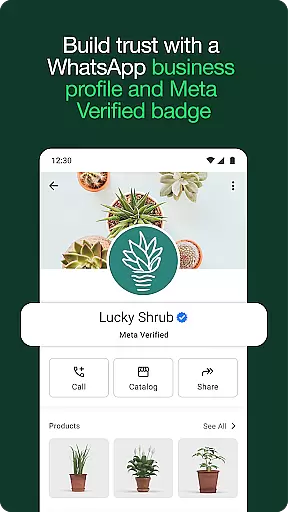
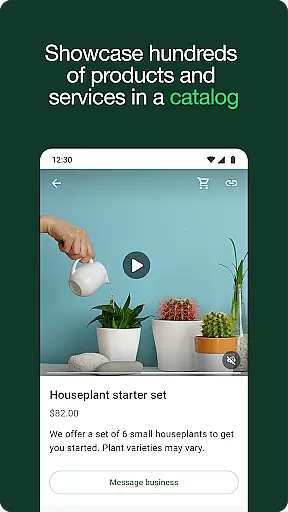

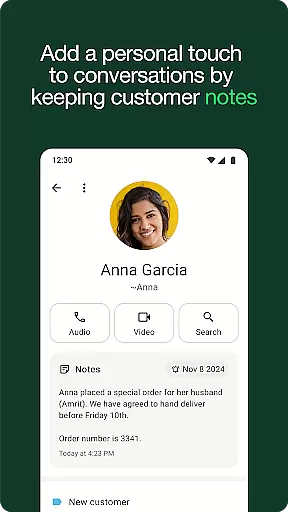

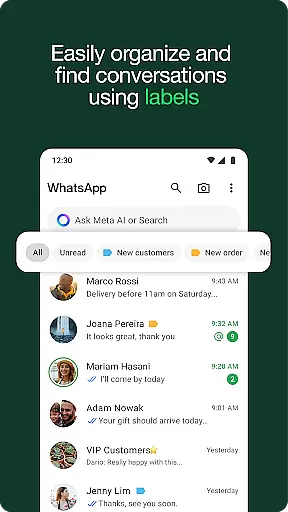
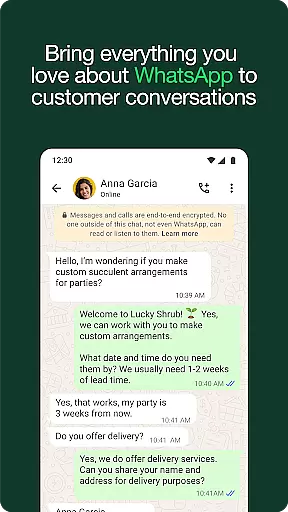
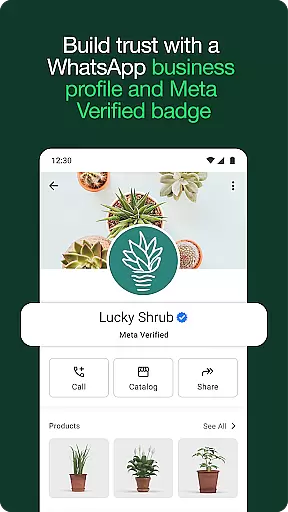
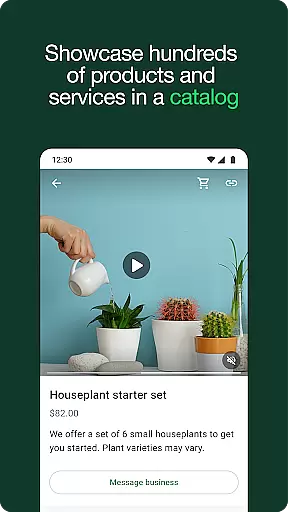

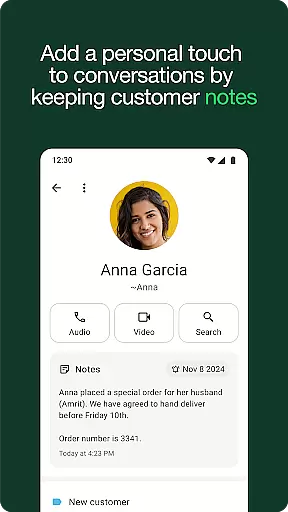

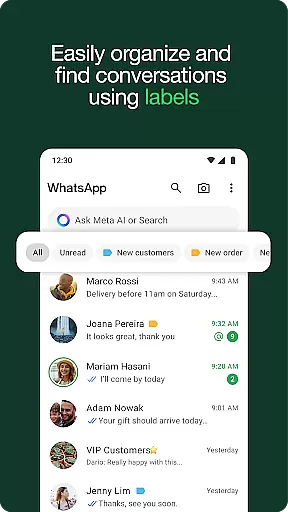
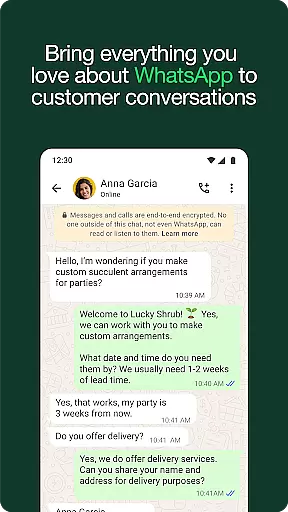
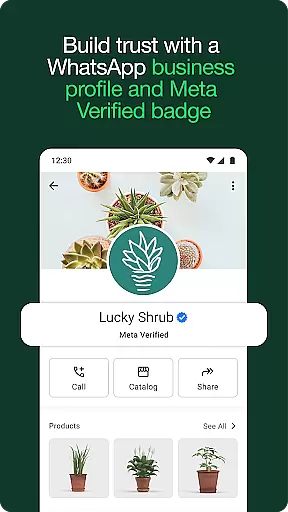
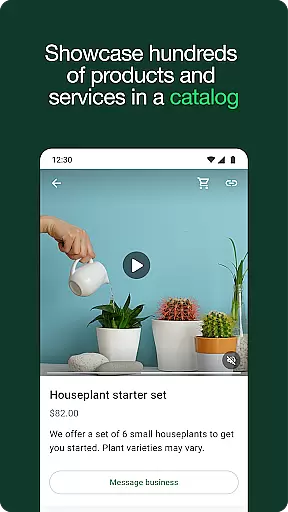

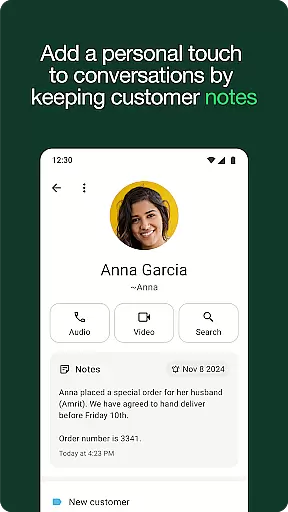

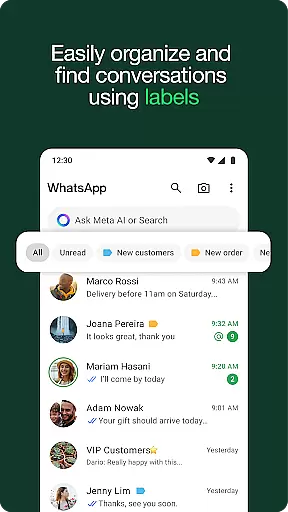
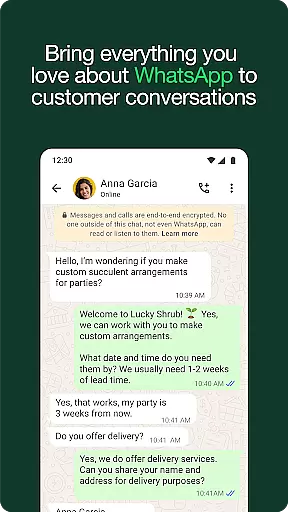
WhatsApp Business is a specialized communication app designed to help businesses streamline their customer interactions. The platform offers built-in tools that enable companies to work smarter by automating responses and organizing conversations through labels. It also allows businesses to build trust with customers by creating professional profiles and providing responsive support. Additionally, the app facilitates business growth by offering features like in-app payments and product catalogs.
This app is particularly useful for small and medium-sized enterprises looking to enhance their digital presence. With its ability to integrate with Meta Verified, businesses can further authenticate their identity. The convenience of managing orders and payments directly within the app makes it an essential tool for modern commerce.
WhatsApp Business stands out with its comprehensive set of features tailored for commercial use. One key feature is the ability to set up automated quick replies and away messages, ensuring that no customer inquiry goes unanswered. This functionality saves time and enhances customer satisfaction. Another notable aspect is the labeling system, which helps businesses categorize chats for better management.
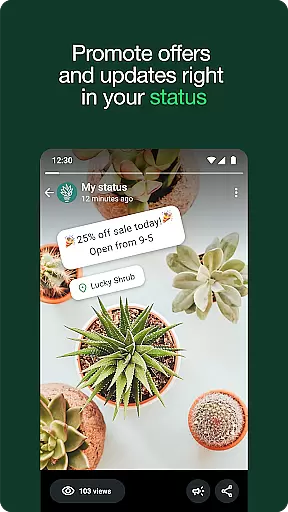
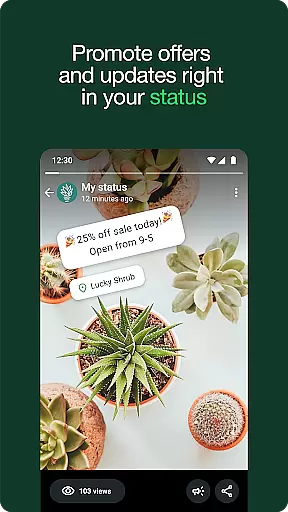
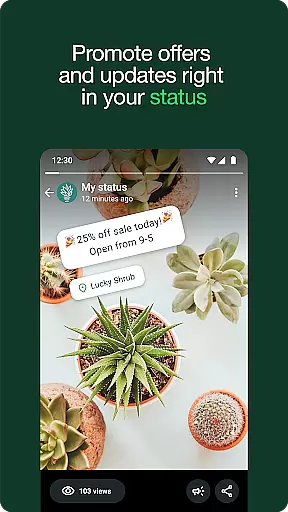
The app also supports creating status updates to share offers or news with customers, increasing engagement. For businesses looking to expand their reach, WhatsApp Business allows the creation of ads that direct users to the app. Furthermore, the upcoming Meta Verified subscription will offer additional benefits, such as increased device connections. These features collectively empower businesses to operate more efficiently and effectively.
Real-time messaging speed and reliability are crucial for effective communication in any business setting. WhatsApp Business excels in this area by providing instant message delivery and read receipts, ensuring that your communications are both fast and dependable.
The app's infrastructure is designed to handle high volumes of messages without compromising speed or reliability. This means you can send important updates, respond to customer inquiries, and engage with your audience promptly, knowing that your messages will be delivered without delay.
For users, this translates into a seamless communication experience where they can trust that their messages will be received instantly. Whether it's an urgent query or a routine update, the real-time capabilities of WhatsApp Business ensure that no opportunity for engagement is missed.
Moreover, the reliability of the messaging system builds confidence among users, as they can depend on the platform for consistent and timely communication, which is essential for maintaining strong business relationships.
Media sharing support is an integral part of modern communication platforms, allowing businesses to convey their messages more vividly through various formats. WhatsApp Business offers robust media sharing features that enable companies to send images, videos, documents, and voice messages with ease.
The app supports a wide range of file formats, making it versatile for different business needs. From product catalogs in PDF format to promotional videos, businesses can share rich content that enhances customer understanding and engagement without worrying about compatibility issues.
For businesses, this means the ability to create more engaging and informative content strategies. By leveraging media sharing, companies can showcase products, provide detailed explanations, and even offer virtual tours, all within the app, thus enriching the customer experience.
Ultimately, the comprehensive media sharing capabilities of WhatsApp Business empower businesses to communicate more effectively, fostering better connections with customers and driving growth through enhanced interaction.
User-friendly interface
Free international messaging
Automated responses
In-app payment options
Professional business profiles
Limited to one phone number
Not all features are free
Meta Verified not globally available
Device connection limit
Requires separate business number

Fast and simple walkie talkie app
 4.20
4.20
Identify unknown numbers, block spam calls, customize calls with cool themes.
4.60
Messenger for SMS - texting message app, faster, simpler & safer, for you.
4.70
Official NDI app: turn your phone into a professional live-streaming IP camera.
3.20
2nd Phone Number Line for Anonymous Texting, Calling, and Picture Messages
4.30
TeamSpeak - Secure Chat for Gaming & Business
3.10
An app dedicated solely to marriage, not dating, and supported by a rigorous verification mechanism to ensure seriousness.
4.3
Bringing the functionality of Winlink to your Android device
4.0
Caller ID, Spam Call & SMS Blocker
3.80
Read OBD2 data and DTCs Create custom dashboards Enhanced diagnostics available
4.70
Adblock & VPN Browser: Blocks banners, pop-ups and video ads, fast downloader!
4.60
Browse fast on Opera Mini, with Data Saving, News, Football Scores, and Download
4.60
Build your web browser around you with private search, and more.
4.60
Group Chat That’s Fun & Games
4.30
Send SMS and chat messages easily with a fast text messaging app for Android.
4.10
Telegram is a messaging app with a focus on speed and security.
4.00
Secure Messaging App to Enhance Messenger Texting Experience and Organize SMS.
3.50
At select facilities, you now have an easy way to video visit your loved ones!
3.30
Enables Plus features of Quick Search.
4.4


User Reviews