

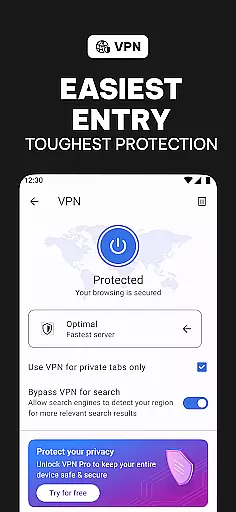
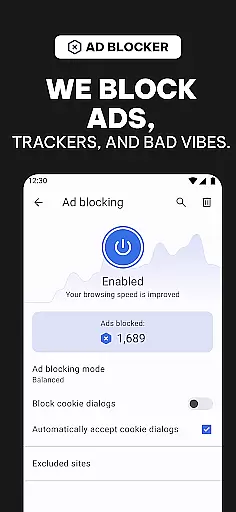
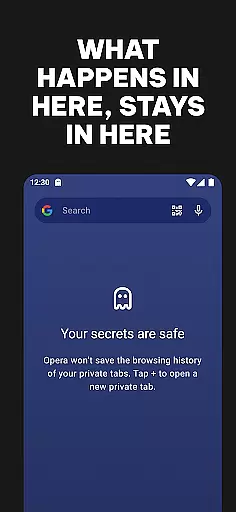
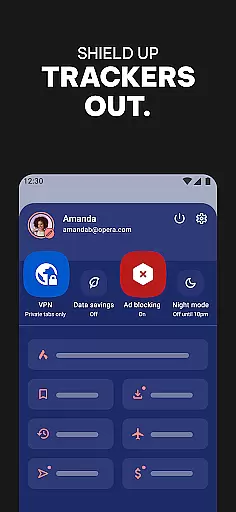

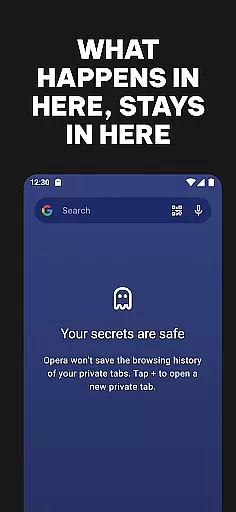
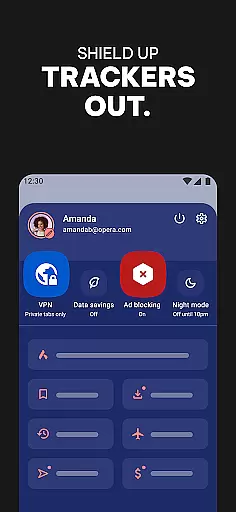
Opera is a feature-rich communication browser designed to provide users with faster, safer, and more customizable web browsing experiences. The app includes an array of tools such as a free VPN, ad-blocking, tracker-blocking, and total customization options, all bundled into one package. It is particularly suited for users who prioritize privacy and control over their browsing activities.
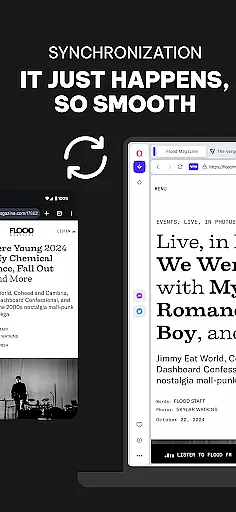
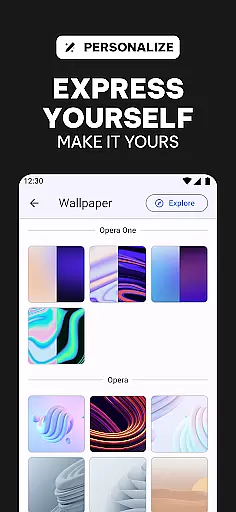
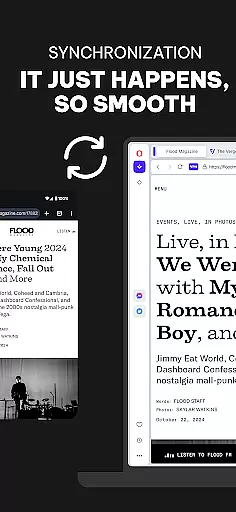
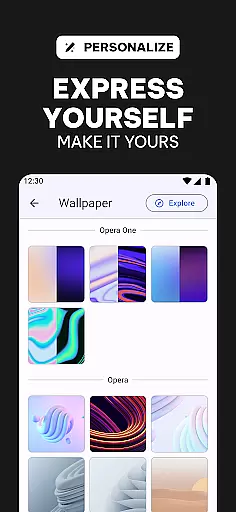
The browser stands out with its unique features like enhanced ad-blocking powered by uBlock Origin, tracker blocking to prevent others from monetizing your data, and complete personalization options including Dark Mode, wallpapers, and themes. Opera ensures seamless synchronization across devices, keeping your tabs, bookmarks, and settings consistent wherever you go.
With the ability to compress pages and save data, Opera offers a practical solution for users looking to optimize their browsing speed without excessive data usage. This makes it ideal for both casual browsers and power users seeking efficiency and privacy.
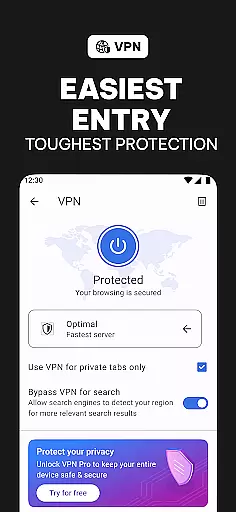
Opera distinguishes itself through a robust set of features tailored to enhance user control and privacy. One of its standout functionalities is the free integrated VPN, which allows users to browse privately without additional costs or hidden fees. This feature underscores Opera's commitment to user privacy, ensuring that browsing activities remain confidential.
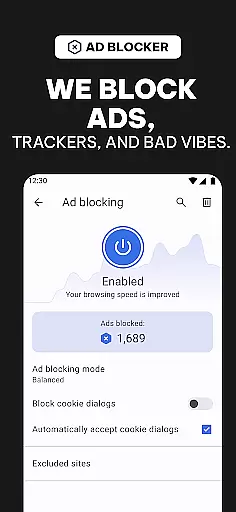
In addition to the VPN, Opera incorporates an advanced ad-blocking system powered by uBlock Origin. This tool effectively eliminates intrusive ads and trackers that typically hinder browsing speed and invade user privacy. Furthermore, the tracker blocker adds another layer of security by preventing third parties from exploiting user data for profit.
Customization is at the heart of Opera's design philosophy. Users can personalize nearly every aspect of the browser, from choosing wallpapers and themes to enabling Dark Mode for comfortable nighttime browsing. These features collectively empower users to tailor their browsing experience precisely to their preferences, making Opera not just a browser but a personalized gateway to the internet.
Real-time messaging speed and reliability are crucial for a seamless browsing experience. Opera ensures that all communications, whether through integrated chat features or web-based messaging platforms, are delivered instantly without delays.
The browser leverages advanced network optimization techniques to maintain stable connections even in low-bandwidth scenarios. This guarantees that users can stay connected with their contacts without worrying about message failures or lag.
Opera's robust infrastructure supports uninterrupted real-time messaging by prioritizing critical data packets. This ensures that every message reaches its destination promptly, enhancing the overall user experience.
With this level of performance, users can rely on Opera not just for browsing but also as a dependable tool for staying in touch with friends, family, and colleagues through various online platforms.
Media sharing support is an essential feature for modern browsers, allowing users to effortlessly share photos, videos, and other files across different platforms. Opera excels in this area by providing comprehensive media-sharing capabilities that cater to diverse user needs.
The browser supports a wide range of file formats, ensuring compatibility with most media types. Whether you're uploading high-resolution images or streaming video content, Opera handles it all with ease, thanks to its optimized media processing engine.
Additionally, Opera integrates seamlessly with popular social media sites and cloud storage services, making it simple to share media directly from the browser. Users can upload content quickly and efficiently, knowing that their files will be transmitted securely.
This focus on media sharing enhances Operau2019s appeal as a versatile browser that adapts to the multimedia demands of today's internet users, offering them a smooth and reliable way to connect and share online.
Free integrated VPN
Advanced ad-blocking
Tracker protection
Extensive customization
Cross-device sync
Occasional bugs
Heavy on resources
Limited mobile features
Complex UI for beginners
No native email client

Identify unknown numbers, block spam calls, customize calls with cool themes.
 4.60
4.60
WazzapMigrator: transfer your WhatsApp history from iPhone to Android
4.00
Caller ID App! Add names & photos to unknown calls & Call Recording
4.40
Chill zone on your phone: relax with fun reels & hype shorts!
4.20
An agentic AI browser for Android, built by Perplexity
4.50
A softphone with crystal clear SIP Calling & Reliable VoIP dialer
4.00
TeamSpeak - Secure Chat for Gaming & Business
3.10
Read OBD2 data and DTCs Create custom dashboards Enhanced diagnostics available
4.70
Telegram is a messaging app with a focus on speed and security.
4.00
Fast internet with AI, Adblock & VPN. Browse on a safe, incognito web browser.
4.70
Welcome to the future of phone service.
4.60
Faster version of Messages. Messenger for your contacts.
4.50
SMS & MMS Messaging App to easily send messages or schedule SMS on Chat
4.10
Send SMS and chat messages easily with a fast text messaging app for Android.
4.10
Federated instant messaging for your mobile device (Jabber, XMPP, Snikket)
4.10 3.90
3.90
SMS Messenger ensures that communication become effortless and accessible.
3.80
Fast, Simple And Secure Application That Provides SMBv3 Server On Your Device
3.30
Auto Reply SMS, Text Messaging, Away SMS Response, Busy SMS messages, Block Text
3.10


User Reviews