
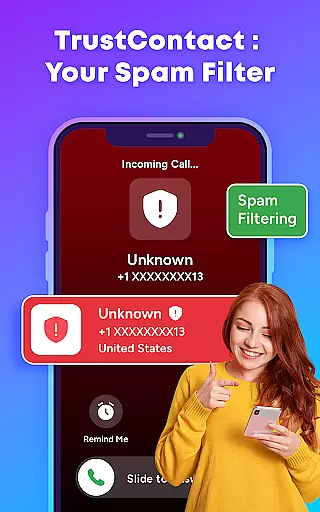
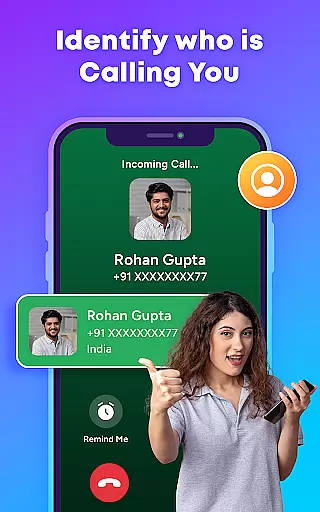
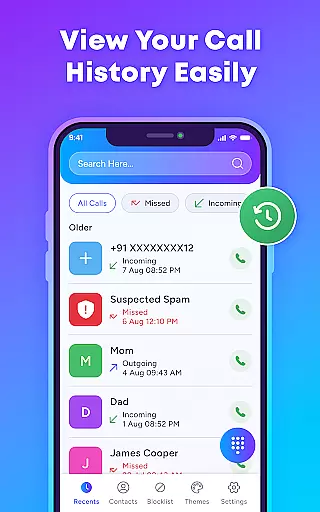
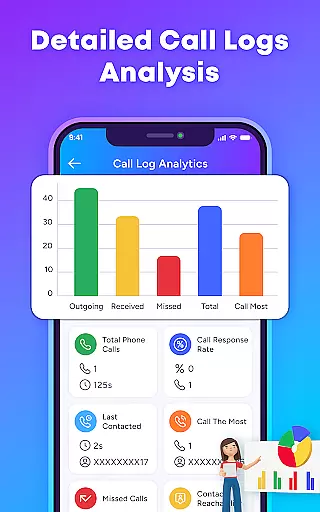
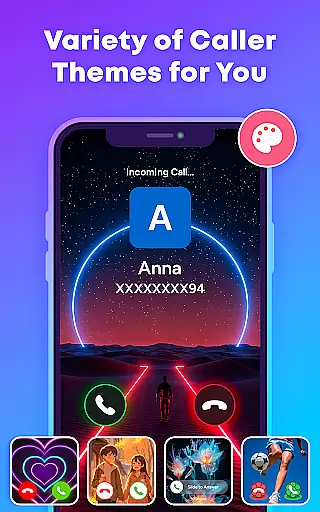
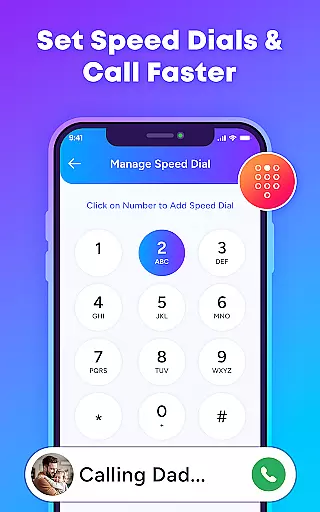
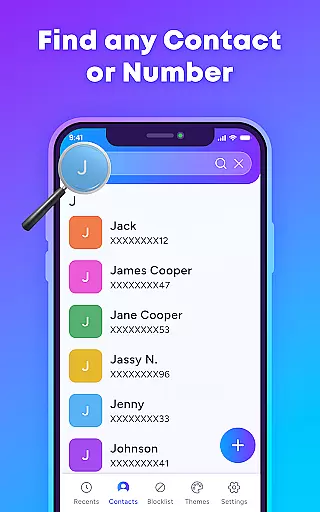
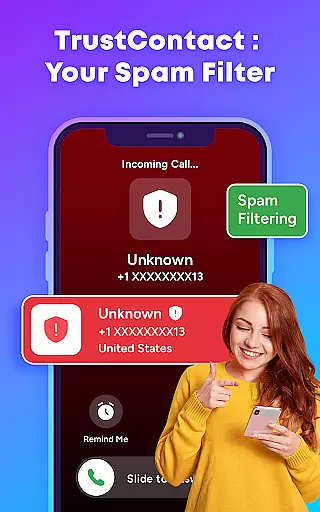
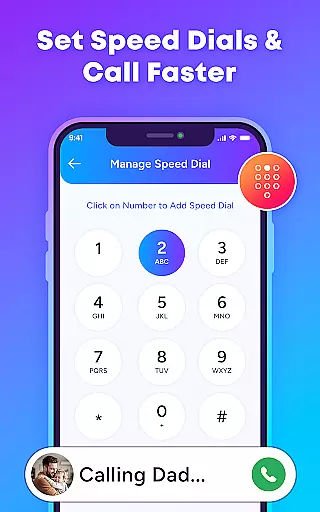
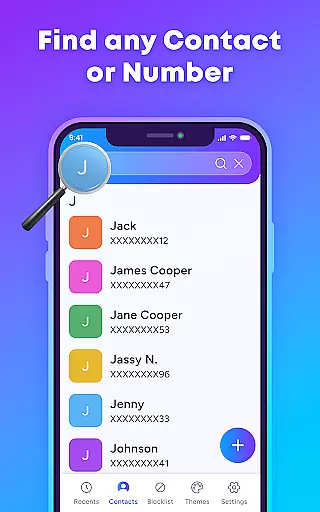
TrustContact is a comprehensive communication app designed to enhance your calling experience while protecting you from unwanted interruptions. This app serves as an intelligent call manager that combines real-time caller ID, spam blocking, and stylish call themes to provide users with both functionality and personalization. With its robust features, TrustContact ensures that you are always aware of who is calling and can manage your contacts efficiently.
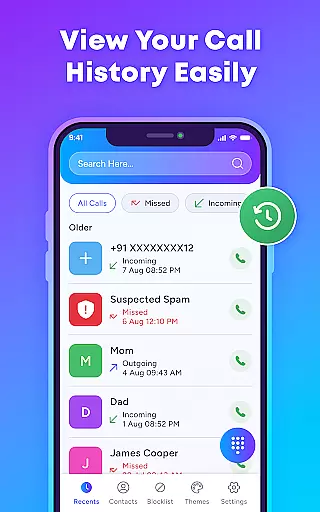
The app's core strength lies in its ability to block spam calls, identify unknown callers, and offer customizable call screens. Whether you're receiving a call from a business or an unrecognized number, TrustContact instantly provides detailed caller information. Additionally, the app allows users to create blacklists and whitelists, ensuring important calls are never missed while nuisance calls are automatically blocked. These capabilities make TrustContact particularly useful for individuals seeking privacy protection and personalized call management.
By leveraging advanced algorithms and an extensive spam number database, TrustContact offers reliable protection against robocalls, scam calls, and fraud attempts. Its offline functionality ensures that users can still identify and manage calls without an internet connection. The app also emphasizes user privacy, guaranteeing that personal data remains secure and is never shared or sold. This makes TrustContact an essential tool for anyone looking to take control of their phone communications effectively.
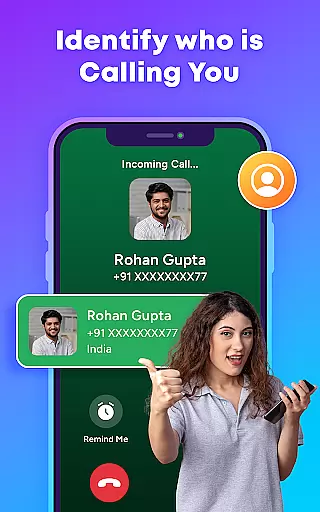
TrustContact stands out in the Communication category due to its diverse range of innovative features tailored to streamline call management. One of its most notable capabilities is the real-time caller ID, which identifies incoming calls from businesses, telemarketers, and unknown numbers instantly. This feature not only enhances user awareness but also empowers them to decide whether to answer or block a call on the spot.
In addition to caller ID, TrustContact offers powerful spam call blocking functionalities. The app uses advanced detection algorithms to auto-detect and block spam, robocalls, and potential fraud attempts. Users can further customize their experience by creating blacklists and whitelists, allowing them to tailor the app's blocking behavior to their specific needs. The smart contact manager simplifies organizing contacts and identifying suspicious entries, making it easier than ever to maintain a clean and efficient contact list.
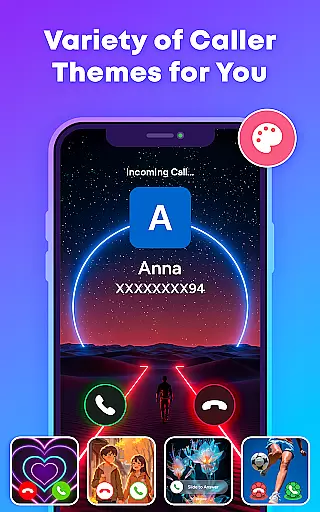
Another standout feature is the app's collection of stylish call themes, which let users personalize their call screens with dynamic and colorful designs. Beyond aesthetics, TrustContact also includes reverse number lookup and offline functionality, ensuring users have access to critical information even without an internet connection. These features collectively deliver a seamless blend of security, convenience, and personalization, setting TrustContact apart from other communication apps.
In today's fast-paced world, the speed and reliability of real-time messaging are crucial for effective communication. TrustContact ensures that every message is delivered instantly, without delays or failures. This is particularly important when blocking spam calls or updating contact information in real time.
The app uses advanced algorithms to maintain a consistently high speed of message delivery, even during peak usage times. By prioritizing messages based on user-defined rules, it guarantees that critical communications are never delayed. Whether you're receiving an important call or blocking a spam number, TrustContact ensures timely actions.
Moreover, the reliability of TrustContact's messaging system is enhanced by its robust infrastructure. The app employs multiple layers of redundancy to prevent data loss and ensure continuous service availability. Users can trust that their call management settings, block lists, and personalized themes will always be up-to-date.
By combining cutting-edge technology with user-centric design, TrustContact offers a reliable solution for managing your communications efficiently. Its real-time capabilities empower users to take control of their phone interactions with confidence.
Sharing media files seamlessly is an essential feature for modern communication apps. TrustContact excels in providing comprehensive media sharing support, allowing users to exchange photos, videos, and other files effortlessly. This functionality enhances the overall user experience by integrating smoothly with the app's core features.
The app supports various file formats, ensuring compatibility across different devices and platforms. Whether you're sending a business document or sharing a personal photo, TrustContact handles it with ease. The intuitive interface makes media sharing straightforward, even for non-technical users.
Security is a top priority for TrustContact, especially when handling sensitive media files. All shared content is encrypted during transmission, safeguarding user privacy and preventing unauthorized access. Additionally, the app provides options for setting permissions and controlling who can view or download shared media.
With its robust media sharing capabilities, TrustContact stands out as a versatile tool for both personal and professional use. Users can enjoy seamless integration between communication and file sharing, enhancing productivity and convenience.
Real-time identification
Spam blocking efficiency
Customizable themes
Offline functionality
User privacy focus
Limited SMS features
Premium costs extra
Occasional false positives
Heavy on storage
Ads in free version

We’re taking the yada yada out of wireless—now we’ve taken it out of your app.
 4.70
4.70
Save 10% automatically on your first international mobile top up.
4.60
SMS & MMS Messaging App to easily send messages or schedule SMS on Chat
4.10
At select facilities, you now have an easy way to video visit your loved ones!
3.30
Official NDI app: turn your phone into a professional live-streaming IP camera.
3.20
Send SMS and chat messages easily with a fast text messaging app for Android.
4.10
Smart and simple anti-wiring application - IMSI-catchers catcher
4.40
Comprehensive and powerful scan tool app with enhanced functions
3.00
Useful. Social. Expressive.
4.70
Build your web browser around you with private search, and more.
4.60
Faster version of Messages. Messenger for your contacts.
4.50
An agentic AI browser for Android, built by Perplexity
4.50
Manage your data, talk & text - affordable phone plans & data usage made simple
4.30
Use this SMS app standalone or as a TREK: Total Interface companion.
4.30
BiP is a fast, secure, free messaging and HD video calling app!
4.10
A softphone with crystal clear SIP Calling & Reliable VoIP dialer
4.00
Threema is the messenger with the most consistent focus on security and privacy.
4.00
Tether to Windows, OS X, Linux PCs or Android tablets. No root. No tether fees.
3.90
Secure Messaging App to Enhance Messenger Texting Experience and Organize SMS.
3.50


User Reviews