



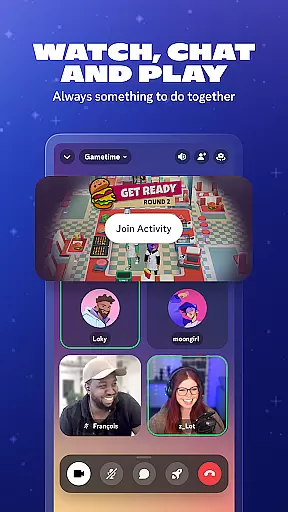
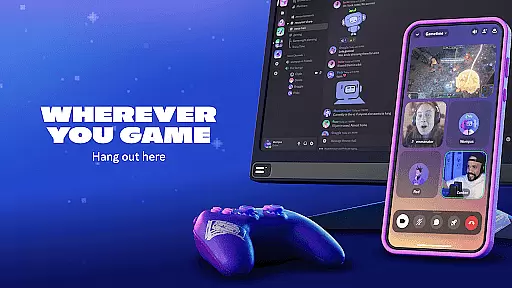
Discord is a versatile communication platform designed primarily for gamers but suitable for any community. It offers customizable spaces where users can create dedicated servers to chat, share media, and play games together. The app supports high-quality voice, video, and text communication, making it ideal for coordinating game sessions or simply hanging out with friends.
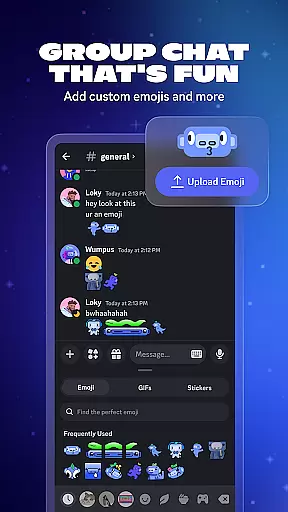
One of Discord's standout features is its seamless integration of various communication methods. Users can stream gameplay, watch videos together, or collaborate on projects in real-time. The platform also allows for rich personalization through custom emojis, avatars, and statuses, letting users express their unique identities within their communities.
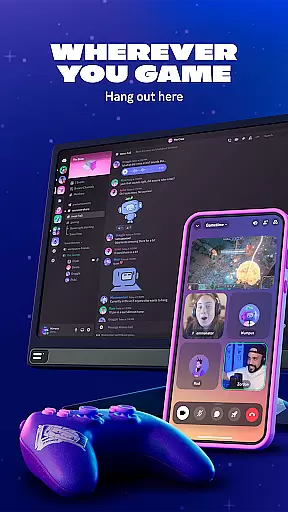
Whether you're looking to build a small group of close friends or manage a large international community, Discord provides the tools necessary to create engaging and interactive spaces. Its cross-platform compatibility ensures you can stay connected regardless of your device, making it an essential tool for modern digital communication.
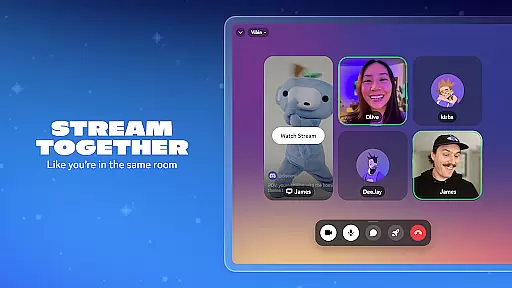
Discord stands out with its comprehensive feature set tailored for both casual and professional use. The platform supports high-quality voice and video calls with low latency, ensuring smooth communication whether you're gaming or collaborating on projects. Advanced streaming capabilities allow users to share their screens or gameplay with minimal lag, creating an immersive experience akin to being in the same room.
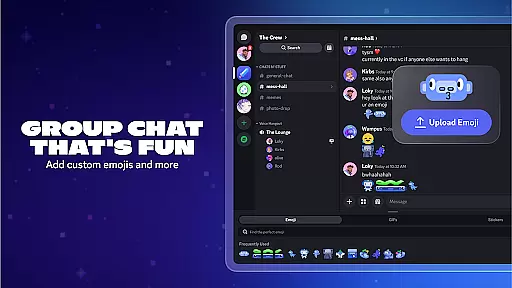
Customization is at the heart of Discord's appeal. Users can design their own servers with unique themes, create custom emojis and stickers, and even set up automated bots to manage routine tasks. The soundboard feature adds another layer of personalization, enabling users to enhance their chats with distinctive audio effects. These features collectively foster a sense of community and belonging among users.
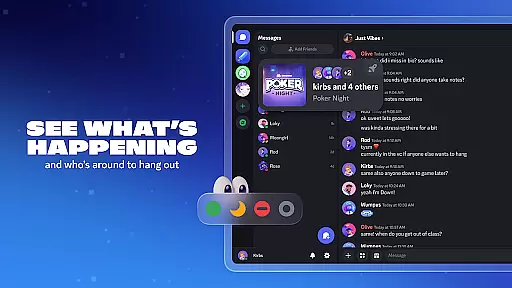
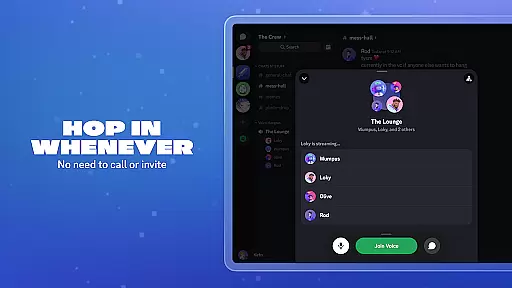
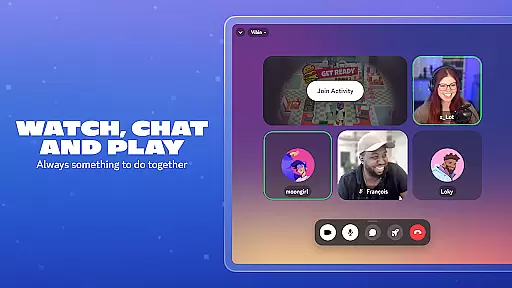
Another key aspect is Discord's flexibility in managing different types of interactions. From simple text chats to complex server setups with roles and permissions, the platform adapts to various needs. Built-in games and media sharing options provide endless entertainment possibilities, while the ability to see who's online and what they're doing encourages spontaneous social interactions. This combination of powerful tools makes Discord an indispensable choice for anyone seeking robust communication solutions.
Real-time messaging is a cornerstone of effective communication platforms, and Discord excels in this area. The speed at which messages are delivered ensures that conversations flow smoothly without unnecessary delays.
Discord employs advanced server infrastructure and optimization techniques to maintain high message throughput and low latency. This means users can send texts, images, and emojis with almost instantaneous delivery, making the interaction feel as natural as face-to-face conversations.
The reliability aspect is equally important. Users need to trust that their messages will be delivered consistently, even during peak usage times. Discord's architecture is designed to handle large volumes of simultaneous users, ensuring that messages are not only fast but also dependable.
This combination of speed and reliability enhances the overall user experience, allowing gamers, communities, and friends to stay connected seamlessly. Whether coordinating a raid in an online game or simply sharing memes, users can rely on Discord for prompt and consistent message delivery.
Media sharing is an essential feature for modern communication apps, enabling users to express themselves more vividly through various content types. Discord offers robust support for sharing different media formats, enhancing interactive experiences within group chats.
Users can easily share images, videos, and audio files directly in chat channels. This flexibility allows for creative expression and richer interactions, whether itu2019s showing off gaming achievements, sharing funny videos, or collaborating on multimedia projects.
Moreover, Discord supports seamless integration with other services like YouTube and Spotify, letting users stream music or watch videos together in real time. These integrations make it simple to enjoy shared entertainment experiences without leaving the app.
By providing comprehensive media sharing capabilities, Discord ensures that its platform remains versatile and engaging. Users benefit from a dynamic environment where they can communicate not just through text but also via diverse media, fostering stronger connections and more enjoyable interactions.
User-friendly interface
High-quality streaming
Extensive customization
Cross-platform support
Active community engagement
Occasional connectivity issues
Steep learning curve for new users
Limited mobile functionality
Resource-intensive on older devices
Privacy concerns with third-party bots

BiP is a fast, secure, free messaging and HD video calling app!
 4.10
4.10
At select facilities, you now have an easy way to video visit your loved ones!
3.30
Manage and Fund Calling Accounts and Schedule and Join Video Sessions
3.60
Faster version of Messages. Messenger for your contacts.
4.50
Comprehensive and powerful scan tool app with enhanced functions
3.00
RemoteHams.com Android RCForb Client Pre-Release
4.30
Manage Phone Calls, call history, and contacts easily with Phone Pro.
4.3
Weargram is an unofficial Telegram Client for Wear OS.
3.50
Simple tool for businesses to talk to their customers.
4.40
Save 10% automatically on your first international mobile top up.
4.60
Stay in touch with the people who matter most.
4.60
An agentic AI browser for Android, built by Perplexity
4.50
Talk & text free with a second phone number plus unlimited 5G data, no fees.
4.50
Smart and simple anti-wiring application - IMSI-catchers catcher
4.40
Block spam calls & scam - no more annoying calls with the call blocker function
4.30
Messenger app for faster and simpler SMS text messaging, and personalized themes
4.10
Share the moment!
4.10
Messages is Private SMS Messenger 2023 with text message, instant messaging.
4.00
SMS Messenger ensures that communication become effortless and accessible.
3.80


User Reviews