
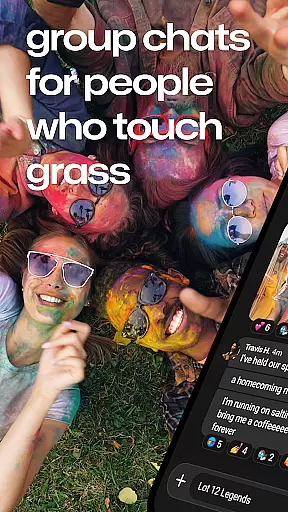
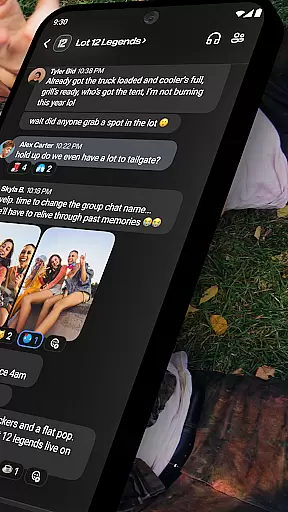
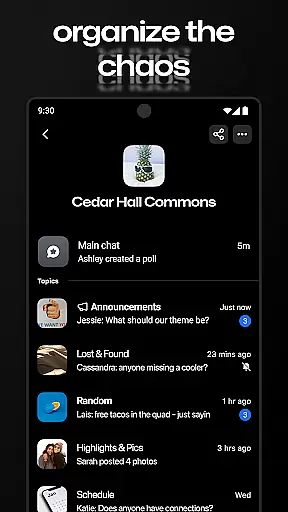

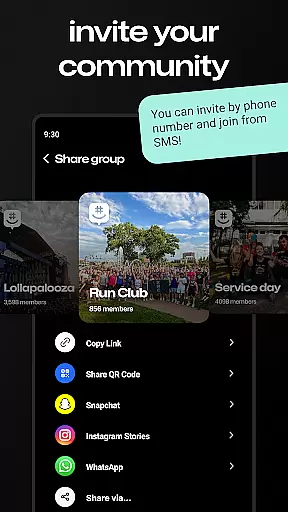

GroupMe is a free communication app that allows users to stay connected with important people in their lives through group chats. Whether it's family, friends, coworkers, or teams, GroupMe makes it easy to keep everyone in the loop. The app supports various forms of communication including text, images, GIFs, and even direct messages for one-on-one conversations.
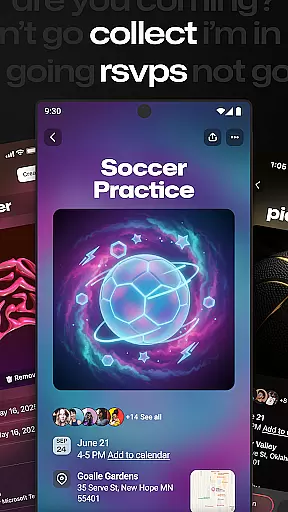
One standout feature is its ability to add anyone to a group via phone number or email, enabling SMS chat for those new to the platform. With functionalities like muting notifications, ending group chats, and sharing media, GroupMe offers a comprehensive solution for both casual and organized communication needs. It’s particularly useful for groups such as Greek Life, bands, faith groups, and event planning.
GroupMe stands out with its rich set of features designed to enhance group communication. Users can control their notification preferences, muting specific chats or the entire app when needed. The app also includes exclusive emoji options, allowing users to express themselves beyond words.
Another notable feature is the ability to share and view content from URLs directly within the chat, including meme images and GIFs. The gallery function saves shared photos and videos, making it easy to revisit memories. Additionally, GroupMe offers direct messaging capabilities that provide all the beloved features of group chats but tailored for personal conversations. This versatility ensures users can chat effectively from anywhere, even from a computer at groupme.com.
Real-time messaging is essential for maintaining seamless communication in today's fast-paced world. GroupMe ensures that your messages are delivered instantly, allowing you to stay connected with friends, family, and coworkers without delay.
The app employs optimized data transmission protocols to maintain high messaging speeds even under varying network conditions. Whether you're sending a quick text or sharing media, the delivery happens almost instantaneously, keeping conversations fluid and engaging.
Reliability is at the core of GroupMe's messaging service. The platform is designed to handle large volumes of messages without compromising on performance, ensuring that users can rely on it during important discussions or casual chats alike.
With real-time notifications and delivery confirmations, GroupMe provides peace of mind by assuring users that their messages have been received and read promptly, thus enhancing overall communication efficiency.
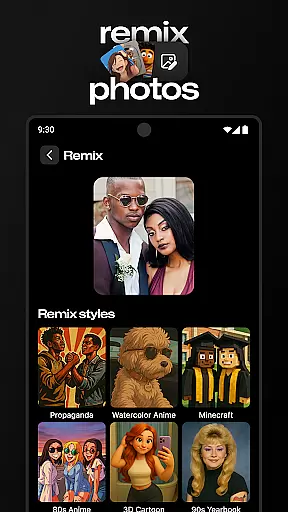
Sharing media within conversations enriches the messaging experience, and GroupMe excels in providing robust media sharing support. Users can effortlessly send photos, videos, and documents, making it an ideal tool for both personal and professional communication.
The app supports various file formats, ensuring compatibility across different devices and operating systems. This versatility allows users to share content without worrying about format restrictions, streamlining collaboration and interaction.
GroupMe also features an integrated gallery that automatically saves shared media, enabling users to revisit memories easily. This functionality not only preserves important moments but also enhances group interactions by providing a repository of shared experiences.
Moreover, the ability to preview links and view web content directly within the chat interface adds another layer of convenience. By supporting rich media exchanges, GroupMe transforms simple chats into dynamic conversations full of context and visual appeal.
User-friendly interface
Free to use
Rich media sharing
Customizable notifications
Cross-platform support
SMS limited to US
No video calls
Occasional bugs
Limited customization
Ads present

Secure Messaging App to Enhance Messenger Texting Experience and Organize SMS.
 3.50
3.50
SMS Messenger ensures that communication become effortless and accessible.
3.80
Chat on the Jabber network (XMPP protocol); support for SMS and other gateways
2.10
Welcome to the future of phone service.
4.60
Fast Dialer & Contact Manager with Caller ID and Spam Protection
4.00
Messenger, an MMS & SMS messages app with Blockers, Driving mode & Private box
4.60
Create a secure hotspot on-the-go with Portable WiFi - Mobile hotspot.
4.40
Fun, free app that lets kids video call and message family and close friends.
3.80
A softphone app with seamless SIP calling and an intuitive VoIP dialer
3.50
A browser that does more than load page, like keeping your privacy safe.
4.70
Manage your mobile phone plan, check unlimited 5g data usage and track rewards
4.50
An agentic AI browser for Android, built by Perplexity
4.50
Get through your inbox faster with the mail app designed to simplify your life.
4.40
Fast and simple walkie talkie app
4.20
Enjoy secure messaging & calling. Safe Messenger: group chats, calls, messages.
4.20
Chill zone on your phone: relax with fun reels & hype shorts!
4.20
WazzapMigrator: transfer your WhatsApp history from iPhone to Android
4.00
Caller ID, Spam Call & SMS Blocker
3.80
TeamSpeak - Secure Chat for Gaming & Business
3.10


User Reviews