

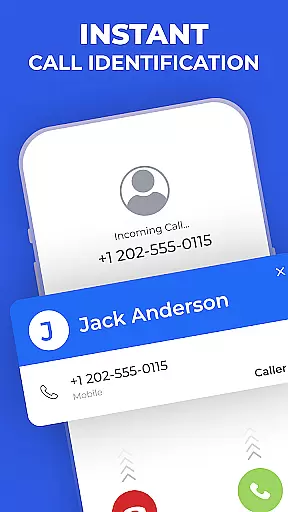

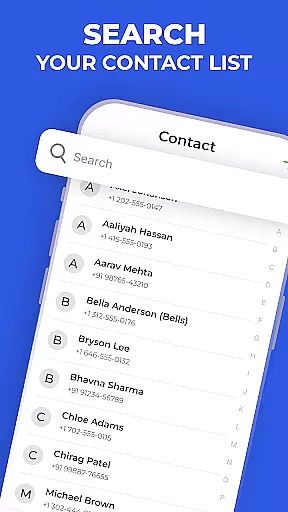
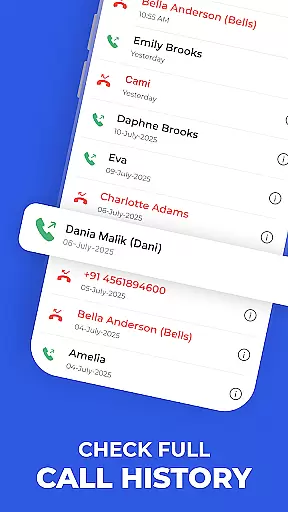
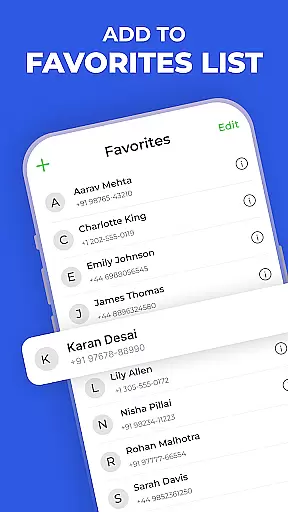
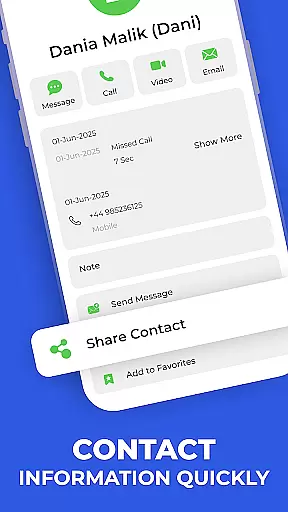
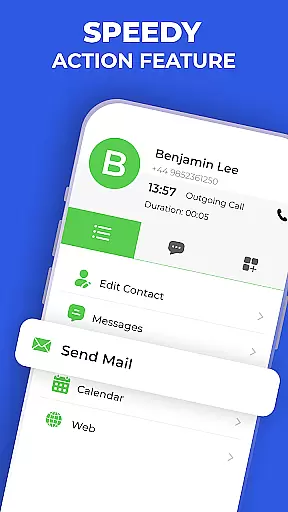
Contacts - Caller ID & Spam is a comprehensive communication app designed to enhance your Android phone's contact management and call protection capabilities. This app combines a smart dialer, spam detection, and detailed contact management in one sleek interface.
The key functionalities include instant contact search, real-time spam alerts, speed dial actions, and complete contact details at your fingertips. It also allows users to view their call history and mark important contacts as favorites for quick access. The app works offline for most features and provides privacy-conscious design by keeping all personal data on the device.
Whether you're looking to efficiently manage your contacts or protect yourself from unwanted calls, this app offers a fast, simple, and powerful solution. Its intuitive design ensures that both casual users and power users can benefit from its robust feature set.
This communication app stands out with its rich feature set tailored for efficient contact and call management. The Quick Dialer enables instant calls through smart search, while the Search Contacts function finds entries by name or number swiftly.
Call History Viewer lets you review all incoming, outgoing, and missed calls without editing capabilities, ensuring your records remain intact. Spam Detection provides real-time alerts for suspected spam numbers, enhancing your call protection.
Additional highlights include Favorites for pinning crucial contacts, Speed Dial Actions for rapid communication, and Full Contact Details for a consolidated view of all contact information. These features collectively deliver a seamless user experience focused on speed, simplicity, and security.
In today's fast-paced world, the speed and reliability of real-time messaging are crucial for effective communication. Contacts - Caller ID & Spam ensures that messages are delivered instantly and reliably, providing users with a seamless communication experience.
This application employs advanced algorithms to optimize message delivery, ensuring minimal delay even during peak usage times. The robust infrastructure supports quick transmission, making it ideal for both personal and professional use.
Users benefit from the assurance that their messages will be received promptly, without the frustration of delayed or failed deliveries. This reliability fosters trust and confidence in daily communications, enhancing productivity and personal interactions.
The app's commitment to speed and reliability extends to its spam detection features, which work in real-time to protect users from unwanted messages. By prioritizing these aspects, Contacts - Caller ID & Spam sets a high standard for communication apps.
Sharing media efficiently is an essential feature for modern communication apps. Contacts - Caller ID & Spam excels in providing comprehensive media sharing support, allowing users to exchange photos, videos, and audio files effortlessly.
The app supports a wide range of file formats, ensuring compatibility and ease of use. Whether you're sharing important documents or cherished memories, the app maintains the quality and integrity of your media, delivering it swiftly to the recipient.
With intuitive controls and seamless integration into the messaging interface, users can attach and send media files with just a few taps. This simplicity enhances user experience, making media sharing a hassle-free process.
Moreover, Contacts - Caller ID & Spam prioritizes user privacy and data security during media transfers. By implementing stringent security protocols, the app safeguards your shared content, giving users peace of mind while communicating.
User-friendly interface
Real-time spam alerts
Offline functionality
Comprehensive contact details
Privacy-conscious design
Limited call history interaction
No built-in voicemail
Ads in free version
Occasional false positives
Regional limitations

Manage your data, talk & text - affordable phone plans & data usage made simple
 4.30
4.30
The ultimate productivity solution for all your email communication needs.
4.40
Fast and mini browser with Ad Blocker,Video Downloader and Video Player
4.40
Simplify texting with Messages SMS, offline messaging, themes & smart tools!
4.30
Smart and simple anti-wiring application - IMSI-catchers catcher
4.40
Watchgram for Telegram: Experience seamless Telegram messaging on your watch
1.80
Federated instant messaging for your mobile device (Jabber, XMPP, Snikket)
4.10
A browser that does more than load page, like keeping your privacy safe.
4.70
Telegram is a messaging app with a focus on speed and security.
4.00
Say “hello” to privacy.
4.60
Experience real private browsing without tracking, surveillance, or censorship.
4.50
Chill zone on your phone: relax with fun reels & hype shorts!
4.20
Google's fast and secure browser
4.10
Messenger app for faster and simpler SMS text messaging, and personalized themes
4.10
Tether to Windows, OS X, Linux PCs or Android tablets. No root. No tether fees.
3.90
Caller ID, Spam Call & SMS Blocker
3.80
Manage and Fund Calling Accounts and Schedule and Join Video Sessions
3.60
A softphone app with seamless SIP calling and an intuitive VoIP dialer
3.50
Official NDI app: turn your phone into a professional live-streaming IP camera.
3.20


User Reviews