

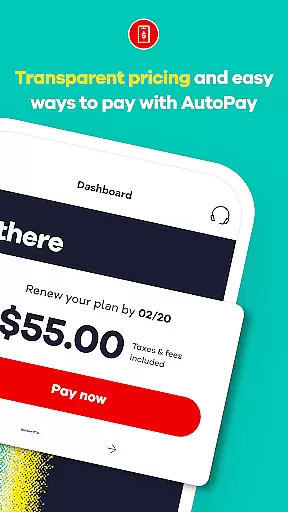
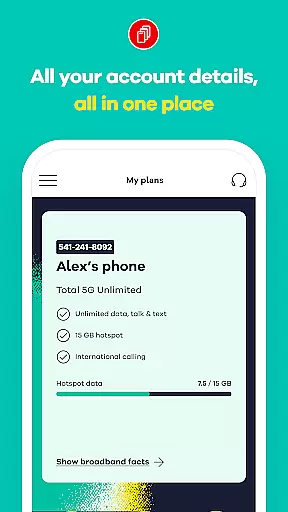
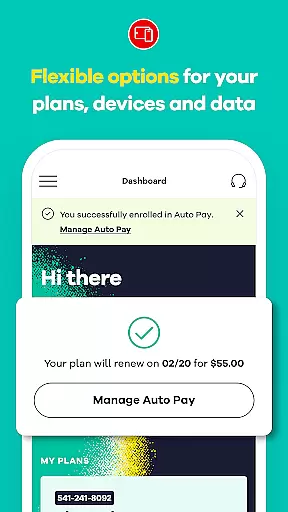
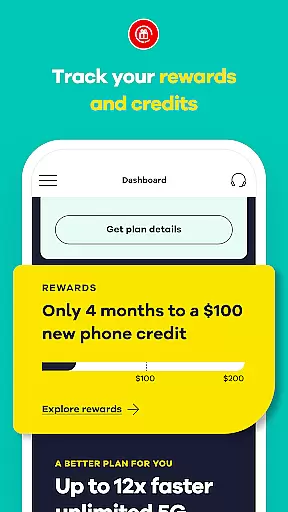
My Total Wireless: Account App is a comprehensive communication tool that allows users to efficiently manage their Total Wireless account. With this app, you can easily track past and future payments, monitor current plans, rewards, and data usage. The intuitive interface provides quick access to all essential account details, making it simple to manage devices and monitor unlimited data usage.
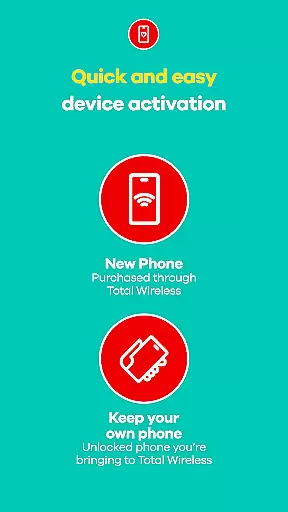
The app features an enhanced activation experience, enabling users to get started quickly while enjoying the benefits of Verizon Wireless 5G network coverage. Whether you're handling payments or tracking rewards, My Total Wireless ensures you have full control over your phone service. Its powerful management tools are designed to provide a seamless and stress-free experience for both new and existing customers.
One of the standout features of My Total Wireless is its robust cell phone plan management capabilities. Users can effortlessly organize and manage multiple devices, optimize data usage, and stay on top of their current plans for uninterrupted connectivity. Even with unlimited data plans, the app provides detailed tracking options to help users make the most of their service.
The app also offers access to 5G network plans, allowing users to switch to Total 5G or Total 5G+ Unlimited plans and take advantage of special promotions like free phones for limited periods. With plans starting at just $40 and Auto Pay options for effortless renewals, staying connected has never been easier. Additionally, Total Wireless rewards loyal customers with credits and bonuses after consistent monthly plan payments, ensuring users feel valued and appreciated.
Real-time messaging speed and reliability are crucial for maintaining seamless communication in any mobile application. My Total Wireless: Account App excels in this area by providing users with instant access to their account information, ensuring that all messages regarding payments, plan updates, and data usage alerts are delivered promptly.
The app employs advanced notification systems that guarantee message delivery even under varying network conditions. This ensures that important alerts such as billing reminders or promotional offers reach the user without delay, enhancing the overall customer experience.
For users, this means they can trust the app to keep them informed about their account status at all times. Whether it's receiving timely payment confirmations or staying updated on plan changes, the real-time messaging feature provides peace of mind and fosters a reliable communication channel between the service provider and the customer.
Media sharing support is an essential feature for modern communication apps, allowing users to exchange various types of media effortlessly. The My Total Wireless: Account App incorporates robust media sharing capabilities that enable customers to upload and share documents, images, and other files related to their account management.
This functionality is particularly useful when users need to submit identification documents for account verification or share screenshots of technical issues they encounter. The app supports multiple file formats and ensures secure transmission of shared media, protecting sensitive information during transfer.
By integrating comprehensive media sharing options, the app enhances user engagement and simplifies complex processes like customer support and account maintenance. Customers benefit from a more interactive and efficient service experience, making it easier to manage their wireless plans and resolve potential issues quickly.
User-friendly interface
Comprehensive account management
5G network compatibility
Reward system for loyal users
Seamless payment processing
Limited to Total Wireless customers
Occasional connectivity issues
Requires constant plan payments
No international calling features
Device compatibility may vary

Radio communication simulator for gaming communities
 4.5
4.5
Use this Dialer app alone or as a TREK: Total Interface companion.
4.70
Enjoy secure messaging & calling. Safe Messenger: group chats, calls, messages.
4.20
Messages: Fast, simple SMS app with scheduling and smart features.
4.00
Phone Dialer with Caller ID, Address Book & Contacts Manager.
4.30
Send SMS and chat messages easily with a fast text messaging app for Android.
4.10
A browser that does more than load page, like keeping your privacy safe.
4.70
A customizable phone number in the cloud
4.20
Enhance browsing with AI-powered features and Copilot.
4.70
Welcome to the future of phone service.
4.60
Messenger, an MMS & SMS messages app with Blockers, Driving mode & Private box
4.60
FolderSync enables easy sync of files between cloud storage and Android devices.
4.60
Build your web browser around you with private search, and more.
4.60
Get through your inbox faster with the mail app designed to simplify your life.
4.40
SMS Messenger is a lightning-fast messaging app.
4.20
A softphone with crystal clear SIP Calling & Reliable VoIP dialer
4.00 3.90
3.90
Secure Messaging App to Enhance Messenger Texting Experience and Organize SMS.
3.50
Weargram is an unofficial Telegram Client for Wear OS.
3.50


User Reviews