
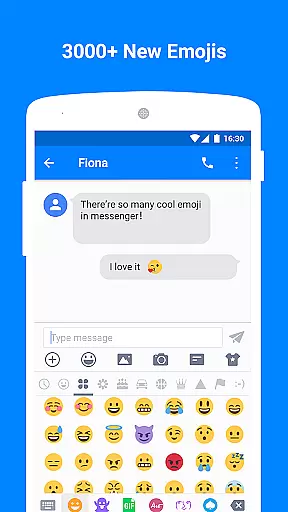
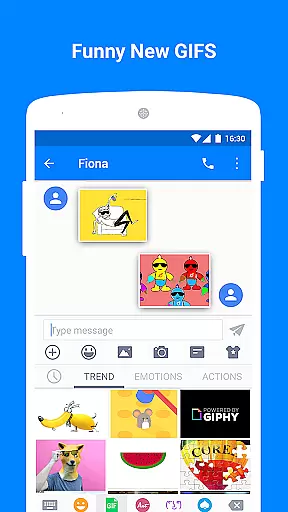
Messenger - Texting App is a feature-rich communication tool designed to enhance your texting experience. This app goes beyond basic SMS functionality by offering an array of creative and practical features. With over 3000 emoji options, animated GIFs, and customizable layouts, users can personalize their conversations like never before. The app also includes privacy-focused tools such as a private box for encrypting messages and a blocker for spam messages.
Whether you're looking to add fun elements to your texts or ensure your private conversations remain secure, Messenger - Texting App provides the tools you need. It supports scheduled messaging, backup and restore functions, and even performs well on Android Wear devices. These capabilities make it suitable for both casual and power users who want more from their texting app.
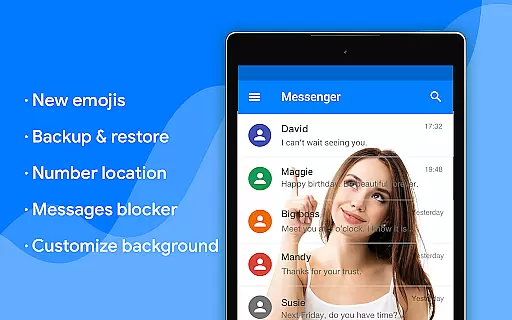
The app's user-friendly interface and extensive customization options create a comfortable texting environment. From changing bubble styles to adjusting text fonts, every aspect can be tailored to your preference. Additionally, helpful features like driving mode and quick search ensure that you stay focused and organized. Messenger - Texting App truly transforms how we communicate in our daily lives.
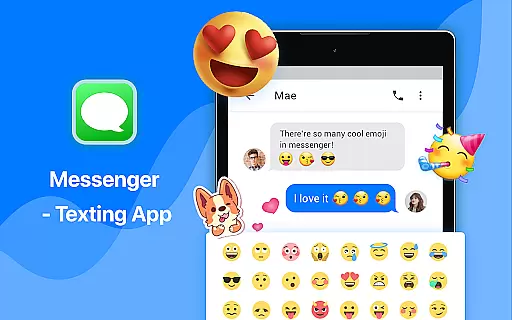
Messenger - Texting App stands out with its comprehensive set of features designed to enrich user interaction. One of the key highlights is the vast library of over 3000 emoji and animated GIFs, which allows users to express themselves more vividly through MMS & SMS. The inclusion of trending GIFs ensures that conversations remain engaging and dynamic, setting this app apart from traditional texting applications.
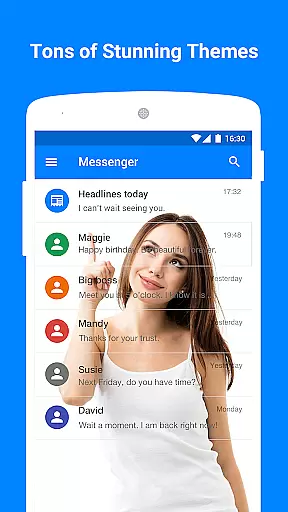
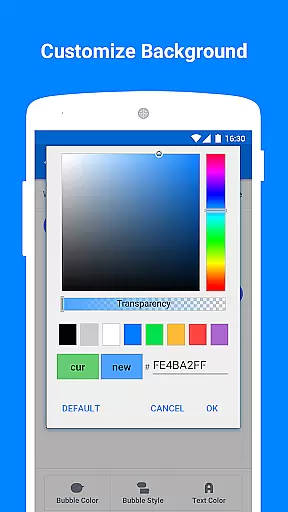
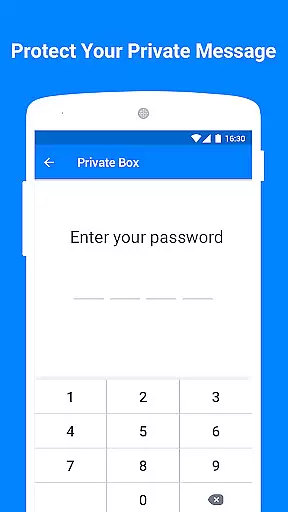
Privacy and security are prioritized with the private box feature, enabling users to encrypt sensitive content and hide entire message threads. Customization reaches new heights with options to personalize wallpapers, bubble styles, text colors, and fonts. This level of personalization empowers users to create a unique chatting environment that suits their preferences perfectly.
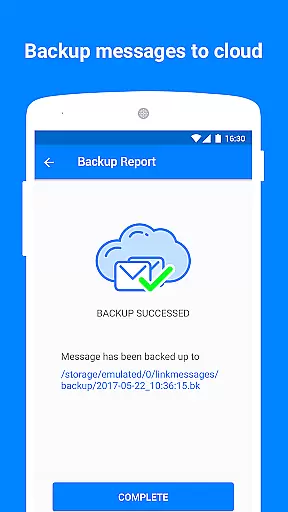
Practical functionalities such as scheduled SMS, backup & restore, and driving mode demonstrate the app's commitment to convenience and safety. Users can automate message sending, protect against data loss, and minimize distractions while driving. Furthermore, compatibility with Android Wear extends usability across devices, making Messenger - Texting App a versatile choice for modern communicators seeking innovation and reliability.
Real-time messaging speed and reliability are crucial for maintaining seamless communication in any texting app. Messenger - Texting App excels in this area by ensuring that messages are delivered instantly across devices, regardless of the user's location or network conditions.
The app employs advanced synchronization techniques and robust server infrastructure to guarantee message delivery even during peak usage times. This ensures that users can rely on the app for time-sensitive communications without worrying about delays or failures.
For users, this means they can engage in conversations that feel as immediate and reliable as face-to-face interactions. Whether it's a quick emoji response or an important GIF-laden message, Messenger - Texting App ensures that every interaction is prompt and dependable.
Moreover, the app's integration with Android Wear enhances its real-time capabilities, allowing users to send and receive messages directly from their smartwatches. This feature extends the reliability of instant messaging to wearable devices, keeping users connected no matter where they are.
Media sharing support is a vital component of modern communication apps, enabling users to exchange various forms of media seamlessly. Messenger - Texting App offers extensive media sharing capabilities, supporting not only traditional text messages but also emojis, stickers, GIFs, and more through MMS & SMS.
With over 3000+ emojis and animated GIFs available, users can express themselves creatively and add personality to their conversations. The app's compatibility with different media formats ensures that users can share high-quality images and videos without compatibility issues.
In addition to standard media sharing, Messenger - Texting App provides unique features such as customizable wallpapers and bubbles, enhancing the visual experience of messaging. Users can personalize their chat backgrounds and bubble styles, making each conversation visually distinct and engaging.
This comprehensive media support transforms simple text exchanges into rich multimedia interactions, offering users a dynamic way to connect and communicate. By integrating these features, Messenger - Texting App sets itself apart as a versatile tool for modern digital communication.
User-friendly interface
Extensive customization options
Robust privacy features
Versatile messaging tools
Cross-device compatibility
May overwhelm new users
Some features require premium access
Occasional performance lags
Limited iOS support
High storage usage

 3.90
3.90
Call Forwarding is easy and simple application to use.
3.80
فیلتر شکن قوی پرسرعت کلید جدید برای اندرویدسریع ترین وی پی ان برای همه اپراتورها
4.70
Secure Messaging App to Enhance Messenger Texting Experience and Organize SMS.
3.50
Identify unknown numbers, block spam calls, customize calls with cool themes.
4.60
Phone Dialer with Caller ID, Address Book & Contacts Manager.
4.30
Messages is Private SMS Messenger 2023 with text message, instant messaging.
4.00
An agentic AI browser for Android, built by Perplexity
4.50
Smart and simple anti-wiring application - IMSI-catchers catcher
4.40
Messenger for SMS - texting message app, faster, simpler & safer, for you.
4.70
Fast internet with AI, Adblock & VPN. Browse on a safe, incognito web browser.
4.70
Manage BoostMobile Account
4.60
Build your web browser around you with private search, and more.
4.60
Say “hello” to privacy.
4.60
The ultimate productivity solution for all your email communication needs.
4.40
2nd Phone Number Line for Anonymous Texting, Calling, and Picture Messages
4.30
Pure modern IRC experience for Android
3.70
Weargram is an unofficial Telegram Client for Wear OS.
3.50
Watchgram for Telegram: Experience seamless Telegram messaging on your watch
1.80


User Reviews