
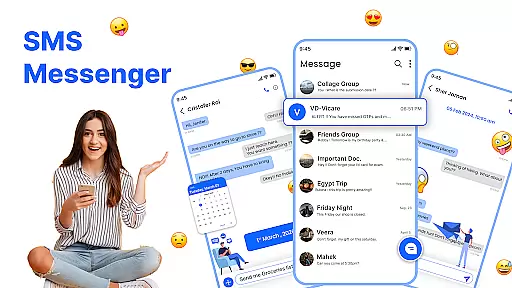
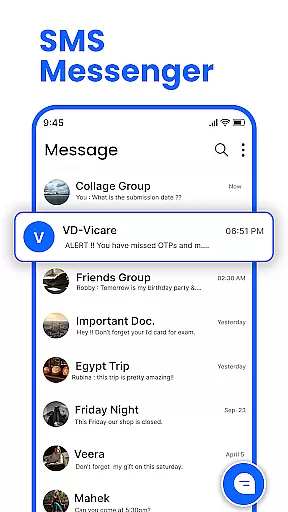
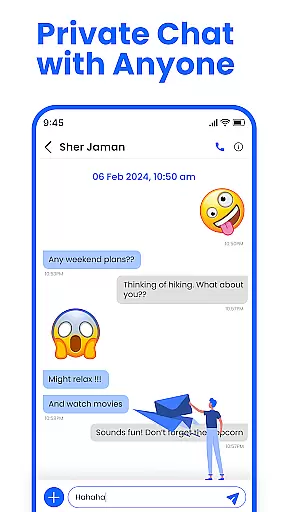
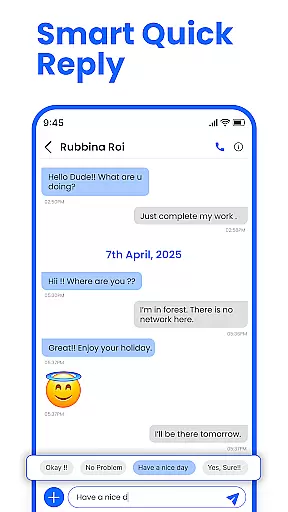
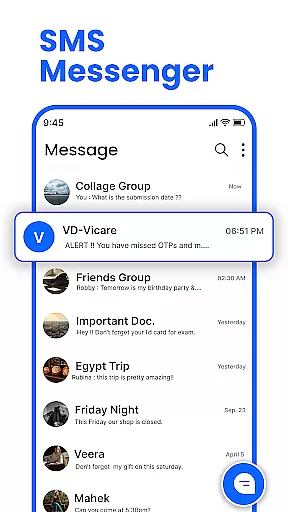
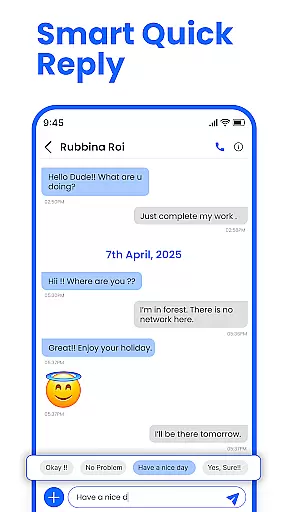
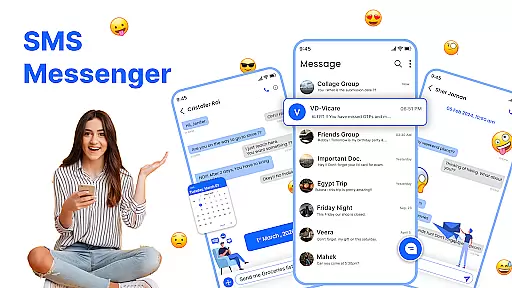
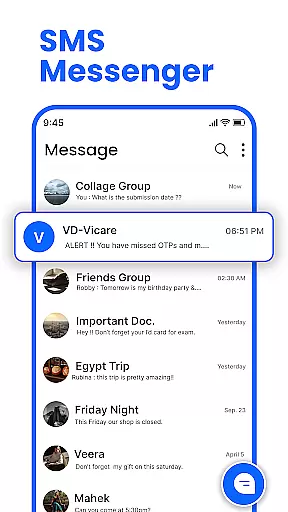
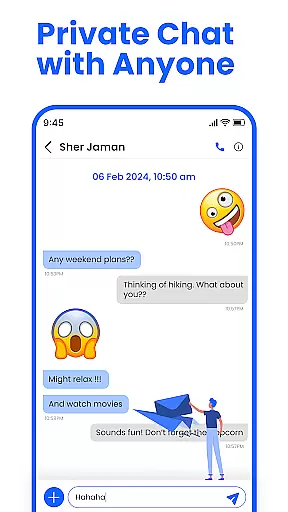
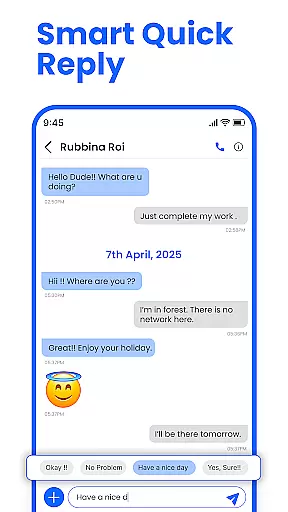
Messenger: SMS Home is a feature-rich communication app designed to enhance your texting experience on Android devices. The app serves as an all-in-one solution for managing SMS messages, offering users the ability to organize their texts, schedule messages, and block unwanted spam. With its intuitive interface, it provides easy access to essential messaging functions while allowing extensive customization options.
One of the standout features is the Smart Launcher integration, which lets users personalize their home screen layout specifically for messaging. This makes navigation seamless and efficient. Whether you need to send quick texts or plan reminders in advance, Messenger: SMS Home ensures you stay connected with friends and family while maintaining full control over your messaging preferences.
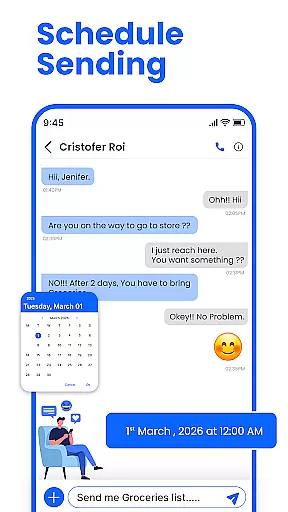
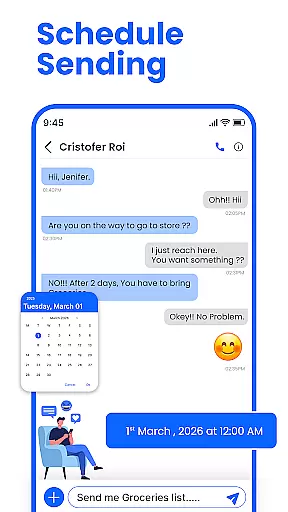
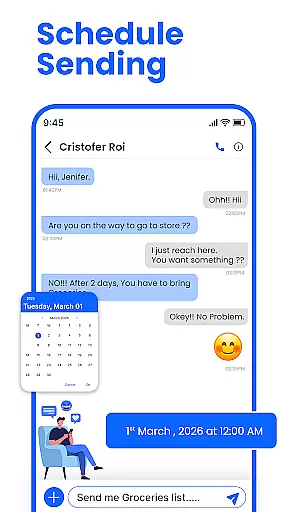
The app boasts an impressive array of features that cater to various user needs. First and foremost, it offers a scheduling function that allows users to set specific times and dates for message delivery. This is particularly useful for sending birthday wishes or important work-related reminders without having to remember manually.
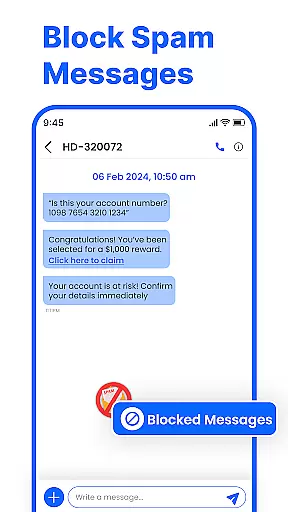
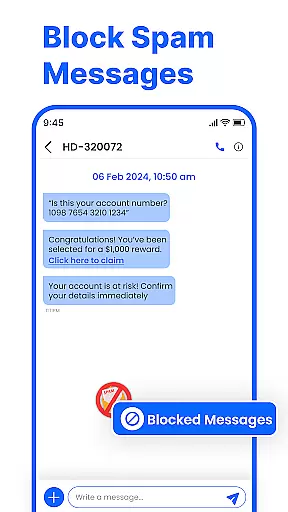
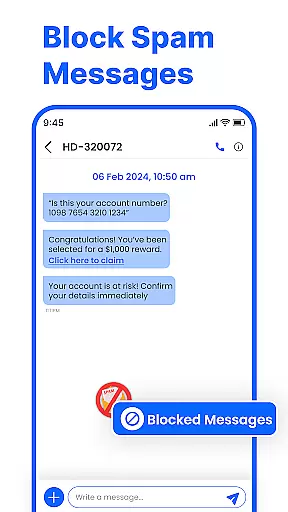
In addition to scheduling, Messenger: SMS Home includes robust spam-blocking capabilities. Users can easily filter out unwanted promotional alerts and texts from unknown numbers, ensuring their inbox remains clean and secure. The swipe actions feature further enhances usability by enabling quick actions such as archiving, deleting, or marking messages as read with simple gestures.
Compatibility is another strong suit; the app works seamlessly across a wide range of Android devices including Samsung, Google Pixel, and Motorola. Its lightweight design ensures smooth performance even on older versions of Android, making it accessible to a broad audience looking for reliable communication tools.
Real-time messaging speed and reliability are crucial for maintaining seamless communication in any messaging app. Messenger: SMS Home ensures that messages are delivered instantly, allowing users to stay connected without delays.
The app employs advanced synchronization techniques to ensure message delivery even under unstable network conditions. This means you can send and receive messages without worrying about connectivity issues interrupting your conversations.
For users, this translates into a dependable communication tool where important messages reach their destination promptly. Whether it's urgent work-related information or casual chats with friends, the real-time capabilities of Messenger: SMS Home keep you reliably connected.
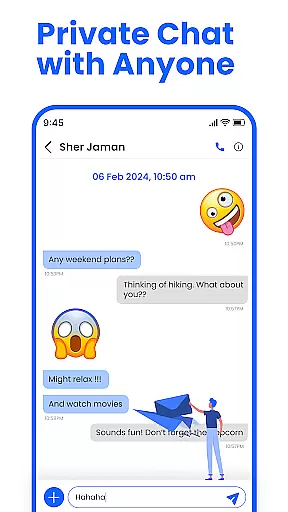
Media sharing support is an essential feature in modern messaging apps, enabling users to share photos, videos, and documents effortlessly. Messenger: SMS Home offers comprehensive media sharing capabilities that enhance user interaction by allowing rich content exchange.
The app supports various file formats, ensuring compatibility across different media types. Users can easily attach and send multimedia files through an intuitive interface, making conversations more engaging and expressive.
This functionality not only enriches personal communication but also facilitates professional exchanges. By supporting diverse media formats, Messenger: SMS Home empowers users to communicate effectively, whether they're sharing memories with loved ones or collaborating on projects with colleagues.
User-friendly interface
Customizable home layout
Effective spam blocking
Schedule message feature
Cross-device compatibility
Limited iOS support
Occasional bugs reported
Ads in free version
Requires permissions
Learning curve for new users

Identify unknown numbers, block spam calls, customize calls with cool themes.
 4.60
4.60
A web browser that respects your privacy.
4.30
Save 10% automatically on your first international mobile top up.
4.60
Welcome to the future of phone service.
4.60
Fast, Simple And Secure Application That Provides SMBv3 Server On Your Device
3.30
TeamSpeak - Secure Chat for Gaming & Business
3.10
SMS Messenger is a lightning-fast messaging app.
4.20
Fast internet with AI, Adblock & VPN. Browse on a safe, incognito web browser.
4.70
Useful. Social. Expressive.
4.70
Enhance browsing with AI-powered features and Copilot.
4.70
Experience real private browsing without tracking, surveillance, or censorship.
4.50
Faster version of Messages. Messenger for your contacts.
4.50
Group Chat That’s Fun & Games
4.30
Enjoy secure messaging & calling. Safe Messenger: group chats, calls, messages.
4.20
Send SMS and chat messages easily with a fast text messaging app for Android.
4.10
Federated instant messaging for your mobile device (Jabber, XMPP, Snikket)
4.10
Telegram is a messaging app with a focus on speed and security.
4.00 3.90
3.90
Radio communication simulator for gaming communities
4.4


User Reviews