

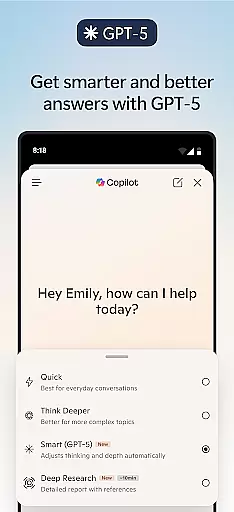
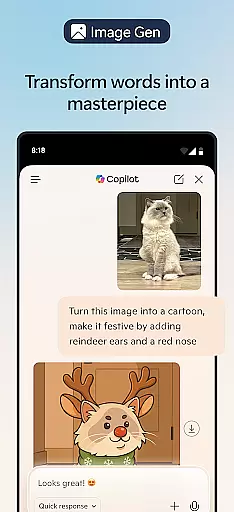
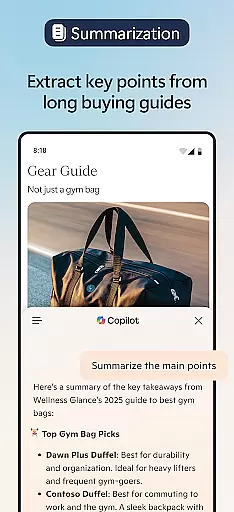


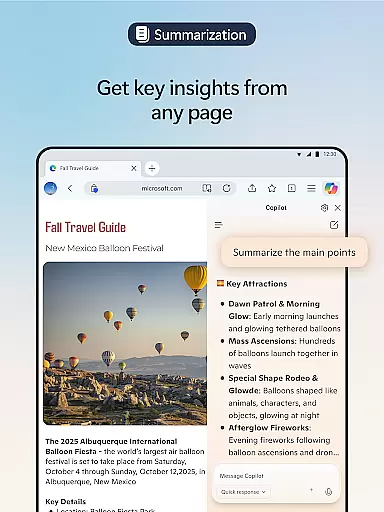
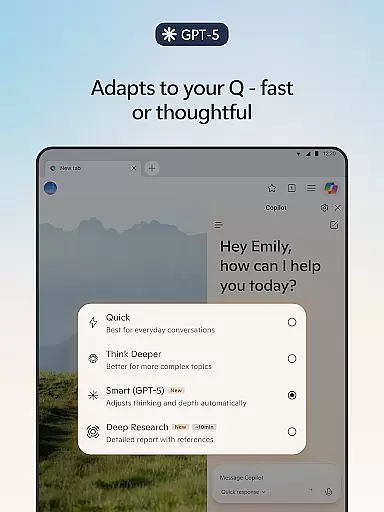
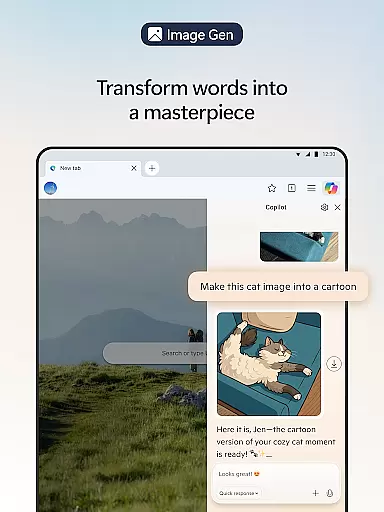

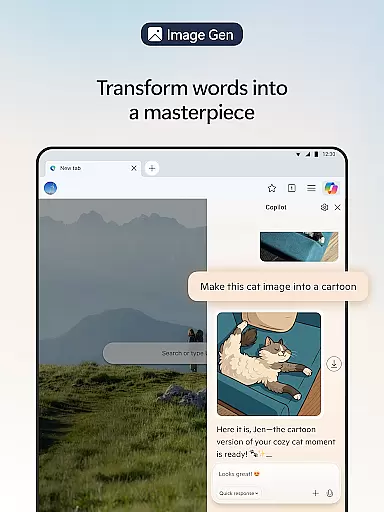
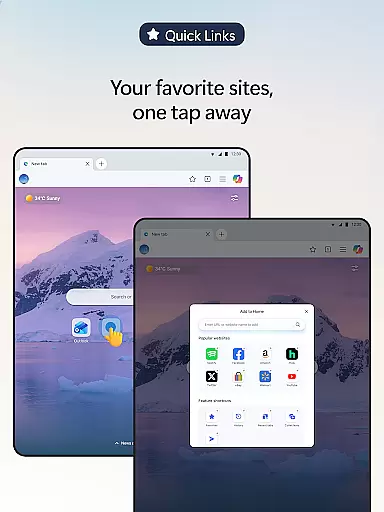
Microsoft Edge is a cutting-edge Communication browser with integrated Copilot, your personal AI assistant. This innovative tool transforms browsing by offering AI-powered summaries of articles and videos, answering content-related queries, and even generating images. With the latest GPT-5 model, it balances quick responses with deep thinking, ensuring productive browsing sessions.
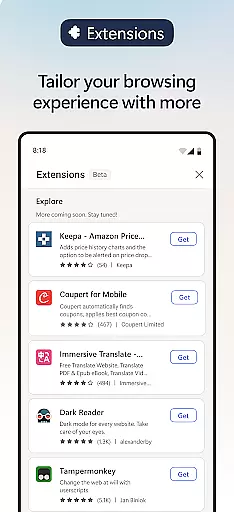
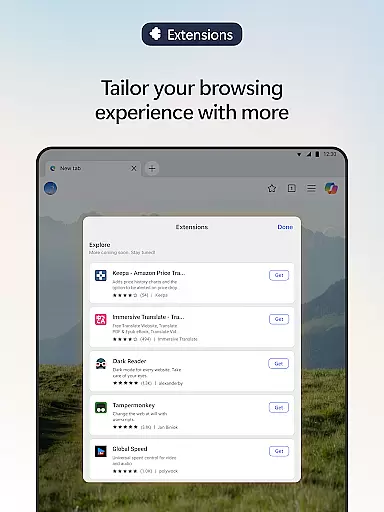
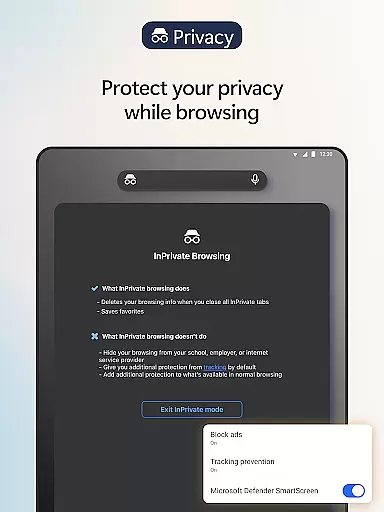
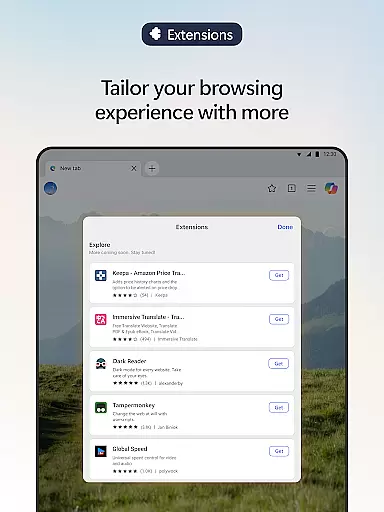
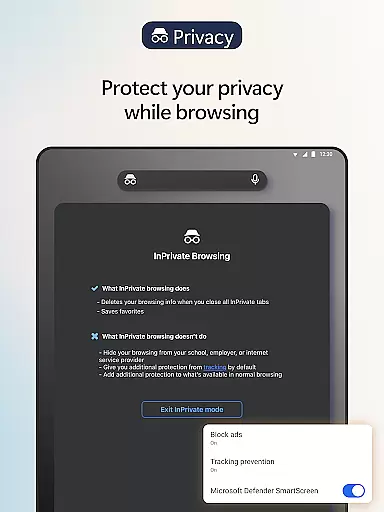
The browser supports extensive customization through extensions for cookie management, speed controls, and theme adjustments. Microsoft Edge also emphasizes user privacy with features like tracking prevention, AdBlock, InPrivate browsing, and Microsoft Defender SmartScreen, making it a secure choice for both casual and professional use.
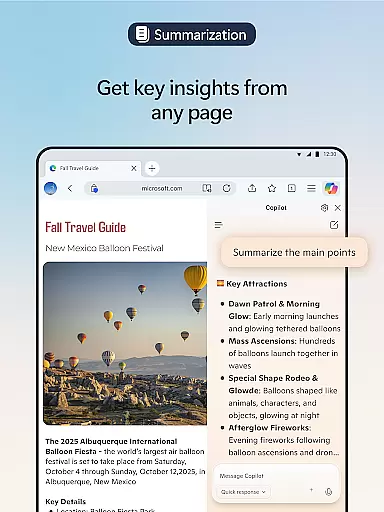
Microsoft Edge stands out with its AI-driven Copilot feature that revolutionizes search capabilities and web interactions. Users can upload images for visual searches, receive rapid summaries of web pages, PDFs, and videos, and enjoy personalized results powered by advanced AI models.
Beyond searching, Copilot assists in creating content such as stories or scripts using voice commands, translating and proofreading across languages, and generating images from descriptions. The Read Aloud function enhances accessibility by reading content in various natural-sounding voices. Extensions further tailor the browsing experience while security tools like Tracking Prevention and Password Monitoring ensure a safer online environment.
Real-time messaging speed and reliability are crucial for a seamless communication experience. Microsoft Edge, with its built-in Copilot AI assistant, ensures that your interactions are not only fast but also dependable. The AI models from OpenAI and Microsoft guarantee quick responses while maintaining the depth of thought required for complex queries.
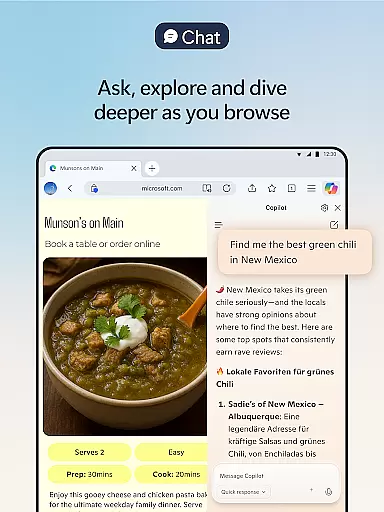
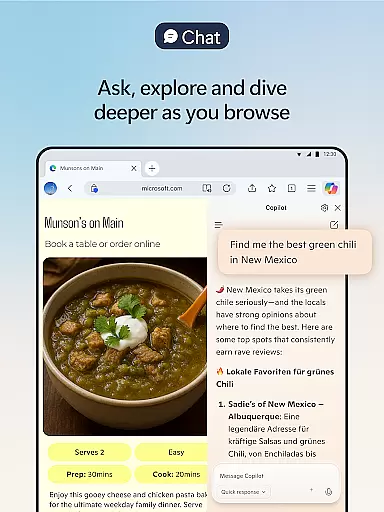
Copilot's integration within Edge allows users to ask questions about the content they're browsing and receive instant answers. This feature is particularly useful when summarizing lengthy articles or videos, providing clear and cited insights in seconds. With GPT-5, the latest advancement in AI technology, you can expect expert-level results with minimal effort on your part.
The smart browser architecture prioritizes efficient data processing which translates into rapid response times without compromising security or privacy. Whether itu2019s through voice commands to brainstorm ideas or generating images based on descriptions, Copilot ensures that all actions are performed swiftly and accurately.
By choosing Microsoft Edge as your communication platform, you benefit from an enhanced browsing experience where real-time interactions become more productive and less prone to delays. This makes it easier than ever before to get things done quickly and efficiently, anywhere at any time.
Media sharing support is a vital component of modern web browsers, enabling users to share various types of content seamlessly. Microsoft Edge enhances this experience by integrating powerful extensions such as cookie management, speed control for videos and audios, and website theme customization, allowing you to personalize how media is shared and consumed.
With features like Read Aloud, available in multiple natural-sounding voices and accents, Edge provides an innovative way to interact with text-based media. This function not only improves reading comprehension but also allows multitasking by listening to content while performing other tasks. Additionally, Copilot's ability to translate or proofread across languages ensures that your shared media reaches a global audience effectively.
Edge's commitment to privacy extends to its media-sharing capabilities. InPrivate browsing mode ensures no search history is saved, safeguarding sensitive information during media exchanges. Furthermore, AdBlock Plus removes distracting ads, enhancing focus when consuming multimedia content online.
By leveraging these advanced tools within Microsoft Edge, users enjoy robust media sharing support that combines convenience with security. From creating polished drafts using Copilotu2019s writing assistance to blocking phishing attempts via Defender SmartScreen, every aspect of media interaction becomes smarter and safer.
AI-Powered Summaries
Advanced Security Tools
Voice Command Support
Customizable Extensions
Multi-Language Support
Resource Intensive
Limited Offline Use
Privacy Concerns
Learning Curve
Extension Compatibility

فیلتر شکن قوی پرسرعت کلید جدید برای اندرویدسریع ترین وی پی ان برای همه اپراتورها
 4.70
4.70
Identify unknown numbers, block spam calls, customize calls with cool themes.
4.60
The ultimate productivity solution for all your email communication needs.
4.40
A Browser with powerful ad blocker to help focus on what really matters.
3.00
Welcome to the future of phone service.
4.60
FolderSync enables easy sync of files between cloud storage and Android devices.
4.60
SMS Messenger is a lightning-fast messaging app.
4.20
Caller ID, Spam Call & SMS Blocker
3.80
Telegram is a messaging app with a focus on speed and security.
4.00
Stay in touch with the people who matter most.
4.60
Save 10% automatically on your first international mobile top up.
4.60
Experience real private browsing without tracking, surveillance, or censorship.
4.50
Talk & text free with a second phone number plus unlimited 5G data, no fees.
4.50
Simple tool for businesses to talk to their customers.
4.40
Group Chat That’s Fun & Games
4.30
Send SMS and chat messages easily with a fast text messaging app for Android.
4.10 3.90
3.90
Weargram is an unofficial Telegram Client for Wear OS.
3.50
Bringing the functionality of Winlink to your Android device
4.4


User Reviews