
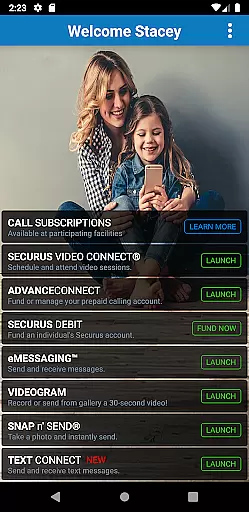
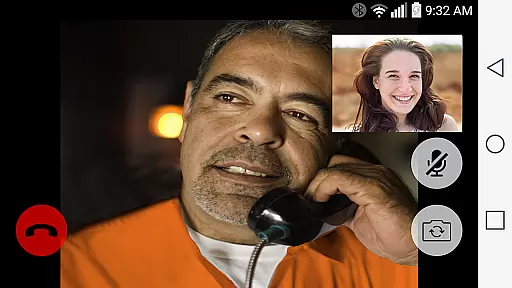

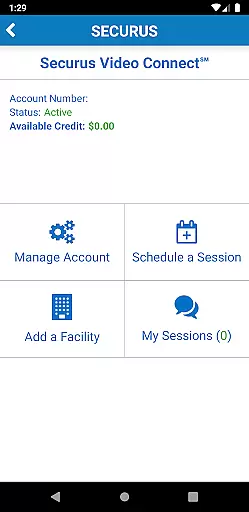
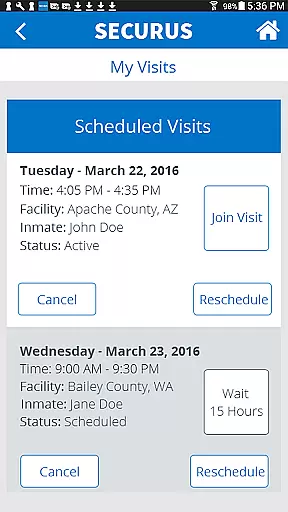
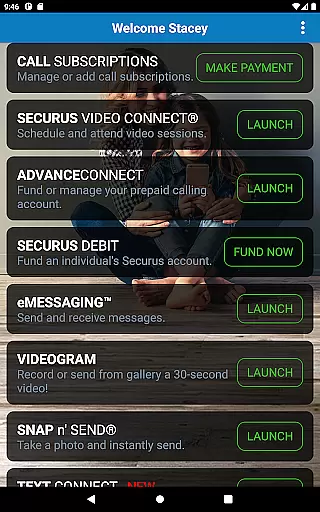
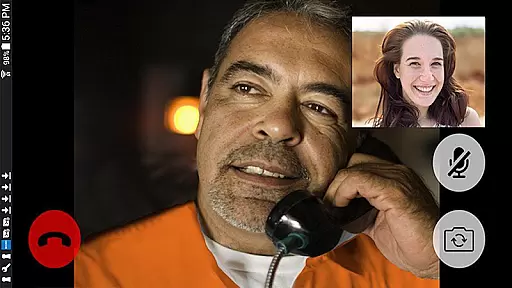

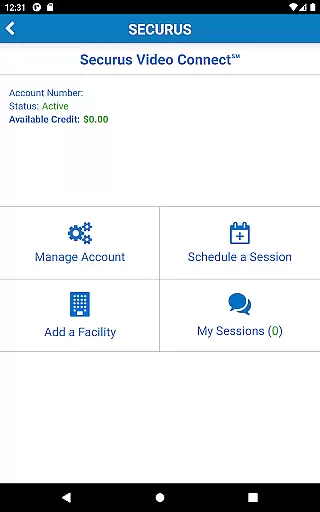
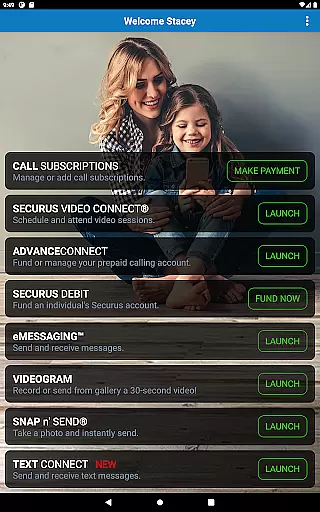

Securus Mobile is a comprehensive communication app designed specifically for staying connected with incarcerated individuals. The app offers multiple ways to maintain contact, including video calls, messaging services, and prepaid calling account management. With features like Video Connect, users can schedule and conduct video sessions from anywhere with Wi-Fi or cellular data service. Additionally, the messaging services allow users to send and receive messages, eCards, and even short video messages called VideoGrams.
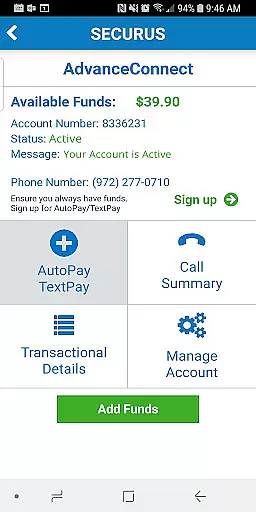
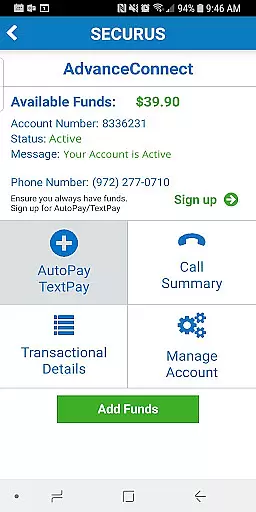
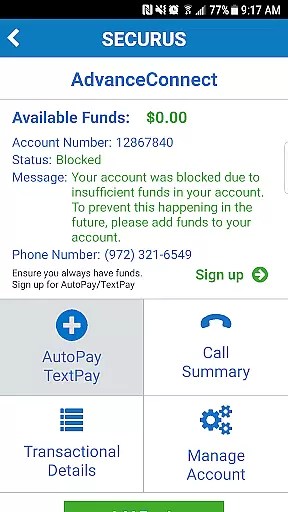
The app also provides robust account management tools, enabling users to handle funds for calls and other services. Whether it's managing AdvanceConnect accounts for receiving calls or depositing funds into Securus Debit accounts for the incarcerated individual’s use, Securus Mobile ensures seamless financial transactions. This makes it an essential tool for families and friends looking to maintain meaningful connections despite challenging circumstances.
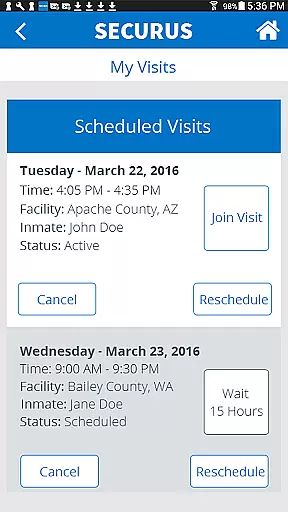
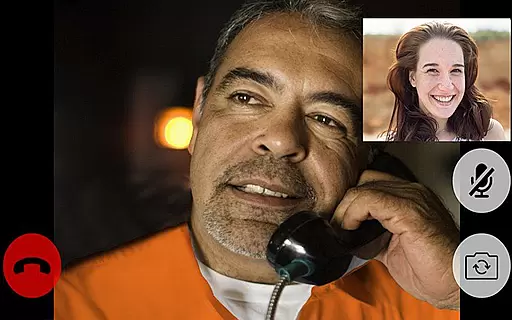
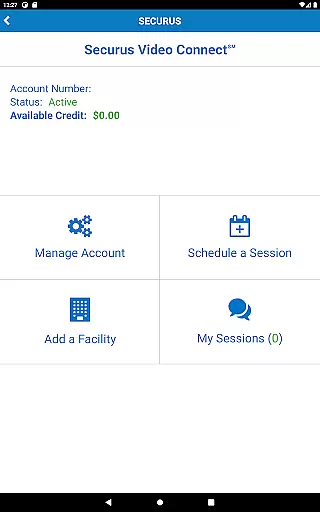
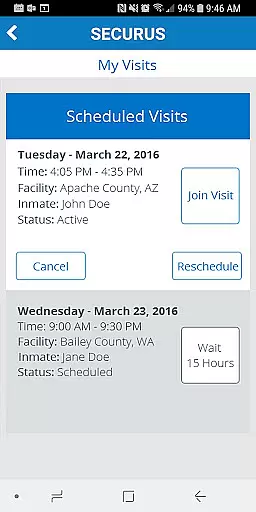
Securus Mobile stands out with its diverse range of features tailored to enhance communication with incarcerated individuals. One of the key highlights is Video Connect, which allows users to enroll, schedule, and manage video sessions effortlessly. Users can sync session details with their calendars, receive notifications, and even test their internet connection for optimal video quality. Another notable feature is the comprehensive prepaid calling account management, where users can fund accounts, manage phone numbers, and view transaction histories.
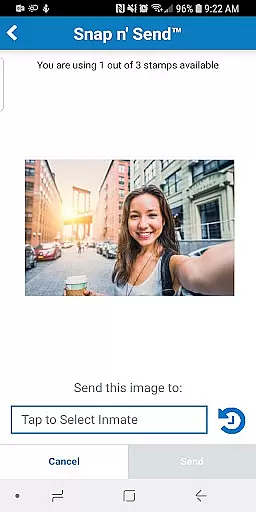
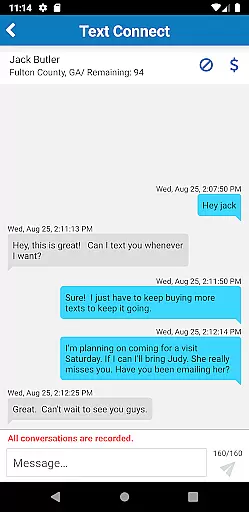
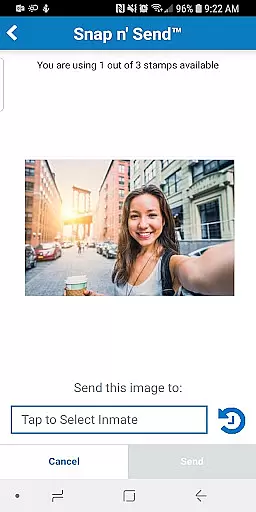
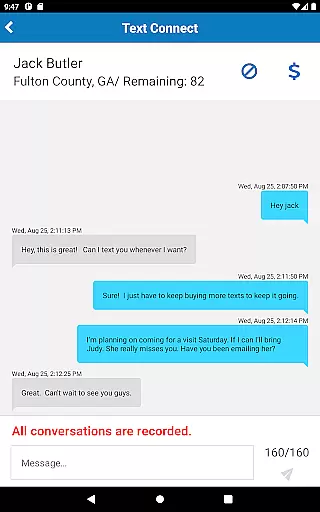
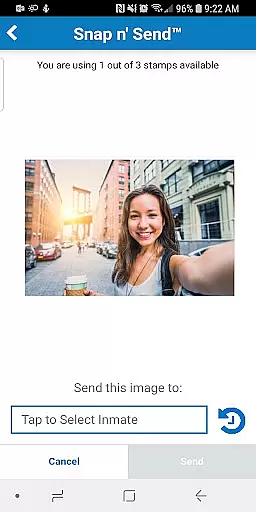
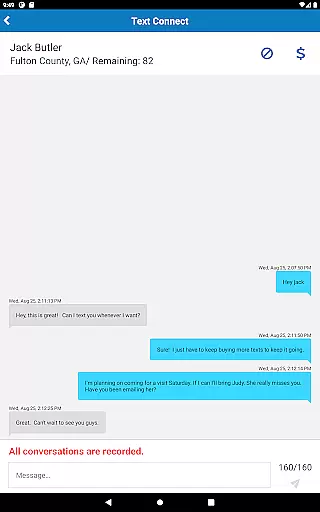
In addition to video and calling features, Securus Mobile offers extensive messaging services. Users can send and receive messages, attach photos, and even send digital greeting cards known as eCards. The app also supports Snap n’ Send, allowing users to take selfies or choose photos from their gallery to send. Furthermore, the Securus Text Connect feature enables real-time two-way text messaging, complete with options to purchase and auto-replenish message credits. These features collectively ensure that users have multiple avenues to stay connected, making Securus Mobile a versatile and indispensable communication tool.
Real-time messaging speed and reliability are crucial for maintaining seamless communication, especially in sensitive environments like the Securus Mobile app. This application ensures that messages, whether text or multimedia, are delivered promptly and consistently.
The Securus Mobile app incorporates advanced technology to facilitate instant message delivery. Users can send eMessages, which include texts, photos, and even short video clips known as VideoGrams, with confidence that these will reach their intended recipients without delay. The app's infrastructure is designed to handle high volumes of messages efficiently, ensuring that communication remains fluid and dependable.
For users relying on this service to stay connected with incarcerated individuals, the assurance of message delivery provides peace of mind. Notifications for incoming messages and upcoming video sessions further enhance the real-time experience, allowing users to engage meaningfully and maintain relationships despite physical barriers.
Media sharing support within communication apps like Securus Mobile plays a vital role in enriching user interactions. By enabling the exchange of various media formats, the app allows users to share more than just words; they can convey emotions and experiences through images and videos.
Securus Mobile offers comprehensive media sharing capabilities. Users can attach multiple photos to messages, send digital greeting cards known as eCards, and even capture new images directly through the app's Snap nu2019 Send feature. These options ensure that users have flexible ways to express themselves and connect with their contacts on a deeper level.
In addition to personal media, the app facilitates the management of identification photos and supports transactions related to media purchases. With features like Video Connect, users can also test their internet connections to guarantee optimal media sharing quality, enhancing overall user satisfaction and engagement.
User-friendly interface
Comprehensive account management
Multiple communication methods
Real-time notifications
Secure transaction handling
Requires Android 11.0+
Limited to specific facilities
In-app purchases necessary
Internet connection required
Feature availability varies

Use this Dialer app alone or as a TREK: Total Interface companion.
 4.70
4.70
Adblock & VPN Browser: Blocks banners, pop-ups and video ads, fast downloader!
4.60
Block spam calls & scam - no more annoying calls with the call blocker function
4.30
Send SMS and chat messages easily with a fast text messaging app for Android.
4.10
Federated instant messaging for your mobile device (Jabber, XMPP, Snikket)
4.10
Auto Reply SMS, Text Messaging, Away SMS Response, Busy SMS messages, Block Text
3.10
BE PRIVATE
Anonymous. No Trace. Fast.
4.20
Say “hello” to privacy.
4.60
Share the moment!
4.10
Stay in touch with the people who matter most.
4.60
Talk & text free with a second phone number plus unlimited 5G data, no fees.
4.50
Smart and simple anti-wiring application - IMSI-catchers catcher
4.40
Simple tool for businesses to talk to their customers.
4.40
Manage your data, talk & text - affordable phone plans & data usage made simple
4.30
Simplify texting with Messages SMS, offline messaging, themes & smart tools!
4.30
Measure BHP, Torque & 0-60 Clear car OBD faults View engine data in Google Earth
4.00
Comprehensive and powerful scan tool app with enhanced functions
3.00
Chat on the Jabber network (XMPP protocol); support for SMS and other gateways
2.10
Enables Plus features of Quick Search.
4.2


User Reviews