
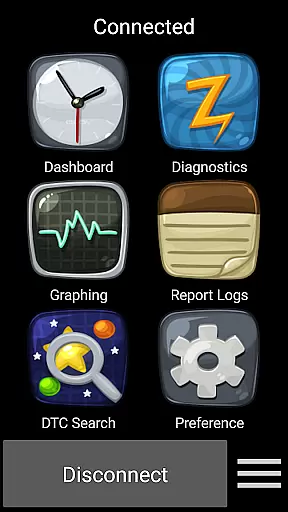
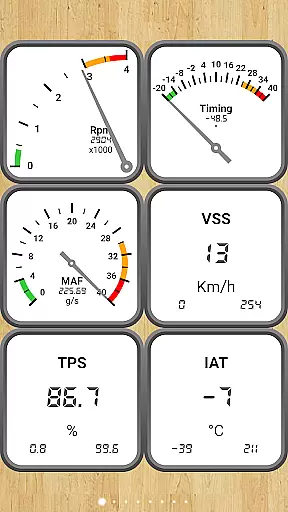
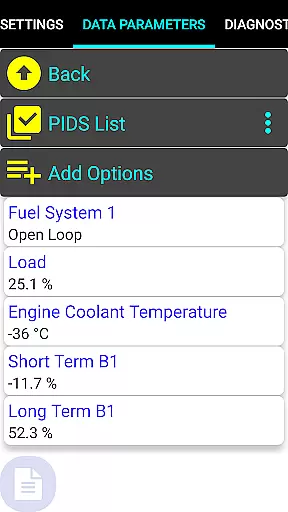
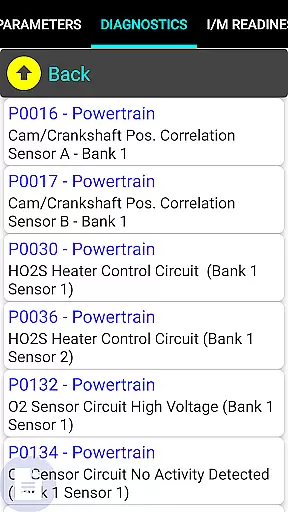
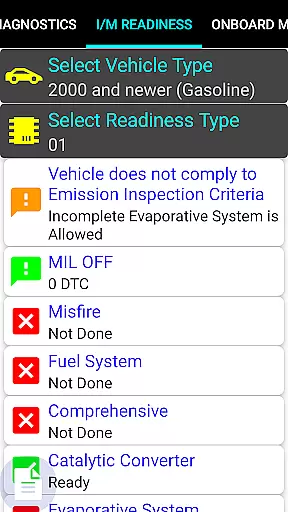
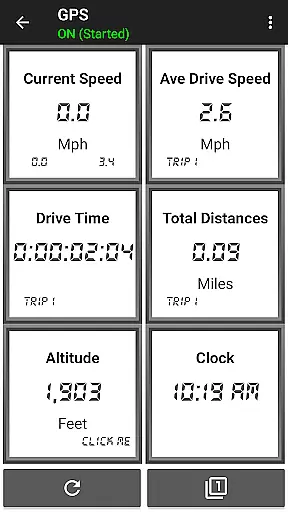
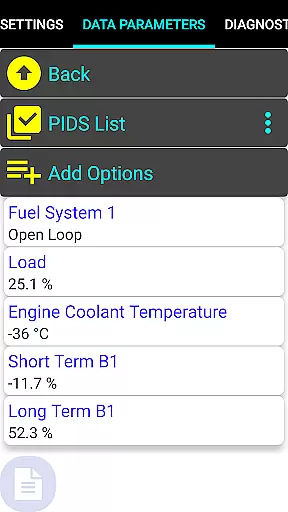
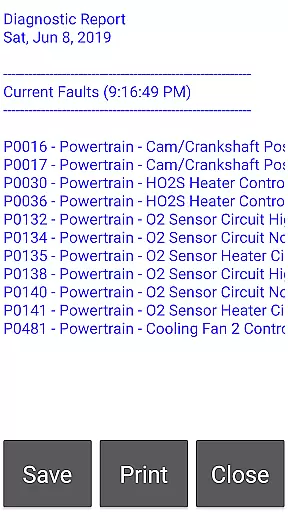
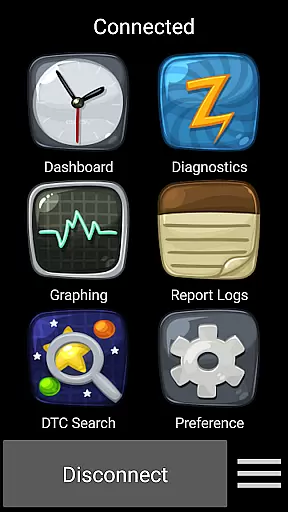
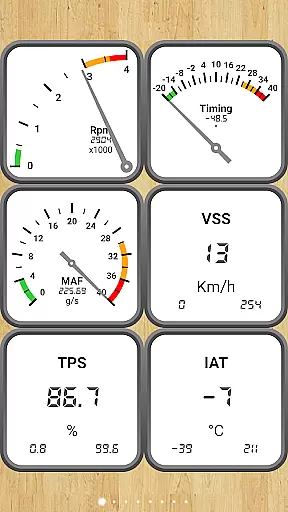
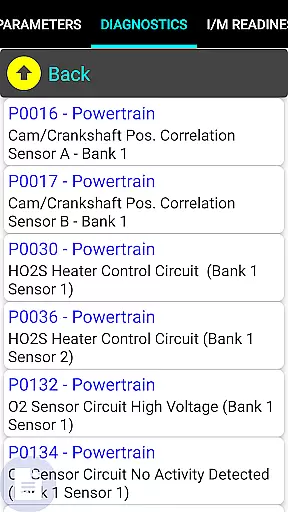
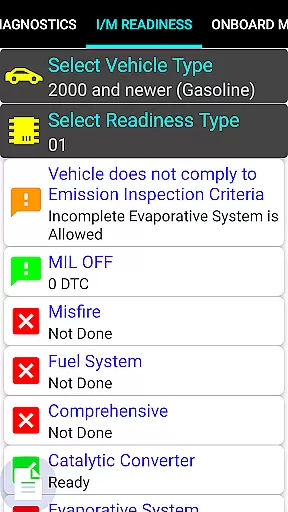
Car Gauge Pro (OBD2 + Enhance) is a comprehensive diagnostic tool designed for OBD2 compliant vehicles, offering both generic and enhanced functionalities. This app specializes in providing detailed diagnostic data for major car brands like Ford, Nissan, GM, Toyota, and KIA. By connecting to the vehicle's computer through a 16 Pin OBD2 diagnostic connector, it allows users to access critical vehicle information.
The app stands out with its professional-grade features such as Mode 1-9 standard OBD2 functions, including Data Parameters, Freeze Frame Data, Fault Checks, and Emission On-board Test Results. Additionally, it offers specialized Enhanced Functions for specific brands, enabling advanced diagnostics like Active Tests and Self Tests. Whether you're a car enthusiast or a professional mechanic, Car Gauge Pro serves as an essential tool for monitoring vehicle health and performance.
With the ability to diagnose issues related to engine lights, readiness status for smog inspections, and sensor functionality, this app provides significant value to its users. It transforms your device into a powerful scan tool that can be used with compatible Bluetooth adapters, making vehicle diagnostics accessible and convenient.
Car Gauge Pro boasts an extensive range of features tailored for automotive diagnostics. The app supports all OBD2 compliant vehicles and provides access to over 220 Parameter IDs (PIDs) through Mode 1, allowing users to monitor real-time data parameters. With capabilities spanning Modes 2 to 9, it covers Freeze Frame Data, Fault Checks, Clearing Faults, O2 Sensor Tests, Emission On-board Tests, Pending Faults, Evap Tests, and more.
For enhanced functionality, the app specializes in Ford and Nissan vehicles, offering up to 2200 PIDs for Ford models from 1996-2013 and 634 PIDs for Nissan models from 2001-2007. These enhanced features include Active Tests, Self Tests, Ignition Timing Adjustments, and Idle RPM Adjustments. GM, Toyota, and KIA owners also benefit from dedicated enhanced data sets, ensuring broad compatibility across different makes and models.
Users will find practical value in the app's ability to interface with Elm 327 or STN Bluetooth devices, transforming their smartphones into professional-grade scan tools. While not all Bluetooth adapters are compatible, verified options from vendors like CHX, OBDII, BAFX, and OBDLink MX ensure reliable performance. This versatility makes Car Gauge Pro an indispensable tool for anyone involved in vehicle maintenance or repair.
Real-time messaging speed and reliability are crucial for any communication app, ensuring that data is transmitted without delays or interruptions. Car Gauge Pro (OBD2 + Enhance) excels in this area by providing instantaneous feedback from your vehicle's onboard diagnostics system.
The app communicates with the vehicle's computer through a 16 Pin OBD2 diagnostic connector, using either an Elm 327 or STN Bluetooth device. This setup allows for real-time data streaming, which is essential when monitoring vehicle performance or diagnosing issues promptly.
Users benefit from this reliable communication by receiving up-to-date information on their vehicle's health, including engine faults, sensor functionality, and emission test results. The ability to clear faults and run tests in real-time ensures that mechanics and car enthusiasts can address issues efficiently.
Overall, the real-time messaging capability of Car Gauge Pro enhances the user experience by providing timely and accurate vehicle diagnostics, making it an indispensable tool for anyone looking to maintain their vehicle's performance.
Media sharing support in applications refers to the ability to send and receive various types of media files seamlessly. While Car Gauge Pro (OBD2 + Enhance) primarily focuses on vehicle diagnostics, it indirectly supports media sharing by allowing users to export diagnostic reports and share them with professionals or store them for records.
The app generates detailed diagnostic reports that include Mode 1-9 data parameters, freeze frame data, fault codes, and more. These reports can be shared via email or cloud services, facilitating collaboration between users and mechanics who may not have physical access to the vehicle.
This feature benefits users by enabling them to get second opinions or professional advice without needing to visit a garage physically. Additionally, keeping a digital record of vehicle diagnostics can help track maintenance history and identify recurring issues.
In summary, while Car Gauge Pro might not offer traditional media sharing like photos or videos, its robust diagnostic reporting and sharing capabilities provide significant value to users seeking efficient vehicle maintenance solutions.
User-friendly interface
Comprehensive diagnostic coverage
Real-time data monitoring
Wide vehicle compatibility
Advanced testing capabilities
Requires compatible adapter
Limited enhanced support for some models
No Mini Elm 327 v2.1 support
Occasional connectivity issues
Complex for beginners

Identify unknown numbers, block spam calls, customize calls with cool themes.
 4.60
4.60
Phone Dialer with Caller ID, Address Book & Contacts Manager.
4.30
Manage BoostMobile Account
4.60
Manage and Fund Calling Accounts and Schedule and Join Video Sessions
3.60
Simplify texting with Messages SMS, offline messaging, themes & smart tools!
4.30
Experience real private browsing without tracking, surveillance, or censorship.
4.50
An agentic AI browser for Android, built by Perplexity
4.50
Read OBD2 data and DTCs Create custom dashboards Enhanced diagnostics available
4.70
SMS Messenger is a lightning-fast messaging app.
4.20
Useful. Social. Expressive.
4.70
Stay in touch with the people who matter most.
4.60
Messenger, an MMS & SMS messages app with Blockers, Driving mode & Private box
4.60
A web browser that respects your privacy.
4.30
Call Blocker app: Identify unknown callers, block spam calls, fraud & robocalls
4.30
Group Chat That’s Fun & Games
4.30
Send SMS and chat messages easily with a fast text messaging app for Android.
4.10
Share the moment!
4.10
Message and video call your family and friends in HD!
3.80
Fun, free app that lets kids video call and message family and close friends.
3.80


User Reviews