
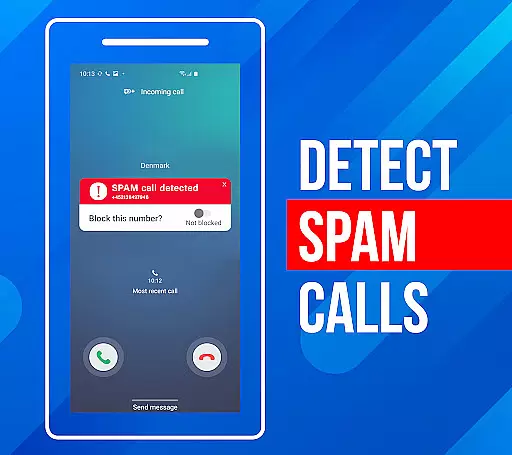
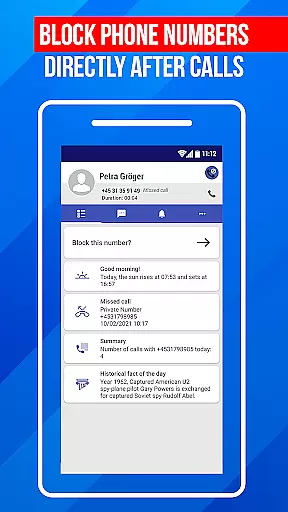
Call Block is a powerful communication app designed to help users take control of their incoming calls. The app's core functionality revolves around blocking spam calls and unwanted numbers, ensuring a more peaceful phone experience. Using advanced call filtering algorithms, it can automatically identify and block robocalls, telemarketers, and potential scams.
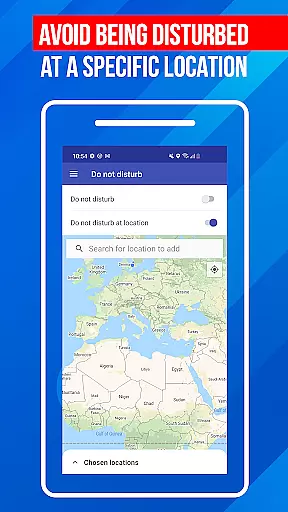
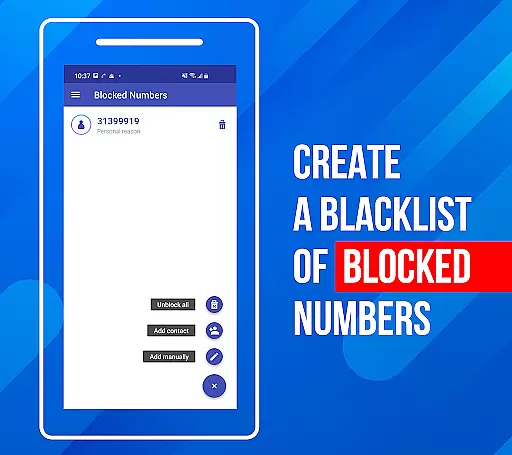
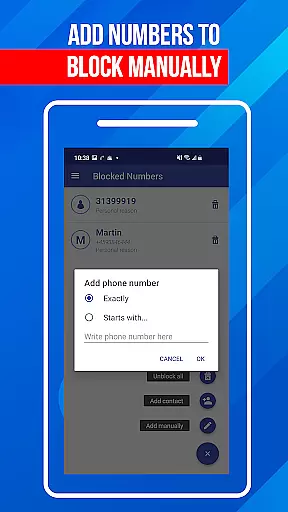
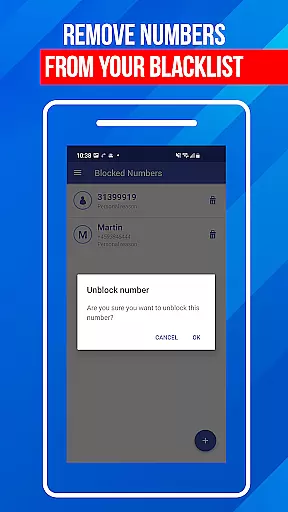
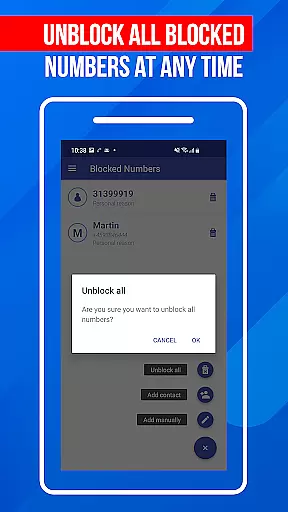
In addition to its automatic filtering capabilities, Call Block offers users the ability to create personalized blacklists. This feature allows you to manually add specific numbers or number patterns that you want to block. The app also includes a 'Do Not Disturb' mode that can silence all calls during specific times or locations. These features make it an ideal solution for anyone tired of dealing with spam calls and looking to protect their personal time.
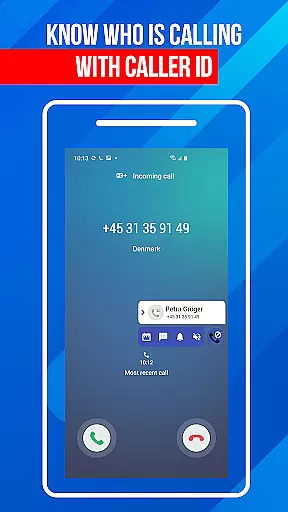
The true value of Call Block lies in its comprehensive approach to call management. With a database of over one billion numbers, it provides accurate caller ID information and real-time protection against spam calls. Its intuitive interface makes it accessible to users of all technical levels while maintaining powerful protection capabilities. Whether you're trying to avoid sales calls or protect yourself from potential scams, this app provides the tools necessary to maintain control over your communications.
Call Block stands out in the communication category due to its comprehensive set of features designed specifically for managing unwanted calls. One of its most notable features is the advanced call filtering system that uses sophisticated algorithms to detect and block spam calls automatically. This system draws from a vast database of known spam numbers, which is regularly updated to keep up with new threats.
The app's blacklist functionality gives users granular control over their call blocking preferences. You can add specific numbers, number patterns, or even entire area codes to your personal block list. The 'Do Not Disturb' feature adds another layer of control, allowing users to block all calls during specified times or in certain locations. These features work together to create a customizable call management system that adapts to individual user needs.
What truly sets Call Block apart is its commitment to user experience. Despite its powerful features, the app maintains an intuitive and clean interface that's easy to navigate. The developers have successfully combined robust protection with accessibility, making it suitable for both tech-savvy users and those less familiar with smartphones. Regular database updates and reliable performance ensure that users receive consistent protection against evolving spam call techniques.
In today's fast-paced digital world, the speed and reliability of real-time messaging are crucial for effective communication. Call Block ensures that every blocked call notification reaches you instantly, without delays or failures. This immediacy is vital when dealing with unwanted calls from scammers or telemarketers, where every second counts.
The app employs advanced algorithms to filter and block spam calls in real time, providing users with peace of mind. By leveraging a comprehensive database of known spam numbers, Call Block can swiftly identify and intercept nuisance calls before they reach you. This proactive approach ensures that your communication channels remain open only to trusted contacts.
Moreover, the reliability of Call Block's real-time messaging system means you'll never miss an important alert about blocked calls. Whether you're at home, in the office, or on the go, you can trust that the app will keep you informed about any attempts to reach you by unwanted callers. This consistent performance helps maintain the integrity of your personal and professional communications.
While Call Block primarily focuses on filtering unwanted calls, it also supports media sharing capabilities that enhance user experience. The app allows you to share information about blocked numbers and spam call patterns with friends, family, or colleagues, creating a network of protection against nuisance callers.
This feature is particularly useful in collaborative environments where teams need to stay informed about potential security threats. By sharing data about known spam numbers or suspicious call activities, users can collectively strengthen their defenses against unwanted communications. The app makes this process seamless by integrating intuitive media sharing options into its interface.
Furthermore, Call Block's media sharing functionality extends beyond just exchanging contact lists. Users can also distribute insights and tips on managing spam calls more effectively, fostering a community-driven approach to call filtering. This collaborative aspect not only improves individual protection levels but also contributes to a broader effort to combat telecommunication nuisances.
Effective spam blocking
User-friendly interface
Customizable blacklist
Regular database updates
Global number recognition
Limited iOS support
Occasional false positives
Premium feature costs
Drains battery slightly
Complex settings for beginners

BiP is a fast, secure, free messaging and HD video calling app!
 4.10
4.10
Pure modern IRC experience for Android
3.70
Use this Dialer app alone or as a TREK: Total Interface companion.
4.70
WazzapMigrator: transfer your WhatsApp history from iPhone to Android
4.00
Message and video call your family and friends in HD!
3.80
Welcome to the future of phone service.
4.60
Fun, free app that lets kids video call and message family and close friends.
3.80
Read OBD2 data and DTCs Create custom dashboards Enhanced diagnostics available
4.70
A customizable phone number in the cloud
4.20
فیلتر شکن قوی پرسرعت کلید جدید برای اندرویدسریع ترین وی پی ان برای همه اپراتورها
4.70
Manage BoostMobile Account
4.60
Fast and mini browser with Ad Blocker,Video Downloader and Video Player
4.40
Get through your inbox faster with the mail app designed to simplify your life.
4.40
Fast and simple walkie talkie app
4.20
BE PRIVATE
Anonymous. No Trace. Fast.
4.20
Messages: Fast, simple SMS app with scheduling and smart features.
4.00
Caller ID, Spam Call & SMS Blocker
3.80
Weargram is an unofficial Telegram Client for Wear OS.
3.50
Radio communication simulator for gaming communities
4.5


User Reviews