

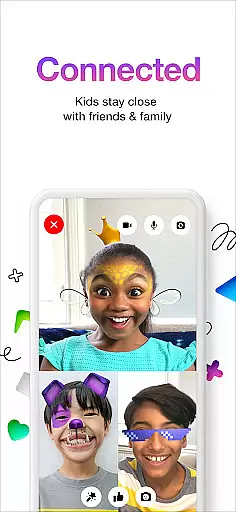
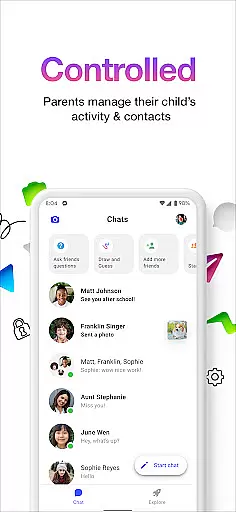
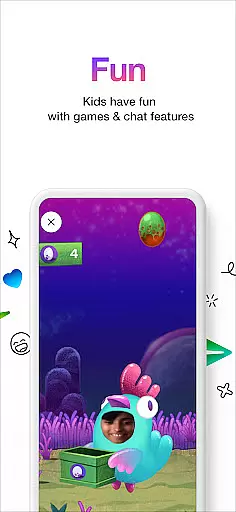
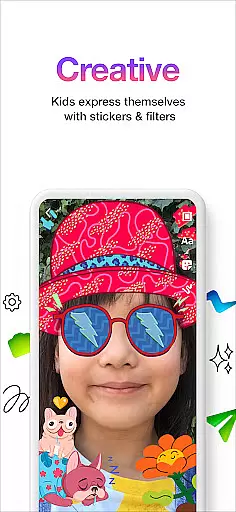
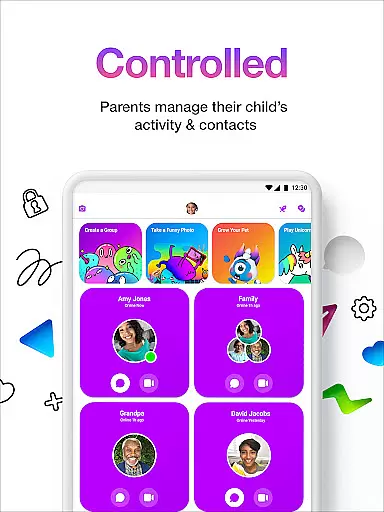
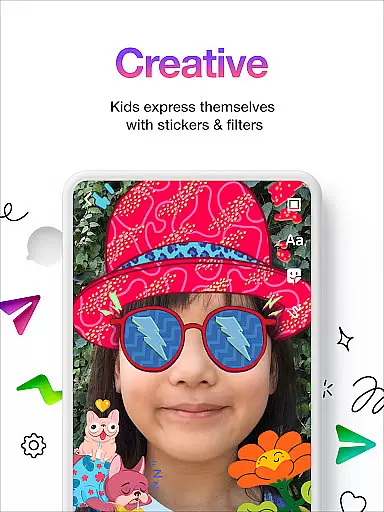

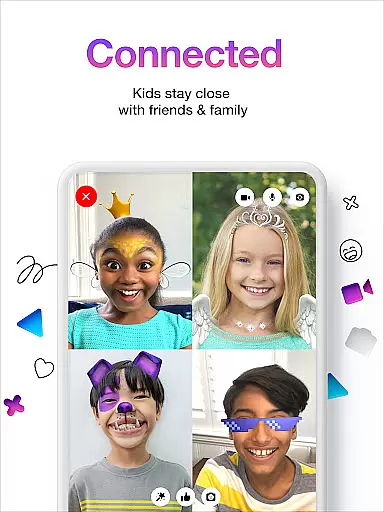
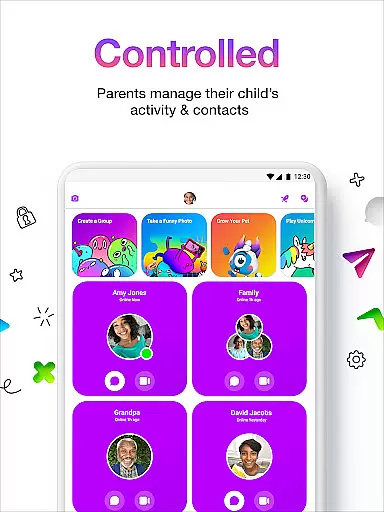
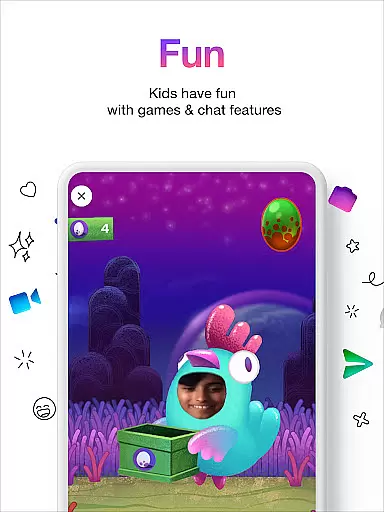
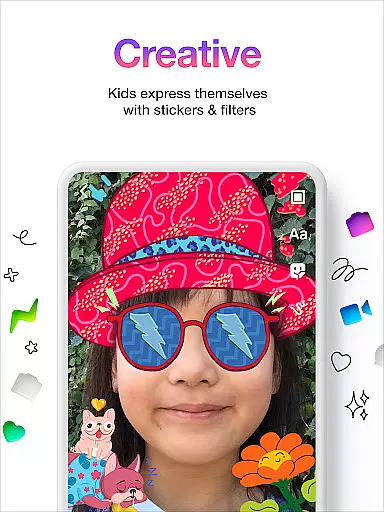
Messenger Kids is a communication app designed specifically for children, offering a safe and controlled environment for messaging and video calls. The app allows parents to manage their children's contact lists through a Parent Dashboard, ensuring secure interactions. With features like fun filters, kid-friendly stickers, and creative drawing tools, the app makes conversations engaging while eliminating concerns about ads or in-app purchases.
The app provides peace of mind for parents by enabling them to set usage limits during bedtime and monitor messages. It requires no phone number for setup, making it accessible and easy to start. Messenger Kids ensures a worry-free experience by focusing on safety and creativity, allowing kids to connect with family and friends in a secure digital space.
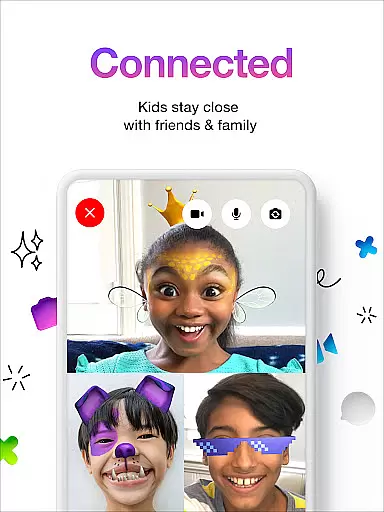
Messenger Kids stands out with its robust parental controls and child-oriented features. The Parent Dashboard lets parents approve contacts, review blocked accounts, and oversee messaging activity, ensuring complete oversight. Fun filters, sound effects, and reactions make video chats lively and entertaining, catering specifically to younger users.
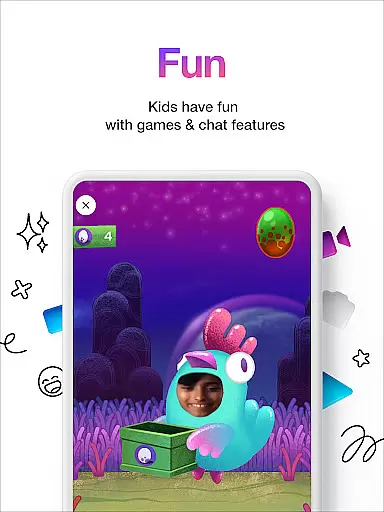
Creative tools such as stickers, GIFs, emojis, and drawing options allow kids to express themselves freely during conversations. Additionally, the app eliminates risks associated with ads or unauthorized in-app purchases, creating a safer environment. By removing the need for a phone number and providing clear usage controls, Messenger Kids prioritizes ease of use and security, making it an ideal choice for families seeking reliable communication solutions.
Real-time messaging speed and reliability are crucial for a communication app like Messenger Kids. This ensures that messages are delivered instantly and consistently, providing a seamless experience for both kids and their parents.
Messenger Kids achieves this through optimized server infrastructure and efficient data transmission protocols. The app is designed to maintain stable connections even in areas with fluctuating internet speeds, ensuring minimal delay in message delivery.
For users, this means that kids can enjoy uninterrupted conversations with friends and family without worrying about lag or lost messages. Parents can trust that important communications will reach their children promptly.
The reliable messaging system also supports the app's various interactive features such as stickers, GIFs, and emojis, allowing kids to express themselves freely and creatively in their conversations.
Media sharing support is an essential feature in modern communication apps, enabling users to exchange photos, videos, and other files seamlessly. For Messenger Kids, this functionality allows children to share memorable moments with their contacts in a safe and controlled environment.
The app facilitates media sharing through intuitive interfaces and secure file transfer protocols. Parents can manage what types of media their kids can send or receive via the Parent Dashboard, adding an extra layer of security and control over content shared within the app.
With robust media sharing capabilities, Messenger Kids enhances user engagement by making interactions more dynamic and expressive. Kids can use creative tools alongside media sharing to make their conversations more engaging and fun.
This feature not only enriches the communication experience but also aligns with the appu2019s goal of providing worry-free interaction where there are no ads or in-app purchases, ensuring a pure focus on meaningful exchanges between young users and their approved contacts.
Parental control
Kid friendly design
No ads or purchases
Fun creative tools
Easy setup process
Limited to approved contacts
No advanced calling features
Restricted customization
Requires parental involvement
Platform limitations

Enables Plus features of Quick Search.
 4.0
4.0
We’re taking the yada yada out of wireless—now we’ve taken it out of your app.
4.70
Secure Messaging App to Enhance Messenger Texting Experience and Organize SMS.
3.50
Browse fast on Opera Mini, with Data Saving, News, Football Scores, and Download
4.60
Fast and mini browser with Ad Blocker,Video Downloader and Video Player
4.40
Messages is Private SMS Messenger 2023 with text message, instant messaging.
4.00
2nd Phone Number Line for Anonymous Texting, Calling, and Picture Messages
4.30
Measure BHP, Torque & 0-60 Clear car OBD faults View engine data in Google Earth
4.00
BE PRIVATE
Anonymous. No Trace. Fast.
4.20
Useful. Social. Expressive.
4.70
Manage BoostMobile Account
4.60
Phone Dialer with Caller ID, Address Book & Contacts Manager.
4.30
Call Blocker app: Identify unknown callers, block spam calls, fraud & robocalls
4.30
BiP is a fast, secure, free messaging and HD video calling app!
4.10
Federated instant messaging for your mobile device (Jabber, XMPP, Snikket)
4.10
Messages: Fast, simple SMS app with scheduling and smart features.
4.00
Fast Dialer & Contact Manager with Caller ID and Spam Protection
4.00
Telegram is a messaging app with a focus on speed and security.
4.00
Call Forwarding is easy and simple application to use.
3.80


User Reviews