
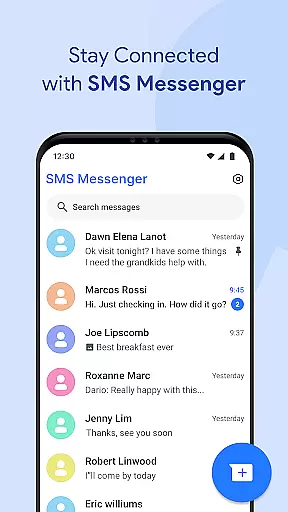
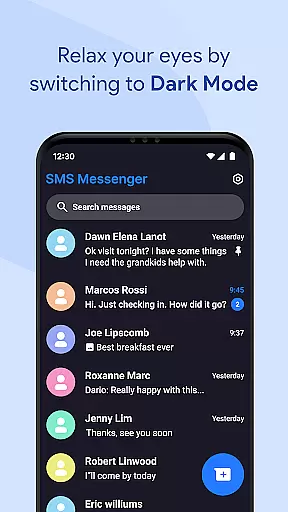
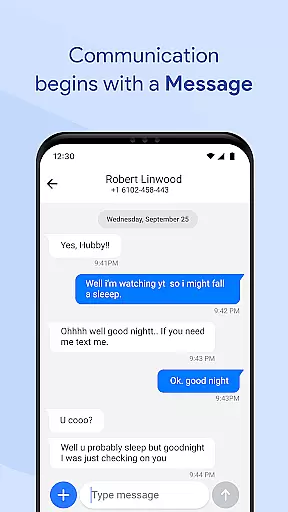
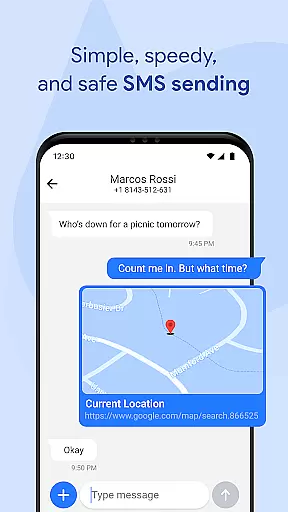
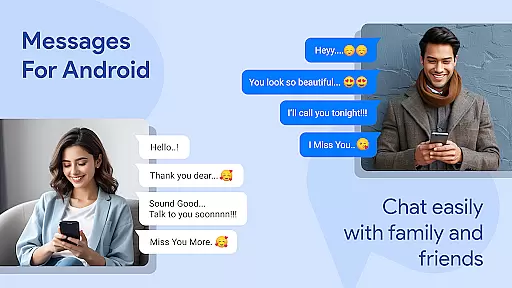
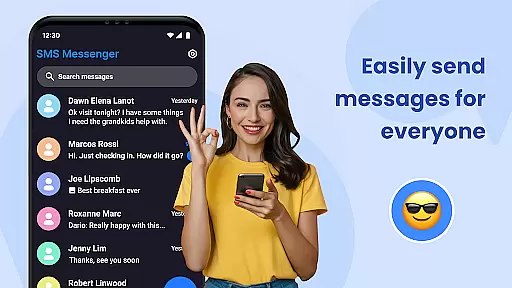
Messages for Android is a comprehensive messaging app designed to simplify communication through its robust features and user-friendly interface. This application supports both SMS and MMS, allowing users to send texts, images, videos, and more with ease. Its standout functionalities include group messaging capabilities, smart search options, and spam protection, ensuring a seamless experience for personal and professional use.
Beyond basic messaging, the app offers advanced tools such as after-call reminders and text follow-ups, which help users manage tasks efficiently. With an emphasis on privacy and security, Messages for Android incorporates secure messaging protocols, backup and restore features, and chat synchronization across devices. These elements make it an ideal choice for those seeking reliable and organized communication.
The app's lightweight design ensures smooth performance even on less powerful devices, while its customizable interface lets users tailor their experience to individual preferences. Whether you're handling everyday conversations or managing complex group discussions, Messages for Android provides a modern solution that prioritizes speed, efficiency, and data protection.
Messages for Android distinguishes itself through a variety of innovative features tailored to enhance the messaging experience. One of its core strengths lies in supporting both SMS and MMS formats, enabling users to exchange not only text but also multimedia content like photos, videos, and documents effortlessly. The inclusion of group messaging allows families, friends, and colleagues to stay connected via dynamic conversation threads.
In addition to standard messaging functions, the app integrates practical utilities such as after-call reminders and quick-reply presets. These tools streamline task management by letting users set follow-up actions immediately after ending calls. Furthermore, advanced capabilities like smart search functionality and message filtering empower users to locate specific chats quickly and reduce clutter from unwanted spam messages.
Privacy remains a top priority, with secure messaging protocols safeguarding sensitive information. Users can also take advantage of backup and restore options alongside cross-device synchronization, ensuring no data is lost during device transitions. Combined with a clean, intuitive UI and multi-language support, these features position Messages for Android as a versatile and indispensable communication tool.
Real-time messaging speed and reliability are crucial for maintaining effective communication in today's fast-paced world. Messages for Android excels in this area by providing an optimized experience across all Android devices, ensuring that your texts are delivered promptly regardless of your smartphone's specifications.
The app supports both SMS and MMS, allowing users to send and receive various types of content, including text, images, videos, and documents with ease. Its efficient architecture ensures battery-friendly messaging while maintaining fast delivery speeds, even when the device is operating in power-saving mode.
With instant notifications, you'll never miss an important message, even if your phone is locked. This feature guarantees that you stay connected and can respond to messages as they come in, enhancing the overall communication experience.
Whether you're managing personal conversations or professional group chats, Messages for Android delivers a seamless and reliable messaging solution that keeps you effortlessly connected.
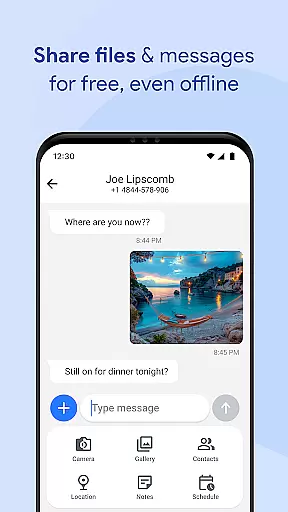
Media sharing support is an essential aspect of modern communication apps, enabling users to share various forms of media quickly and easily. Messages for Android offers robust capabilities in this domain, allowing users to exchange images, videos, audio files, documents, and even location data without hassle.
This powerful messaging app provides advanced features such as group messaging, which facilitates media sharing among multiple contacts simultaneously. Whether it's family photos or work-related documents, you can distribute them efficiently within a conversation thread.
In addition to basic media sharing, Messages includes smart functionalities like spam filtering and message organization tools that help maintain a clean inbox. These features ensure that shared media doesn't get lost amidst unwanted messages but instead remains accessible and organized within your chat history.
By combining comprehensive media compatibility with user-friendly interfaces, Messages for Android stands out as a versatile tool for contemporary communicators who value both functionality and convenience in their daily interactions.
User-friendly interface
Advanced privacy controls
Lightweight performance
Customizable settings
Reliable offline mode
Limited third-party integrations
No end-to-end encryption
Occasional notification delays
Basic theme options
Ads in free version

We’re taking the yada yada out of wireless—now we’ve taken it out of your app.
 4.70
4.70
Block spam calls & scam - no more annoying calls with the call blocker function
4.30
WazzapMigrator: transfer your WhatsApp history from iPhone to Android
4.00
Quickly and easily identify and block unknown callers
3.70
Official NDI app: turn your phone into a professional live-streaming IP camera.
3.20
Message and video call your family and friends in HD!
3.80
Watchgram for Telegram: Experience seamless Telegram messaging on your watch
1.80
A softphone app with seamless SIP calling and an intuitive VoIP dialer
3.50
Useful. Social. Expressive.
4.70
Read OBD2 data and DTCs Create custom dashboards Enhanced diagnostics available
4.70
Enhance browsing with AI-powered features and Copilot.
4.70
Manage BoostMobile Account
4.60
FolderSync enables easy sync of files between cloud storage and Android devices.
4.60
A web browser that respects your privacy.
4.30
Enjoy secure messaging & calling. Safe Messenger: group chats, calls, messages.
4.20
BiP is a fast, secure, free messaging and HD video calling app!
4.10
Messenger app for faster and simpler SMS text messaging, and personalized themes
4.10
This app enables the phone to receive and send FT8 traffic!
3.80
At select facilities, you now have an easy way to video visit your loved ones!
3.30


User Reviews