

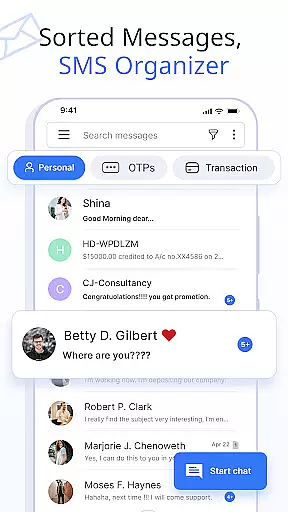
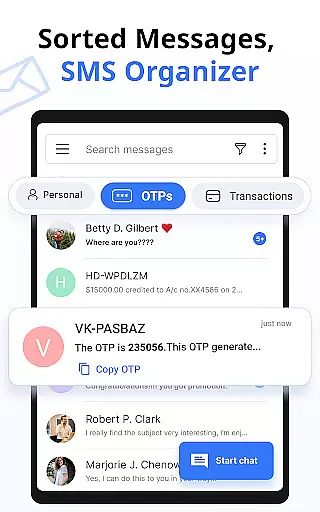



Messages is a feature-rich SMS and MMS messaging app designed to enhance communication with friends and family. This secure messaging platform automatically organizes conversations into categories like Personal, Transactions, OTPs, and Offers using its built-in SMS Organizer. With over 16 million users, the app stands out for its smart features including scheduled messaging, delivery confirmation, and customizable notifications.
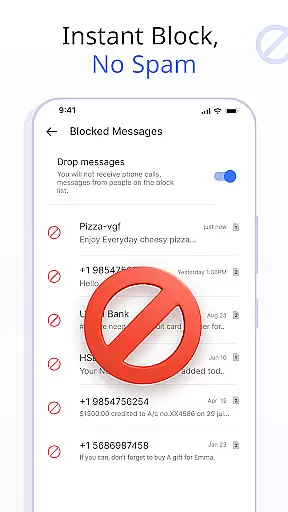
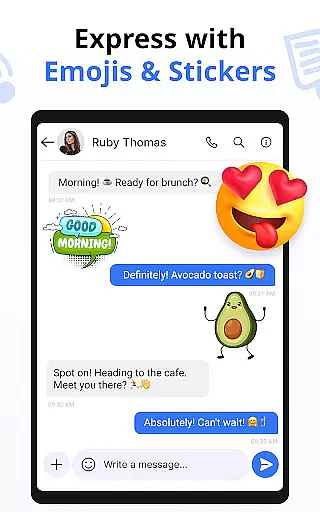
The application supports expressive communication through emojis, stickers, and GIFs while maintaining essential functionalities like blocking unwanted contacts, backing up conversations, and auto-deleting messages. Its compatibility spans across all major Android devices and versions from Android 7 to 14, making it universally accessible. The app's comprehensive feature set ensures users can stay connected through both texts and crystal-clear voice calls.
For those seeking an organized and enhanced messaging experience, Messages offers peace of mind with its reliable delivery confirmations and customizable swipe actions. Whether managing personal or transactional messages, this app provides tools that make communication efficient and enjoyable, elevating the standard SMS experience to new heights.
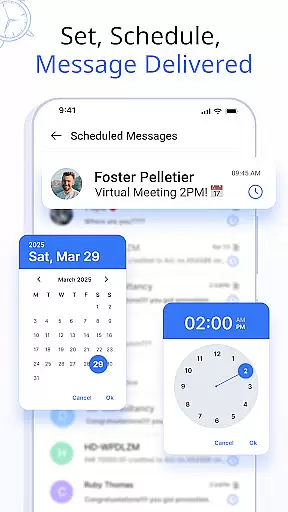
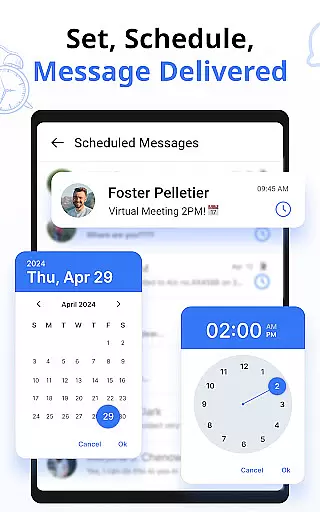
Messages distinguishes itself through innovative features tailored for modern communication needs. One standout capability is the Schedule Messages function, allowing users to compose texts in advance and have them delivered at precise times. This feature proves particularly useful for remembering important events like birthdays or work-related reminders without manual intervention.
The app's customization options are extensive, enabling users to personalize notification alerts for individual contacts. From setting unique ringtones to controlling vibration patterns and Do Not Disturb settings, these granular controls ensure a tailored messaging experience. Additionally, the Auto Delete Conversation feature helps maintain an organized inbox by automatically removing unnecessary chats without requiring manual selection.
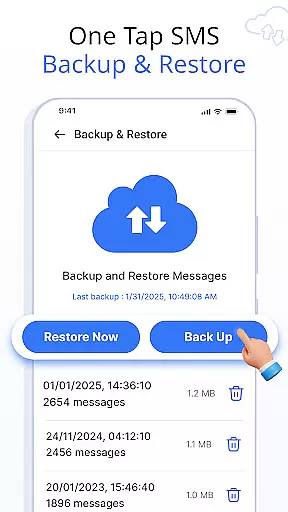
Security and convenience are prioritized through features like SMS Backup and Restore, which safeguards conversations with one-click storage solutions. Meanwhile, Swipe Actions provide intuitive control over message management, allowing users to archive, delete, or mark messages as read/unread through simple left or right swipes. These thoughtful implementations demonstrate how Messages combines practicality with user-centric design.
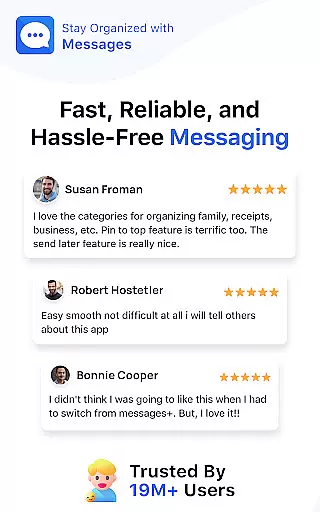
Real-time messaging speed and reliability are crucial for maintaining seamless communication in any messaging app. The Messages app excels in this area by ensuring that your SMS and MMS messages are delivered promptly and reliably to the intended recipients.
This application uses advanced technology to optimize message delivery paths, reducing delays and ensuring that messages are sent in real-time. Whether you're sending a simple text or multimedia content, the app's infrastructure is designed to handle high volumes of messages without compromising on speed or reliability.
For users, this means they can trust that their messages will be received instantly, allowing them to stay connected with friends and family without interruptions. This reliability fosters confidence in the app, knowing that important communications won't be delayed or lost.
Moreover, the Messages app provides delivery confirmation features, giving users peace of mind that their messages have been successfully sent and received. This focus on real-time performance and dependable messaging makes the app an excellent choice for anyone seeking a fast and reliable communication tool.
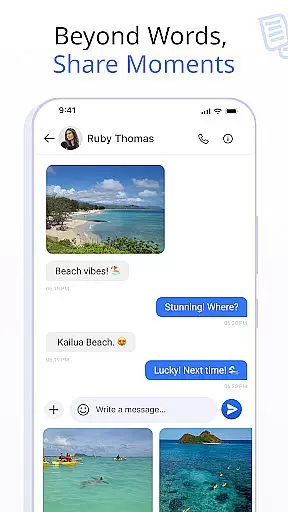
Media sharing support is a vital feature in modern messaging apps, enabling users to share various types of media effortlessly. The Messages app offers robust support for sharing photos, videos, audio files, and documents, enhancing the way users communicate and interact with each other.
The app supports multiple file formats, ensuring compatibility across different devices and platforms. Whether you're sharing a quick snapshot, a detailed video, or an important document, the app handles it all with ease. This versatility allows users to express themselves more fully and share experiences as they happen.
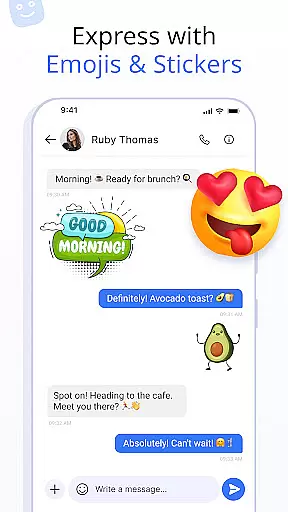
In addition to basic media sharing, the Messages app includes features like emojis, stickers, and GIFs, which add a layer of fun and creativity to conversations. These elements help convey emotions and reactions more vividly than text alone, making interactions more engaging and enjoyable.
Furthermore, the app ensures that media sharing is not only versatile but also secure. With options for backing up and restoring conversations, users can safeguard their shared media and access it whenever needed. This comprehensive approach to media sharing makes the Messages app a powerful tool for staying connected in today's digital world.
User-friendly interface
Comprehensive security features
Wide device compatibility
Customizable notifications
Efficient message organization
Limited cross-platform support
Occasional sync issues
Advanced features require setup
Some features need improvement
Interface may feel complex

Pure modern IRC experience for Android
 3.70
3.70
Google's fast and secure browser
4.10
Manage BoostMobile Account
4.60
Caller ID App! Add names & photos to unknown calls & Call Recording
4.40
A softphone with crystal clear SIP Calling & Reliable VoIP dialer
4.00
An app dedicated solely to marriage, not dating, and supported by a rigorous verification mechanism to ensure seriousness.
4.0
FolderSync enables easy sync of files between cloud storage and Android devices.
4.60
SMS Messenger is a lightning-fast messaging app.
4.20
A customizable phone number in the cloud
4.20
We’re taking the yada yada out of wireless—now we’ve taken it out of your app.
4.70
Enhance browsing with AI-powered features and Copilot.
4.70
Identify unknown numbers, block spam calls, customize calls with cool themes.
4.60
Call Blocker app: Identify unknown callers, block spam calls, fraud & robocalls
4.30
2nd Phone Number Line for Anonymous Texting, Calling, and Picture Messages
4.30
HD Video Meeting app is a fast & unlimited video conferencing app across world.
4.30
Messenger app for faster and simpler SMS text messaging, and personalized themes
4.10
Messages: Fast, simple SMS app with scheduling and smart features.
4.00
Message and video call your family and friends in HD!
3.80
Quickly and easily identify and block unknown callers
3.70


User Reviews