

Health Care at Your Fingertips
 4.60
4.60
Adaptive-learning flashcards and quizzes for the Top 250 Drugs
4.60
Live vet support by text/video
4.80
Patient Health Portal
4.20
Conveniently receive lab results, schedule lab appointment and pay your bills
3.70
Enjoy 200%+ volume booster with bass booster, equalizer and headphone supported.
4.60
This app is simply 1 book (also large app) and 17 other apps combined into 1
4.70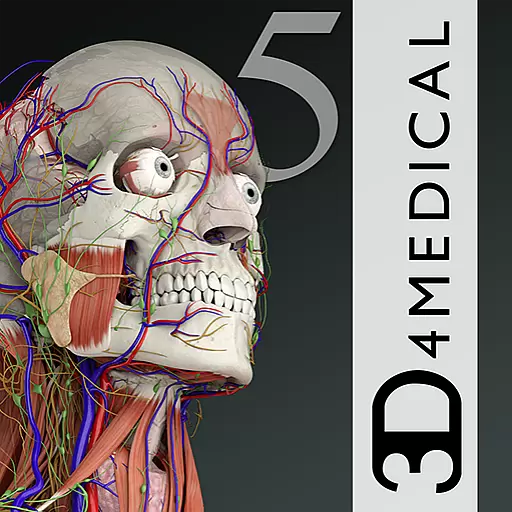
The world's best selling 3D Human Anatomy app with groundbreaking 3D technology
2.00
A rapid reference for healthcare professionals caring for pediatric patients.
4.30
Take your aphasia therapy to the next level with 4 evidence-based advanced apps
4.70
Enables quick access to medical data and contacts in case of emergency (ICE)
4.70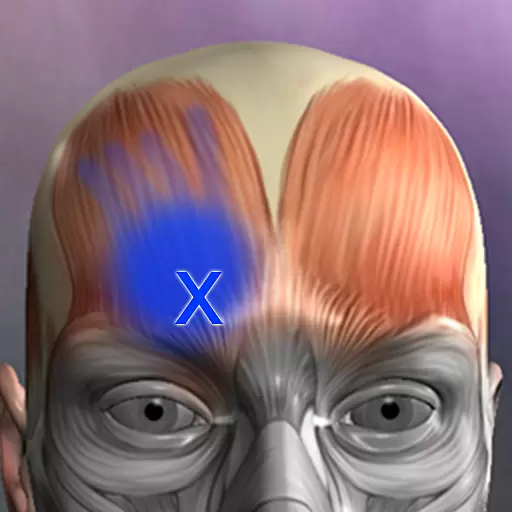
Discover the source of pain with Muscle Trigger Point Anatomy.
4.70
Blue Cross and Blue Shield of Texas member information
4.60
Modivcare members can book and manage trips.
4.50
Radiographic Positioning Guide for Medical Imaging Professionals and Students
4.50
Manage your health care in one easy place
4.40
Molina Members: My Molina. Manage your health anytime, anywhere!
4.30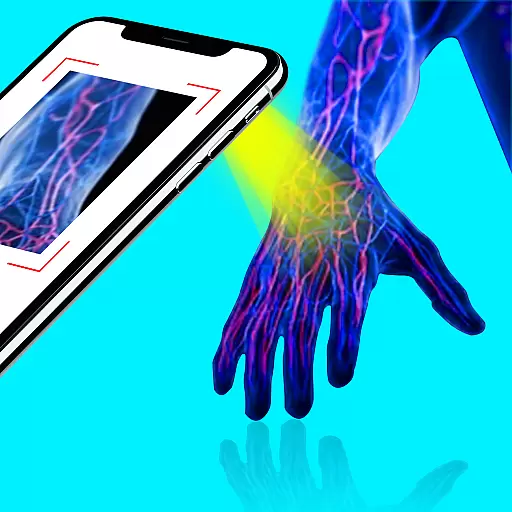
X-Vein: Advanced vein detection for medical practice
3.10
A rapid reference for prehospital providers caring for pediatric patients.
4.5


