
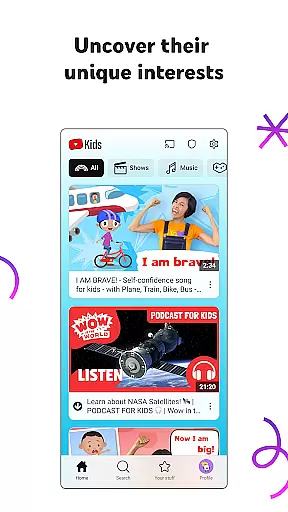
YouTube Kids is a specialized entertainment app designed to provide a safe and engaging video-watching experience for children. The app offers a vast array of kid-friendly content, including educational videos, cartoons, music, and more, tailored to nurture curiosity and inspire creativity. With intuitive navigation tools and personalized profiles, parents can customize the viewing experience based on their child's age and interests.
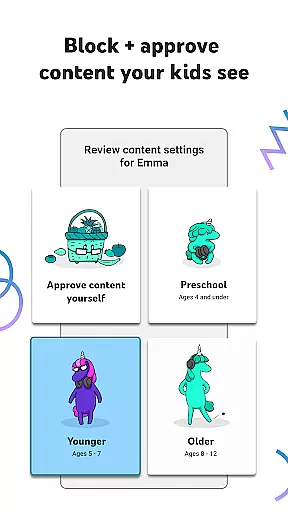
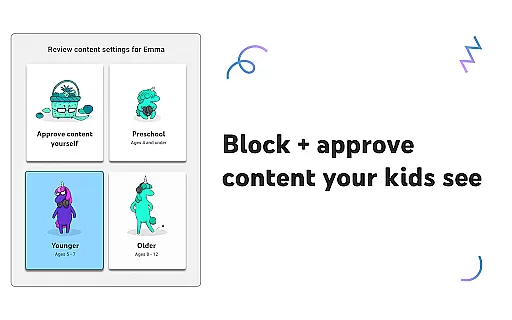
The app features different modes such as Preschool, Younger, and Older, each catering to specific developmental stages. Additionally, Parental Controls allow guardians to manage screen time, block inappropriate content, and hand-pick approved videos. YouTube Kids ensures that children can explore a world of content while maintaining a family-friendly environment, making it an ideal digital companion for young learners.
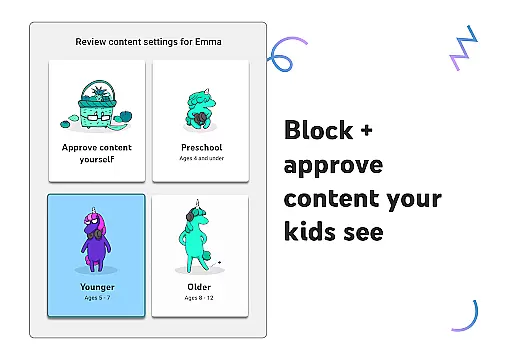
YouTube Kids stands out with its robust set of features designed to enhance both safety and engagement. One of the key highlights is the customizable content filters, which enable parents to tailor the viewing experience according to their child's maturity level. The app includes four distinct modes: Preschool for early learning, Younger for expanding interests, Older for more independent exploration, and Approved Content Only for complete parental control over what kids can watch.
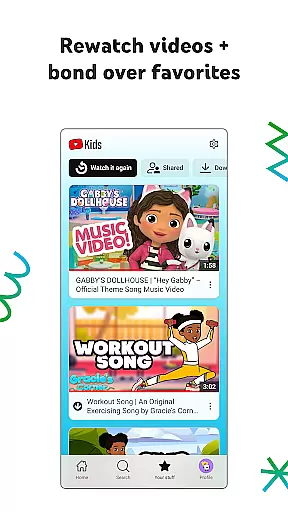
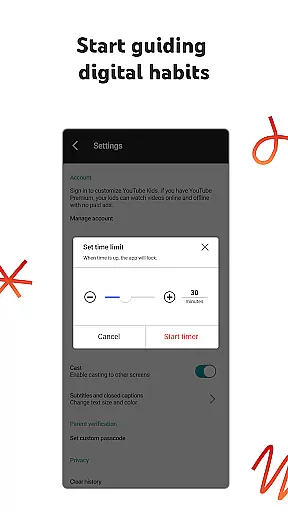
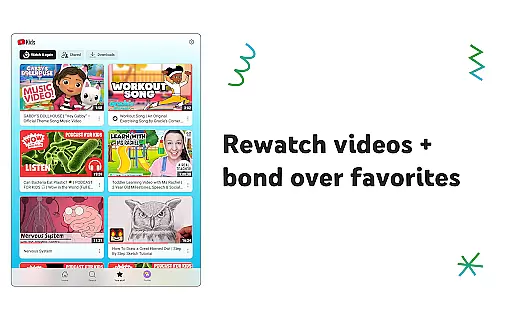
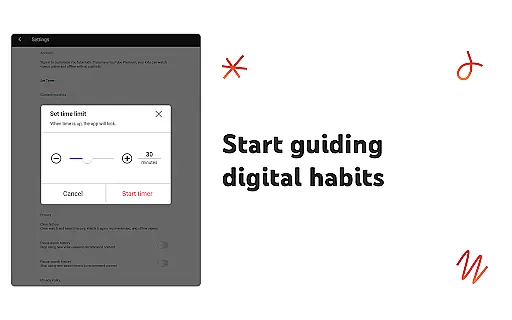
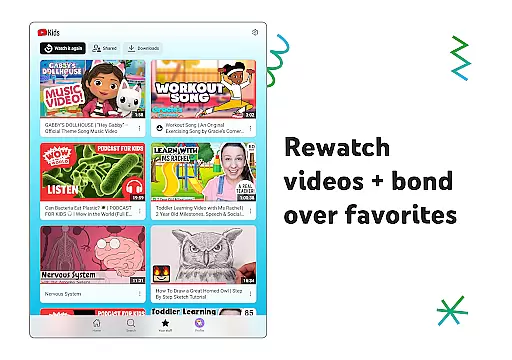
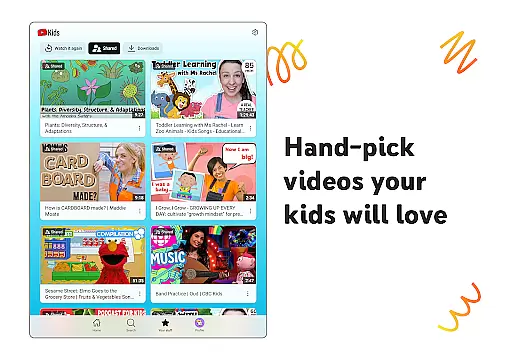
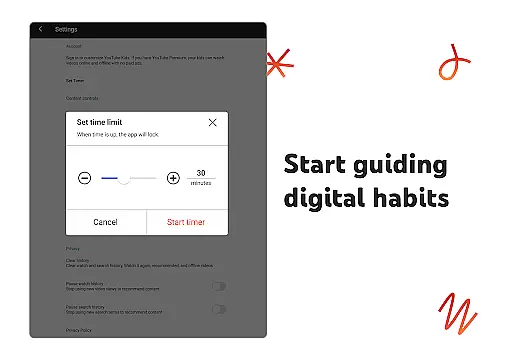
Another notable feature is the Watch it Again tab, which allows kids to easily revisit their favorite videos. Parental Controls are comprehensive, offering options to flag inappropriate content, set screen-time limits using the Timer feature, and even block specific channels or videos. These functionalities ensure that children have a personalized yet supervised digital experience, promoting healthy media consumption habits from an early age.
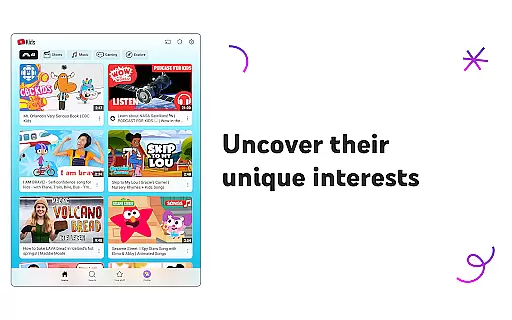
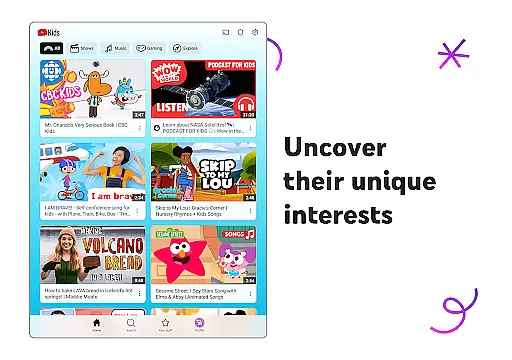
YouTube Kids offers a diverse range of content tailored to different age groups and interests, ensuring that children can explore video content they love while maintaining parental trust.
The app features distinct modes such as Preschool, Younger, and Older, each catering to specific developmental stages. Preschool mode nurtures curiosity with educational content like ABCs, while Younger mode introduces songs, cartoons, and DIY crafts. Older mode allows more freedom, enabling kids to search for popular music and gaming videos.
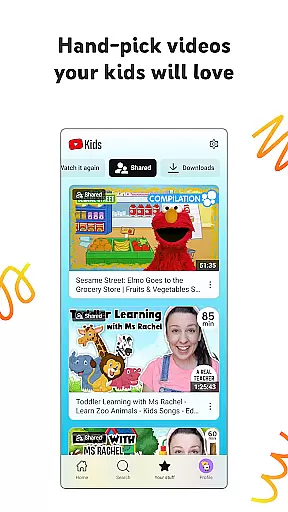
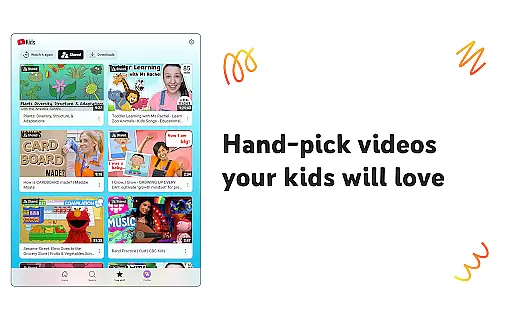
Beyond the structured modes, parents have the option to hand-pick videos, channels, and collections in Approved Content Only mode, giving families control over what their children watch. This ensures that content remains fresh and engaging, adapting to the child's evolving interests.
With regular updates and new content, YouTube Kids keeps children engaged and excited to discover new topics, making it an invaluable tool for both entertainment and learning.
YouTube Kids is designed to maximize user engagement and retention through personalized content and easy navigation tools, helping children spend quality time online while discovering new interests.
The Watch it Again tab allows quick access to favorite videos and previously shared content, encouraging repeated viewing and longer sessions. This feature not only enhances user experience but also helps reinforce learning and bonding over shared interests.
Parental controls further enhance engagement by allowing parents to shape the viewing experience. Features like content filters and screen-time limits ensure that children have a balanced interaction with the app, promoting healthy usage habits.
By combining personalized content, intuitive navigation, and robust parental controls, YouTube Kids successfully retains its young audience, keeping them engaged and eager to return for more exploration and learning.
User-friendly interface
Customizable content filters
Parental Controls for safety
Variety of educational content
Engaging for all age groups
Limited offline functionality
Potential exposure to ads
Requires parental setup
Content may vary in quality
Dependent on internet connection

Create, chat & bond with AI souls who truly listen.
 4.50
4.50
Exclusive Short Drama Video! All in HD. Bringe trending reels & enjoy drama time
3.80
The OFFICIAL PeeWee Purpdrank Soundboard!
4.80
Best of icon for christmas
4.30
See the frequencies! Watch the magic!
4.3
Start EVP/Spirit Box tonight: real EMF, offline, recording. One-time purchase.
4.10
Stream, Watch, Chat. Live.
4.00
Earn Real Rewards Playing Fun Mobile Games & Easy Cash Out - PayPal & Gift Cards
4.40
Scary prank camera & on face app: Shoot videos, selfies with spiders & scorpions
4.60
Stories that spark in seconds.
4.80
Live TV, sports & holiday movies — stream on phone, tablet & TV
4.60
The JBL Portable app works with JBL portable Bluetooth speakers.
4.60
Triple A is a highly complex, kinetic, and interactive visualizer.
4.50
Underrated short-drama gems that hit hard and keep your heart hooked.
4.50
Series,Películas y Telenovelas
4.50
Browse popular images and videos from Reddit on Android TV!
3.90
Create your Songs. Cover Maker with any Voice, Song Generator
3.30
Stream videos to VIDAA & VEWD TVs from Hisense, Sharp, Skyworth, Vestel & TiVo
3.00
Collaboration with popular VTubers
4.5


User Reviews