
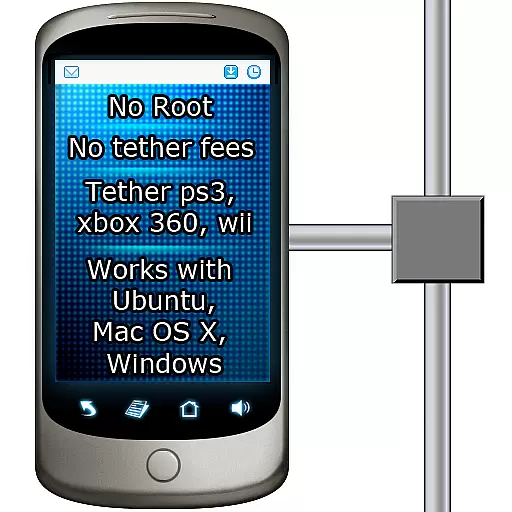
Tether to Windows, OS X, Linux PCs or Android tablets. No root. No tether fees.
 3.90
3.90
Fast and simple walkie talkie app
4.20
Manage BoostMobile Account
4.60
Message and video call your family and friends in HD!
3.80
Send SMS and chat messages easily with a fast text messaging app for Android.
4.10
Chill zone on your phone: relax with fun reels & hype shorts!
4.20
Stay in touch with the people who matter most.
4.60
BE PRIVATE
Anonymous. No Trace. Fast.
4.20
Say “hello” to privacy.
4.60
Welcome to the future of phone service.
4.60
Identify unknown numbers, block spam calls, customize calls with cool themes.
4.60
Connect and browse the internet with a fast VPN proxy server and IP blocker.
4.50
Create a secure hotspot on-the-go with Portable WiFi - Mobile hotspot.
4.40
A web browser that respects your privacy.
4.30
Simplify texting with Messages SMS, offline messaging, themes & smart tools!
4.30
Google's fast and secure browser
4.10
Share the moment!
4.10
Chat on the Jabber network (XMPP protocol); support for SMS and other gateways
2.10
Enables Plus features of Quick Search.
4.4


