
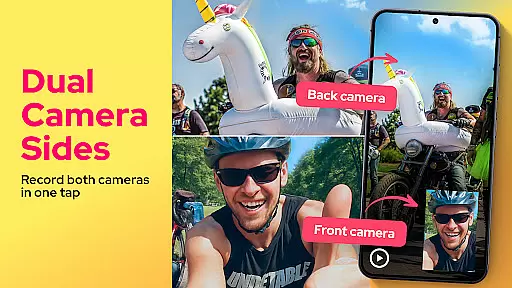
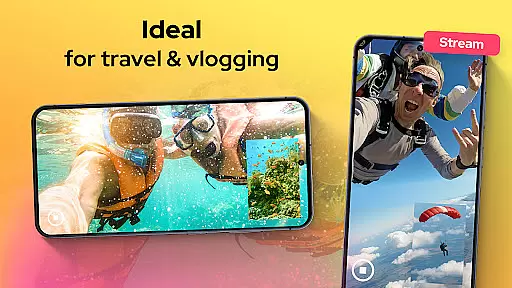
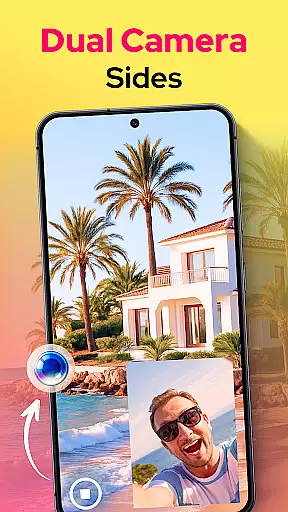
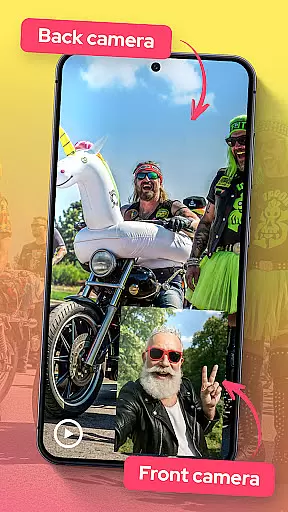
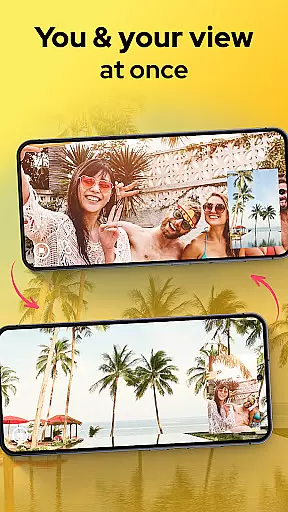
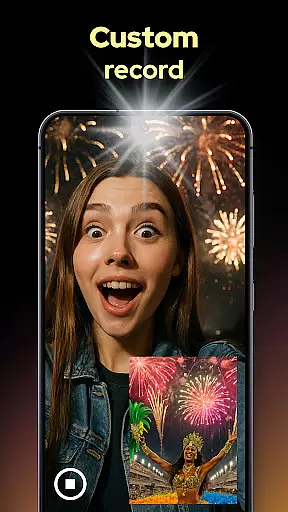
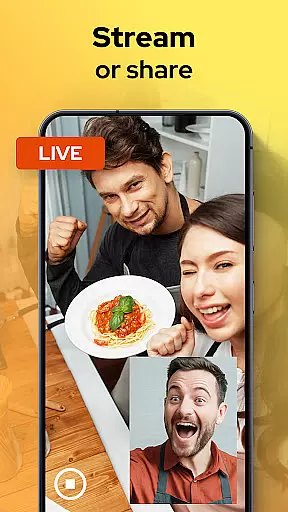
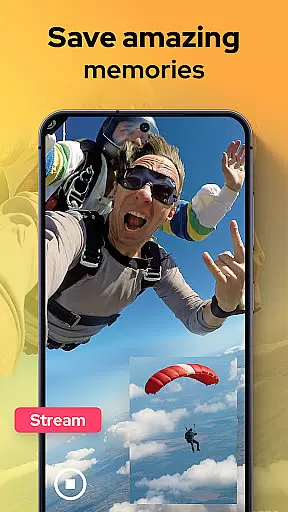
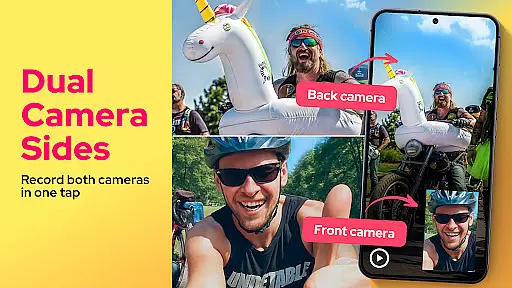
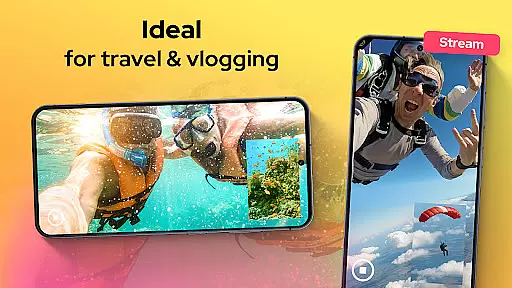
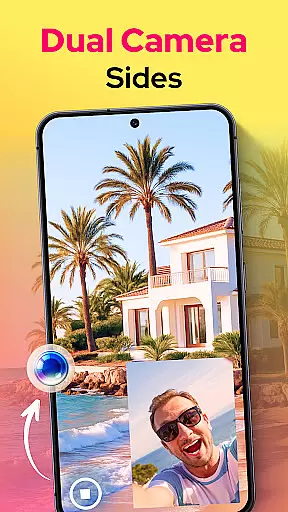
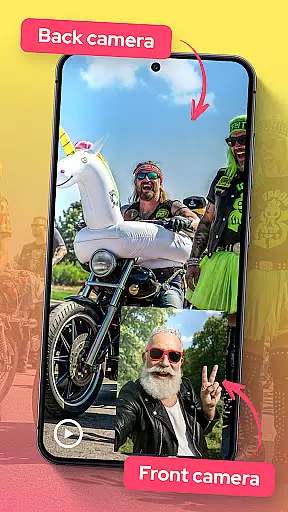
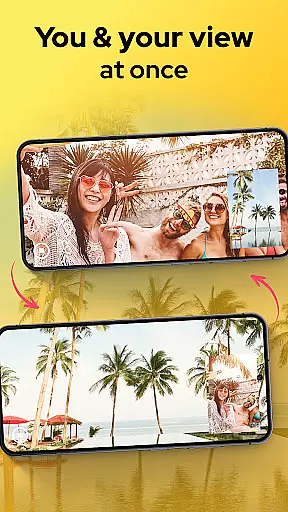
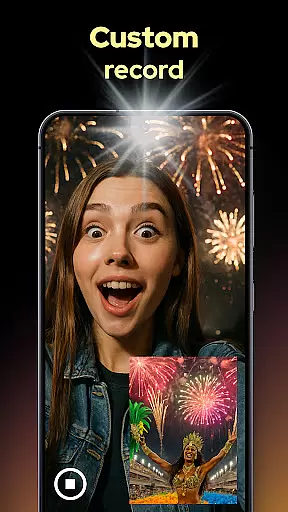
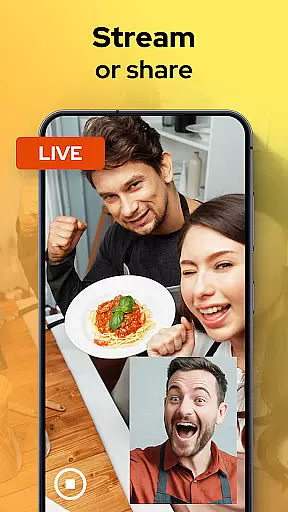
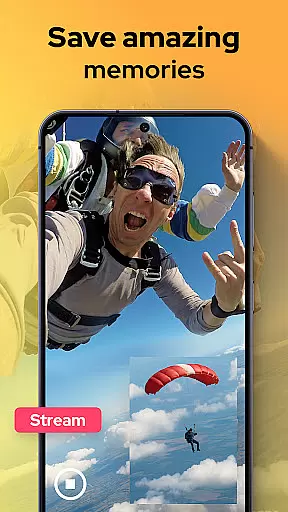
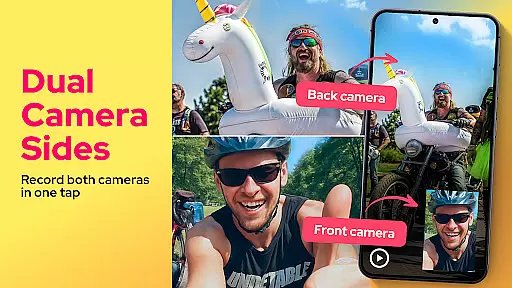
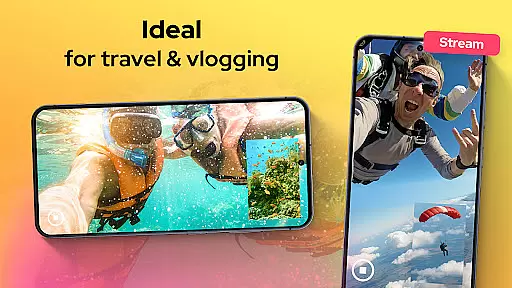
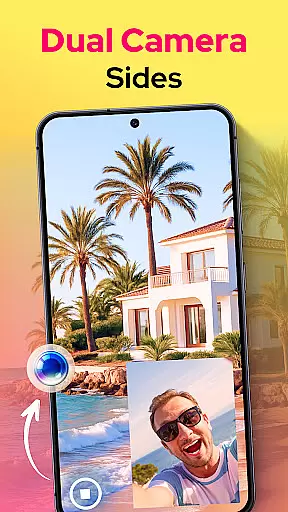
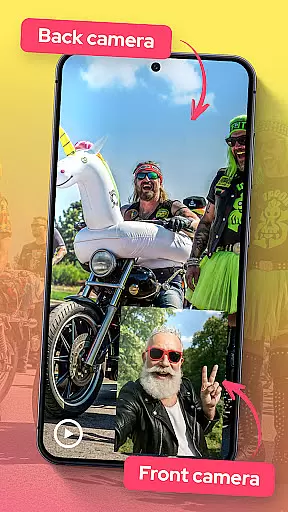
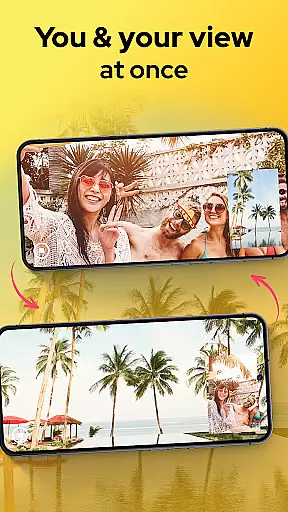
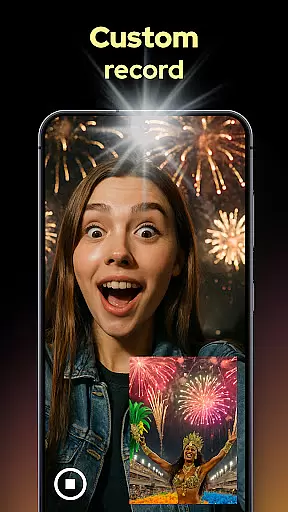
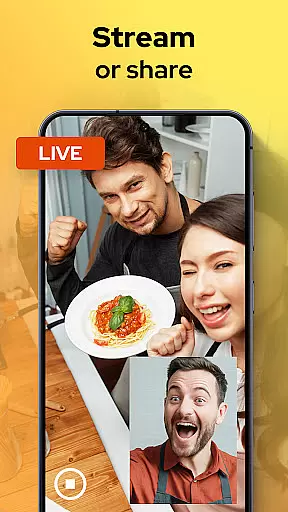
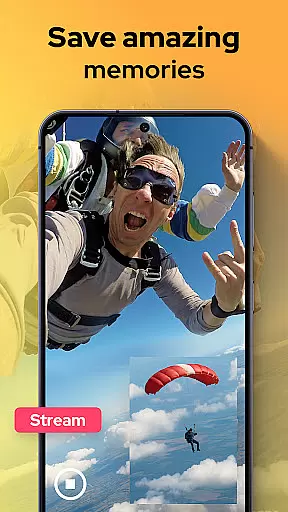
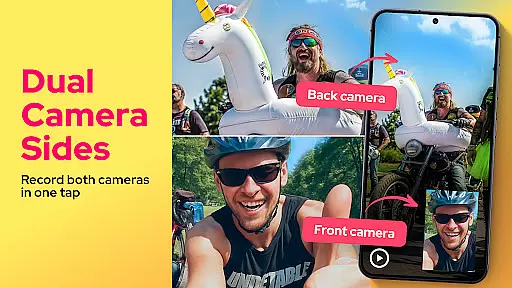
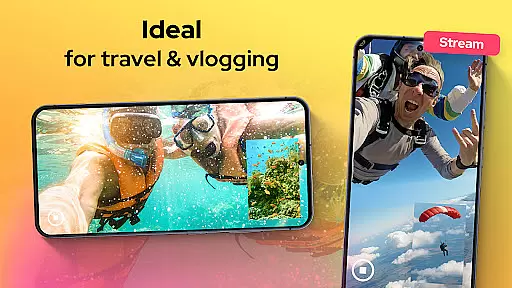
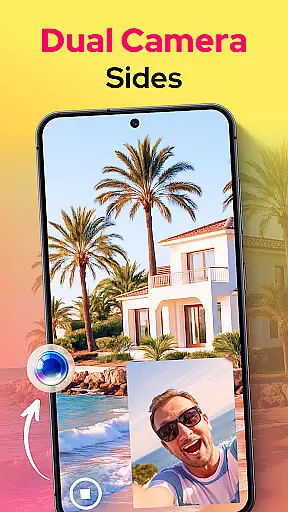
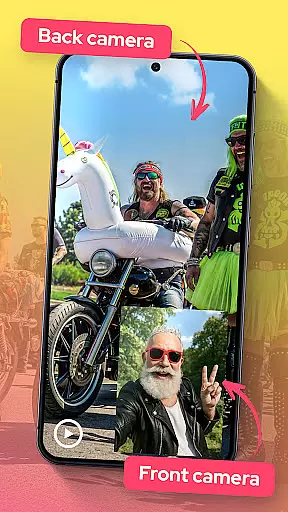
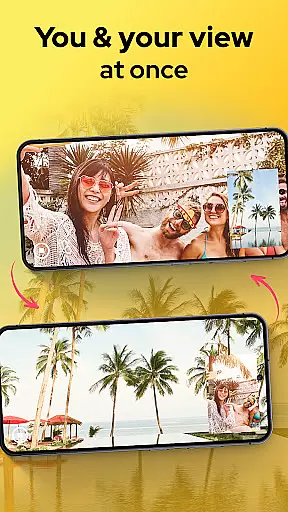
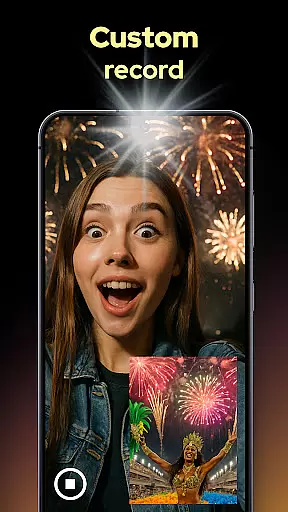
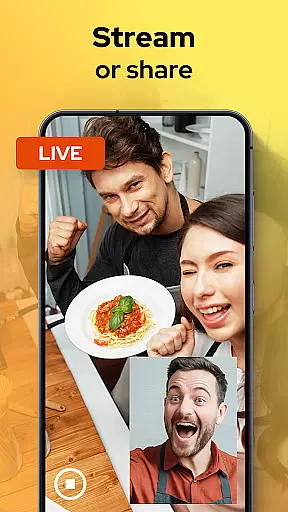
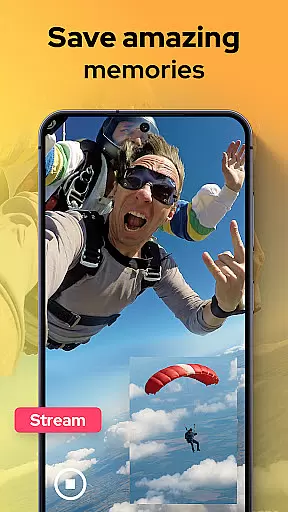
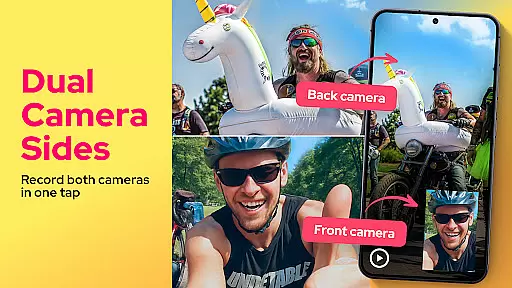
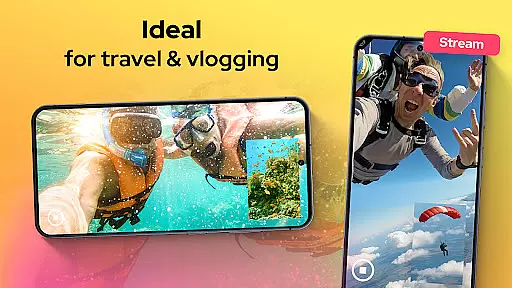
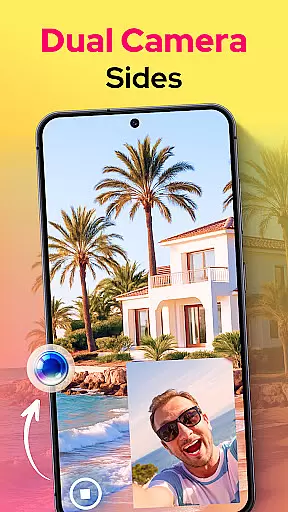
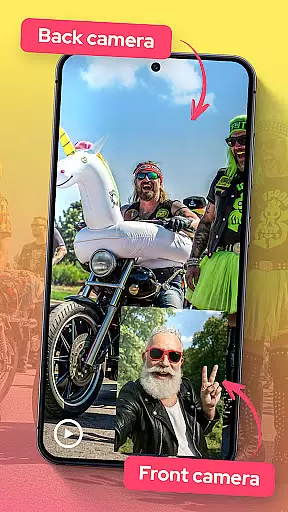
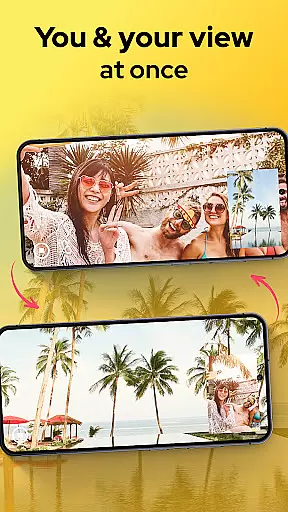
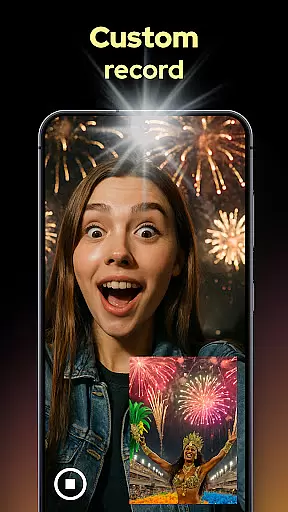
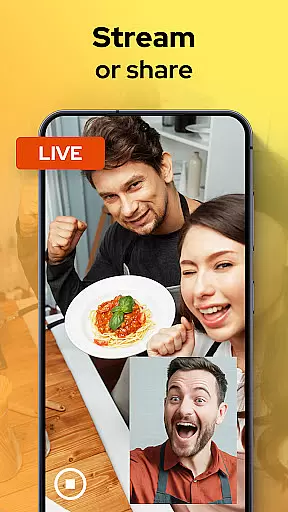
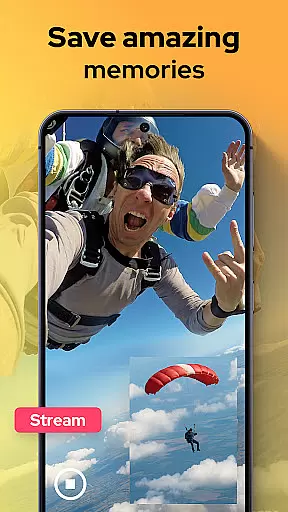
Dual Camera Sides is an innovative app in the Libraries & Demo category that allows users to record videos using both front and back cameras simultaneously. This dual-camera functionality is perfect for content creators, vloggers, and anyone who wants to capture comprehensive footage from multiple angles.
The app offers various creative features such as picture-in-picture or split-screen modes, enabling dynamic video storytelling. With manual controls for focus, brightness, and exposure, users can achieve professional-grade results. Dual Camera Sides also supports background mode, allowing continuous recording while multitasking.
Dual Camera Sides stands out with its unique ability to record from both the front and rear cameras at the same time. This feature is particularly useful for creating reaction videos, tutorials, and interactive content where capturing both subject and context is crucial.
In addition to simultaneous dual recording, the app provides versatile layout options including picture-in-picture, split-screen, and floating window displays. Users can easily switch between different angles without stopping the recording. The app also includes Doubletake functionality, which allows users to capture still photos while recording video, ensuring no moment is missed.
Advanced manual controls give users the power to adjust focus, brightness, and exposure settings, resulting in high-quality, professional-looking videos. Furthermore, the background recording mode enables uninterrupted filming even when using other apps, making it a reliable tool for creative professionals.
In the realm of mobile photography, Dual Camera Sides offers a comprehensive solution that ensures no moment is missed. The app's standout feature is its ability to record from both the front and rear cameras simultaneously, providing users with a complete perspective of every scene they capture. This dual recording capability is not just about having two angles but also about offering creative freedom in how these angles are presented.
Users can choose between picture-in-picture or split-screen modes while filming, allowing for versatile storytelling whether it's for vlogs, tutorials, or capturing spontaneous moments. The flexibility extends to still photography as well; quick Doubletake shots can be taken without interrupting video recording, ensuring that fleeting expressions are captured effortlessly.
The app goes beyond simple dual-camera operation by giving users control over focus, brightness, and exposure settings. Such manual adjustments empower creators to produce professional-grade content directly from their smartphones. Additionally, background mode enables continuous shooting even when multitasking across other applicationsu2014a crucial feature for dynamic content creation on-the-go.
Dual Camera Sides excels in delivering an intuitive user experience that simplifies complex videography tasks. With its live preview functionality, users can see exactly whatu2019s being captured from both lenses before hitting recordu2014ensuring precise framing and composition every time. This seamless integration of front-and-back camera feeds makes switching angles during shoots feel natural and fluid.
For those who value efficiency, the app allows exporting, sharing, or uploading videos within seconds after recording ends. Its straightforward interface means anyoneu2014from casual photographers to seasoned vloggersu2014can easily navigate through options like side-by-side layouts or floating windows without needing extensive technical knowledge.
Moreover, performance optimization ensures smooth operation regardless of device capabilities. By running efficiently in the background while managing multiple processes such as adjusting settings on-the-fly or snapping photos mid-video, Dual Camera Sides maintains high usability standards throughout each session.
User-friendly interface
High-quality dual recording
Versatile layout options
Manual camera controls
Background recording mode
Limited to specific devices
Higher battery consumption
Occasional glitches
Learning curve for beginners
Subscription fees for premium features

Block and secure the microphone and protect from secret listening and recording.
 4.50
4.50
Popular mods fnaf mods for melon playground
4.50
An essential GFX utility developed for specific FPS mobile games
4.50
TV USB connector app provides you a seamless cast option from your phone to tv.
4.70
Block, disable and secure phone camera from secretly taking photos by spyware.
4.50
Al QURAN-القرأن الكريم app to read Quran offline just like an actual Quran book
4.30
An impressive collection of tools, characters, weapons, skins and more!
4.30
DamonSx2 is the open Source LGPL Emulator
3.20
Unlock the hidden menus of your phone with our mobile secret codes app.
4.20
Study Bible King James Version: the correct way to learn the Bible with audio
4.80
Demo for Key Attestation feature of the Android system.
4.80
The Free Catholic Latin American Bible in complete Spanish
4.60
Tune your game graphics with our GFX optimizer for optimal gaming experience
4.50
The best PS2 games from your childhood come to life in their mobile version!
4.00
Use your Phone as Drone Controller.
3.70
Mobile Connect To TV - HDMI USB & WiFi Screen Mirroring
3.70
Connect and find your Smart Tag 2 devices through our app.
3.60
Simulator of real black light
3.50
If you are looking for melon playground mod that fun you deffinitely try our app
2.70


User Reviews