
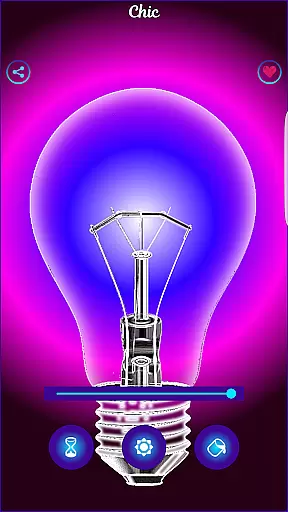
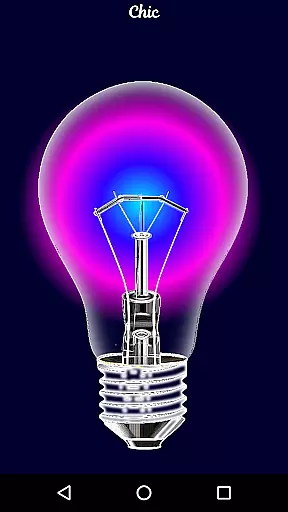
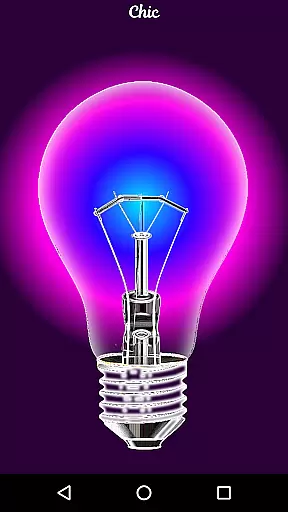
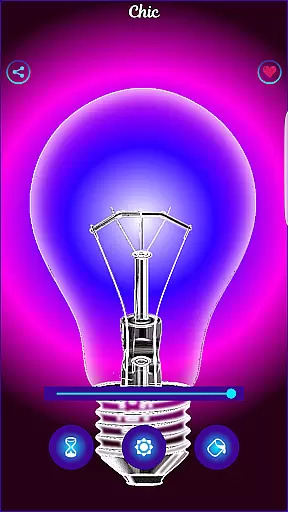
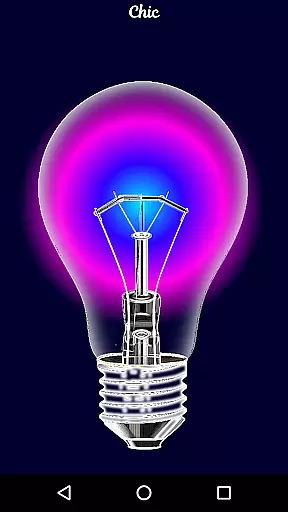
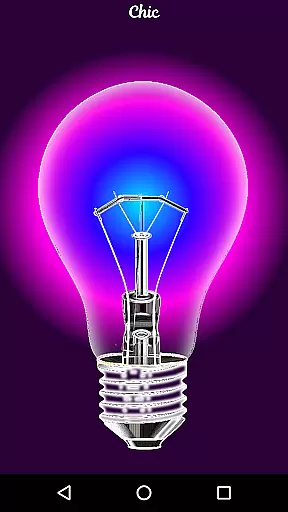
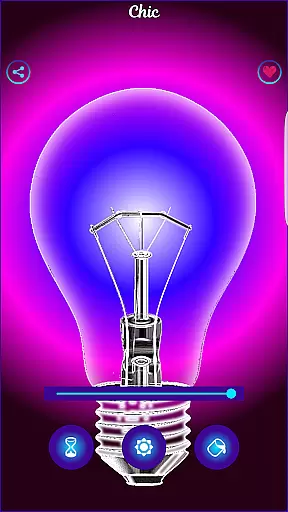
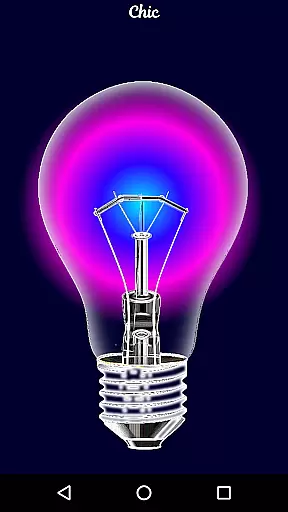
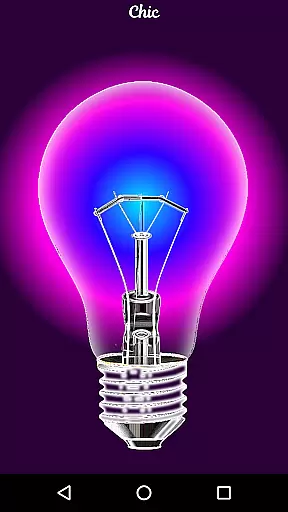
Black Light is a unique simulator app that recreates the visual effects of real black light. The app allows users to customize their experience by adjusting three key parameters: color tone, screen duration, and brightness. With deep purple variations optimized for radiant effects in dark environments, this app creates an immersive atmosphere perfect for parties or creative exploration.
While Black Light does not produce actual ultraviolet light, it mimics the appearance effectively. Whether you're looking to enhance your surroundings with glowing colors or simply enjoy experimenting with lighting effects, this app offers a fun and easy-to-use solution. Its visually striking output makes it suitable for entertainment purposes and casual use.
One of the standout features of Black Light is its highly customizable interface. Users can choose from various deep purple tones to create the desired ambiance. Additionally, the app lets you control how long the screen stays active, ensuring convenience and energy efficiency during prolonged use.
The brightness adjustment feature adds another layer of personalization, allowing users to fine-tune the intensity of the simulated black light effect. All colors have been carefully optimized to deliver powerful radiance even in low-light conditions. This attention to detail ensures that every interaction feels vibrant and engaging, making it ideal for both casual entertainment and themed events where lighting plays a crucial role.
Black Light offers a comprehensive set of features that cater to users looking for an immersive experience. The app allows customization of color tones, specifically deep purple variations, which are optimized for a radiant effect in the dark.
Users can adjust the screen's brightness and set a timer for how long the screen stays active, providing both flexibility and control over their experience. These functionalities ensure that users have a wide range of options to tailor their black light simulation as per their preferences.
The coverage of these features ensures that whether it's for entertainment or creating ambient lighting, Black Light delivers a complete package. By focusing on key aspects such as tone, time, and brightness, the app provides a robust platform for users to explore different visual effects.
Usability is at the forefront of Black Light's design, ensuring that users can easily navigate and utilize its features without any hassle. The intuitive interface allows users to quickly change color tones, adjust brightness levels, and set timers with minimal effort.
Operational smoothness is evident as the app maintains performance stability while delivering powerful visual effects. Users can enjoy a seamless experience when switching between different settings, enhancing overall satisfaction and engagement with the app.
By prioritizing user-friendly operations and maintaining smooth functionality, Black Light guarantees an enjoyable and trouble-free experience. This dedication to usability makes it accessible even to those who may not be tech-savvy, broadening its appeal across various user demographics.
User-friendly interface
Highly customizable settings
Vibrant color options
Optimized radiant effects
Perfect for themed events
No real UV light emission
Limited practical applications
Battery consumption concern
Basic feature set
Dark environment required

Record with Double Camera Video Recording using Dual Camera Front and Back Video
 3.00
3.00
SmartCast mirrors Android phone to TV screen With Cast Screen, Chromecast.
4.80
Block and secure the microphone and protect from secret listening and recording.
4.50
An essential GFX utility developed for specific FPS mobile games
4.50
Easily evaluate the performance of Scandit's barcode and ID scanning SDK
4.10
Recite Quran Majeed القران with special 16 line real Kuran page in hand
4.30
Study Bible King James Version: the correct way to learn the Bible with audio
4.80
Turn your phone into a wireless Xbox controller – play, stream & control anytime
4.3
The best PS2 games from your childhood come to life in their mobile version!
4.00
The Free Catholic Latin American Bible in complete Spanish
4.60
Android secret code for smart phone, mobile codes, with secret codes app
4.20
Connect and find your Smarttag devices through our app.
4.00
Demo version of the mcpro24fps manual video camera. Try and buy a full version!
4.00
A Pydroid Quick Install repository provider.
4.00
With Endoscope Camera Connector you can connect your phone with endoscope cam
3.70
Connect and find your Smart Tag 2 devices through our app.
3.60
Collection of Maps and Mods for Dmod
3.30
Looking to connect your phone to your car screen? Mirror Link is the solution.
3.20
Collection of high-quality, trendy skins and outfits!
4.0


User Reviews