
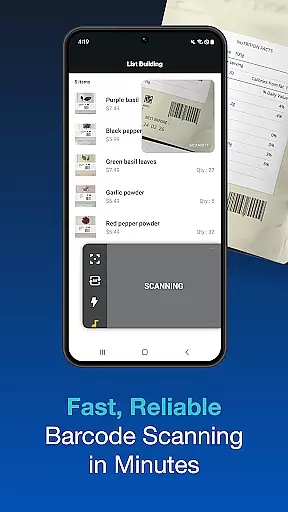
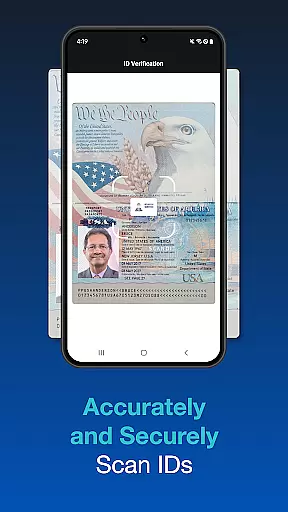
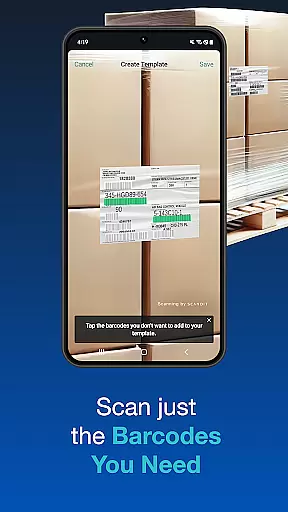
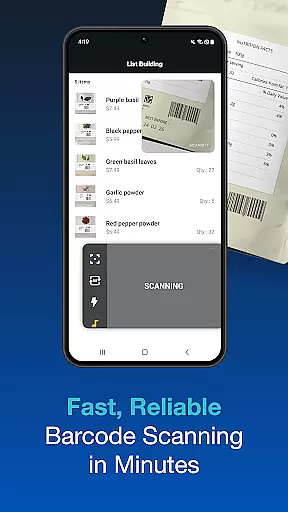
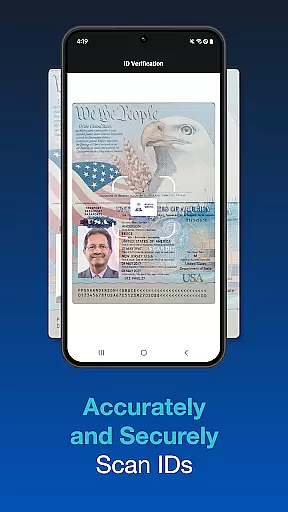
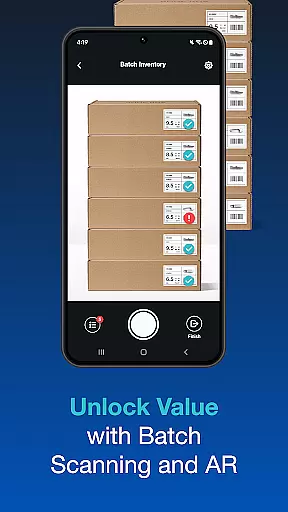
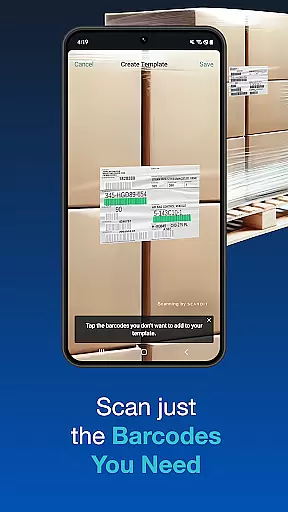
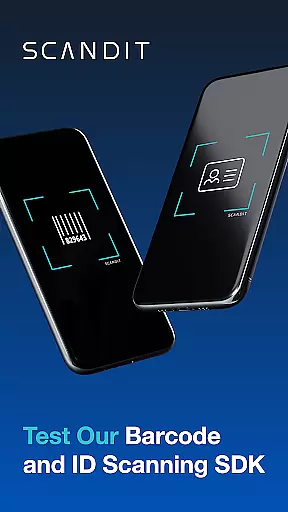
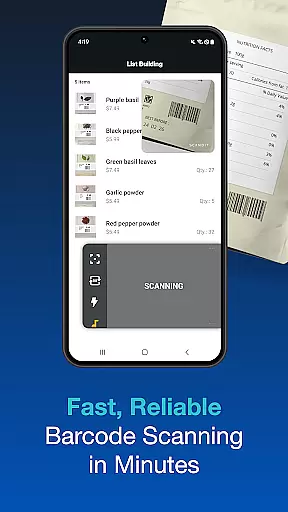
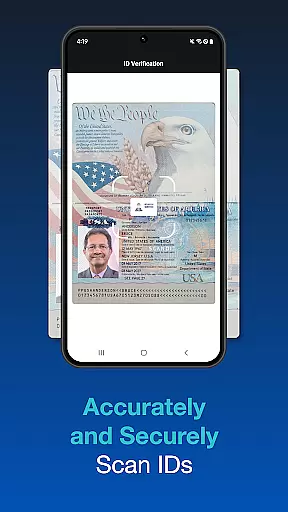
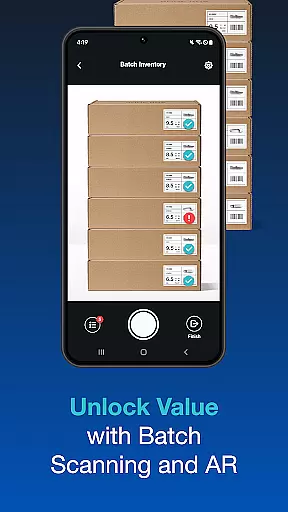
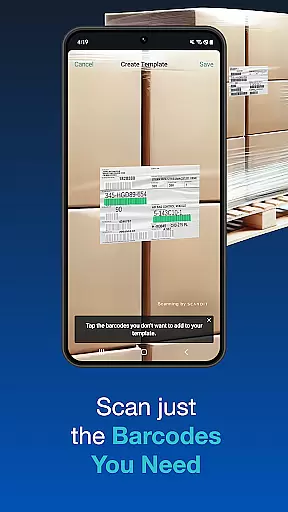
Scandit SDK Showcase is a powerful demonstration tool that allows developers and businesses to experience the full range of Scandit's barcode scanning and data capture capabilities. This app serves as a practical demonstration of how Scandit can be integrated into various applications without requiring any coding during the evaluation phase.
The app supports over 30 common barcode formats, offers fast and secure ID scanning for more than 2500 ID documents globally, and includes advanced features like batch scanning, augmented reality overlays, and multi-barcode recognition. These features make it an ideal solution for retail, logistics, and other industries where efficient data capture is crucial.
One of the standout features of Scandit SDK Showcase is its high-performance barcode reader, which supports more than 30 types of barcodes. The app also provides fast and accurate ID scanning capabilities for over 2500 ID documents worldwide, ensuring security and reliability in identity verification processes.
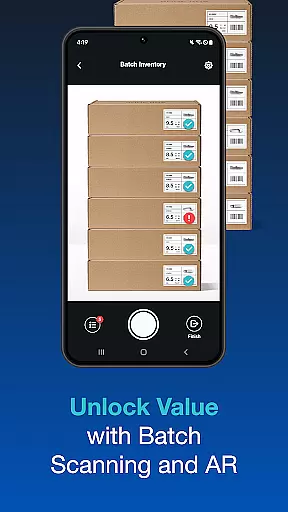
In addition to barcode and ID scanning, the app includes pre-built scanning user interfaces that facilitate quick integration into existing systems. Advanced functionalities such as batch scanning, augmented reality overlays, and the ability to scan multiple barcodes on a single label further enhance its utility across different use cases.
Functionality completeness is a critical aspect of any software development kit, and Scandit SDK Showcase excels in this area. The app provides a comprehensive set of tools for barcode scanning and ID capture without requiring any coding from the user. With support for over 30 common barcodes and the ability to scan more than 2500 ID documents globally, it ensures wide compatibility and utility.
The showcase includes pre-built scanning interfaces that simplify integration into existing systems. This means developers can quickly implement features like batch scanning, which allows multiple codes to be captured simultaneously, or augmented reality overlays that enhance data visualization. These capabilities cover a broad spectrum of use cases, making it suitable for industries ranging from retail to logistics.
Moreover, the app's functionality extends to handling complex scanning scenarios. Users can scan multiple barcodes on a single label or select one specific barcode from a crowded environment. This flexibility ensures that businesses can rely on Scandit SDK to meet their unique operational needs while maintaining high performance standards.
Usability and operational smoothness are essential for ensuring that developers can effectively utilize an SDK. Scandit SDK Showcase offers an intuitive user experience that allows users to evaluate its smart data capture capabilities effortlessly. By providing a platform where functionalities can be tested without writing code, it significantly lowers the barrier to entry for developers who want to assess its potential applications.
Operational smoothness is evident in how seamlessly the app handles various tasks. For instance, the high-performance barcode reader processes scans quickly and accurately, even in challenging conditions. Additionally, secure ID scanning supports fast verification processes, which is crucial for time-sensitive operations such as airport security checks or event admissions.
Furthermore, the appu2019s design emphasizes ease of use with clear instructions and straightforward navigation. Users can easily access different scanning modes and test features like AR overlays or multi-barcode selection with minimal effort. This focus on usability ensures that developers can efficiently explore and integrate Scandit's advanced scanning solutions into their projects.
High-performance scanning
Wide barcode support
Secure ID scanning
Pre-built UI components
Augmented reality features
Limited free trial
Complex setup required
Advanced features need license
Documentation not beginner-friendly
Resource-intensive operations

Connect and find your Smart Tag 2 devices through our app.
 3.60
3.60
Wireless reverse charging using phone now is possible
4.30
Identify securely online
3.10
A great tool help you to format Micro SD memory Card
3.10
Test DPC is a sample device policy controller for use with Android Enterprise.
4.20
TV USB connector app provides you a seamless cast option from your phone to tv.
4.70
Study Bible King James Version: the correct way to learn the Bible with audio
4.80
Mobs maker Minecraft help MCPE creators make their own mob by using Blockbench
3.50
Looking to connect your phone to your car screen? Mirror Link is the solution.
3.20
Block, disable and secure phone camera from secretly taking photos by spyware.
4.50
Barcode scanning made simple!
4.40
Game Booster GFX for smoother gaming experience. Enjoy 120 FPS and 4x Game Space
4.20
Connect and find your Smarttag devices through our app.
4.00
A Pydroid Quick Install repository provider.
4.00
a wireless controller that provides a seamless and gaming experience for players
3.80
With Endoscope Camera Connector you can connect your phone with endoscope cam
3.70
DamonSx2 is the open Source LGPL Emulator
3.20
If you are looking for melon playground mod that fun you deffinitely try our app
2.70
Zlink Carplay Android a mirror link app with a Carplay interface style
4.0


User Reviews