The Smarter Way Forward
 3.30
3.30
Attention! This is the theme for the Car Launcher app
4.0
Buy and sell your boat
4.70
The Texaco App allows you to pay for fuel from the comfort of your car!
4.80
Club Car Wash Mobile App—the fast lane to managing your wash membership.
3.30
Boost profits and hit your goals faster with GigU's amazing tools for gigworkers
4.00
BlueDriver® is a Premium Diagnostic OBD2 Scan Tool. www.BlueDriver.com
3.90
Secure mobile payments & fuel savings at Phillips 66®, Conoco® and 76® stations
4.40
Autotrader is your online solution for buying and selling new and used cars.
4.40
Car Values, Research and More
4.80
The ExtraMile App allows you to pay for fuel from the comfort of your car!
4.70
Easy connect & control your cars from afar. Remote Lock & unlock car and carplay
4.60
Digital Car Key/Launcher, Screen Mirror, Android Dashboard, Remote Wireless Link
4.40
Ultimate OBD2 Car Scanner: Diagnostics, Service and Modification Tool
4.30
Control maps, media and messaging, with the Google Assistant while you drive
4.10
By enthusiasts, for enthusiasts
4.00
Simplify your drive
3.90
Better fuel to help keep you on the road
3.20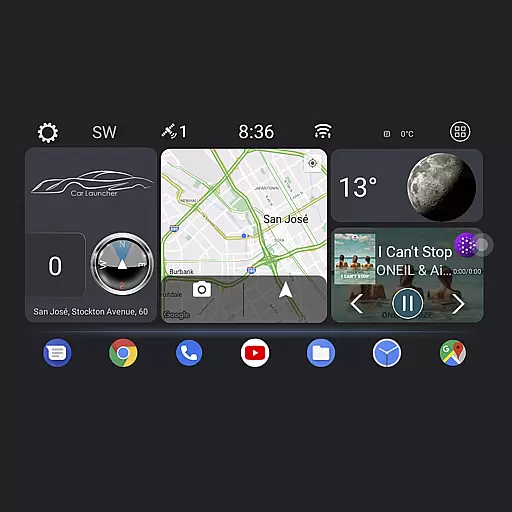
Theme for Car Launcher
4.0


