
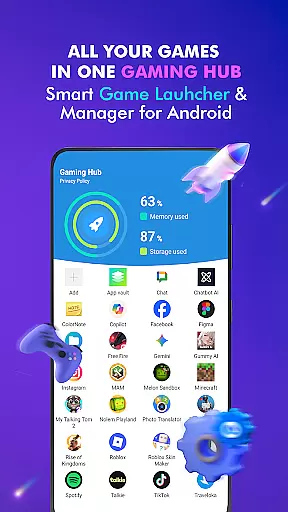

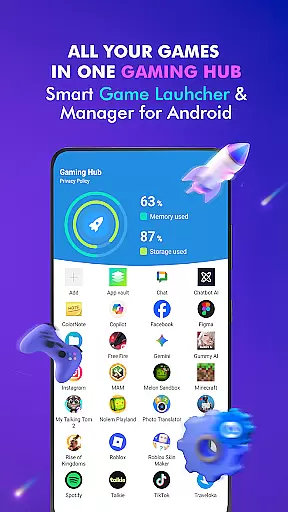

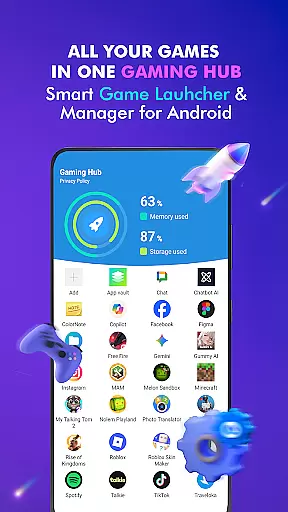

Gaming Hub is a comprehensive app management solution designed to simplify how Android users interact with their favorite games and apps. The platform serves as a centralized hub where users can organize, monitor, and launch their installed applications with ease.
One of the standout features of Gaming Hub is its automatic detection system, which identifies popular games from well-known publishers and adds them to the user's library. Additionally, it offers performance monitoring tools that allow users to track RAM usage and device storage, ensuring optimal gaming conditions. Whether you're a casual gamer or someone who juggles multiple apps daily, Gaming Hub provides an intuitive interface that enhances your overall experience.
This app is particularly useful for those who want to declutter their home screens while maintaining quick access to their most-used apps. By centralizing everything in one place, Gaming Hub makes multitasking seamless and efficient, offering both convenience and practical value to its users.
Gaming Hub stands out due to its robust set of features tailored specifically for gamers and power users alike. At its core, the app functions as a game launcher, allowing users to easily manage and access their favorite titles without sifting through countless folders or menus.
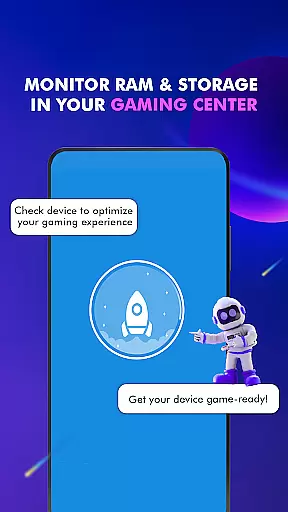
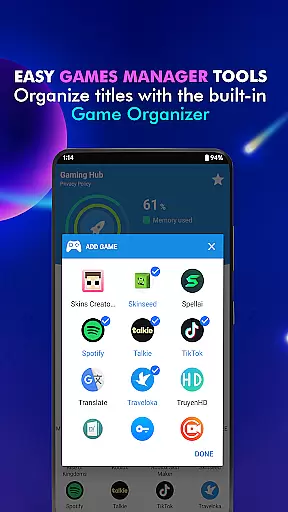
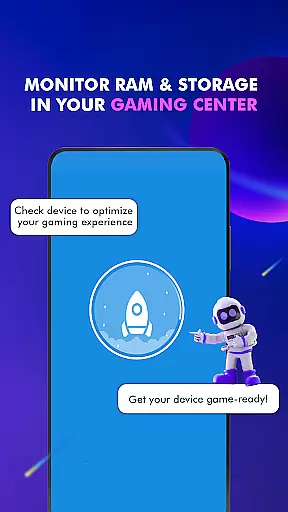
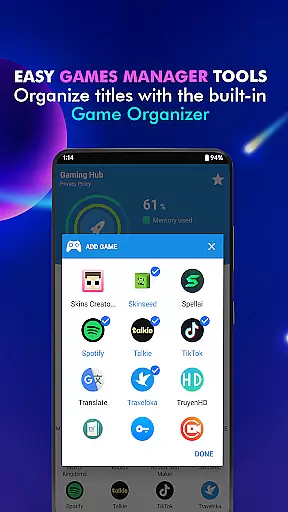
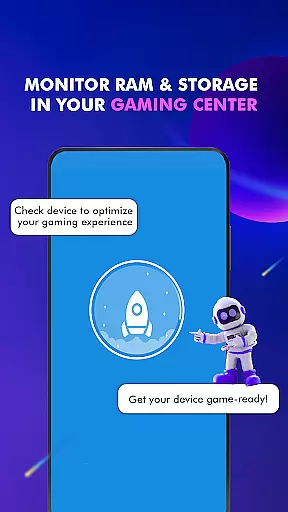
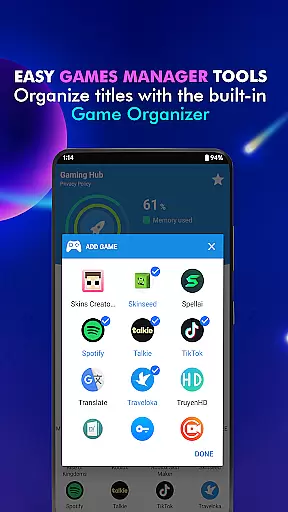
A key highlight is the Organizer Master, which automatically detects popular games from renowned publishers and adds them to your library. For more control, users also have the option to manually add any app they desire. Another notable feature is the performance monitoring tool, which provides real-time data on RAM usage and device storage. This ensures that users can optimize their devices for the best possible gaming experience.
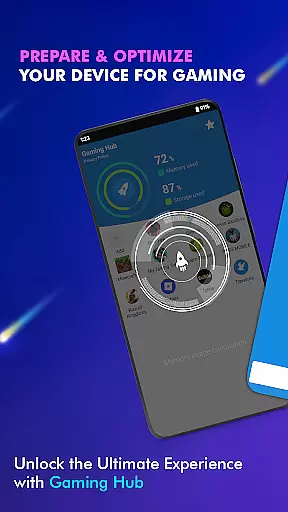
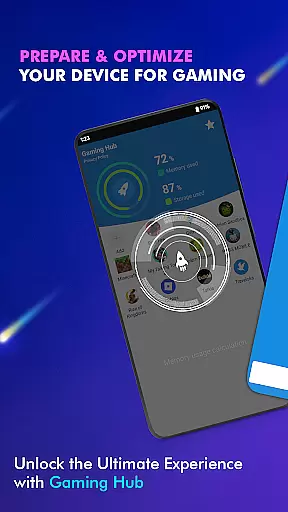
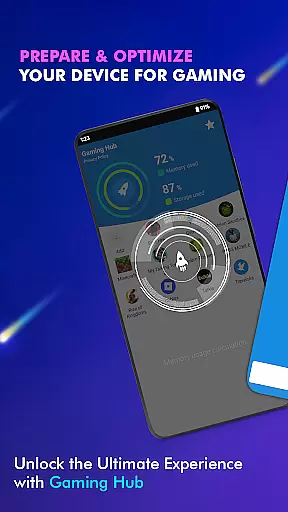
Furthermore, Gaming Hub includes a smartphone gaming center, enabling quick launches of apps directly from the main interface. While it doesn't function as a game booster, the app focuses on delivering a streamlined and user-friendly experience, making it easier than ever to keep your digital life organized and efficient.
Functionality completeness is a critical aspect of any app, and Gaming Hub excels in this area. The app provides a comprehensive suite of features designed to simplify the management of apps and games on Android devices. With its Android Game Launcher and Gaming Hub, users can easily manage and access all their favorite games from one centralized location.
Gaming Hub goes beyond just launching games; it offers tools for organizing apps, monitoring device performance, and optimizing the gaming experience. The Organizer Master feature automatically detects popular games from renowned publishers, while also allowing manual additions. This ensures that users have a complete library of their preferred apps at their fingertips.
The app's functionality extends to performance monitoring, providing valuable insights into RAM usage and device storage. These features empower users to maintain optimal device conditions for gaming. While not a game booster, Gaming Hub focuses on delivering a user-friendly interface that streamlines app management and enhances overall usability.
Usability and operational smoothness are essential for ensuring a seamless user experience, and Gaming Hub delivers on both fronts. The app's intuitive interface allows users to effortlessly navigate through their collection of games and apps. Its design emphasizes simplicity, making it easy for even novice users to manage their digital content without hassle.
Operational smoothness is evident in how Gaming Hub handles tasks such as adding favorites to the library or launching games via the Game Launcher. Users can quickly open the app, add desired games or apps if not already present, and tap to activate features before launching. This streamlined process reduces complexity and saves time.
Furthermore, Gaming Hub's focus on providing valuable information about storage, RAM, and device performance contributes to its overall usability. By offering these insights, the app helps users maintain their devices in peak condition, indirectly supporting a smoother gaming experience. This dedication to operational efficiency makes Gaming Hub an indispensable tool for Android gamers.
User-friendly interface
Automatic app detection
Performance monitoring tools
Centralized app management
Quick launch capabilities
No FPS boosting
Limited manual controls
Storage tracking only
Not a game optimizer
Focused on Android

Tune your game graphics with our GFX optimizer for optimal gaming experience
 4.50
4.50
Use your Phone as Drone Controller.
3.70
Connect your phone to any endoscope camera, USB camera, or borescope with ease.
3.70
You can remote control and play much easier.
4.10
Connect and Find your smart tag via our app.our app is compatible with smarttag.
3.30
Demo version of the mcpro24fps manual video camera. Try and buy a full version!
4.00
Looking to connect your phone to your car screen? Mirror Link is the solution.
3.20
Mobile Connect To TV - HDMI USB & WiFi Screen Mirroring
3.70
Experience virtual reality on your smartphone with Cardboard.
3.50
Study Bible King James Version: the correct way to learn the Bible with audio
4.80
SmartCast mirrors Android phone to TV screen With Cast Screen, Chromecast.
4.80
Enjoy Minecraft Mod Scary Neighbor Granny for Minecraft PE.
4.30
Recite Quran Majeed القران with special 16 line real Kuran page in hand
4.30
Android secret code for smart phone, mobile codes, with secret codes app
4.20
Sad ringtones full of feeling, sad music ringtones
3.90
Ps2 plugins for 64 bit artitechture
3.70
Now Available on Android ™
3.40
Endoscope camera an app to connect with endoscope cam or any device
3.30
Identify securely online
3.10


User Reviews