
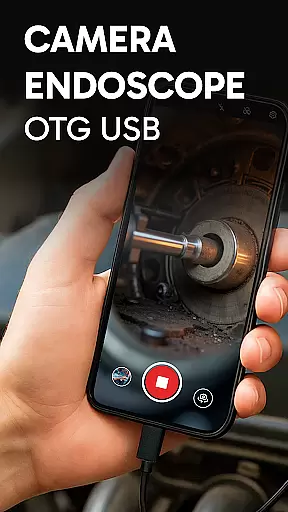
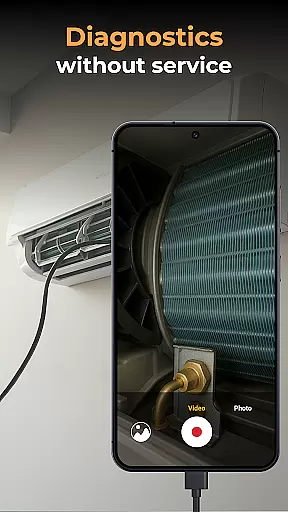
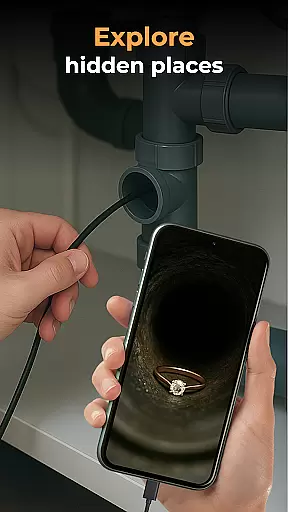
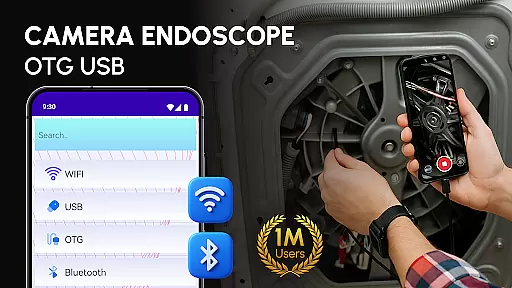
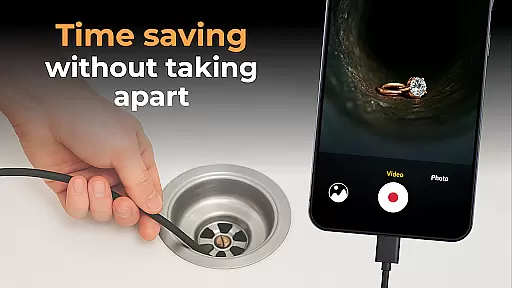
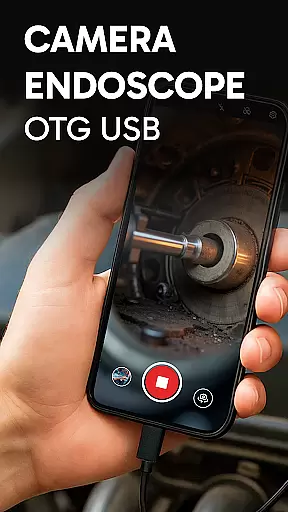
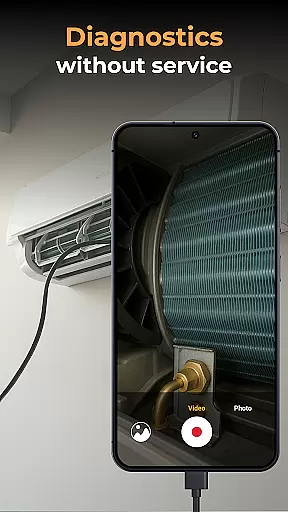
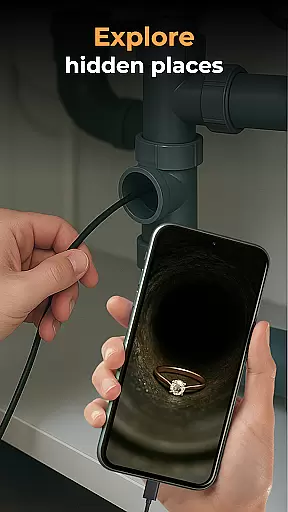
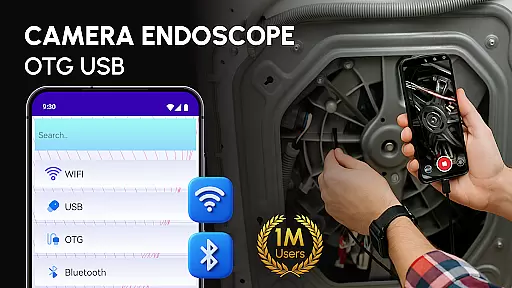
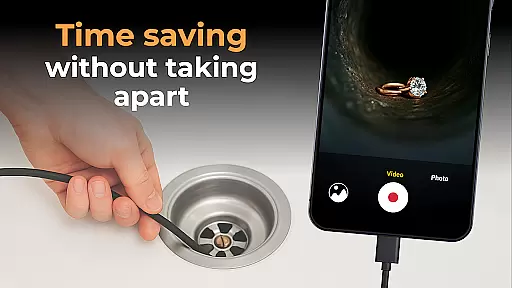
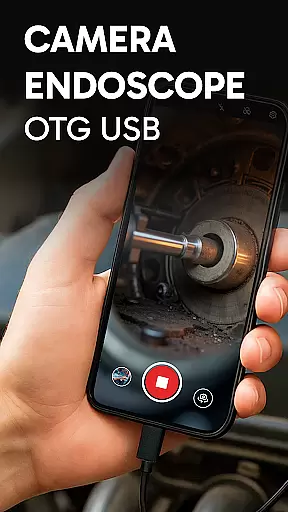
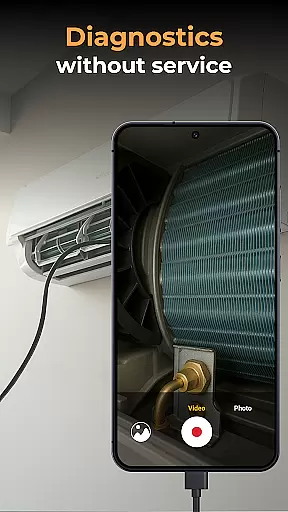
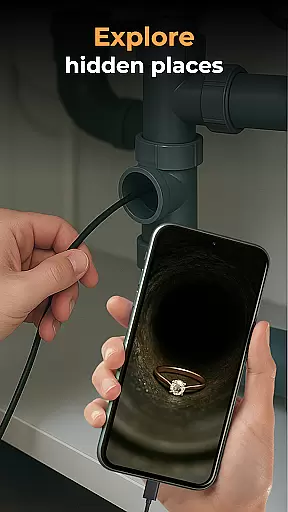
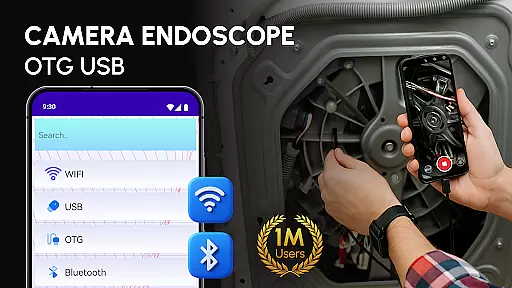
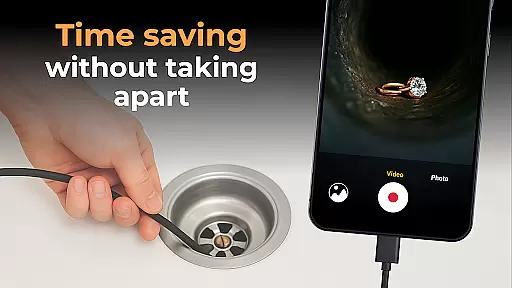
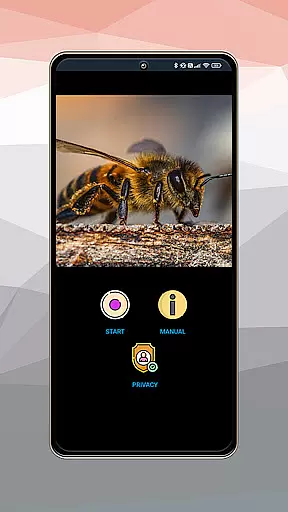
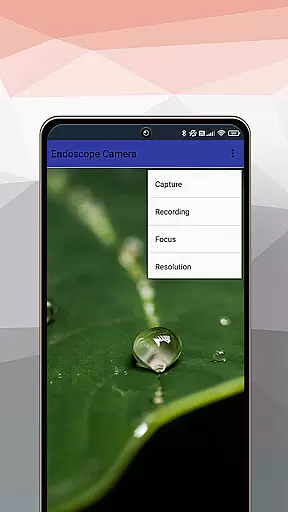
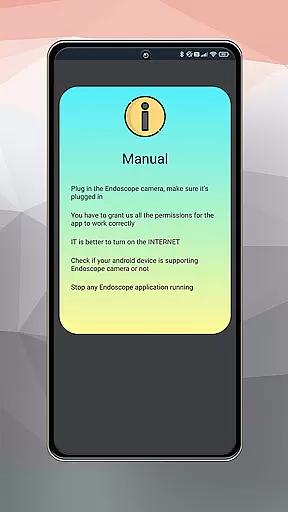
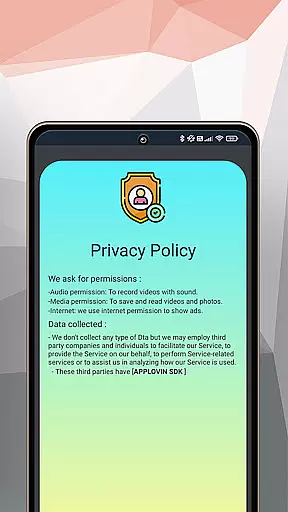
Camera endoscope / OTG USB is an innovative inspection tool that transforms your Android device into a professional diagnostic system. This application supports real-time video capturing through external cameras like borescopes and microscopes, making it ideal for detailed inspections in hard-to-reach areas.
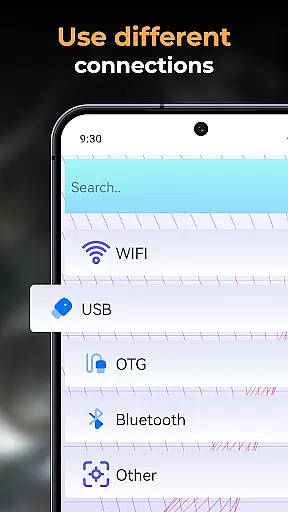
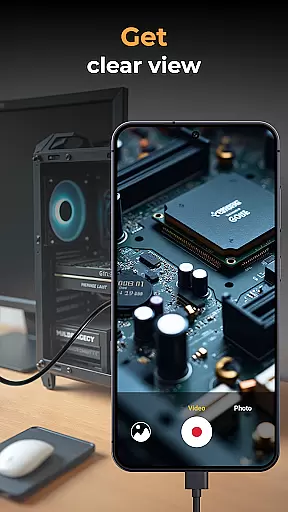
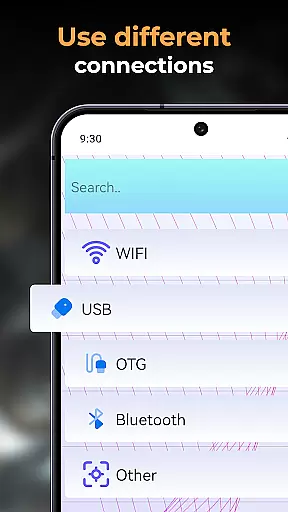
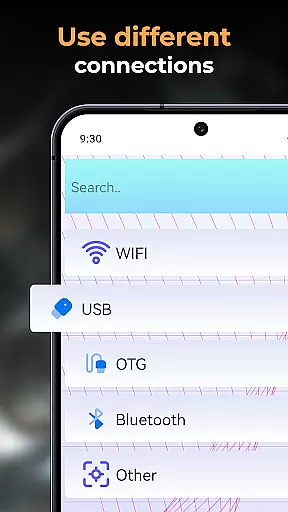
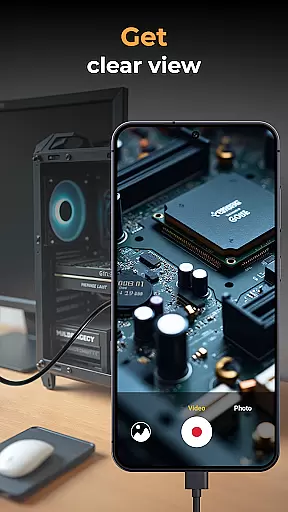
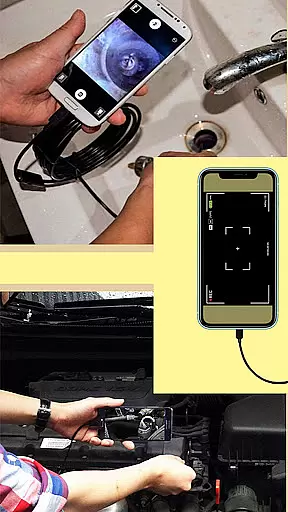
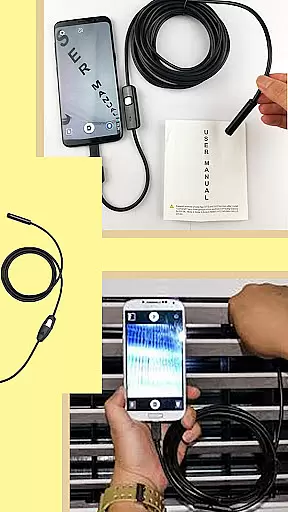
The app's core functionality lies in its ability to connect seamlessly with various external devices using the USB OTG interface. Whether you're examining plumbing issues, automotive problems, or electronic components, this app provides clear visuals and precise control over the connected camera equipment.
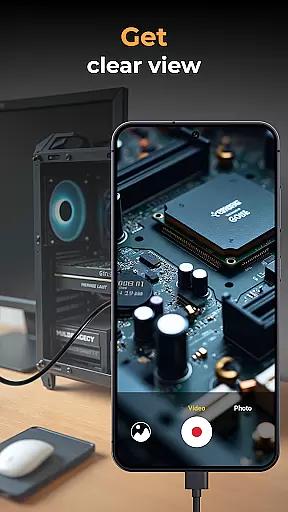
With its user-friendly interface and plug-and-play features, Camera endoscope / OTG USB is suitable for both professional technicians and DIY enthusiasts. The app enables users to record high-quality videos and images while offering convenient media management options within a built-in gallery.
One of the standout features of Camera endoscope / OTG USB is its support for real-time video image capturing. This capability allows users to get live views from their connected external cameras, whether they are inspecting narrow pipes or examining tiny machine parts.
The app offers seamless compatibility with various external devices such as borescopes, microscopes, and other inspection tools. Its optimized performance ensures stable connections even during complex tasks like pipe inspections or close-up work with microscope attachments.
Media management is another key aspect of this app. Users can easily store, view, delete, and share their captured photos and videos through an intuitive built-in gallery. These features make Camera endoscope / OTG USB not just a powerful inspection tool but also a comprehensive solution for organizing and managing inspection data efficiently.
When evaluating an application like Camera Endoscope / OTG USB, functionality completeness refers to the app's ability to offer a wide array of features that cater to the needs of its users. This particular app excels in providing comprehensive support for USB OTG cameras, transforming Android devices into powerful inspection tools.
The app covers various aspects of camera usage, including real-time video capturing, compatibility with external devices such as borescopes and microscopes, and seamless integration through OTG Connector Software. These capabilities ensure that whether you're a DIY enthusiast or a professional technician, the functionalities provided will meet your inspection requirements.
Users benefit from high-quality video and image recording, coupled with a built-in gallery for media management. The availability of essential functions like delete, view, and share further enhances the user experience by simplifying file handling. Such extensive coverage allows users to focus on their tasks without worrying about technical limitations.
Ultimately, the completeness and coverage of Camera Endoscope / OTG USB functionalities empower users to conduct thorough inspections across different scenarios, from plumbing work to electronics diagnostics, making it an indispensable tool for detailed examinations.
Usability is a critical factor for applications, especially those designed for specific tasks like the Camera Endoscope / OTG USB app. It ensures that users can effectively operate the software without encountering unnecessary hurdles, thus maximizing productivity and satisfaction.
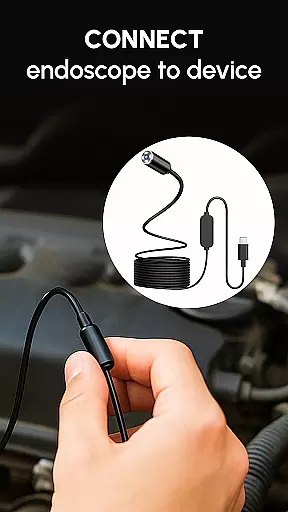
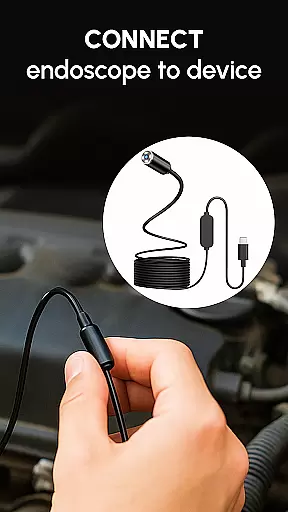
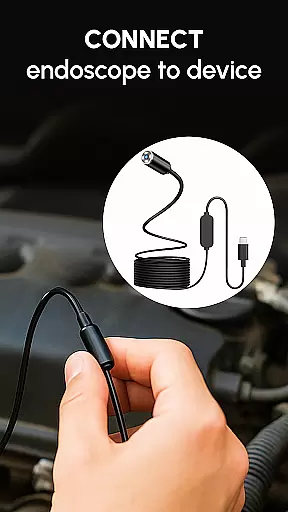
This app stands out with its easy setup process; simply connect a compatible device via USB OTG cable, launch the app, and access live views instantly. Its stable and fast connections facilitate smooth operations whether inspecting pipes or examining tiny machine parts, offering technicians reliable performance during critical tasks.
Moreover, intuitive controls contribute significantly to operational smoothness. With plug-and-play features supporting various endoscopes, borescopes, and microscopes, even novice users find it straightforward to capture images or record videos. This ease of use extends to media management within the appu2019s gallery, where files are neatly organized and easily accessible.
In summary, the Camera Endoscope / OTG USB app not only delivers robust functionality but also prioritizes user-friendly design principles, ensuring that both casual users and professionals enjoy a seamless experience while conducting detailed inspections.
User-friendly interface
Real-time video capture
Wide device compatibility
Efficient media management
High-quality imaging
Limited free features
Requires compatible hardware
Occasional connection issues
No iOS support
Premium version costs

Game Booster GFX for smoother gaming experience. Enjoy 120 FPS and 4x Game Space
 4.20
4.20
Record with Double Camera Video Recording using Dual Camera Front and Back Video
3.00
TV USB connector app provides you a seamless cast option from your phone to tv.
4.70
Study Bible King James Version: the correct way to learn the Bible with audio
4.80
Barcode scanning made simple!
4.40
DamonSx2 is the open Source LGPL Emulator
3.20
Mobile Connect To TV - HDMI USB & WiFi Screen Mirroring
3.70
Experience virtual reality on your smartphone with Cardboard.
3.50
The best PS2 games from your childhood come to life in their mobile version!
4.00
Block, disable and secure phone camera from secretly taking photos by spyware.
4.50
MirrorLink for connecting your Android phone to your car’s infotainment screen.
4.50
Game booster GFX may reduce interruptions and improve gaming experience.
4.50
Test DPC is a sample device policy controller for use with Android Enterprise.
4.20
Do you want to drive easy ? do you wanna full mirror link Mobile with your car
4.10
Easily evaluate the performance of Scandit's barcode and ID scanning SDK
4.10
Mirror link car connector to share your screen with car dashboard
3.80
CloudEye 365 is a easy-handling APP
3.60
Mirror phone to TV effortlessly! Stream, share & connect with Airplay ease.
3.60
Turn your phone into a wireless Xbox controller – play, stream & control anytime
4.5


User Reviews