
Check and Track your Blood Pressure & Heart Rate.
 4.50
4.50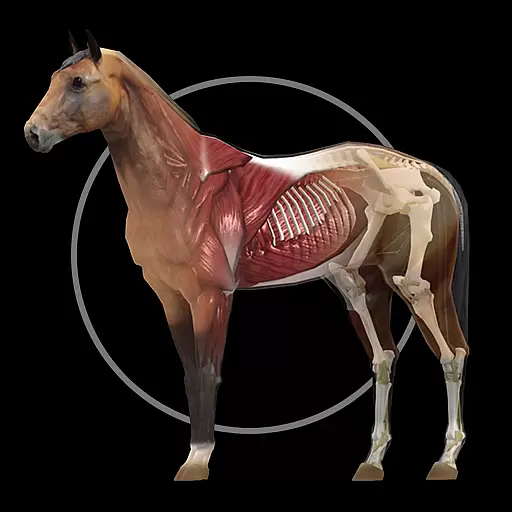
A fantastic 3d reference that includes over 300 structures and a quiz function.
3.00
A comprehensive medical disease app.
5.00
Easy telehealth appointments + urgent care
4.70
Amplify surrounding sounds, conversations, TV or lectures for louder hearing.
4.70
Control your hearing aids discreetly with the touch of a finger
4.30
Manage your prescriptions anytime, anywhere with the Publix Pharmacy mobile app.
4.80
Enjoy 200%+ volume booster with bass booster, equalizer and headphone supported.
4.60
This app is simply 1 book (also large app) and 17 other apps combined into 1
4.70
Medication reminder, Medicine list, Trackers for BP, glucose, weight, water, etc
4.70
Want to make it easier to manage your health? We’re with you, wherever you are.
4.70
Take your aphasia therapy to the next level with 4 evidence-based advanced apps
4.70
The MDLIVE app makes connecting with a doctor fast, easy, and convenient.
4.60
Modivcare members can book and manage trips.
4.50
Secure video appointments
4.50
The OptumRx app empowers you to become an advocate of your pharmacy benefits.
4.40
Master AEMT with 1,400+ study items, TEIs, practice tests, and scoring.
4.10
Donating plasma just got easier with the BioLife Plasma Services mobile app.
3.90
MHealth is the mobile version of MEDITECH’s Patient and Consumer Health Portal.
3.10


