
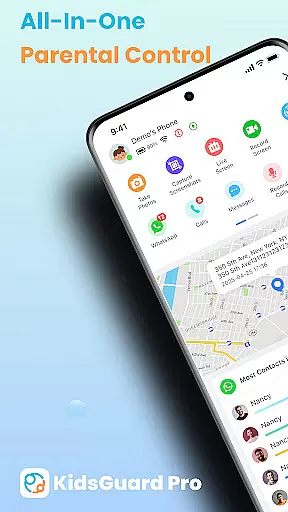
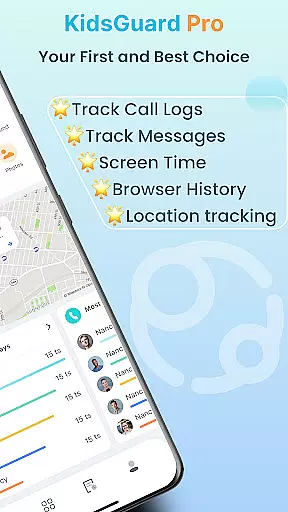
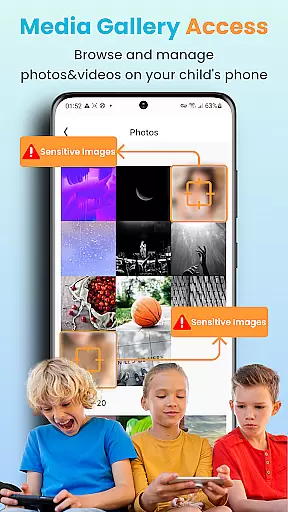

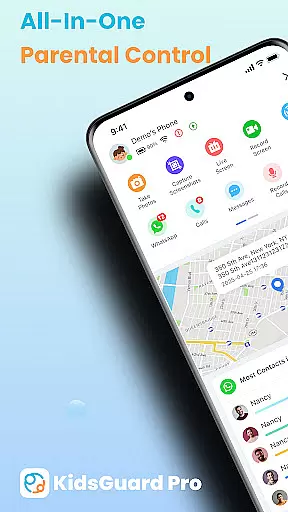
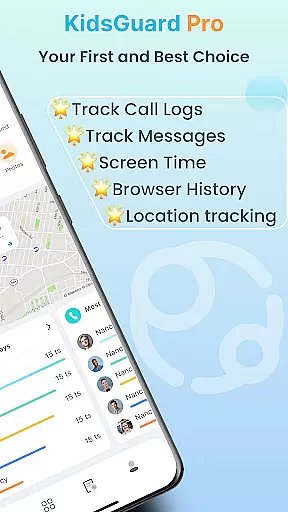
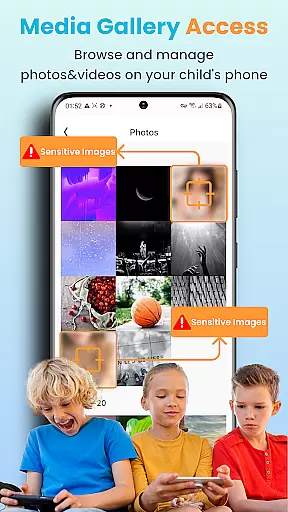
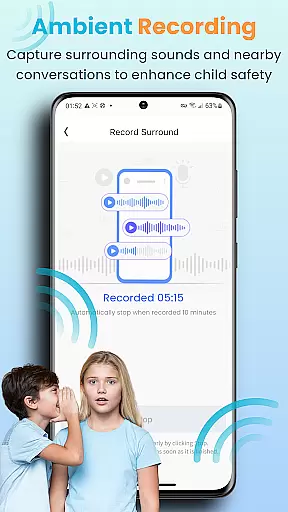
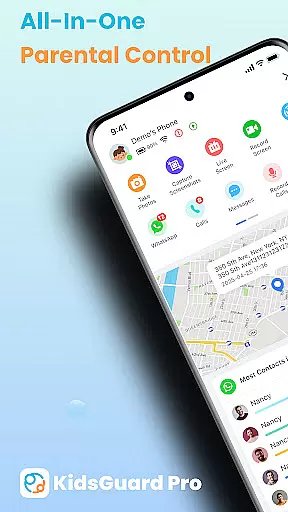
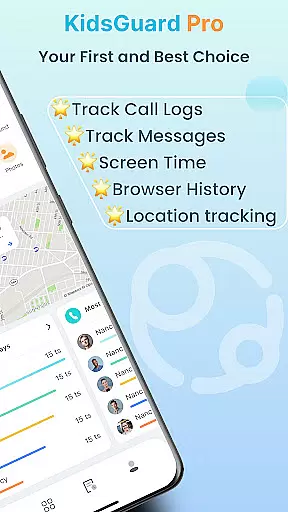
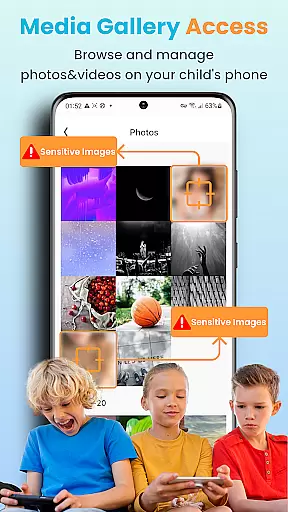
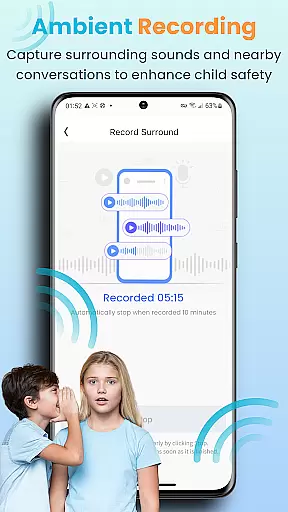
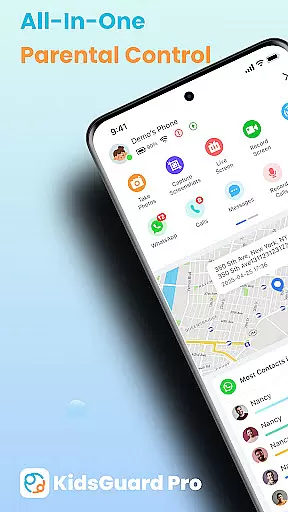
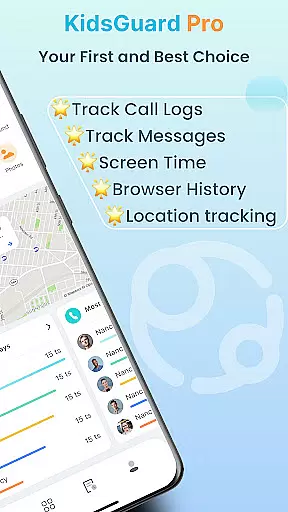
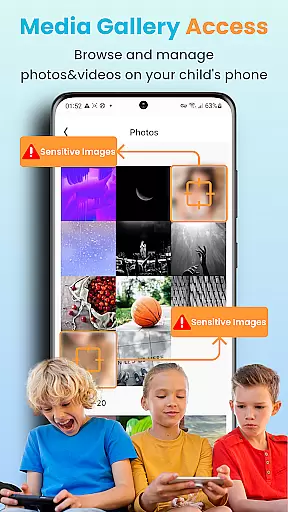
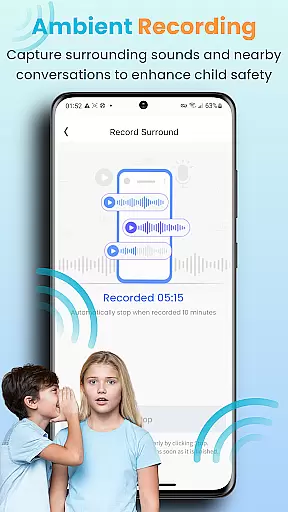
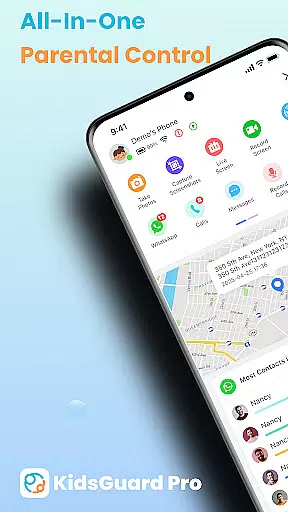
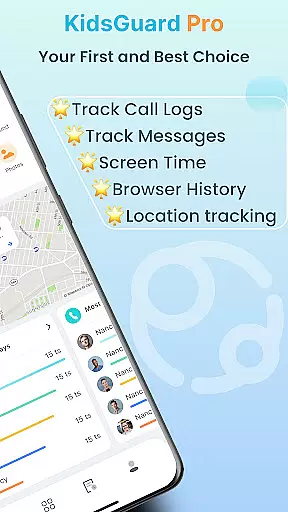
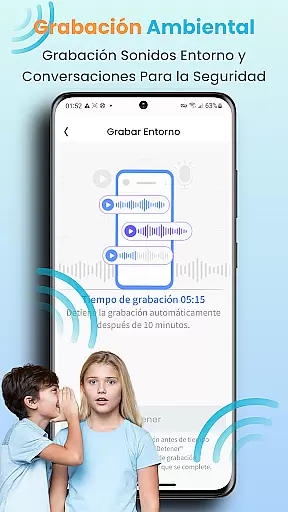
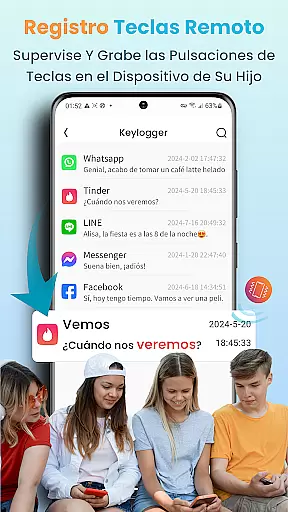
KidsGuard Pro is a comprehensive parental control app designed to help parents monitor and protect their children's online activities. With support for both Android and iPhone devices, this remote monitoring tool provides real-time tracking of location, social media usage, and sensitive content detection.
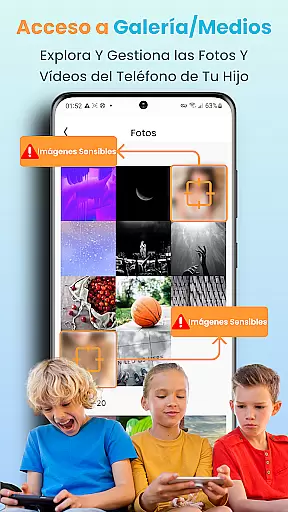
The app's key features include TikTok and YouTube history tracking, suspicious text detection across multiple messaging platforms, and instant screenshot capabilities. These functions enable parents to maintain awareness of their children's digital footprint while ensuring their safety through features like geofencing alerts and thorough usage reports.
Parents can utilize KidsGuard Pro to create a safer digital environment for their children, helping them avoid potential dangers such as cyberbullying, self-harm, or exposure to inappropriate content. The application serves as an essential tool in modern parenting by bridging the gap between traditional supervision and today's technology-driven world.
KidsGuard Pro stands out with its robust set of monitoring features that cater specifically to parental concerns. The app allows parents to view their children's TikTok and YouTube activity, including time spent on these platforms, providing valuable insights into their digital habits.
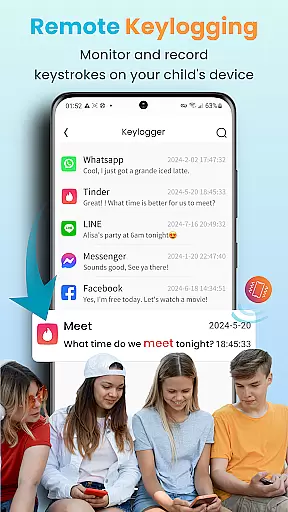
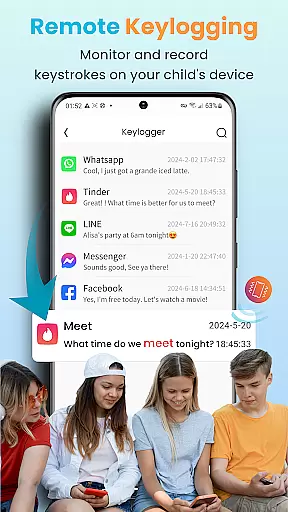
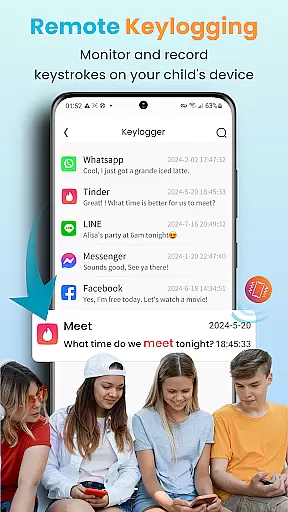
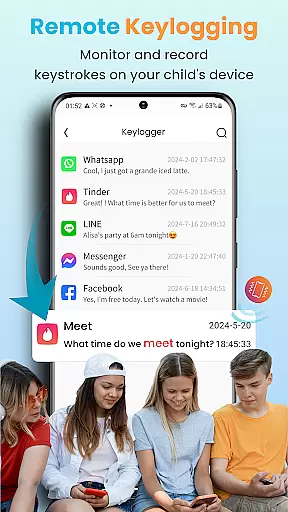
A unique aspect of KidsGuard Pro is its Suspicious Text Detection feature. Parents can set specific keywords related to sex, violence, or drugs, and the app will monitor conversations across various messaging apps. This includes WhatsApp, LINE, Viber, Kik, WeChat, Facebook, Instagram, and QQ, giving parents peace of mind about their children's online interactions.
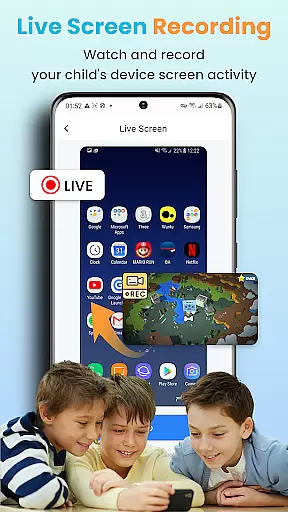
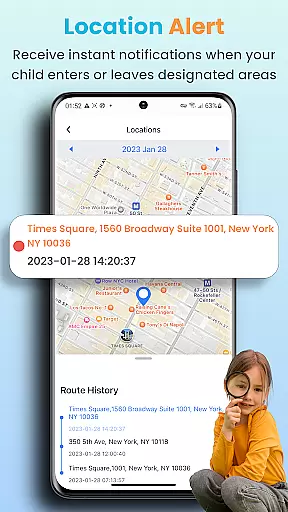
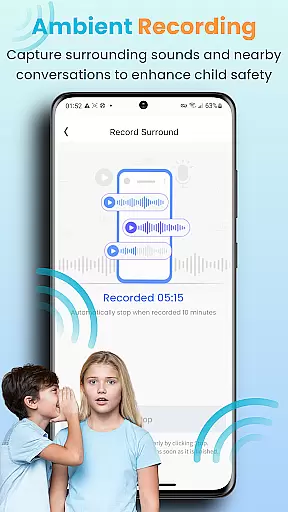
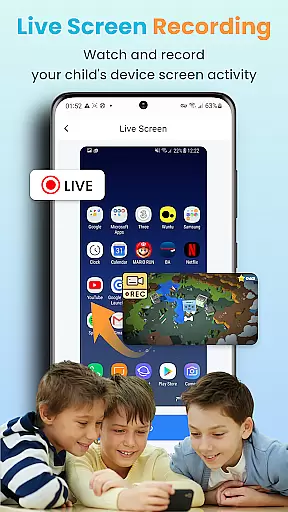
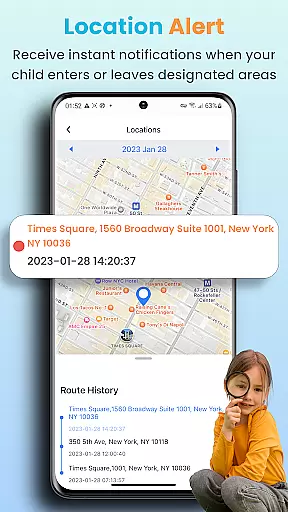
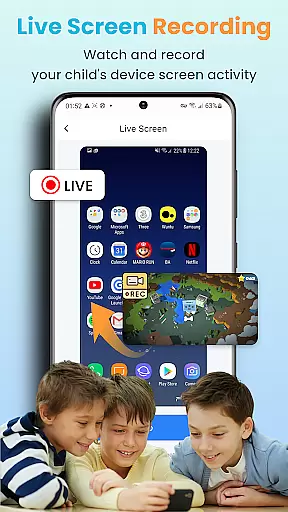
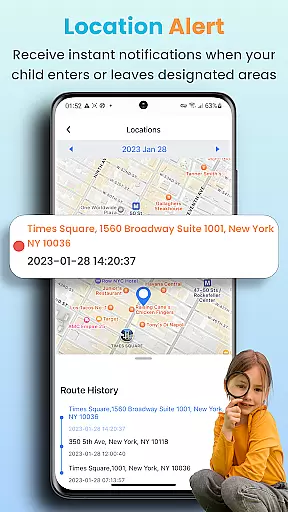
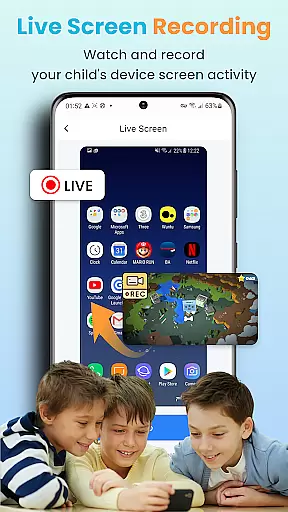
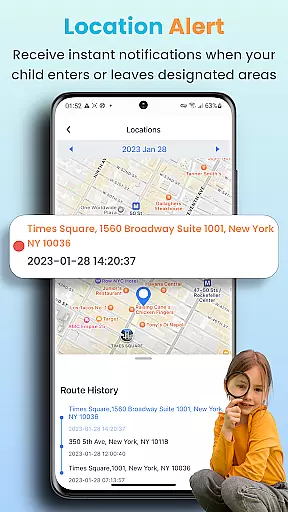
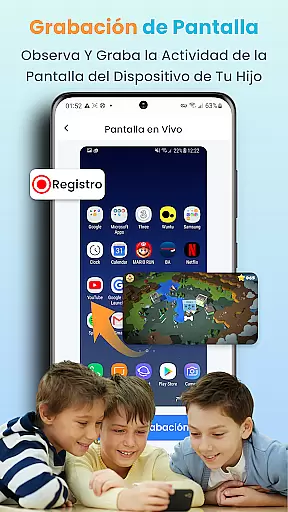
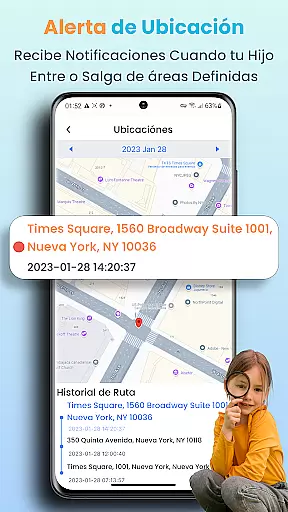
The Real-time Location Tracker offers another layer of security by enabling parents to track their children's whereabouts 24/7. They can also establish geofences around important locations like home or school, receiving immediate notifications when boundaries are crossed. Additionally, the Instant Screenshot and Record Screen function lets parents capture their children's device screens remotely, ensuring they can respond quickly to any concerning situations.
In the realm of parenting apps, content credibility is paramount. KidsGuard Pro ensures that all information provided through its monitoring features is accurate and reliable. The app employs advanced algorithms to track and report on a child's digital activities, ensuring parents receive trustworthy data about their online behavior.
The app's expert validation comes from its development background. Created by ClevGuard, a global leader in application software, KidsGuard Pro benefits from extensive research and expert knowledge in digital safety. This ensures that the app not only monitors but also provides meaningful insights into potential risks children may face online.
Parents using KidsGuard Pro can be confident in the app's ability to detect suspicious activities. Whether it's identifying sensitive keywords in text messages or tracking time spent on platforms like TikTok and YouTube, the app offers validated tools for safeguarding children. This empowers parents to take informed actions based on credible reports.
Ultimately, KidsGuard Pro stands out as a reliable parenting tool because it combines technological expertise with practical solutions. By offering features such as real-time location tracking and thorough usage reports, the app gives parents peace of mind knowing they have access to expert-validated information about their child's digital life.
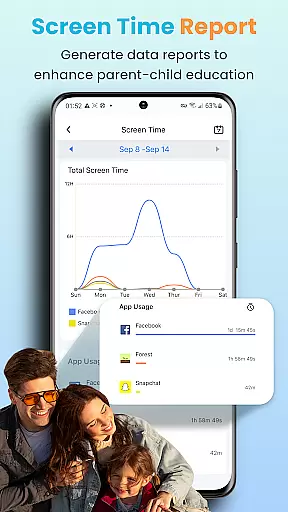
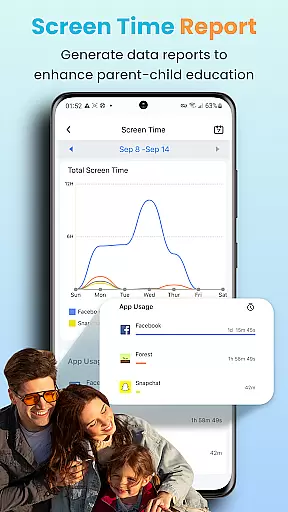
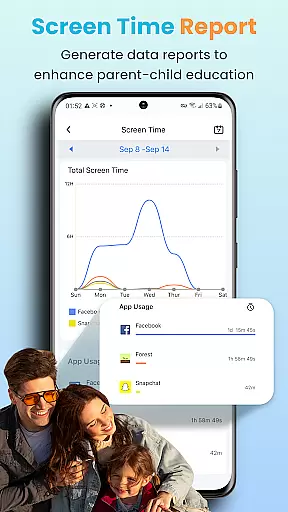
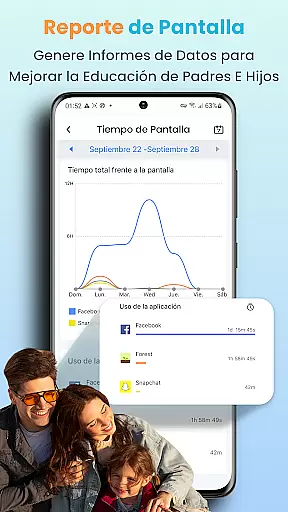
Growth tracking accuracy is essential for understanding a child's development over time. KidsGuard Pro excels in this area by providing detailed reports on a child's device usage. These reports offer precise data on how long children engage with specific apps, giving parents valuable insights into their digital habits.
The app goes beyond simple screen time tracking. It includes features like geofencing, which allows parents to set up safe zones and receive alerts when their child enters or leaves these areas. This level of detail helps parents monitor physical movements alongside digital activity, creating a comprehensive view of their child's daily routines.
KidsGuard Pro also tracks social media interactions across various platforms. By analyzing chat histories and detecting potentially harmful content, the app ensures that parents are aware of any concerning trends in their child's online communications. This proactive approach supports accurate growth tracking by highlighting behavioral patterns that might require attention.
With its combination of real-time monitoring and historical data analysis, KidsGuard Pro delivers unparalleled accuracy in tracking a child's growth. Parents can use this information to guide discussions about responsible technology use and make informed decisions regarding their child's overall well-being.
Comprehensive monitoring
Real-time location tracking
Suspicious content alerts
User-friendly interface
Multi-platform support
Premium subscription required
Privacy concerns possible
Complex setup process
Limited free features
Device compatibility issues

Daily Routine & Timer for kids, ADHD, & Autism
 4.80
4.80
Educational resource for parents to inspire creativity in their children.
4.00
All-in-one pregnancy app, contraction timer, kick counter & due date calculator
4.40
Family parental control app: limit screen time, block apps, GPS tracker.
4.20
Play activities, milestones, expert-led classes, baby tracker, and more!
3.00
A simple way to track your baby’s breastfeeding, diaper changes, sleep patterns.
4.90
3D Baby size, Fruit comparisons, Smart Checklist, Trending Names & Training.
4.90
Watching baby, helping parents
4.10
Babysitting video camera - Turn your two phones or tablets into a single nanny.
4.40
FamilyAlbum helps you share, save, and remember your child's special moments.
4.80
SENSORYSOOTHE and SENSORSAFE: Making car seats smarter and families safer.
4.70
Sleep better with white noise app! Discover rain sounds, fan noise and more.
4.70
Kids story books for children. Baby reading books with audio for pre-k toddlers
4.70
Live Location, Alerts & 2-Way Voice for Kids and Adults with Special Needs
4.60
Parental control App for Location, Remote Camera, Screen Mirroring, Block Apps.
4.60
It is a screen time management tool for games and mobile applications
4.50
Comprehensive Parental Control & Child Safety — Hear & Protect Your Child World
4.30
Findnumber: Real-time location tracker for ultimate family security
4.20
A Coloring for the Whole Family! Discover the Joy of Family Love Through Colors!
3.60


User Reviews