
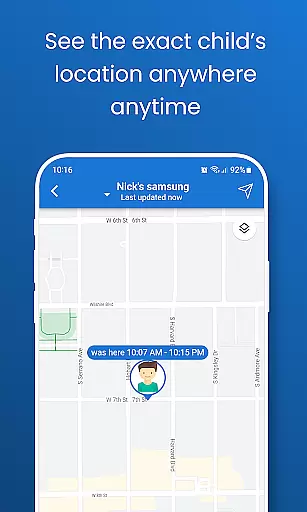
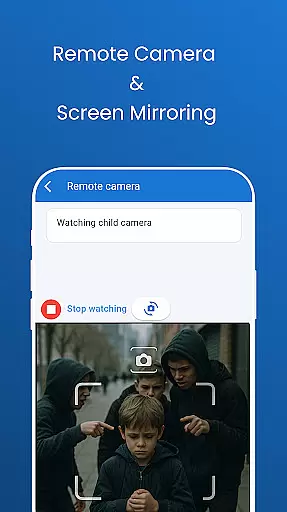
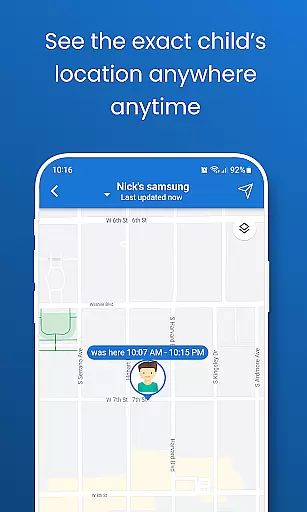
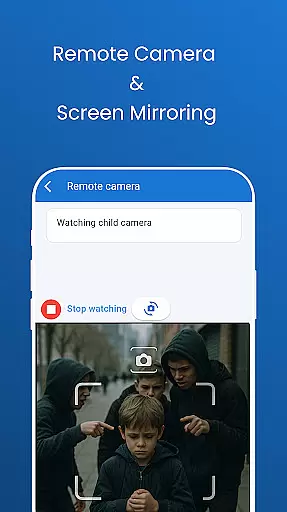
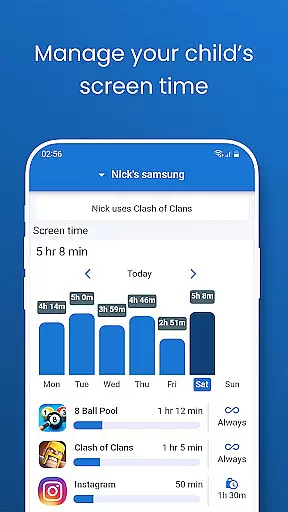
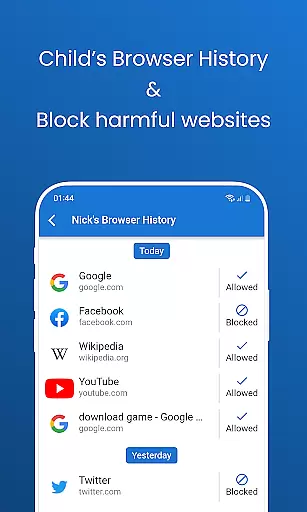
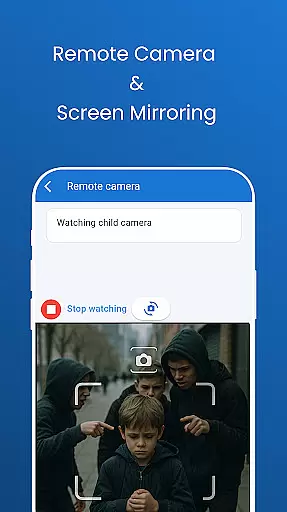
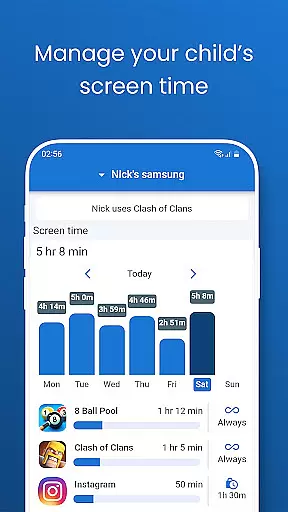
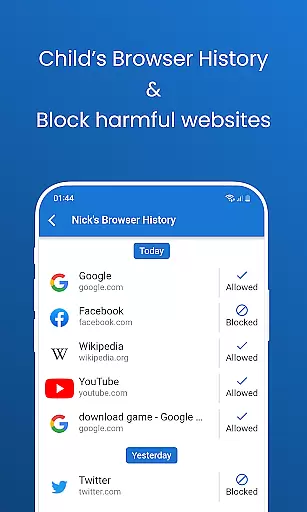
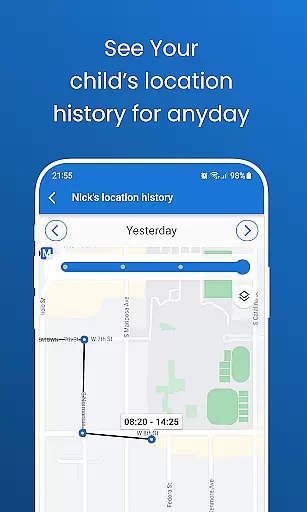
Pinardin is a comprehensive parental control application designed to help parents ensure their children's safety in the digital world. The app offers real-time location tracking, digital habit monitoring, and various security features such as Live Monitoring, App Block, and Sensitive Content Detection. With Pinardin, parents can foster healthy phone usage habits while maintaining peace of mind about their child's online activities.
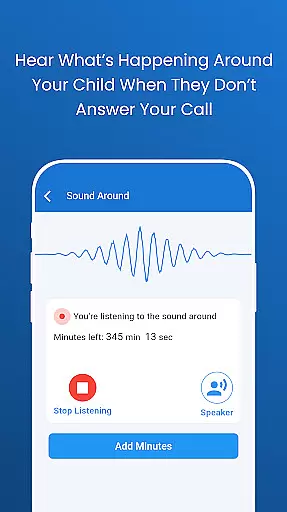
The app provides powerful tools like remote camera access, one-way audio monitoring, and automated screenshots to give parents insight into their child's environment and phone usage. It also includes screen time controls, bedtime mode, and website blockers to create a safe and balanced digital experience. These features work together to protect children from cyberbullying, inappropriate content, and excessive device use.
Pinardin stands out by promoting transparency and trust within families. Unlike traditional spy apps, it requires the child's knowledge and consent for installation, ensuring ethical digital monitoring practices. This approach helps parents better understand their children's digital lives while respecting their privacy. By using Pinardin, families can maintain open communication and build stronger relationships through responsible digital parenting.
Pinardin offers an impressive array of features that set it apart from other parental control applications. The app's Live Monitoring feature allows parents to remotely access their child's camera and microphone, providing real-time insights into their surroundings. This capability is particularly useful for identifying emergencies or verifying the child's safety during unusual circumstances.
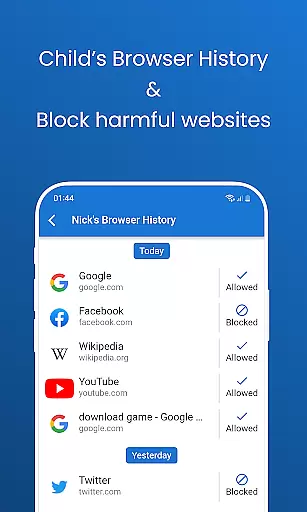
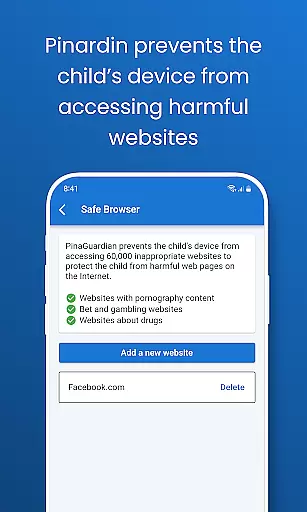
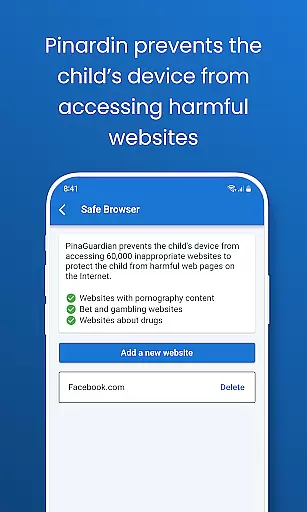
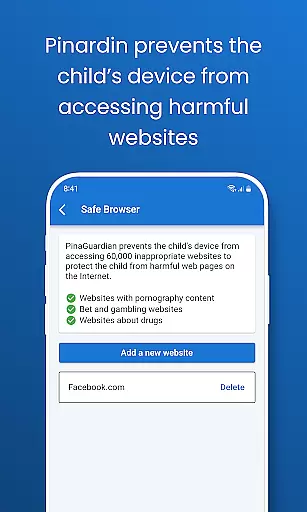
The application's digital monitoring tools are equally robust. Through automated screenshots and app notification syncing, parents can view their child's phone screen and track app usage patterns. The social media monitoring feature scans platforms like TikTok, YouTube, and Instagram for sensitive content, while the website blocker helps maintain age-appropriate browsing habits. These features work together to create a comprehensive safety net around the child's digital activities.
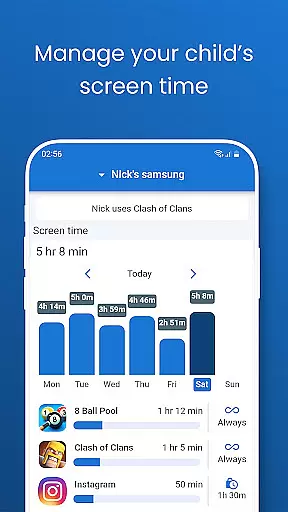
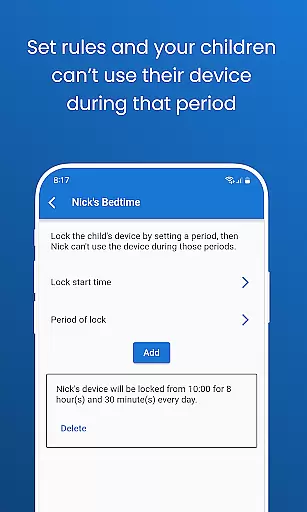
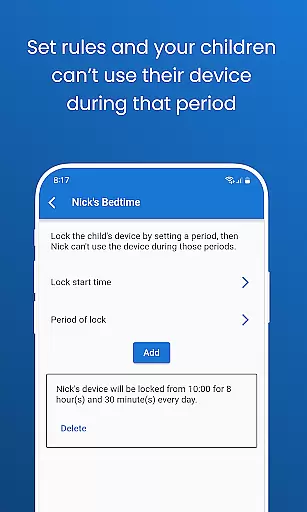
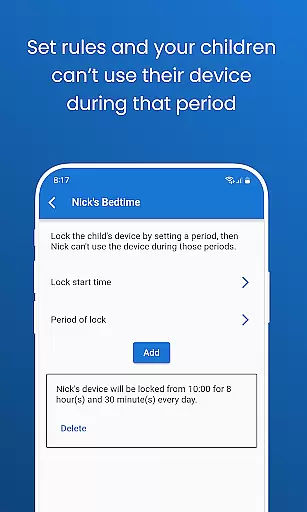
What makes Pinardin truly unique is its focus on promoting healthy digital habits. The app's screen time management system allows parents to set precise usage limits, establish bedtime routines, and even block specific apps during school hours. These features are implemented with transparency and require the child's consent, fostering trust and open communication between parents and children. This approach not only protects children but also helps them develop responsible digital citizenship skills.
Pinardin stands out in the parenting category through its commitment to credible content and expert-validated features. The app provides tools that are designed not only for monitoring but also for fostering healthy digital habits among children. Each feature, from Live Monitoring to Sensitive Content Detection, is crafted based on thorough research and understanding of child safety needs.
The credibility of Pinardin's content is reinforced by its adherence to privacy standards and regulatory compliance, such as GDPR policies. This ensures that parents are equipped with reliable information and functionalities that safeguard their children's online presence. By focusing on real-time location tracking, app usage monitoring, and sensitive content alerts, Pinardin empowers parents with trustworthy data to make informed decisions.
Expert validation further enhances the appu2019s offerings, ensuring that all protective measures are age-appropriate and conducive to a child's development. With specialized functions like Website Blocker and Bedtime Mode, Pinardin helps establish balanced screen time routines while prioritizing the physical and mental well-being of young users.
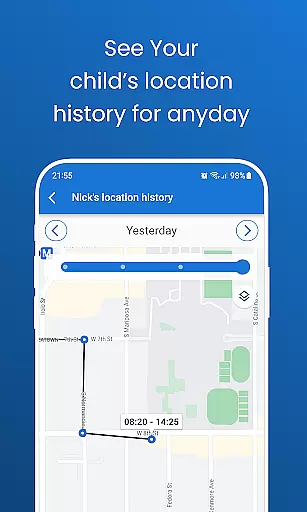
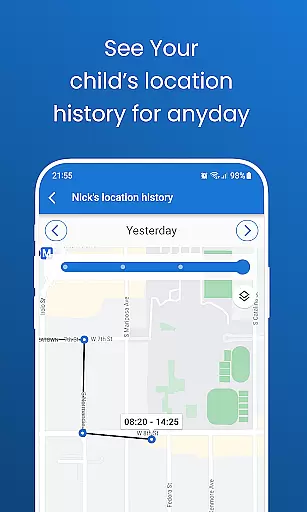
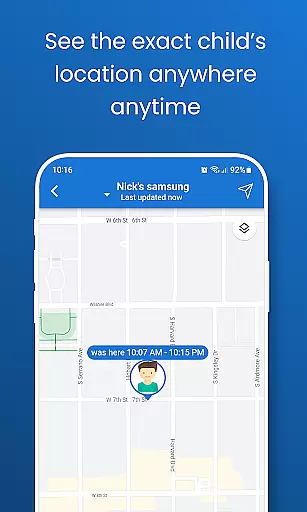
Growth tracking within Pinardin encompasses both the physical whereabouts and digital activities of children, providing an accurate depiction of their developmental journey. Through high-precision GPS technology, parents can monitor their child's live location and review past routes, gaining insights into daily patterns and potential areas of concern.
In addition to geographical tracking, Pinardin offers comprehensive reports on app usage and browser history checks. These features allow parents to observe how their children interact with technology over time, identifying trends or changes in behavior that may require attention or guidance. Such detailed analytics support proactive parenting strategies tailored to individual growth trajectories.
By combining these precise tracking capabilities with automated screenshots and one-way audio monitoring, Pinardin delivers a holistic approach to growth tracking. Parents receive timely alerts and visual updates, enabling them to respond swiftly to any situation while nurturing responsible digital citizens. This dual focus on location and activity metrics ensures that every aspect of a childu2019s progress is captured accurately and securely.
User-friendly interface
Comprehensive monitoring tools
Real-time location tracking
Effective screen time management
Transparent privacy policies
Premium features require subscription
Limited free trial period
Dependent on child's consent
May require technical setup
Some features need constant internet

Free symptom & med tracker with expert-reviewed tips.
 4.30
4.30
SENSORYSOOTHE and SENSORSAFE: Making car seats smarter and families safer.
4.70
Educational resource for parents to inspire creativity in their children.
4.00
Cherish every beat - capture your baby's heart sounds with our app
4.30
FamilyMode helps you manage your family’s digital lives—at home or on the go.
4.30
Keep track of your stored breastmilk
4.40
Parental control App for Location, Remote Camera, Screen Mirroring, Block Apps.
4.60
Advanced baby tracking, expert sleep help & parenting support for every stage.
4.80
Track baby’s development & growth week by week with BabyCenter’s pregnancy app!
4.90
Track your labor contractions
4.90
All-In-One Pregnancy Tracker, Your Baby's Milestones, Growth Stages & Parenting.
4.90
Live Location, Alerts & 2-Way Voice for Kids and Adults with Special Needs
4.60
With BabyCam you can monitor your baby using your mobile phone, tablet, PC or TV
4.40
Fake call application designed for parents and adults to discipline their children through the children's police.
4.20
Learn according to the age of your child and consult with other moms.
4.20
Affirmations | Stories | Bible
4.10
The 10 development leaps of your baby | newborn milestones & leap days tracker
4.10
Parental Control including Screen time control, GPS tracking, App/Game blocker.
3.90
Screen Time, App and Web Block & Monitoring, Location Tracker
3.60


User Reviews