

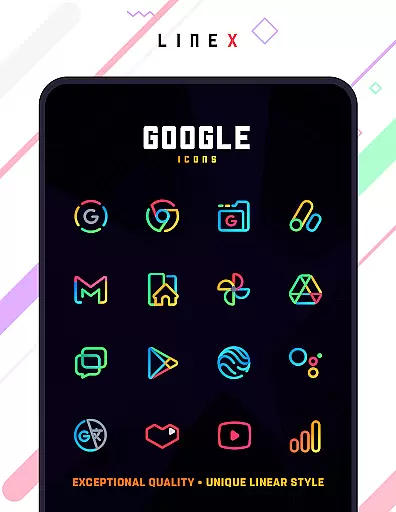
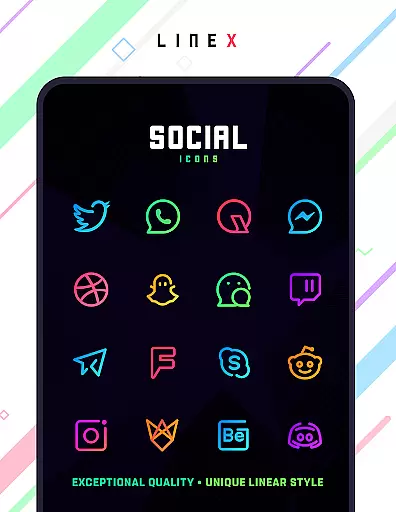
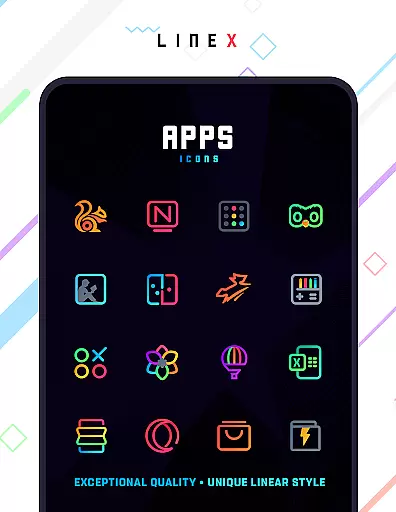
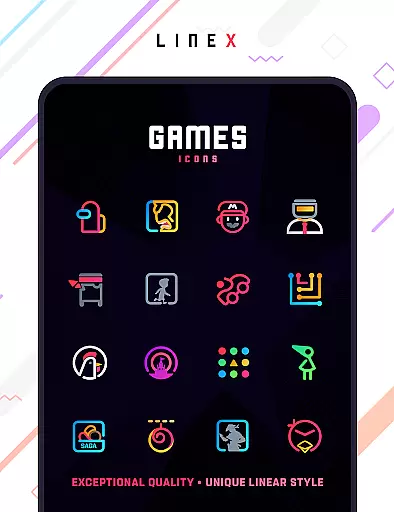
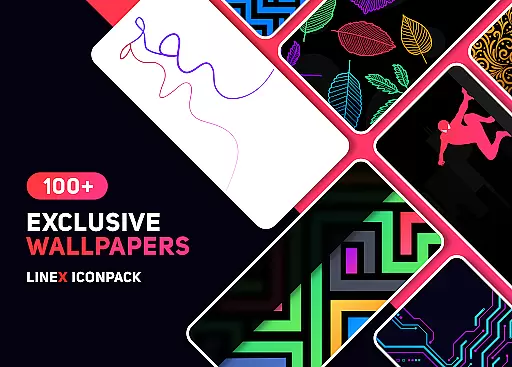
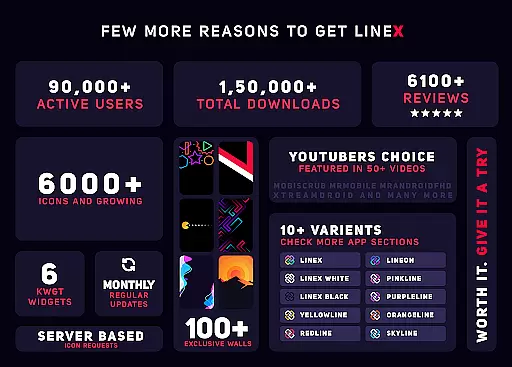
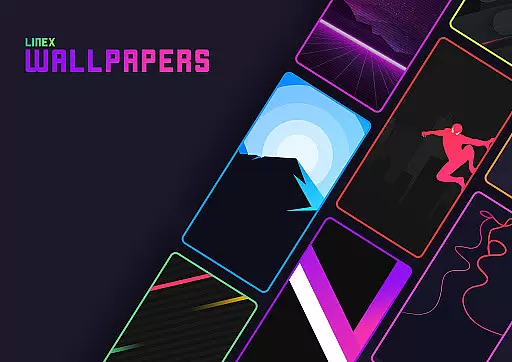
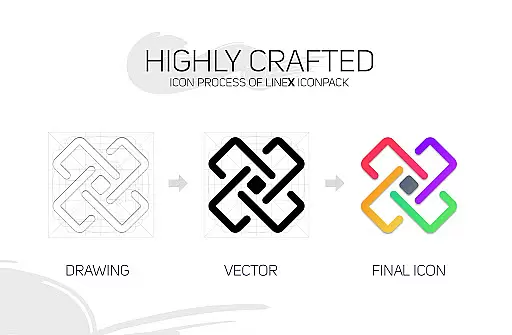
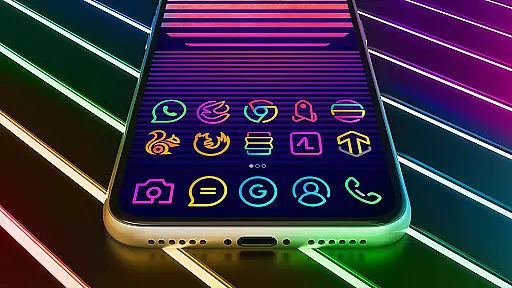
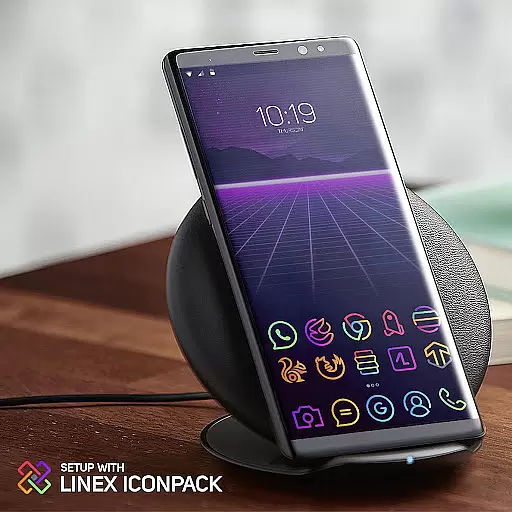
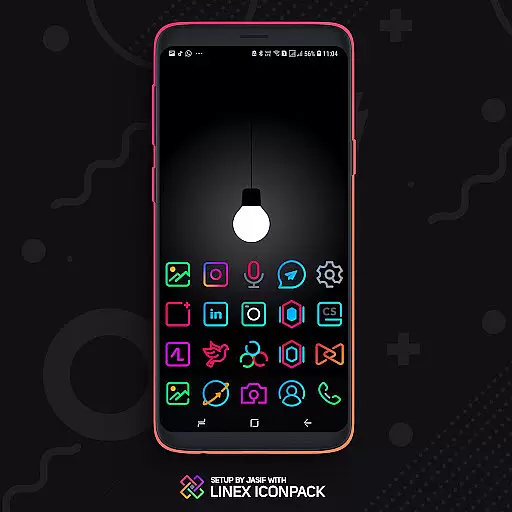
LineX Icon Pack is a premium icon pack designed for users seeking a sleek and modern aesthetic on their mobile devices. With over 6000 high-quality icons, this pack offers one of the most comprehensive collections available in the market today. The linear design theme ensures that each icon is both visually striking and consistent with the overall minimalist style.
In addition to its extensive icon library, LineX also features a robust masking system that ensures unthemed icons are beautifully styled to match the pack's aesthetic. Compatible with numerous launchers, including Nova, Apex, and Action Launcher, this icon pack provides users with flexibility and customization options. Whether you prefer small or large icons, LineX allows you to adjust settings to suit your personal preferences while maintaining top-notch quality.
One of the standout features of LineX Icon Pack is its commitment to regular updates, ensuring that users have access to new icons and improvements consistently. Each update not only adds more icons but also enhances existing functionalities, such as the dynamic calendar and material dashboard, which provide practical utility alongside aesthetic appeal.
The pack includes several advanced features like icon preview and search, custom folder icons, and category-based organization, making it easy for users to find and apply their desired icons. Additionally, LineX supports alternative icons and custom app drawer icons, allowing for further personalization. These capabilities ensure that every user can tailor their home screen to reflect their unique style while enjoying seamless performance across different launchers.
LineX Icon Pack offers an extensive range of customization options that cater to personal preferences and device aesthetics. With over 6000 icons, users can enjoy a fresh and modern linear design that enhances the visual appeal of their home screens.
The pack includes beautifully crafted masks for unthemed icons, ensuring a consistent look across all app icons. Additionally, it provides alternative icons and custom folder icons, allowing users to tailor their experience further.
For those who appreciate dynamic features, LineX supports dynamic calendars and category-based icons. These elements ensure that users have a personalized and organized interface that adapts to their daily needs.
Moreover, the inclusion of a material dashboard and easy icon request feature empowers users to manage and expand their icon collection effortlessly. This level of customization ensures each interaction with the device is a pleasant experience.
Compatibility is a crucial aspect of any icon pack, and LineX Icon Pack excels in this area by supporting a wide array of launchers. Whether you're using popular options like Nova, Apex, or more niche choices such as ZenUI, LineX has been tested to work seamlessly with them.
In addition to direct support, the pack also works with launchers not included in the apply section, such as Microsoft Launcher and Arrow Launcher. This broad compatibility ensures that most users can enjoy the benefits of LineX regardless of their launcher choice.
It's important to note that while Google Now Launcher does not support icon packs, LineX's versatility means that many other launchers will provide a rich theming experience. The pack even allows applying themes through launcher settings if the apply section isn't available.
With frequent updates and a commitment to quality, LineX Icon Pack maintains its compatibility and continues to meet the evolving needs of users seeking a cohesive and stylish device appearance.
Extensive icon library
Frequent updates
Perfect masking system
Customizable icon sizes
Dynamic calendar support
Requires compatible launcher
No Google Now support
Some features need manual setup
Limited to linear style
Premium price point

Capture moments that pass like a storm, second by second.
 4.3
4.3
Prank your friends with realistic broken screen and cracked HD effects!
4.1
Make your phone look simple & luxury, like iDevice
4.60
Shimeji adds cute animated characters to your screen, lively and fun.
4.70
Color phone with cool effects for call screen, flash alert & ringtones music
4.50
Icons made of colorful linear lines
4.60
Struggling to find apps? Use this app to locate and open any app on your phone!
2.20
Magic fluids wallpaper 4D: Relax with stunning fluid simulation wallpaper app
4.20
Cool custom fonts & keyboard themes! Symbols & font changer for Instagram
4.50
Add cute Shimeji pets to screen, interact with them and relax with cute motions
4.60
Over 28,000 high quality icons to bring color & homogeneity to your phone.
4.60 4.50
4.50 4.50
4.50 4.50
4.50 4.50
4.50
Romantic Kiss Stickers App. Start romantic messaging now!
4.30
Wear Os Watch Face - Seasonal - Animated Snow Effect - 9 Animals
4.20
Customizable flower power digital watch face for Wear OS watches.
4.00
Your go to Weather App & Home Screen. Get your weather at a swipe of a finger!
3.80


User Reviews