
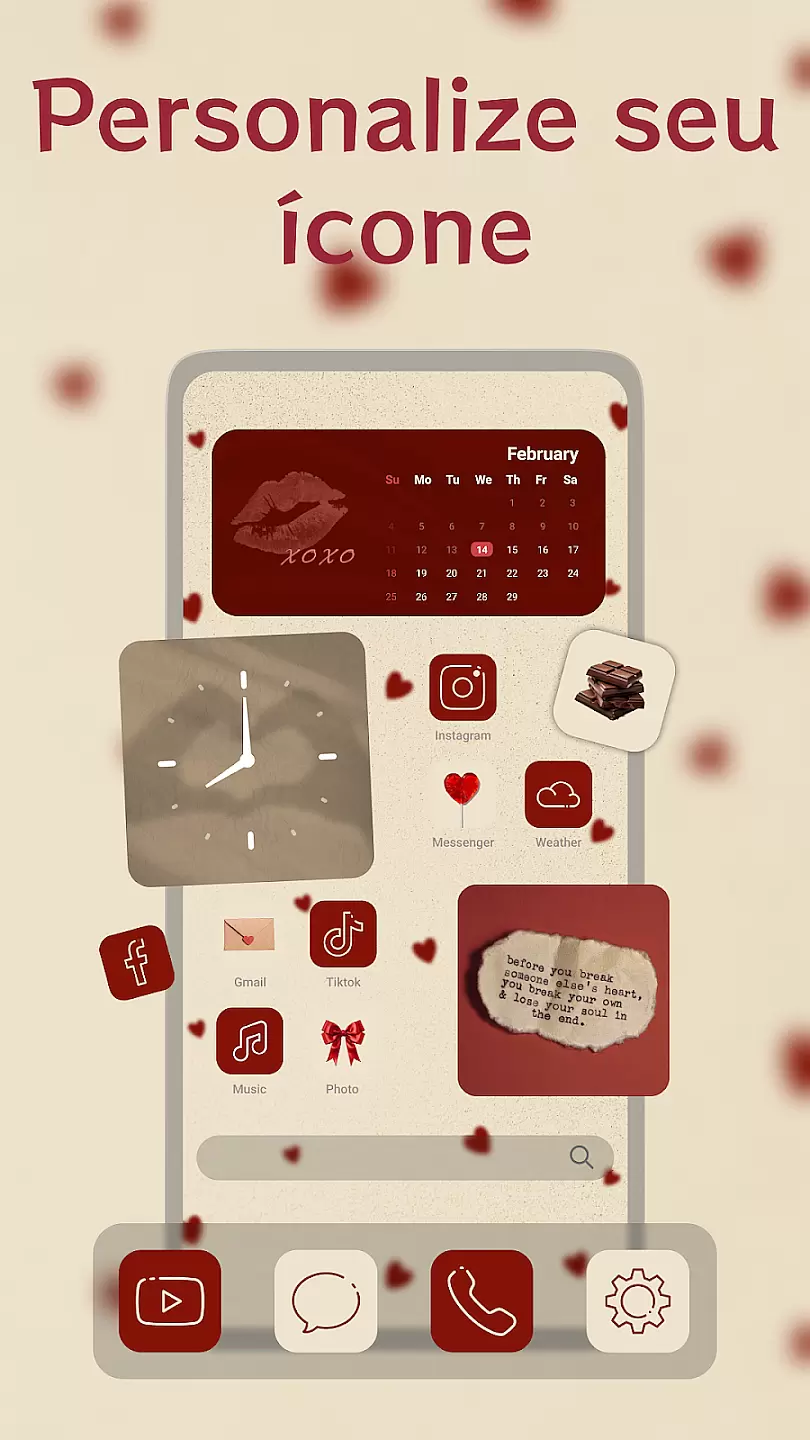
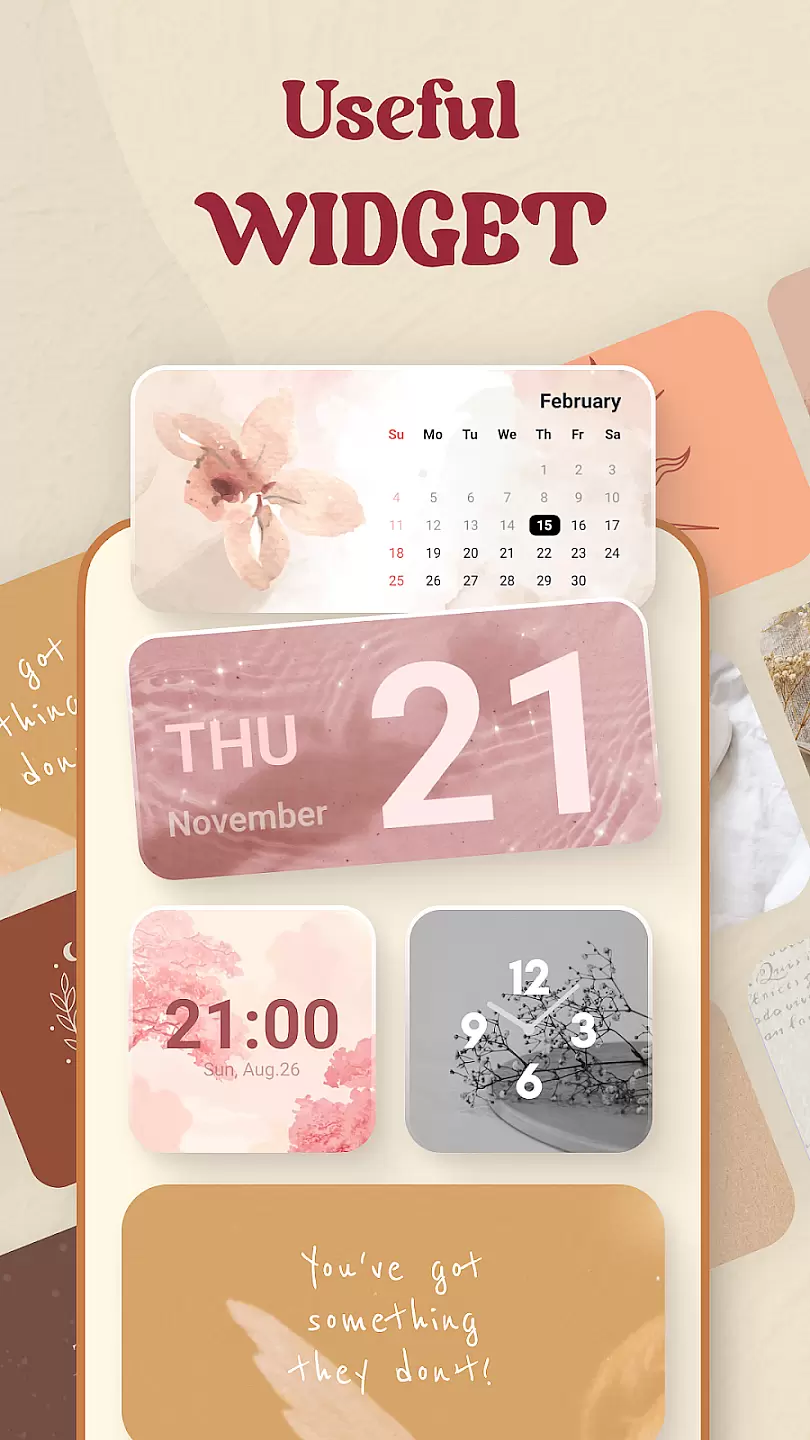
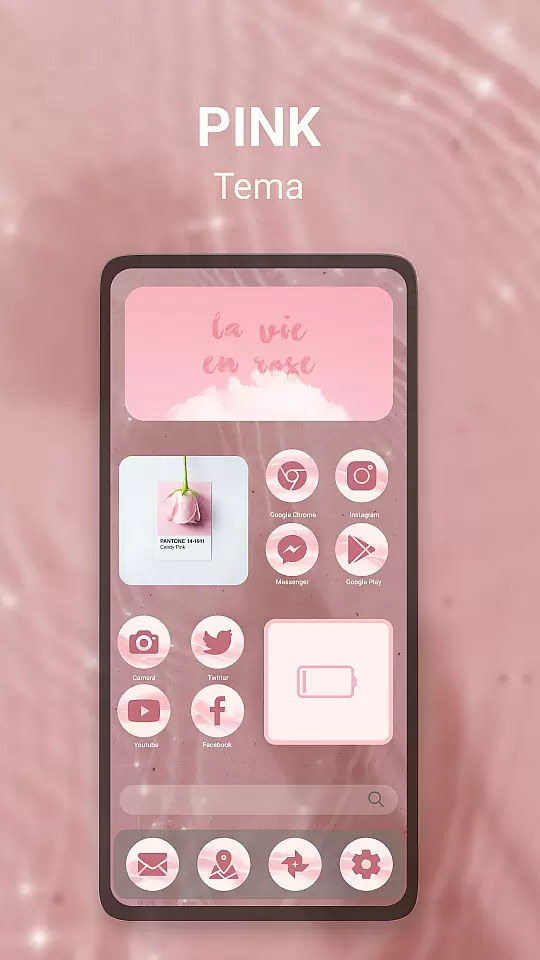
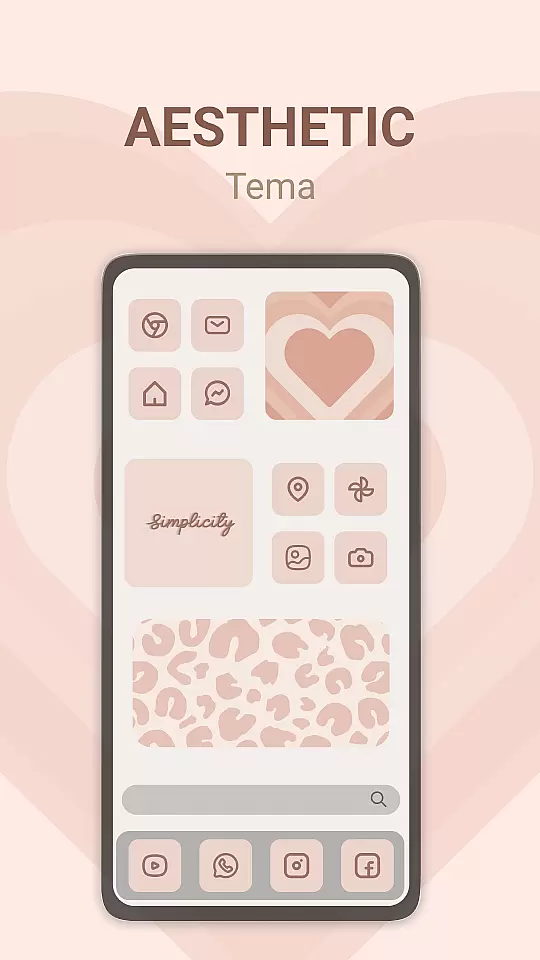
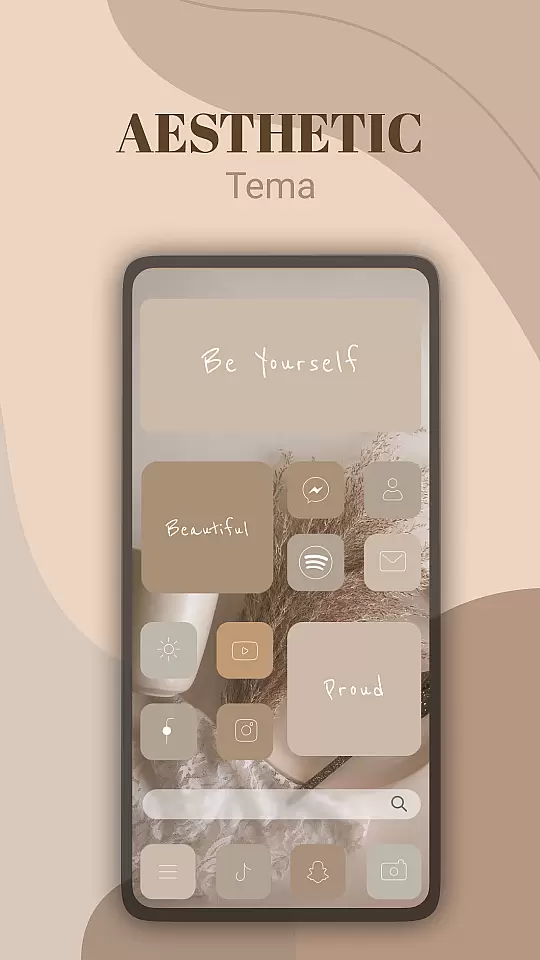
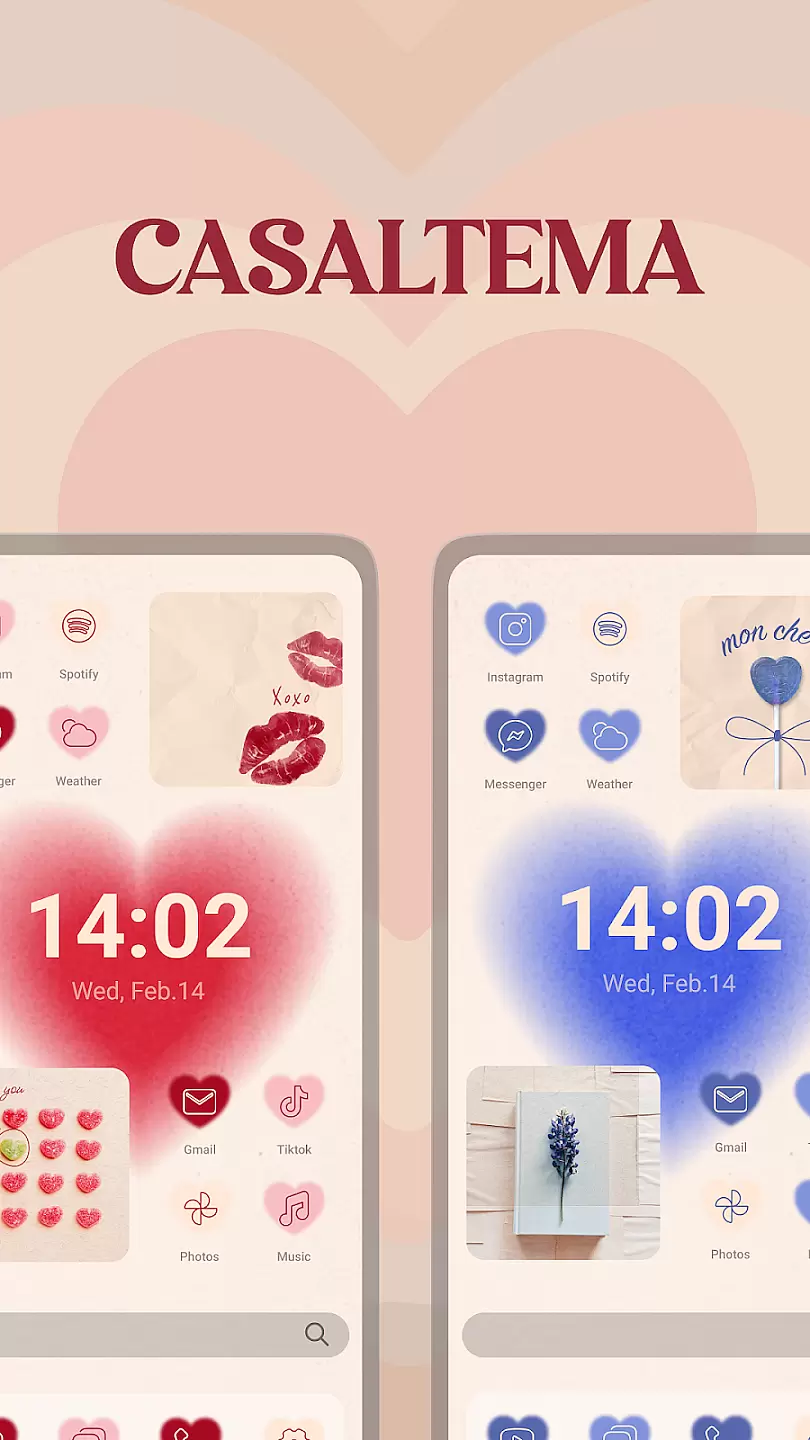
Theme, Widget & Icon Changer is a versatile personalization app that allows users to customize their smartphone experience. With an extensive library of themes, widgets, and icon packs, the app caters to those looking to break away from standard device aesthetics. Users can easily apply unique designs to their home screens, giving their devices a personalized touch while maintaining ease of use.
The app supports various styles ranging from minimalistic designs to vibrant, eye-catching themes. Whether you want to revamp your phone's look or simply experiment with new styles, this app provides all the tools needed for a complete transformation. Its intuitive interface ensures that even beginners can navigate and personalize their devices effortlessly.
One of the standout features of Theme, Widget & Icon Changer is its vast collection of customization options. The app offers thousands of themes that include both free and premium choices, ensuring there's something for every user. Each theme comes with matching icons and widgets, creating a cohesive look across the entire device.
Additionally, the app includes advanced customization tools such as icon masking, which allows users to apply custom icons to apps that don't match any existing design sets. This feature ensures that all app icons on your device follow the chosen aesthetic. The app also receives regular updates with new themes and widgets, keeping the content fresh and engaging for long-term use.
Customization is at the heart of personalizing your device to truly make it yours. Theme, Widget & Icon changer offers a wide array of customization options that allow users to tailor their device's appearance in unique ways.
This application provides hundreds of themes, icons, and widgets, catering to different tastes and preferences. Whether you prefer a minimalist design, vibrant colors, or specific aesthetics like retro or futuristic, this app has something for everyone.
Users benefit from an intuitive interface that makes applying these customizations straightforward. With just a few taps, you can overhaul your deviceu2019s look, making daily interactions more enjoyable and personalized.
The true value lies in empowering users to express their individuality through their devices. The ability to frequently change themes keeps the device feeling fresh and new, enhancing user satisfaction and engagement.
Ensuring theme compatibility is crucial for a seamless customization experience. Theme, Widget & Icon changer excels in providing themes that are fully compatible with a wide range of devices and operating systems.
The app meticulously tests each theme to ensure it fits perfectly across various screen sizes and resolutions without any glitches. This attention to detail guarantees that icons and widgets align correctly, maintaining the intended design aesthetic.
For users, this means peace of mind knowing that whatever theme they choose will work flawlessly on their device. Thereu2019s no need to worry about misaligned elements or broken visuals, which enhances the overall user experience.
By prioritizing compatibility, Theme, Widget & Icon changer ensures that every customization not only looks great but also functions as intended, offering a cohesive and visually pleasing environment for all users.
User-friendly interface
Extensive theme library
Regular content updates
Advanced icon masking
Cohesive design elements
Limited free options
Premium subscription required
Occasional bugs
Ads in free version
Device compatibility issues

Only for Wear OS devices!
 4.90
4.90
Wear Os Watch Face - Seasonal - Animated Snow Effect - 9 Animals
4.20
Ultimate widget creator. Design custom widgets for a truly unique home screen!
3.90
Launcher OS™ Pro without ads help make your phone simple and pretty
4.30
Yandex Browser — stylish and secure, with voice search and data compression
4.40
One 8 icons glass color version
4.80
200+ Material Inspired Widgets
4.50
Create unique, fun emojis with Funny Emoji Maker! Unlimited creativity!
4.00
Magic fluids wallpaper 4D: Relax with stunning fluid simulation wallpaper app
4.20
Wallpaper HD 4K Live - Thousands of high-quality Anime backgrounds for you.
4.80
Customizable Glass widgets. Over 360+ stunning widgets and more!
4.70
Nothing Icon pack with more than 3750+ highly crafted icons.
4.70
350+ widgets with a premium glass-style finish, perfect for home & lock screens.
4.70
A minimalist productivity launcher. One-hand-friendly. Zero ads.
4.70
Embrace the Night. Unleash the power of darkness with Raven Dark Icon Pack
4.60
AI-powered Copilot. Personalized keyboard with gifs, stickers & themes
4.40
Art & Emoji Keyboard with Cool Fonts, Cute Themes and Custom Designs.
4.40
Themes - Widget & Wallpaper: Customize home screen, icon changer w unique themes
4.30
Customize glowing edges, wallpapers, and caller screen with EdgeAura.
3.50


User Reviews