
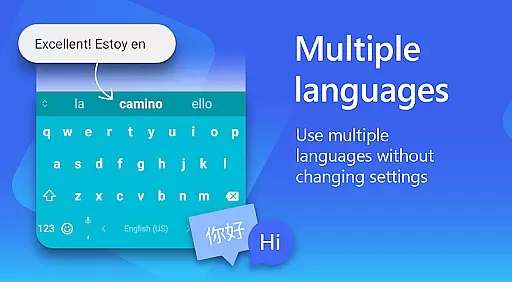
Microsoft SwiftKey AI Keyboard is a cutting-edge personalization tool designed to enhance typing efficiency and style. This intelligent keyboard learns your unique writing patterns, offering personalized autocorrect and predictive text features. With support for over 700 languages and the ability to enable up to five languages simultaneously, it caters to multilingual users effectively.
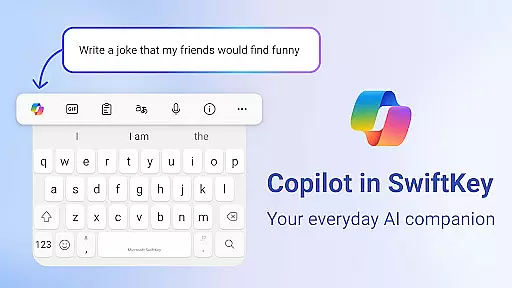
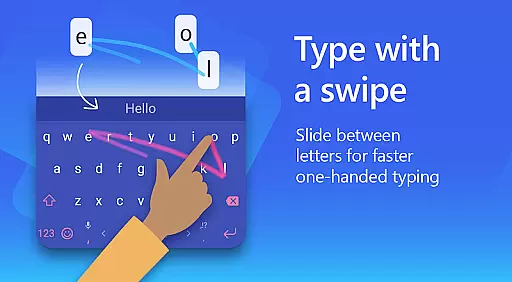
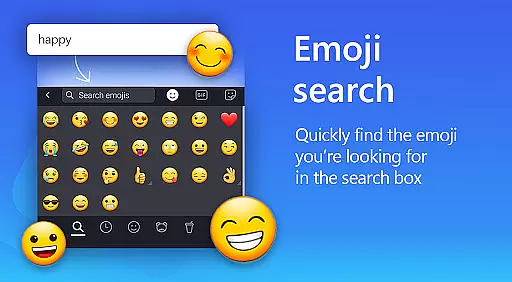
The app goes beyond basic typing by integrating Copilot, an everyday AI companion that allows you to ask questions within your favorite apps. Its swipe-to-type functionality and adaptive emoji predictions make typing faster and more intuitive. Additionally, the custom keyboard themes and layouts let you personalize your typing experience to match your individual preferences.
Whether you're looking to type faster, express yourself with emojis and GIFs, or customize your keyboard's appearance, Microsoft SwiftKey provides a comprehensive solution that adapts to your typing style while offering rich content options.
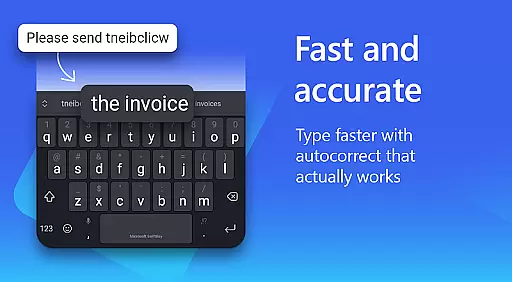
Microsoft SwiftKey AI Keyboard stands out with its advanced AI-powered features that transform the typing experience. The app's core functionality includes swipe-to-type and tap-to-type options, both enhanced by AI-driven spell checking and auto-text predictions. These features learn from your slang, nicknames, and frequently used phrases, ensuring accurate and personalized suggestions.
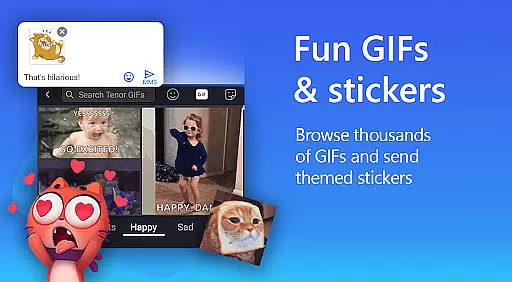
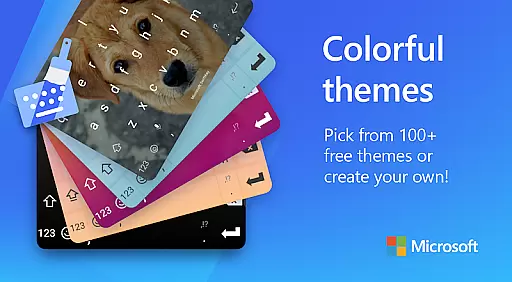
Beyond typing, SwiftKey offers rich content integration through adaptive emoji keyboards, searchable GIFs, and stickers. The AI-powered image creation tool allows users to generate unique memes. Customization is another key aspect, with over 100 colorful keyboard themes and the option to create personalized themes using photos. Users can also adjust keyboard size and layout to suit their preferences.
For multilingual users, the app supports over 700 languages and allows simultaneous use of up to five languages. Optional permissions like microphone access for voice-to-text and camera integration for sharing images further enhance its versatility, making it a complete personalization tool for diverse user needs.
Microsoft SwiftKey AI Keyboard offers an extensive range of customization options that cater to individual preferences and styles. With over a hundred colorful keyboard themes, users can select a design that best reflects their personality or mood.
Beyond the preset themes, SwiftKey allows for a personalized touch by enabling users to create their own custom keyboard theme. This feature lets you use a personal photo as the keyboard's background, making your typing experience truly unique.
In addition to aesthetic personalization, the app provides functional customization. Users can adjust the keyboard size and layout to better fit their typing style, whether they prefer swiping or tapping. These modifications ensure comfort and efficiency while typing.
The ability to customize extends to language preferences too. Supporting over 700 languages and allowing up to five to be enabled simultaneously, Microsoft SwiftKey ensures that multilingual users can switch between languages seamlessly, enhancing both communication and personal expression.
Theme compatibility in Microsoft SwiftKey AI Keyboard ensures that regardless of your device or operating system, your chosen theme will display correctly and maintain its intended appearance. This consistency enhances user experience by providing a visually cohesive environment across different platforms.
SwiftKey's adaptive design means that themes are not only visually appealing but also practical. The custom keyboard adjusts to various screen sizes and resolutions without losing functionality or aesthetic appeal, ensuring that all users have access to beautiful and usable keyboard designs.
Moreover, SwiftKey's theme system is designed with user feedback in mind. Regular updates and new theme releases keep the visual experience fresh and engaging, encouraging users to find new ways to express themselves through their keyboard's look and feel.
By prioritizing theme compatibility, Microsoft SwiftKey guarantees that every user can enjoy a personalized typing experience that is both visually pleasing and fully functional, no matter what device they are using.
AI-powered predictions
Customizable themes
Multilingual support
Swipe-to-type feature
Rich content integration
Limited offline functionality
Requires storage space
Optional permissions needed
Premium features cost
Learning curve for new users

Beautiful realistic hybrid watch face with numerous customization options.
 4.50
4.50
Ultra realistic high quality analog watch face for Wear OS.
4.60
Art & Emoji Keyboard with Cool Fonts, Cute Themes and Custom Designs.
4.40
Over 28,000 high quality icons to bring color & homogeneity to your phone.
4.60
Dark icon pack based on One 8
4.80
Want to make your phone more special than ever?
4.60
300+ Beautifully crafted widgets inspired by OneUI.
4.60
Customize phone with anime themes, 3D icons, aesthetic widgets & wallpapers
4.80
Create stunning widgets with Widget 2026: Aesthetic Widgets for Android!
4.60
300+ Stunning and well-designed widgets inspired by NOTHING.
4.70
Glass style colourful icons with a One UI look and feel
4.60
Ultimate Gallery Lock App - Hide Pictures, Videos and Lock Apps Instantly!
4.60
Embrace the Night. Unleash the power of darkness with Raven Dark Icon Pack
4.60
Customizable screen pets that play, climb, and keep you company.
4.50
Themes - Widget & Wallpaper: Customize home screen, icon changer w unique themes
4.30
Transform your phone with stunning video wallpapers and a unique, personal touch
3.80
Interactive Miniature Painting Catalogue
3.30
⭐ OneUI inspired Fluffy Icon Pack – Soft. Stylish. Standout. ⭐
4.5
Custom edge gestures for volume control, brightness, apps, and shortcuts.
4.5


User Reviews