
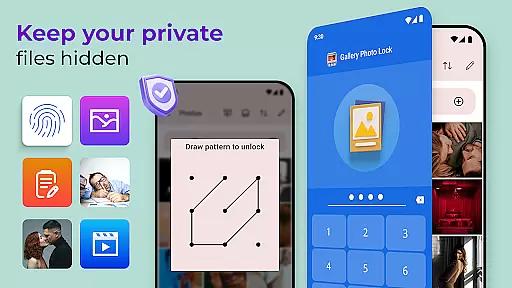
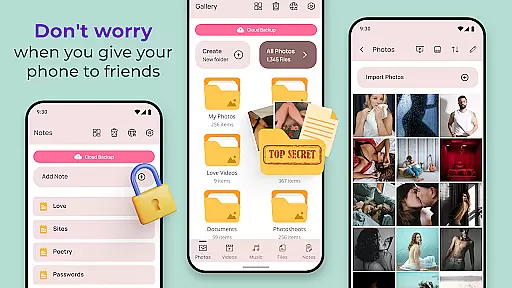
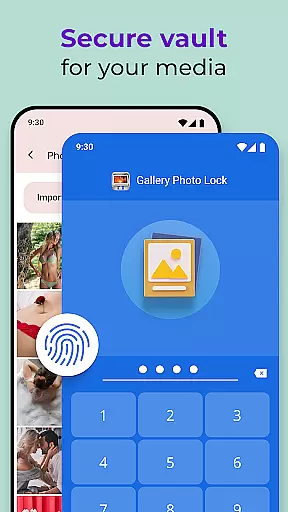
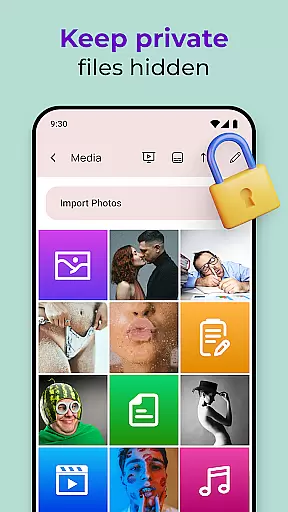
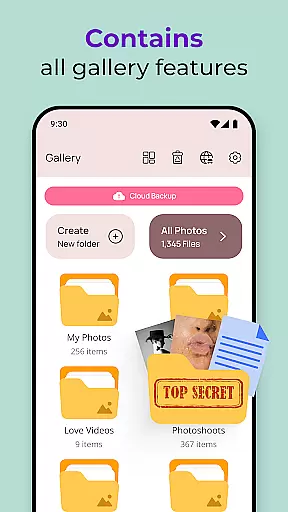
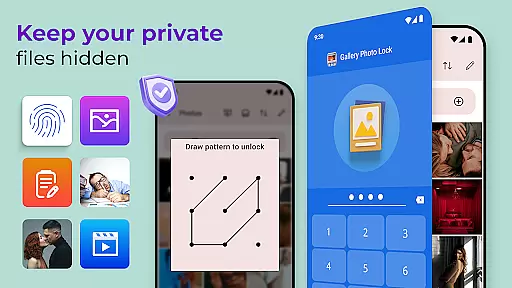
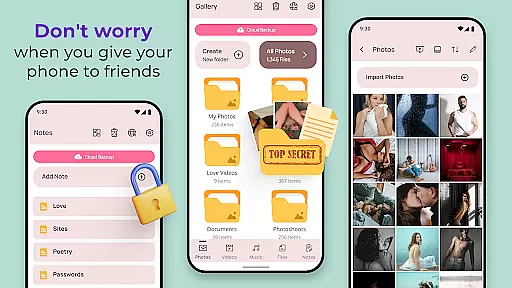
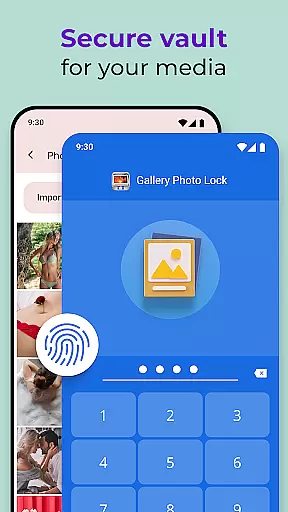
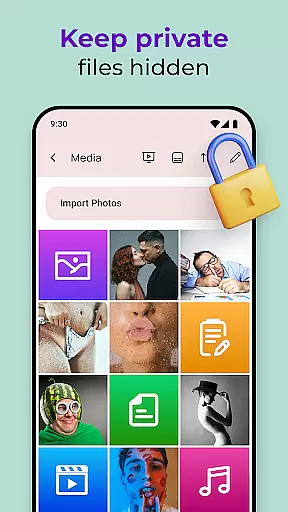
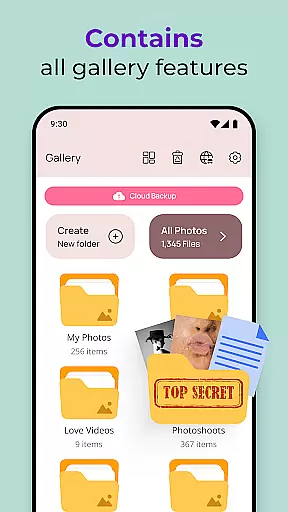
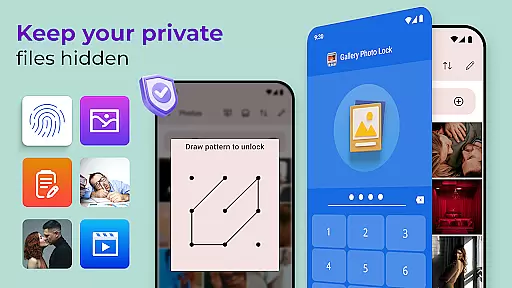
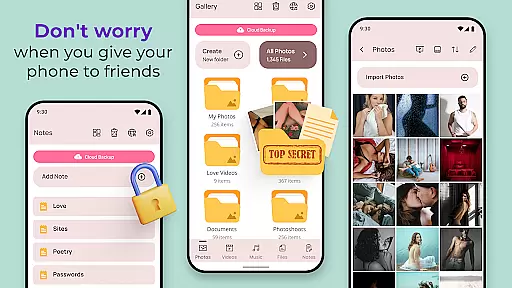
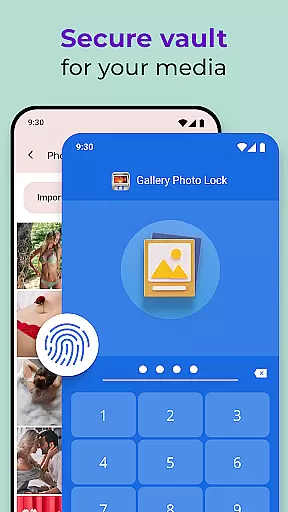
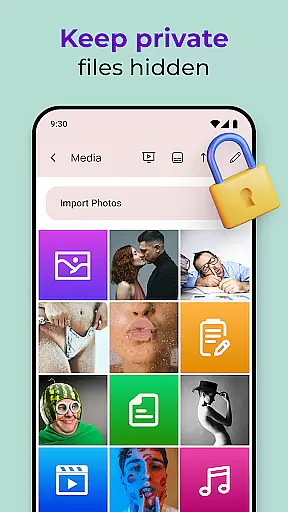
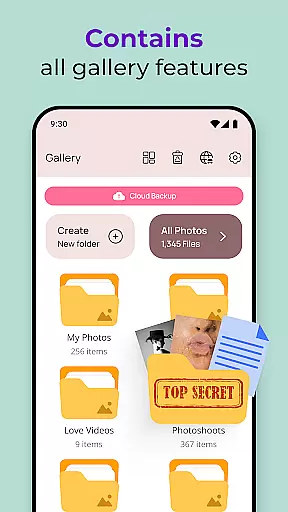
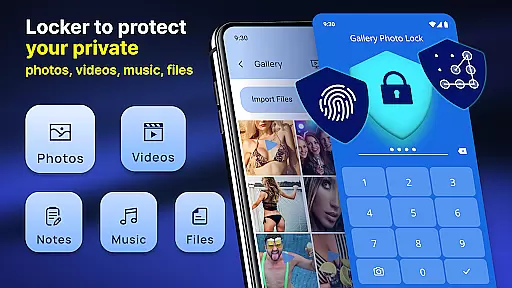
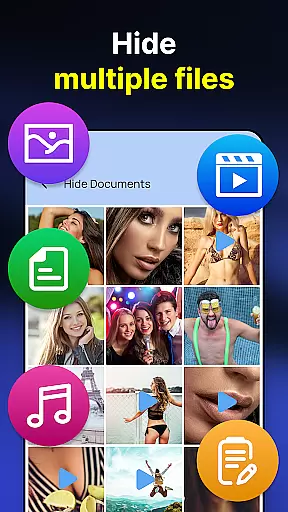
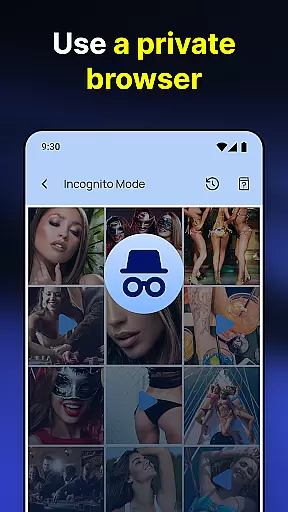
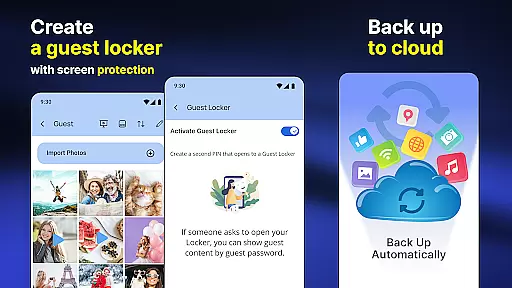
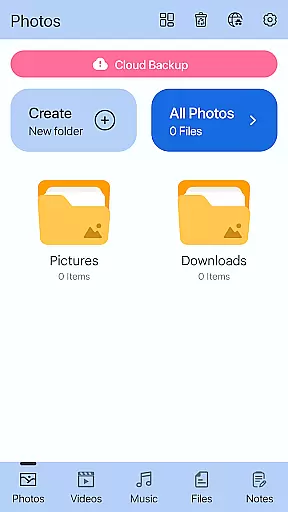
Photo Lock App - Hide Pictures is a comprehensive privacy solution designed to safeguard your personal media. This app allows you to effortlessly hide an unlimited number of images and videos, ensuring that your private content remains secure. With features like fingerprint authentication and cloud backup, it offers both security and convenience. The app also includes a decoy function, enabling users to create a dummy gallery with a different password for added protection.
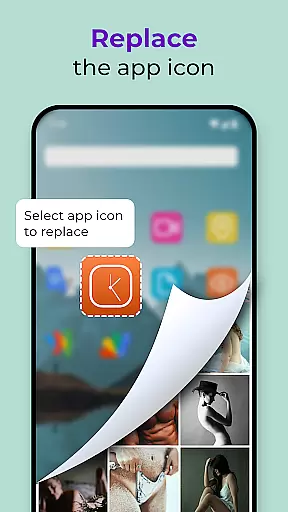
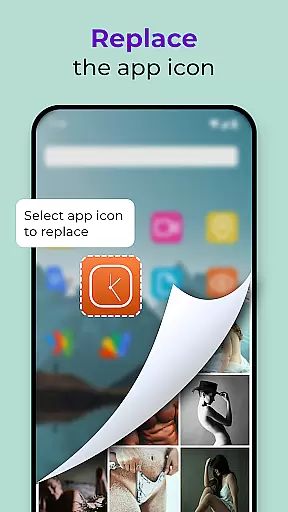
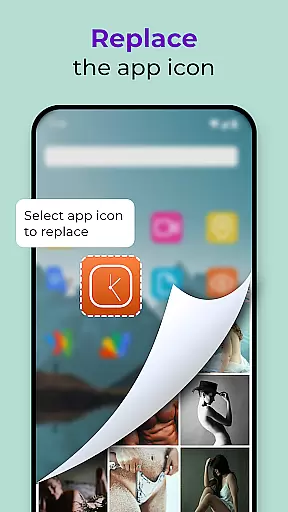
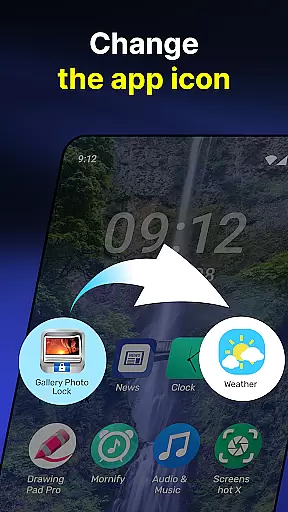
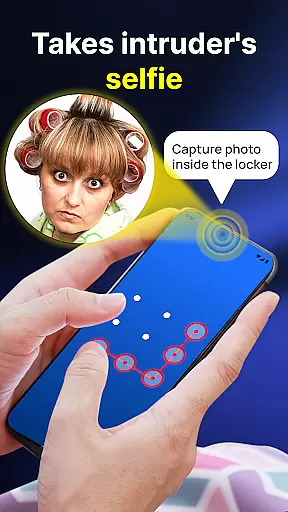
In addition to its core functionality, Photo Lock App provides several advanced features such as the ability to replace the app icon with common icons like news or weather, making it less conspicuous. It also captures intruder selfies when unauthorized access is attempted, adding another layer of security. Suitable for anyone looking to maintain their privacy, this app ensures that your personal life stays truly personal.
Photo Lock App - Hide Pictures stands out with its robust feature set tailored for privacy-conscious users. One of its key features is the ability to hide media directly from your gallery or SD card by simply sharing them to the app's secure vault. The built-in viewer and player allow you to access your hidden files without any hassle, while cloud backup ensures your data is safe even if you lose your device.
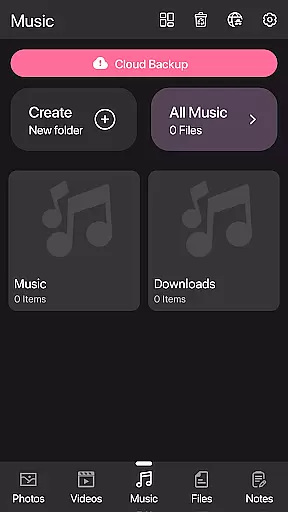
The app also supports advanced functionalities like face-down lock, which automatically locks the app when your device is placed face down, and customizable themes to personalize your experience. Additionally, the calculator lock feature disguises the app as a regular calculator, providing stealth and security. These features collectively ensure that your personal media is not only hidden but also easily accessible and protected against unauthorized access.
Customization is at the heart of the Gallery Photo Locker, allowing users to tailor their privacy experience like never before. With features such as Galerie Lock Themes and the ability to Replace App Icon, users can modify the appearance of their security app to blend seamlessly with their device's other applications. This ensures that the Private Photo Vault does not draw unwanted attention while safeguarding your personal media.
The app offers a versatile set of customization options, including different themes that cater to individual preferences for interface design. Users can choose from icons that mimic common apps such as news, weather, or radio, effectively camouflaging the vault. This level of personalization extends to functional aspects too, with Face Down Lock and Intruder Image features adding layers of security that are as unique as they are effective.
By providing these varied customization options, the Gallery Photo Locker empowers users to create a personalized and secure environment for their sensitive data. The availability of multiple lock methods, including fingerprint authentication, ensures that access remains exclusive to the user. Such comprehensive personalization not only enhances privacy but also gives peace of mind to those looking to keep their digital life confidential.
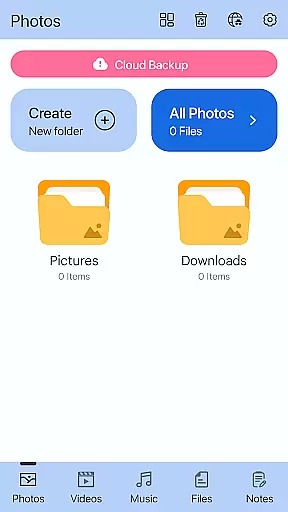
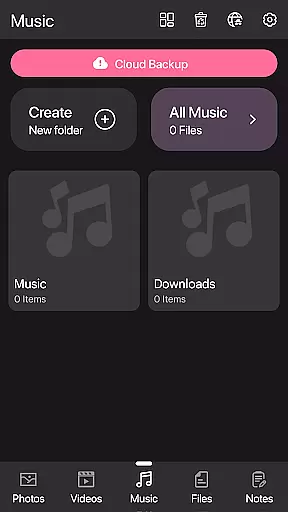
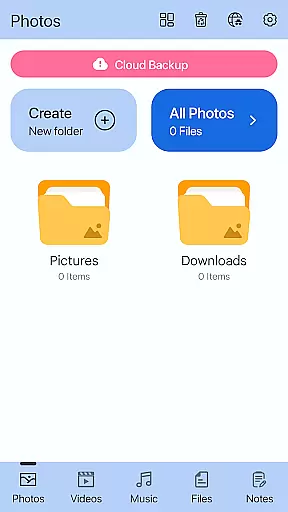
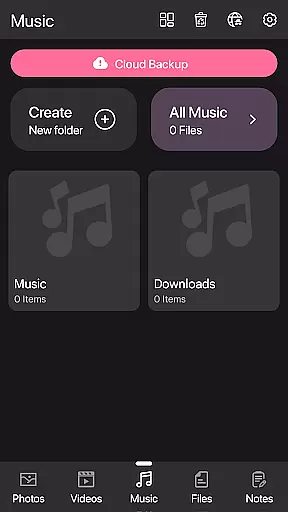
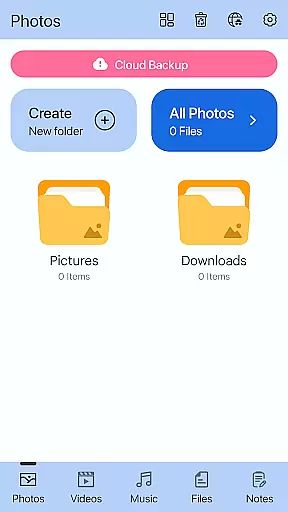
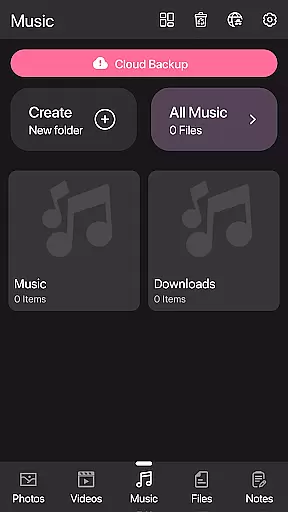
Theme compatibility in the Gallery Photo Locker provides a seamless integration with various device interfaces, ensuring that the app not only secures your data but also feels native to your smartphone environment. The Hidden Photo Vault supports diverse themes, which means it can adapt visually to match the aesthetics of your device, whether you prefer a classic look or something more modern.
This Personalisation aspect is crucial for maintaining the covert nature of the Secret Photo Vault Free app. By offering theme options that align with popular applications, the app avoids detection by unauthorized users. For instance, replacing the app icon with something mundane like a calculator or weather app icon helps it blend into the background of a crowded home screen.
Moreover, theme compatibility goes beyond mere aesthetics; it encompasses usability and accessibility. The Private Photo Vault's customizable interface ensures that all features, from the Calculator Lock App to cloud backup, are easily navigable regardless of the chosen theme. This thoughtful design guarantees that users do not have to compromise on functionality for the sake of discretion, making certain that their private content remains both hidden and readily accessible to them alone.
Effortless hiding
Cloud backup
Fingerprint unlock
Customizable themes
Decoy function
Complex interface
Occasional bugs
Ads present
Premium features
Resource intensive

Beautiful realistic hybrid watch face with numerous customization options.
 4.50
4.50
Winter's Journey: digital watch face for Galaxy Watch & Wear OS
4.80
Realistic animated snow on your wrist, with 10 images landscapes to choose from
4.00
The definitive Icon pack maker and editor
4.30 4.10
4.10
Custom edge gestures for volume control, brightness, apps, and shortcuts.
4.1
200+ Material Inspired Widgets
4.50
Fast SMS & group chat - use GIFs and emojis from your home screen launcher.
4.50
Create stunning widgets with Widget 2026: Aesthetic Widgets for Android!
4.60
Enjoy a variety of amazing live wallpapers and colorful EDGE lighting borders!
4.80
400+ Beautifully crafted widgets inspired by NOTHING.
4.70
Nothing Icon pack with more than 3750+ highly crafted icons.
4.70
Classic analogue watch face. For wear os devices.
4.60
Ultra realistic high quality analog watch face for Wear OS.
4.60
Over 28,000 high quality icons to bring color & homogeneity to your phone.
4.60
Want to make your phone more special than ever?
4.60
Your go to Weather App & Home Screen. Get your weather at a swipe of a finger!
3.80
Struggling to find apps? Use this app to locate and open any app on your phone!
2.20
⭐ OneUI inspired Fluffy Icon Pack – Soft. Stylish. Standout. ⭐
4.3


User Reviews