
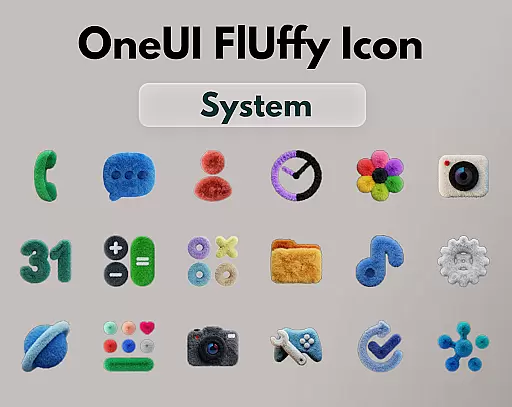
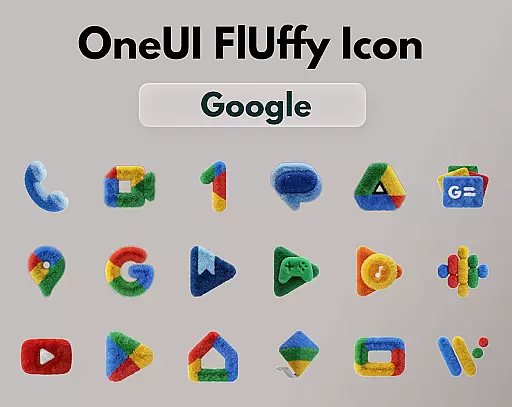
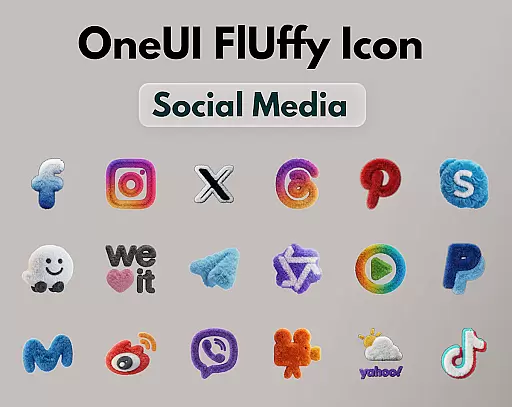
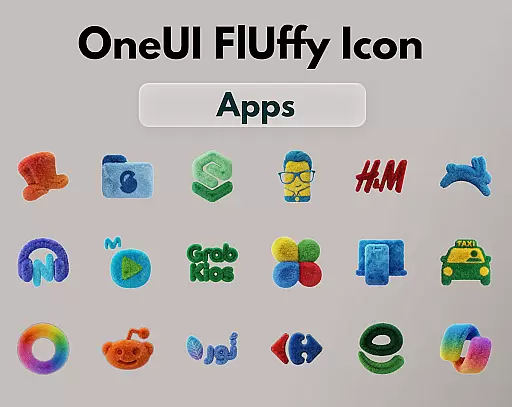
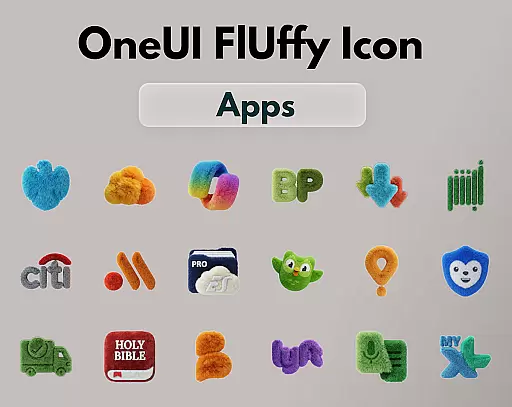
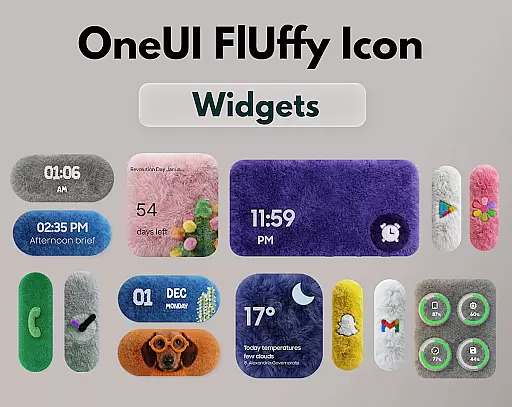
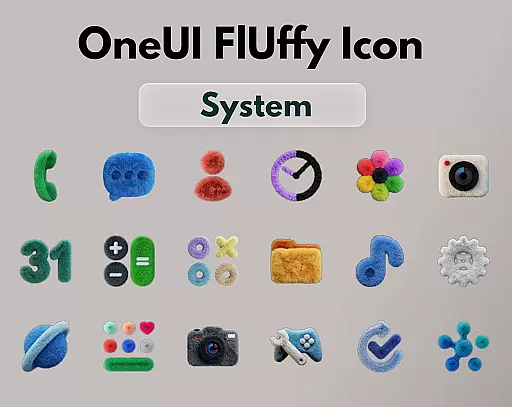
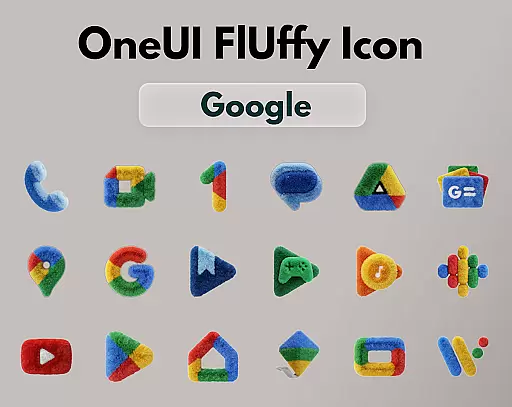
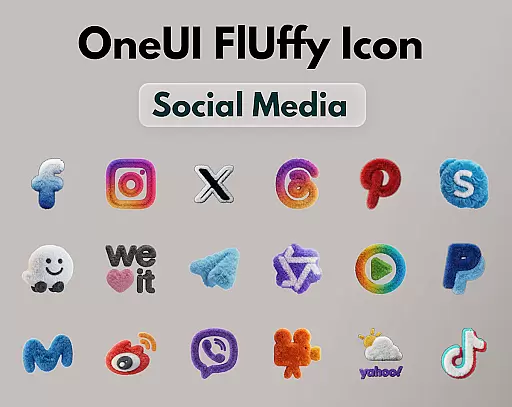
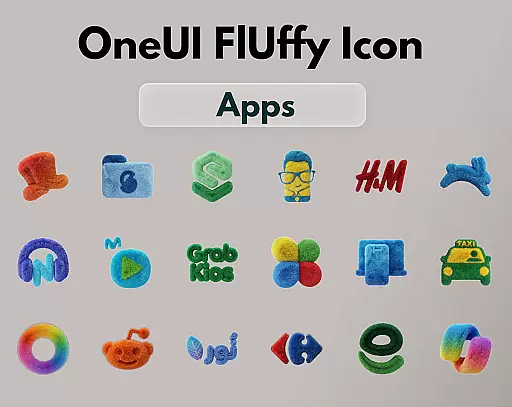
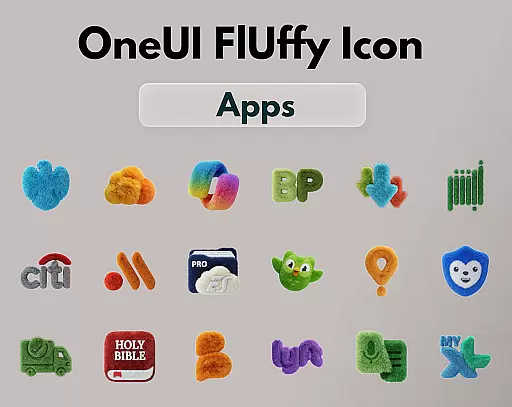
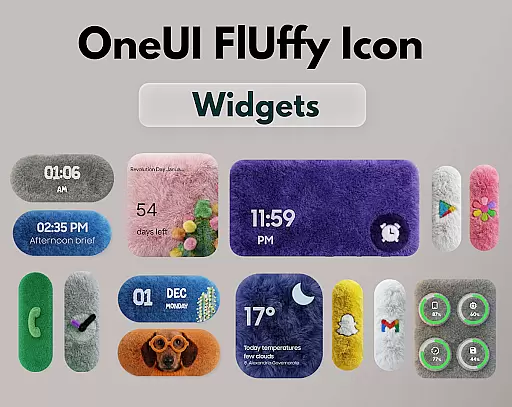
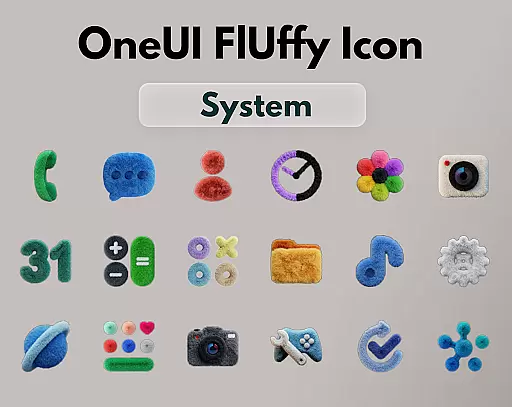
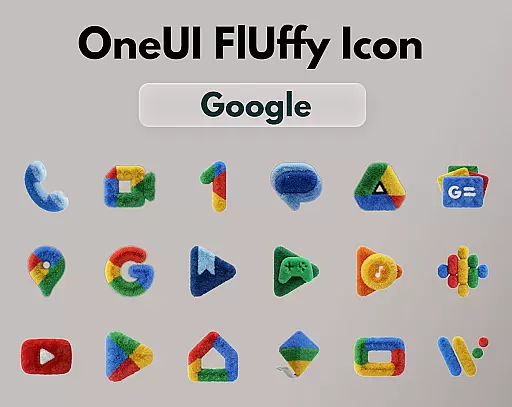
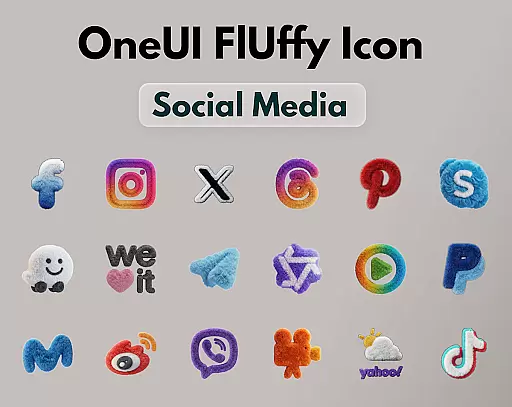
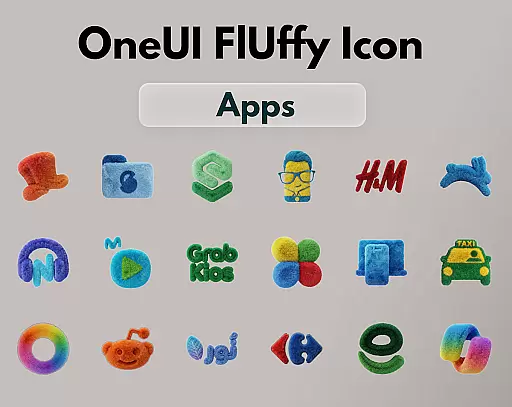
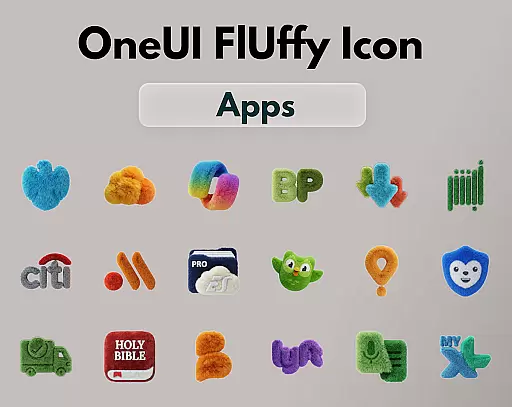
OneUI Fluffy Icons is a premium icon pack that gives your home screen a warm and fresh makeover. Inspired by the beloved OneUI style, it features over 1185 handcrafted fluffy-style icons with a unique soft 3D twist. The pack also includes professional widgets and exclusive wallpapers that perfectly match the fluffy theme.
This icon pack is designed for users who want to add a personal, friendly, and stylish touch to their devices. Each icon blends modern OneUI-inspired shapes with a playful fluffy texture, making them pop on any home screen setup. With ultra-high resolution and future updates planned, OneUI Fluffy Icons ensures a crisp, clean, and continuously improving user experience.
OneUI Fluffy Icons offers an impressive range of features that set it apart from other icon packs. With over 1185 handcrafted icons, users can enjoy a consistent and vibrant look across their apps. These icons are not just visually appealing but also crafted with a unique fluffy texture that adds depth and character to the home screen.
In addition to the extensive icon collection, the pack includes professionally designed widgets that complement the overall aesthetic. Users can also access a selection of exclusive wallpapers carefully chosen to enhance the fluffy theme. The pack supports various popular launchers and allows users to request new icons, ensuring compatibility with their favorite apps.
OneUI Fluffy Icon Pack offers an extensive range of customization options that allow users to personalize their home screens with a unique, soft 3D twist. With over 1185 handcrafted fluffy-style icons and professional widgets designed to match, the variety is unmatched.
The pack includes exclusive wallpapers carefully selected to complement the fluffy style, enhancing the overall aesthetic appeal. Users can enjoy ultra-high resolution icons that provide a crisp, clean look, ensuring every icon stands out with vibrant detail.
Moreover, the icon request feature allows users to help shape the future of the pack by requesting specific app icons, making it adaptable to individual preferences. This level of customization ensures that your home screen remains uniquely yours while maintaining a cohesive and stylish appearance.
Compatibility is a key strength of the OneUI Fluffy Icon Pack, which works seamlessly with many popular launchers that support custom icon packs. Whether you're using Nova Launcher, Lawnchair, Niagara Launcher, or others, this pack integrates effortlessly into your existing setup.
Beyond launcher compatibility, the pack's design aligns perfectly with the beloved OneUI style but introduces a playful fluffy texture. This blend ensures that each icon not only fits within the OneUI ecosystem but also adds a distinct flair that enhances visual comfort and engagement.
Future updates are planned to refine and expand the icon collection, ensuring ongoing compatibility and freshness. By choosing OneUI Fluffy Icon Pack, users can enjoy a dynamic and evolving theme experience that consistently meets their personalization needs.
Unique fluffy design
High-resolution icons
Wide launcher support
Custom icon requests
Exclusive wallpapers
Limited initial icons
No live icon updates
Premium price tag
Third-party tool needed
Few widget options

Only for Wear OS devices!
 4.90
4.90
Transform your phone with Launcher iOS 26 - Smooth & elegant iOS experience
4.50
Adult video chat, dating, making friends, random matching
4.20
Dark icon pack based on One 8
4.80
Ultimate Gallery Lock App - Hide Pictures, Videos and Lock Apps Instantly!
4.60
100+ Stylish Fonts, Emojis, Symbols keyboard for Instagram & TikTok!
4.80
200+ Material Inspired Widgets
4.50
Transform your phone with stunning video wallpapers and a unique, personal touch
3.80
Your home screen, just the way you like it.
3.80
A retro cartoon style watch face and a punch right in the face of the copyright
4.60
Unique Android Launcher
4.60
Bring adorable pets to life on your screen. Playful, interactive and full of fun
4.60
Over 28,000 high quality icons to bring color & homogeneity to your phone.
4.60
Customizable screen pets that play, climb, and keep you company.
4.50
Wear Os Watch Face - Seasonal - Animated Snow Effect - 9 Animals
4.20
Magic fluids wallpaper 4D: Relax with stunning fluid simulation wallpaper app
4.20
Adaptive Dot Style IconPack with Light & Dark Theme.
3.70
Interactive Miniature Painting Catalogue
3.30
Capture moments that pass like a storm, second by second.
4.1


User Reviews