
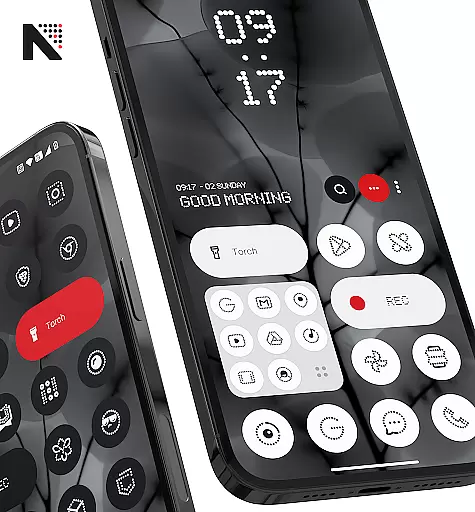
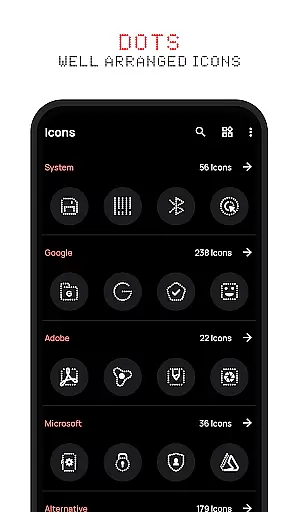
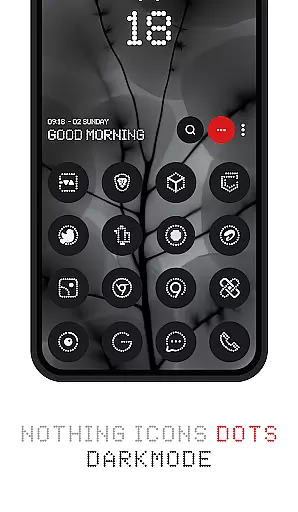
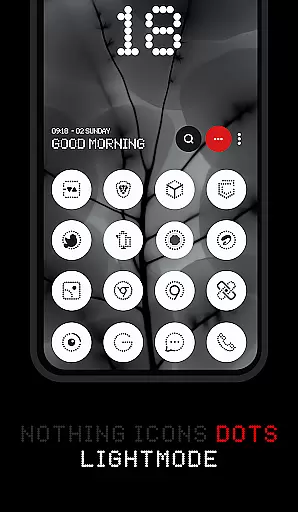
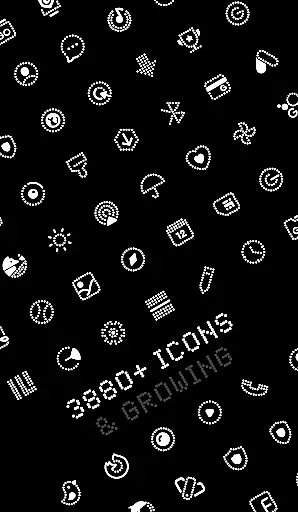
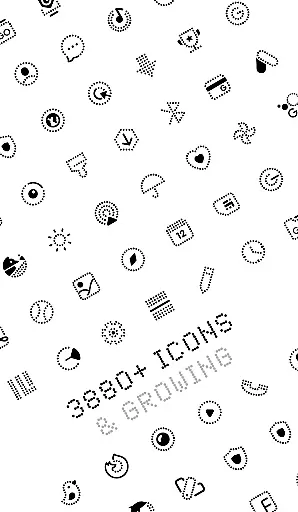
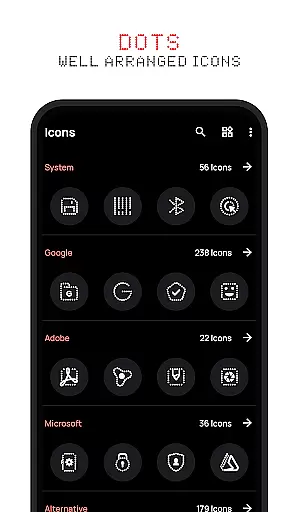
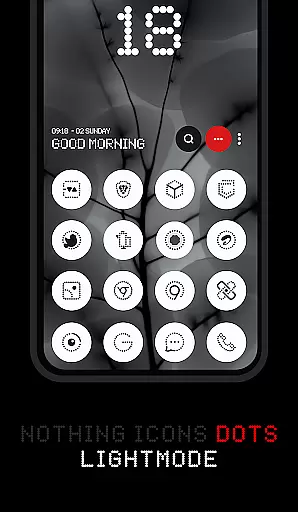
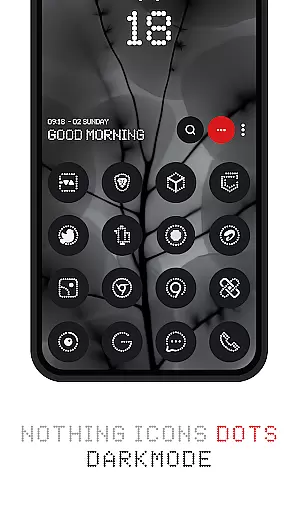
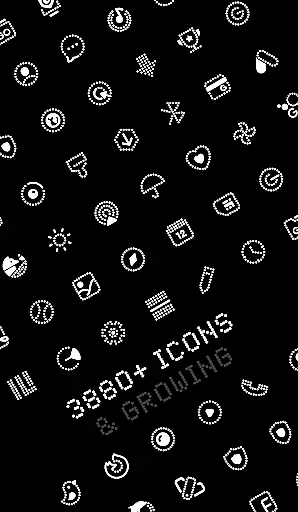
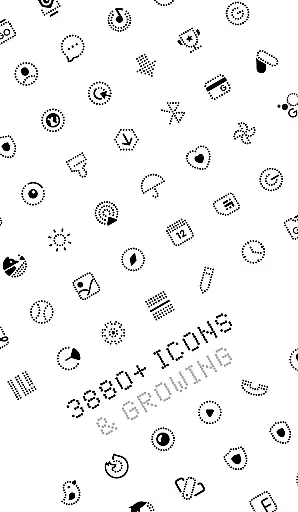
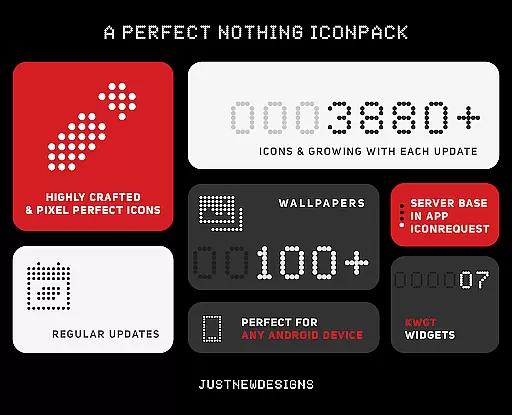
Dots : Adaptive Icon pack is a premium icon pack that combines minimalist design with adaptive functionality. The icons feature a distinctive dot design inspired by the Nothing Brand, using white color accents that adapt to the original app icons. This creates a cohesive and visually appealing home screen experience.
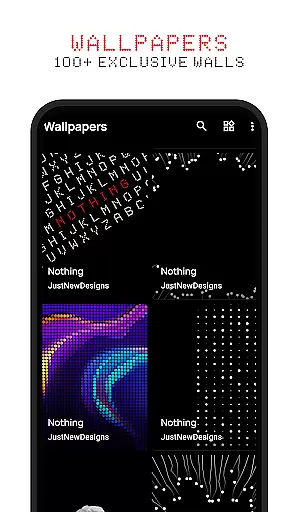
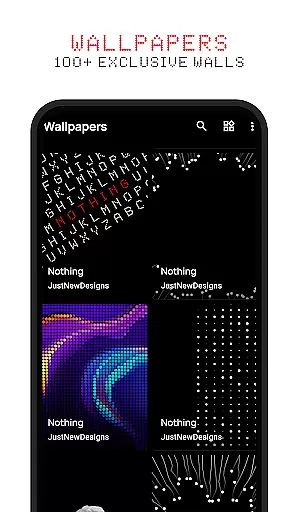
With support for both dark and light themes, the icon colors dynamically adjust based on your device's system settings. The pack includes over 3000 themed icons that work seamlessly with various launchers supporting adaptive icon shapes. Additionally, users can choose from 100+ matching wallpapers designed specifically for this icon pack.
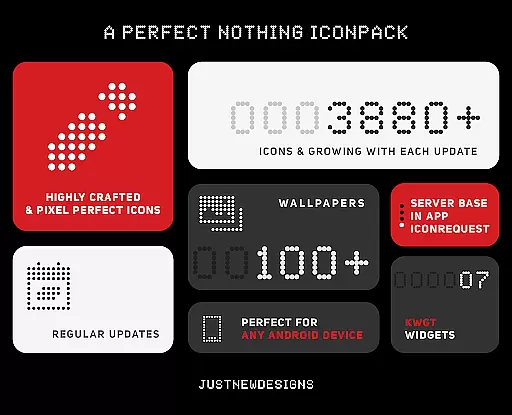
The Dots icon pack stands out with its comprehensive set of features designed for customization enthusiasts. The pack includes over 3000 meticulously designed icons that adapt their appearance based on the device's theme settings. This adaptive capability ensures perfect integration with both dark and light modes.
One of the key innovations is its compatibility with various launcher applications' adaptive icon shape theming. This allows users to maintain consistent icon shapes across their devices while enjoying the unique dot design. The included wallpapers complement the icon designs and follow the same design language.
For users seeking a complete visual overhaul, this icon pack provides everything needed to transform their device's appearance. The developer actively updates the pack, ensuring compatibility with new apps and maintaining fresh content for users who value personalized aesthetics.
Customization is at the heart of Dots: Adaptive Icon Pack, offering users a versatile way to personalize their device's appearance. With over 3000 themed icons, this icon pack provides an extensive selection that caters to various tastes and preferences.
The adaptive nature of these icons means they seamlessly integrate with your deviceu2019s launcher, altering their shape according to the launcher's settings. This flexibility ensures that whether you prefer circle, square, or any other shaped icons, Dots has got you covered.
In addition to the vast array of icons, users can also choose from more than 100 matching wallpapers. These are specifically designed to complement the icons, providing a cohesive look that enhances the overall aesthetic of your home screen.
Dots: Adaptive Icon Pack excels in theme compatibility, ensuring that its icons look great on both dark and light themes. The colors of the icons dynamically adjust based on the device's current theme setting, delivering a consistent visual experience.
This level of adaptability extends beyond just color schemes; it includes support for different icon shapes as well. Most launchers allow for icon shape theming, which means users have the freedom to select shapes that best suit their personal style while maintaining visual harmony across their devices.
For those who appreciate a sleek, modern design, Dots offers an ideal solution by drawing inspiration from the Nothing Brand. Its minimalist approach combined with high-quality visuals makes it compatible with contemporary design trends, appealing especially to fans of dark-themed aesthetics and AMOLED displays.
Adaptive icon technology
Extensive icon collection
Dynamic theme support
Matching wallpapers included
Regular content updates
Limited to compatible launchers
No widget customization
Theme-specific design
Premium price point
Device compatibility issues

A light in the dark, a unique style and an andless cutomization!
 4.30
4.30
Ultra realistic gold analog watch face with lots of customization options.
4.50
Customizable flower power digital watch face for Wear OS watches.
4.00
Themes - Widget & Wallpaper: Customize home screen, icon changer w unique themes
4.30
Add cute Shimeji pets to screen, interact with them and relax with cute motions
4.60
Over 28,000 high quality icons to bring color & homogeneity to your phone.
4.60
Ultimate Gallery Lock App - Hide Pictures, Videos and Lock Apps Instantly!
4.60
Turn text & photos into stunning AI videos, art, and creative visual stories.
4.50
Unleash Your Creativity and Connect with Loved Ones with Lockscreen Drawing!
4.20
400+ Beautifully crafted widgets inspired by NOTHING.
4.70
Classic analogue watch face. For wear os devices.
4.60
Try creating your own keyboard with "Keyboard theme for android" app now!
4.50
200+ Material Inspired Widgets
4.50
Romantic Kiss Stickers App. Start romantic messaging now!
4.30
App Icon Changer & Shortcut Creator. Customize your icons without any watermarks
4.30
Unique Fonts, typefaces and stylish text. Fonts for Instagram, Whatsapp & others
4.20
More than 3000+ themes and 9000+ wallpapers for everybody!
4.10
Crystal-clear, square icon provides a sleek and sophisticated visual upgrade
4.00
Transform your phone with stunning video wallpapers and a unique, personal touch
3.80


User Reviews