
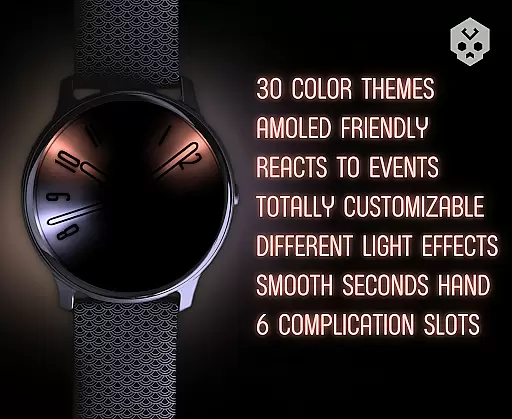
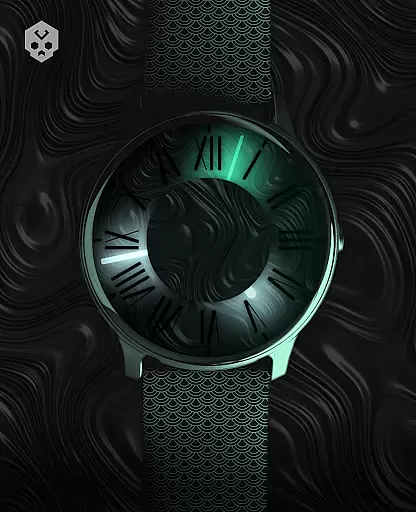
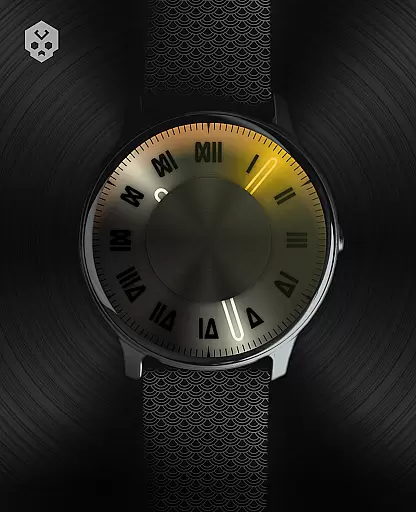

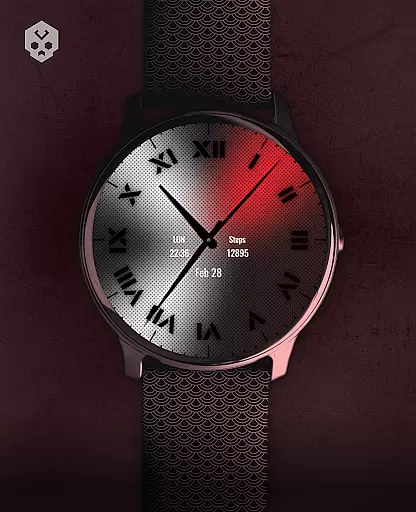
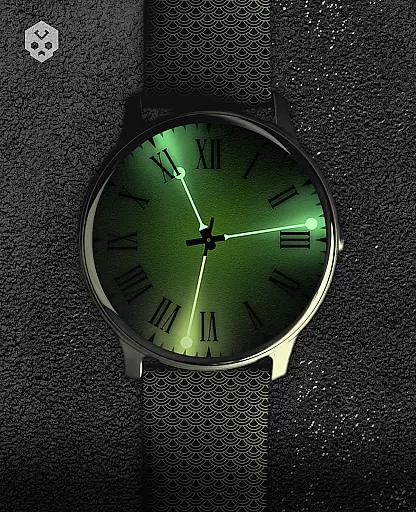
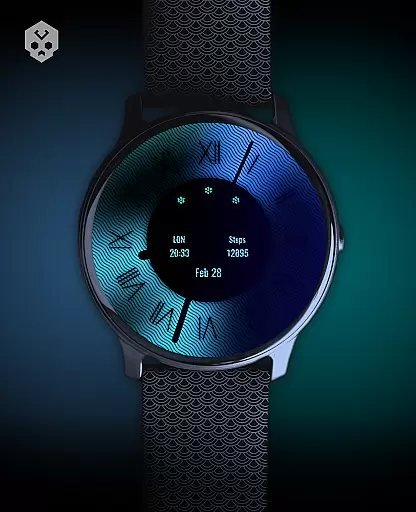
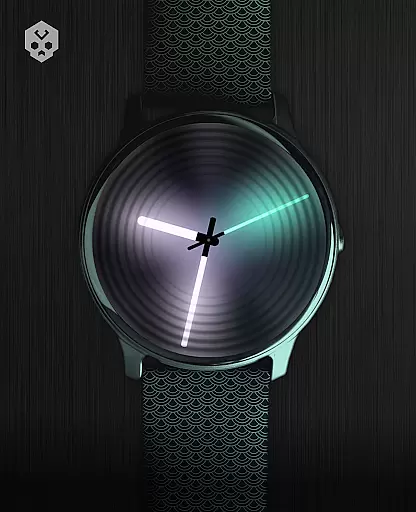
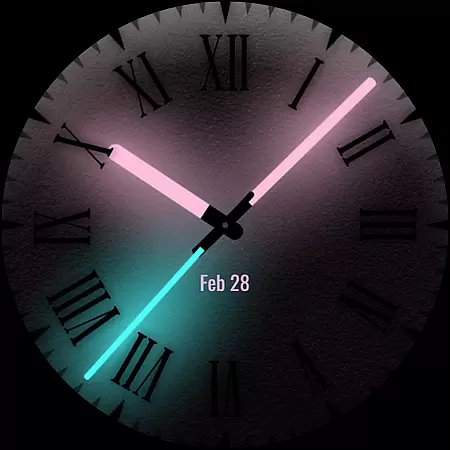
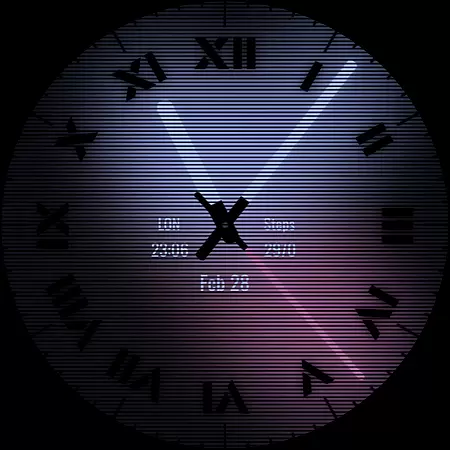
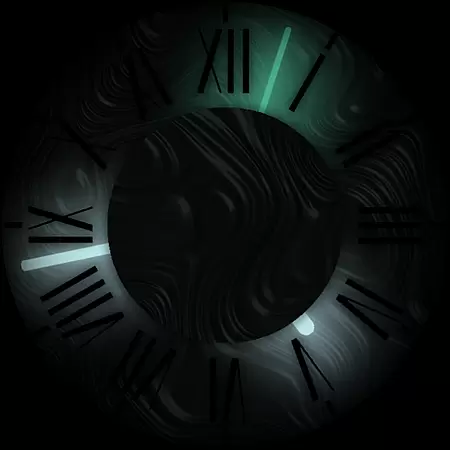

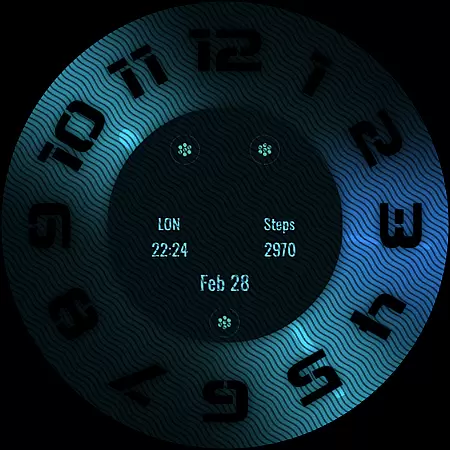
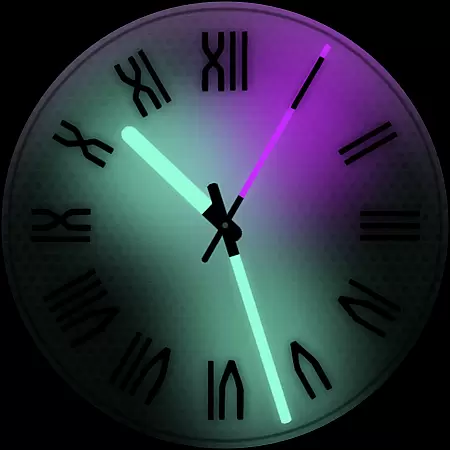
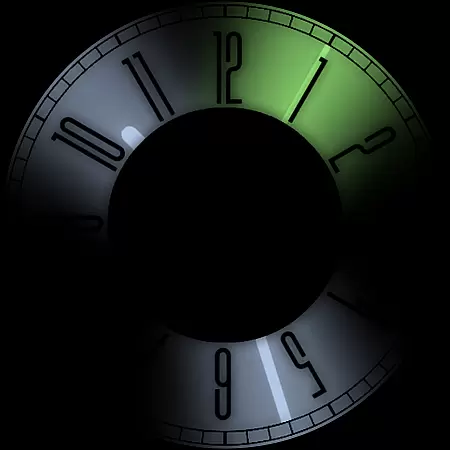
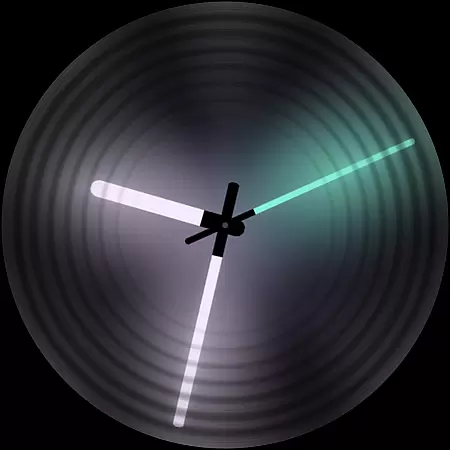
Dark Metal Saber Watch Face is a highly customizable Wear OS watch face designed for style-conscious users. It offers 30 color schemes and numerous customization options, including clock hands, index, decorator, and overlay settings.
This standalone app works with many smartwatch brands like Samsung, Fossil, and Ticwatch. Its unique handcrafted design reacts to notifications, battery status, and charging, while offering 5 customizable complications in different sizes.
Ideal for users seeking both functionality and style, this premium watch face provides an enhanced smartwatch experience through its companion app and regular updates, making it a worthwhile investment for Wear OS device owners.
The Dark Metal Saber Watch Face stands out with its extensive customization capabilities. Users can personalize 30 color schemes, clock hands, index styles, decorators, and darkness settings to create their perfect look.
Advanced features include customizable overlays, backlight effects, logo placement, and background options. The watch face also dynamically responds to low battery, notifications, and charging states, providing both functionality and visual appeal.
With five different-sized complications and an easy-to-use companion app for installation and management, this watch face combines practicality with sophisticated design elements that adapt to various Wear OS devices.
Customization is at the heart of Dark Metal Saber Watch Face, offering users an extensive range of personalization options to suit their unique style. With 30 color schemes available, this watch face ensures that you can tailor your smartwatch's appearance to match your mood or outfit.
Beyond just colors, the application provides numerous customizations including clock hands, index decorators, overlays, backlighting, logos, and backgrounds. Each element has been designed to allow for a personalized experience, ensuring that no two watches look the same. This level of detail empowers users to express themselves fully through their wearable technology.
The ability to react to low battery, notifications, and charging status adds another layer of functionality. By changing its display based on these conditions, it keeps you informed while maintaining a sleek aesthetic. Additionally, with five customizable complications in different sizes, users have quick access to important information right from their wrist.
Dark Metal Saber Watch Face stands out not only for its visual appeal but also for its seamless integration across various Wear OS devices. As a standalone native watch face, it boasts broad compatibility with many leading smartwatch brands such as Samsung, Mobvoi Ticwatch, Fossil, Oppo, and Xiaomi among others.
This wide-reaching support means that regardless of which brand or model you own, you can enjoy a consistent and high-quality user experience without worrying about device-specific limitations. The handcrafted design guarantees uniqueness while ensuring optimal performance on all supported platforms.
Moreover, the companion app simplifies installation and management processes, making it easy even for less tech-savvy individuals to get started. Should any issues arise during setup or usage, responsive customer support is readily available via email, providing assistance over weekendsu2014a testament to the developeru2019s commitment to quality service despite being an individual rather than a large corporation.
Highly customizable
Wide device compatibility
Unique handcrafted design
Dynamic feature responsiveness
Regular updates and support
Premium price point
Requires Wear OS
Complex setup process
Limited free options
Account sync needed

Wear Os Watch Face - Seasonal - Animated Snow Effect - 9 Animals
 4.20
4.20
Prank your friends with realistic broken screen and cracked HD effects!
4.2
Personalize your phone with stunning HD and 4K wallpapers!
4.70
100+ Stylish Fonts, Emojis, Symbols keyboard for Instagram & TikTok!
4.80
Transfer your live wallpapers from Windows to Android using Wallpaper Engine!
4.00
Romantic Kiss Stickers App. Start romantic messaging now!
4.30
Embrace the Night. Unleash the power of darkness with Raven Dark Icon Pack
4.60
Transform your phone with stunning video wallpapers and a unique, personal touch
3.80
set a new experience for the Android mobile phone
4.20
Nothing Icon pack with more than 3750+ highly crafted icons.
4.70
300+ Stunning and well-designed widgets inspired by NOTHING.
4.70
300+ widgets inspired by Material You and Material 3 expressive design.
4.60
Transform your phone with Launcher iOS 26 - Smooth & elegant iOS experience
4.50
Aesthetic Widgets, HD Wallpapers, Themes in Mico Widget for Home and Lock Screen
4.50
Yandex Browser — stylish and secure, with voice search and data compression
4.40
Launcher OS™ Pro without ads help make your phone simple and pretty
4.30
Crystal-clear, square icon provides a sleek and sophisticated visual upgrade
4.00
Turn your lock screen into fun with smile live wallpapers & animated wallpapers!
2.50
Struggling to find apps? Use this app to locate and open any app on your phone!
2.20


User Reviews