
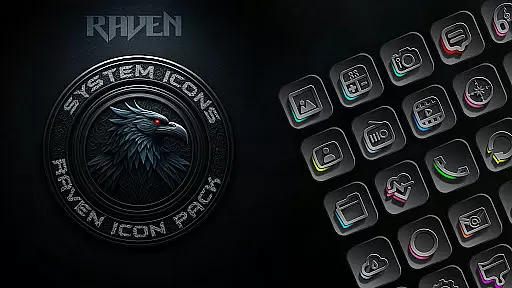
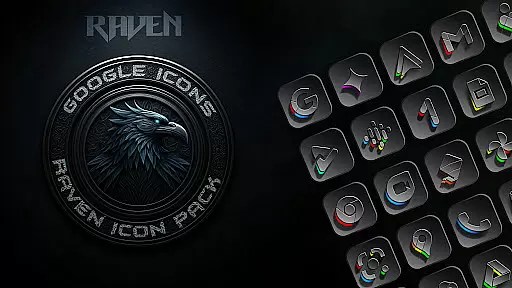
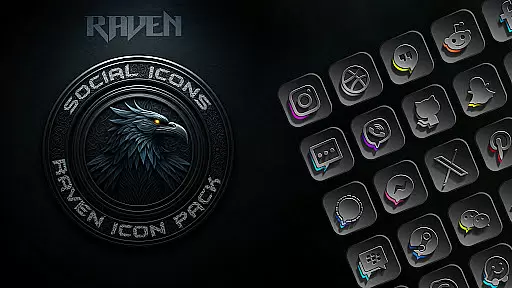
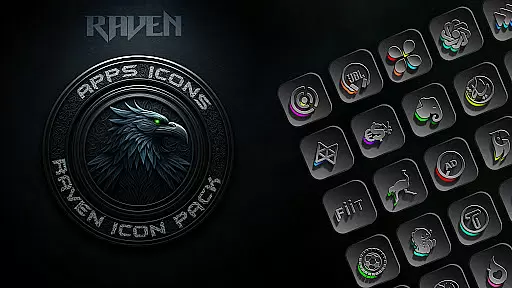
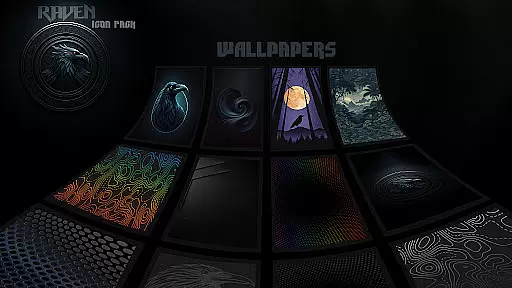
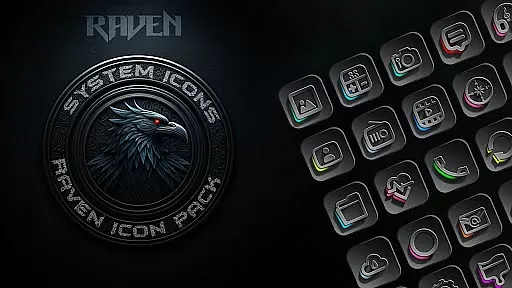
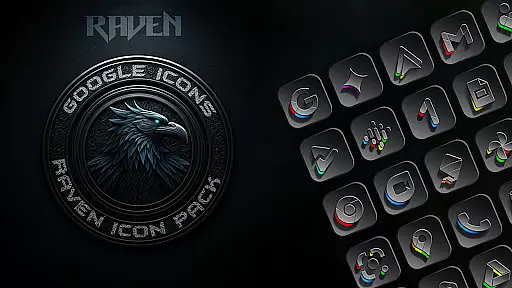
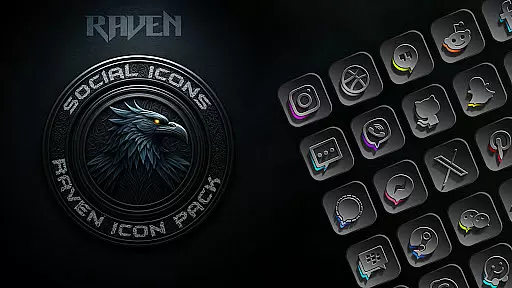
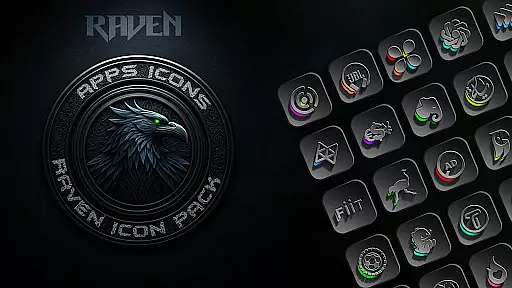
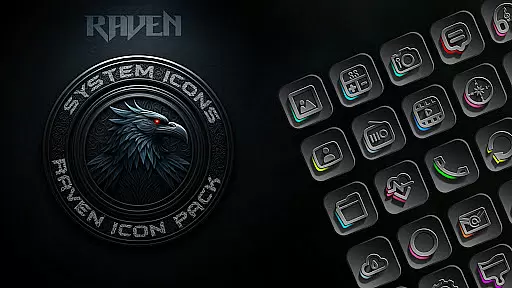
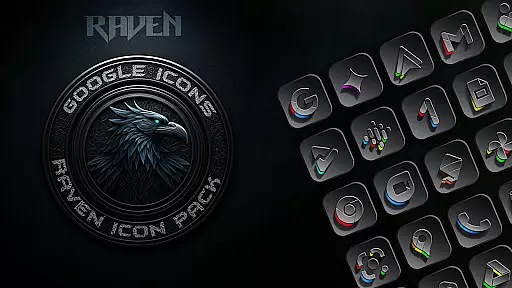
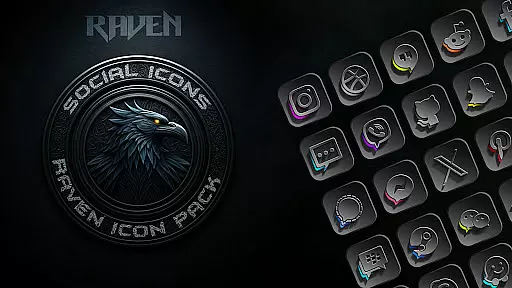
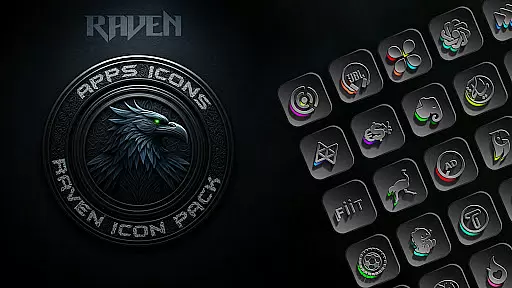
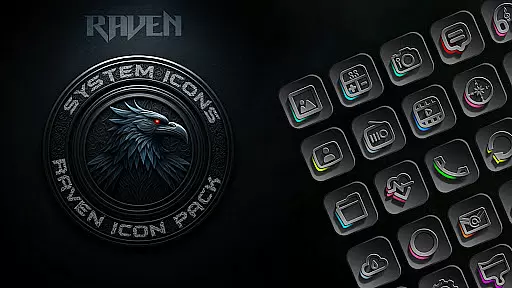
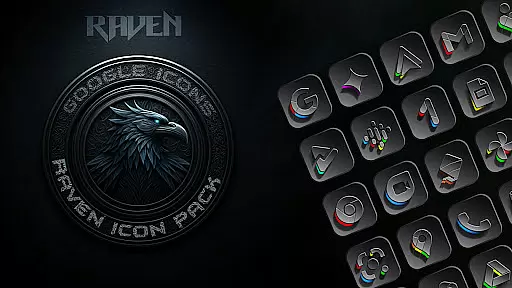
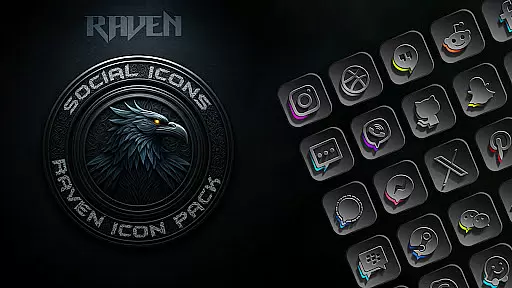
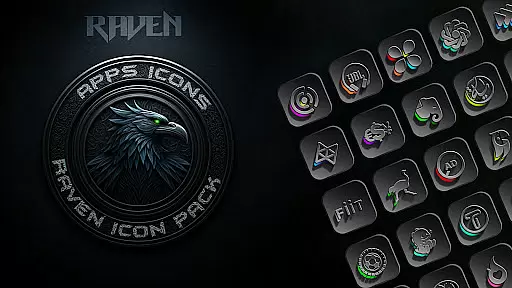
Raven Dark Icon Pack offers a sleek collection of dark-themed icons, perfect for users seeking an elegant and minimalist aesthetic. With over 4500 unique icons, it provides a cohesive and stylish transformation for Android devices.
The pack features a dark and moody color palette with deep blacks, greys, and subtle vibrant accents. It supports most Android launchers and includes cloud-based wallpapers, regular updates, and an icon request tool for personalized customization.
Whether you're using Nova Launcher or other supported launchers, this icon pack ensures seamless integration. Elevate your device's style with high-resolution icons and modern UI designs that redefine your home screen experience.
This icon pack stands out with its extensive library of 4500+ meticulously designed icons. Each icon complements popular launchers and maintains a consistent dark theme throughout the interface.
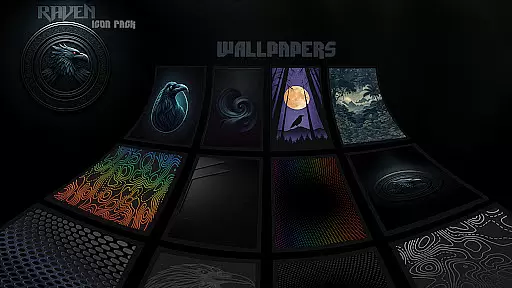
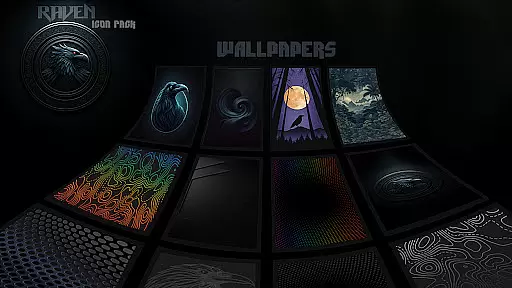
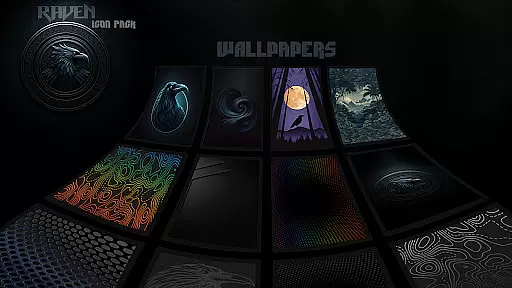
Users can enjoy a curated selection of 15 stunning dark wallpapers, enhancing the overall aesthetic. The minimalist design prioritizes functionality while offering visual harmony, making it ideal for those who appreciate clean and uncluttered interfaces.
Regular updates ensure that user requests are met, keeping the pack fresh and relevant. The inclusion of an icon request tool allows users to suggest new icons, ensuring continuous improvement and personalization options.
Raven Dark Icon Pack offers an extensive range of customization options, ensuring that users can tailor their Android device's interface to their unique preferences. With over 4500 meticulously designed icons, this pack caters to a wide array of tastes and complements various popular launchers.
The icon pack features a dark and moody aesthetic with minimalist design principles, providing a sleek and uncluttered look. This approach not only enhances visual harmony but also maintains the functionality of the home screen, making it both beautiful and practical.
Users have access to alternate icons for popular apps, a curated selection of stunning wallpapers, and an easy-to-use icon request tool. These features collectively ensure that personalizing your device is not only comprehensive but also intuitive and user-friendly.
By embracing regular updates and cloud-based wallpapers, Raven Dark Icon Pack guarantees that users can continuously refresh and enhance their device's appearance, keeping it aligned with their evolving style and preferences.
Compatibility is a cornerstone of the Raven Dark Icon Pack, supporting a vast array of launchers including Action Launcher, Nova Launcher, and many others. This ensures that regardless of the launcher you prefer, you can seamlessly integrate the dark-themed icons into your device's interface.
In addition to the extensive list of supported launchers, users can apply the icon pack through their launcher settings if their specific launcher isn't listed directly. This flexibility highlights the pack's commitment to accessibility and broad compatibility.
For Samsung users, the pack requires Android 12 with Samsung One UI 4.0 or newer, alongside the Theme Park app from GOOD LOCK on the Samsung store. This caters specifically to Samsung device owners who wish to enjoy the elegance of dark mode customization.
It's important to note that while Google Now Launcher does not support any icon packs, Raven Dark Icon Pack is compatible with numerous other launchers, ensuring that most Android users can experience its stylish transformation. By prioritizing theme compatibility, the pack delivers a cohesive and visually appealing experience across different devices and launchers.
Extensive icon library
Sleek dark aesthetic
Regular updates
Cloud-based wallpapers
Icon request feature
Limited launcher support
No iOS compatibility
Requires setup steps
Paid app
Dependent on third-party launchers

Ultra realistic high quality analog watch face for Wear OS.
 4.60
4.60
Themes - Widget & Wallpaper: Customize home screen, icon changer w unique themes
4.30
Sparkle your screen with Glitter Wallpapers For Girls and Cute Backgrounds!
4.80
Try creating your own keyboard with "Keyboard theme for android" app now!
4.50
App Icon Changer & Shortcut Creator. Customize your icons without any watermarks
4.30
Adaptive Dot Style IconPack with Light & Dark Theme.
3.70
HappyLighting is a Bluetooth lamp control software.
3.40
Crystal-clear, square icon provides a sleek and sophisticated visual upgrade
4.00
Transform your device in a game console
4.40
Customizable Glass widgets. Over 360+ stunning widgets and more!
4.70
A minimalist productivity launcher. One-hand-friendly. Zero ads.
4.70
Make your phone look simple & luxury, like iDevice
4.60
Unique Android Launcher
4.60
Ninja Turtles Cowabunga SE watch face for Wear OS
4.50
A light in the dark, a unique style and an andless cutomization!
4.30
More than 3000+ themes and 9000+ wallpapers for everybody!
4.10
Design your screen with unique, vibrant clocks
3.80
Interactive Miniature Painting Catalogue
3.30
Custom edge gestures for volume control, brightness, apps, and shortcuts.
4.2


User Reviews