
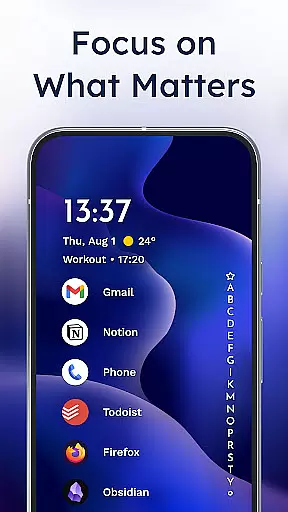
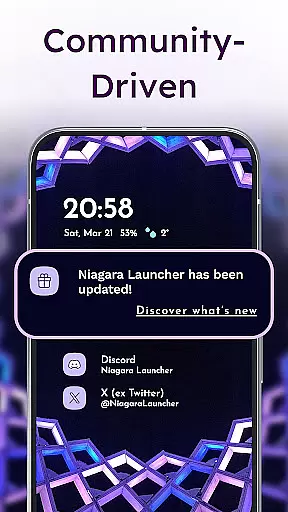
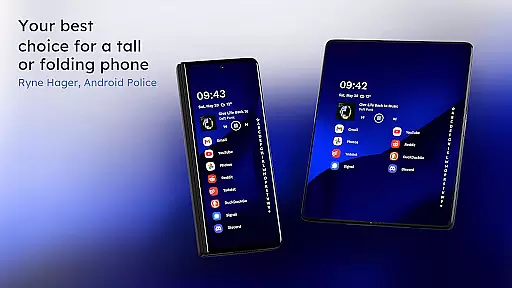
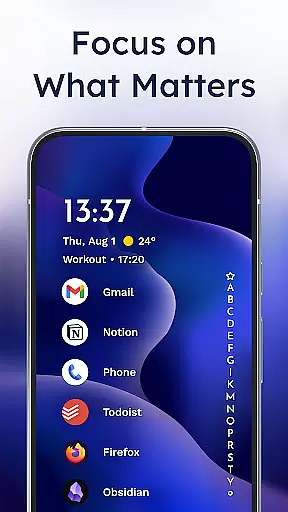
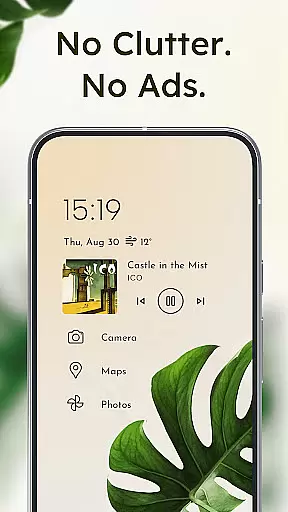
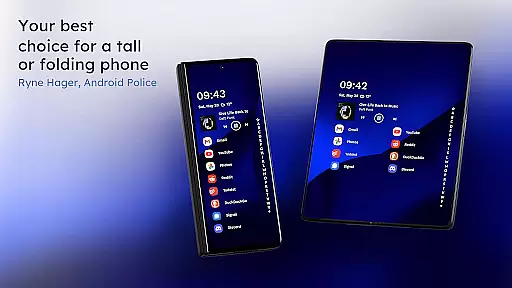
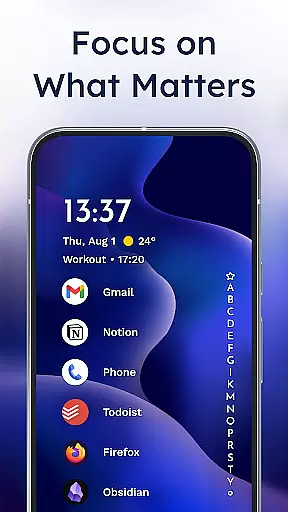
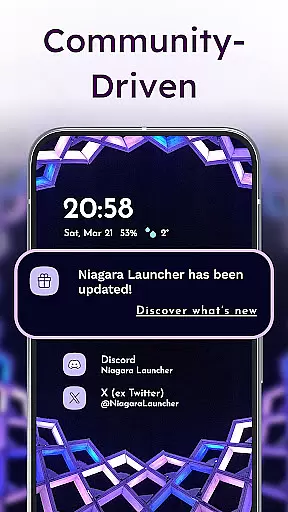
Niagara Launcher is a minimalist home screen app designed to make smartphone navigation more efficient and user-friendly. Unlike traditional launchers, Niagara focuses on one-handed usability regardless of phone size, offering an adaptive list layout that dynamically adjusts to user needs. The launcher integrates essential features like embedded notifications, media controls, and calendar events directly into the home screen interface.
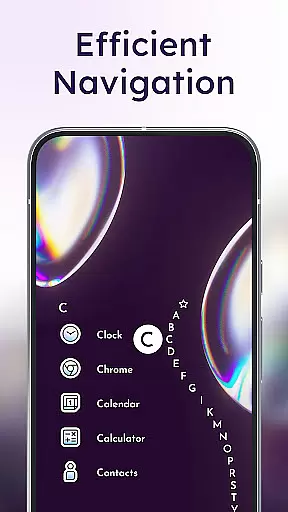
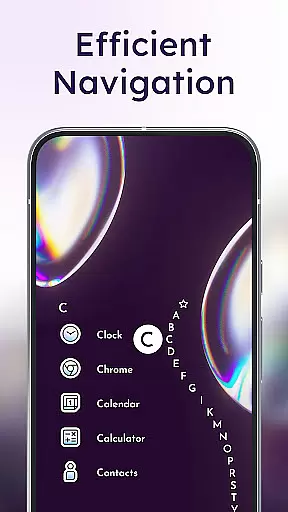
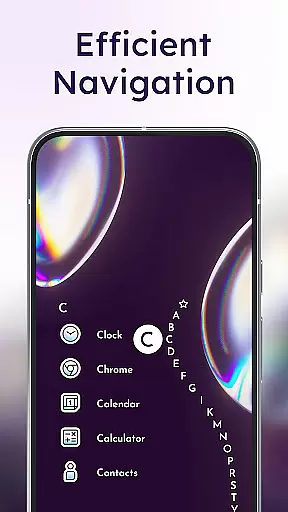
With its unique wave alphabet navigation, users can access apps quickly without needing an app drawer. The design emphasizes focus and productivity by decluttering the home screen while maintaining customization options through Material You Theming. Niagara Launcher works seamlessly across all Android versions and devices, providing a lightweight yet powerful alternative to standard launchers.
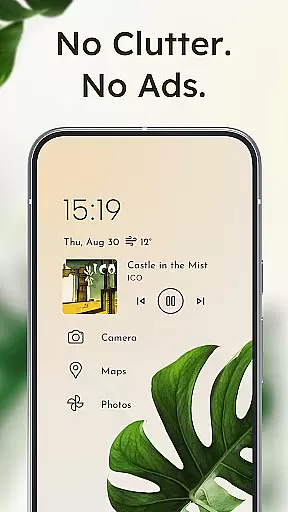
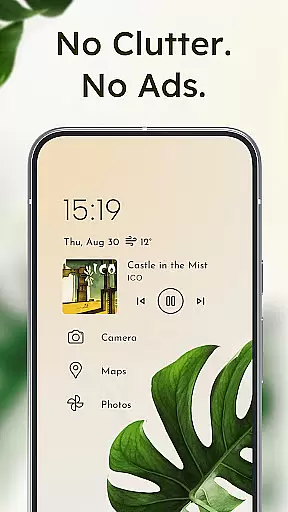
Niagara Launcher distinguishes itself through innovative features that enhance user experience. Its signature wave alphabet navigation allows effortless one-handed operation, where users can scroll through apps in a satisfying animated wave pattern. The adaptive list layout dynamically displays important information such as active notifications, media controls, and upcoming calendar events exactly when needed.
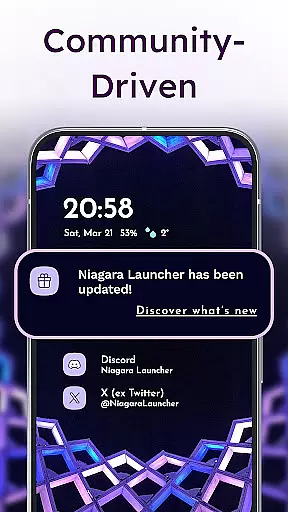
The launcher's notification system goes beyond simple dots, enabling users to read and respond to messages directly from the home screen. Customization options include various icon packs, fonts, and wallpapers while maintaining a clean minimalist aesthetic. Notably, Niagara Launcher brings Material You theming to all Android versions, automatically adapting colors to match your wallpaper. Despite its rich feature set, the application remains lightweight and fast, occupying minimal storage space while delivering smooth performance.
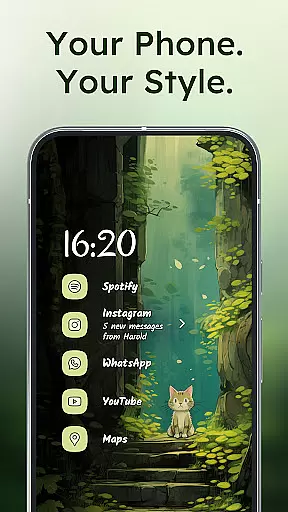
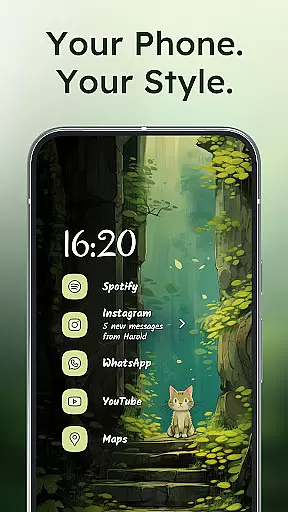
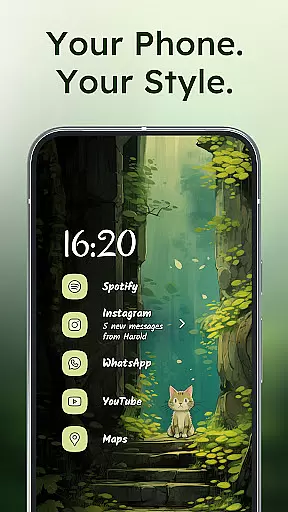
Niagara Launcher offers a wide array of customization options that allow users to tailor their home screen experience according to their preferences. With integrated icon packs, fonts, and wallpapers, the launcher provides tools for personal expression right out of the box.
For those who wish to go beyond the default offerings, Niagara Launcher supports using personal icon packs and wallpapers, ensuring that your device truly reflects your style. The adaptive list layout further enhances customization by adapting to user needs, displaying important information like media controls or notifications when necessary.
The inclusion of Material You Theming elevates personalization by automatically theming the home screen around the wallpaper you choose. This feature brings Google's latest design philosophy to all Android versions, allowing users to enjoy a cohesive and personalized aesthetic without compromise.
Overall, Niagara Launcher empowers users with extensive customization capabilities, making it not just a tool for launching apps but also a canvas for personal creativity on your mobile device.
Theme compatibility is at the heart of Niagara Launcher's design philosophy, seamlessly integrating with Androidu2019s new Material You design system. This ensures that whether you're using the latest version of Android or an older iteration, your home screen will exhibit a modern and consistent appearance.
The launcher goes above and beyond by backporting Material You theming to all Android versions, which means every user can enjoy a visually harmonious experience regardless of their device's software version. By setting a wallpaper, Niagara Launcher intelligently adjusts colors and themes across the home screen, delivering a unified look that feels both fresh and familiar.
This commitment to theme compatibility extends to third-party icon packs and custom fonts, giving users the freedom to mix and match visual elements. Such flexibility ensures that aesthetic updates and personal touches are always in sync with the overall design language of the launcher.
With Niagara Launcher, theme compatibility isn't just about looks; it's about creating an environment where form follows function, enhancing usability while maintaining a personalized and polished appearance.
One-handed usability
Adaptive interface
Embedded notifications
Lightweight performance
Customizable design
Limited widget support
No live wallpapers
Basic folder options
Occasional bugs
Steeper learning curve

Stunningly Different look with Line Icons and Neon Colors
 4.60
4.60
Beautiful realistic hybrid watch face with numerous customization options.
4.50
Glass style colourful icons with a One UI look and feel
4.60
3D, live, and moving wallpapers & themes in 4K and HD for your device.
4.50
Customizable screen pets that play, climb, and keep you company.
4.50
Turn text & photos into stunning AI videos, art, and creative visual stories.
4.50 4.10
4.10
Unleash Your Creativity and Connect with Loved Ones with Lockscreen Drawing!
4.20
Modern Glass Icon Pack with glossy icons, clean minimal theme & aesthetic style
4.3
A launcher for Samsung Good Lock and Good Guardians modules without ads
4.70
400+ Beautifully crafted widgets inspired by NOTHING.
4.70
350+ widgets with a premium glass-style finish, perfect for home & lock screens.
4.70
Zip lock screen with magic wallpaper to decorate your phone with fun zipper lock
4.60
Handcrafted pixel art icons, widgets & wallpapers
4.60 4.50
4.50
Romantic Kiss Stickers App. Start romantic messaging now!
4.30
Realistic animated snow on your wrist, with 10 images landscapes to choose from
4.00
Emoji Maker app - Design custom emojis and effortlessly blend them with Mixer
3.80
Custom edge gestures for volume control, brightness, apps, and shortcuts.
4.5


User Reviews