
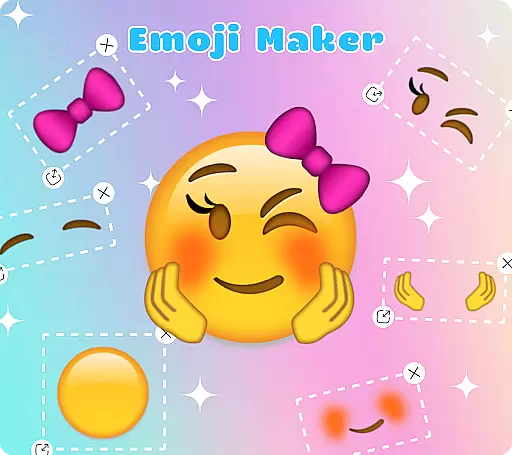
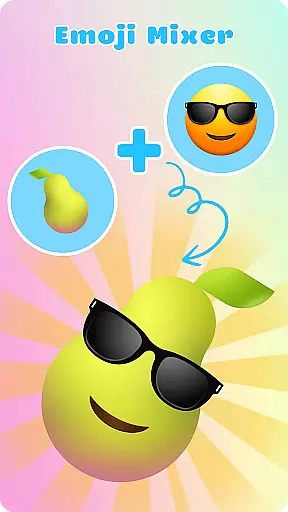
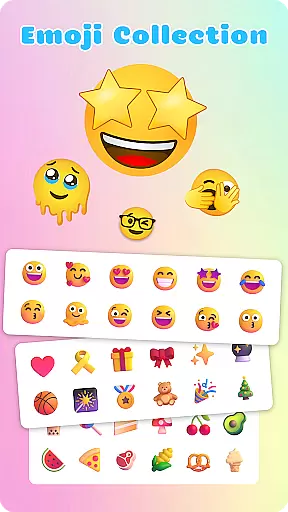
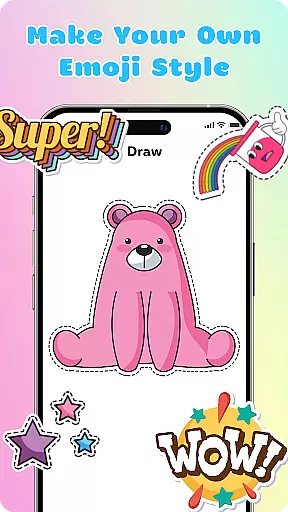
Emoji Maker is a creative personalization app that allows users to design and customize their own emojis. The app features two core functions: Emoji Maker for creating individual emojis, and Emoji Mixer for combining multiple emoji elements. Users can modify facial expressions, gestures, and accessories to produce unique emojis that precisely convey desired emotions.
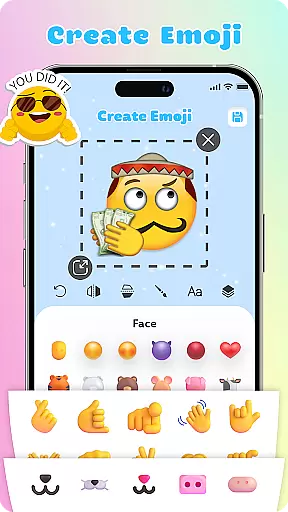
The app provides professional-grade editing tools including resizing, flipping, text overlays, and freehand drawing capabilities. Its layering feature enables complex customization by stacking elements in any order. With regular feature updates and an intuitive interface, the app ensures both beginners and advanced users can create personalized emoji packs that enhance their digital communication.
Emoji Maker stands out with its comprehensive set of customization features. The app's Emoji Maker function lets users build original emojis from scratch, while the innovative Emoji Mixer enables combination of various emoji components to create distinctive designs. These features collectively support unlimited creative possibilities.
Professional editing tools include precise element manipulation options such as resizing, duplication, and layer reordering. The text overlay feature allows adding custom messages directly on emojis, while the freehand drawing tool helps highlight specific characteristics. Regular feature updates ensure the app stays current with new customization options, maintaining its position at the forefront of personalization technology.
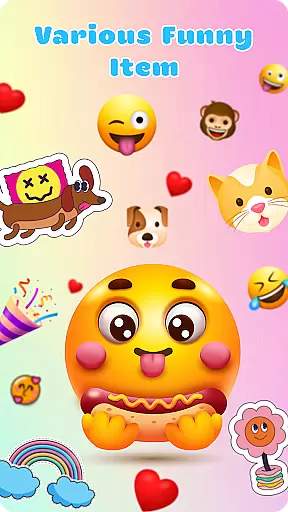
Emoji Maker offers an extensive range of customization options that allow users to create unique emojis tailored to their personal style and mood. The app provides a vast selection of facial expressions, gestures, and accessories which can be mixed and matched to design emojis that are truly one-of-a-kind.
With features such as resizing, flipping, and duplicating images, users have the creative freedom to modify their emojis with precision. The inclusion of a freehand drawing tool and the ability to add text on top of emojis further enhances the customization experience, making each emoji a distinct form of expression.
The layering feature in Emoji Maker adds another dimension to personalization by enabling users to stack elements and change the order of layers. This results in more complex and personalized emojis that can accurately convey specific emotions and messages, setting the app apart from standard emoji offerings.
Theme compatibility in Emoji Maker ensures that all custom-created emojis maintain visual consistency across different themes and interfaces. Whether you're using a light or dark theme on your device, the emojis you create will adapt seamlessly, preserving their intended appearance and impact.
The app's intuitive interface is designed for ease of use, regardless of the user's experience level with emoji creation or customization tools. Its compatibility extends to various devices, allowing a smooth transition and uniform look and feel whether you're on a smartphone or tablet.
Furthermore, Emoji Maker's compatibility with various chat platforms means that when you share your custom emojis, they retain their original design and flair. This cross-platform uniformity ensures that your personalized emojis contribute effectively to your conversations, enhancing communication with creativity and fun.
User-friendly interface
Extensive customization options
Regular feature updates
Professional editing tools
Creative combination possibilities
Limited free features
Occasional bugs
Ads between sessions
Premium subscription required
Steep learning curve

A Colorful and Minimal icon pack in an Outline Style - Over 13,600 icons!
 4.70
4.70
Ultra realistic gold analog watch face with lots of customization options.
4.50
Wear Os Watch Face - Seasonal - Animated Snow Effect - 9 Animals
4.20
Prank your friends with realistic broken screen and cracked HD effects!
4.2
Unique Android Launcher
4.60
Want to make your phone more special than ever?
4.60
300+ Beautifully crafted widgets inspired by OneUI.
4.60
Modern Glass Icon Pack with glossy icons, clean minimal theme & aesthetic style
4.1
Your home screen, just the way you like it.
4.30
Personalize your phone with stunning HD and 4K wallpapers!
4.70
350+ widgets with a premium glass-style finish, perfect for home & lock screens.
4.70
Ultimate Gallery Lock App - Hide Pictures, Videos and Lock Apps Instantly!
4.60
Zip lock screen with magic wallpaper to decorate your phone with fun zipper lock
4.60
Aesthetic Widgets, HD Wallpapers, Themes in Mico Widget for Home and Lock Screen
4.50
AI-powered Copilot. Personalized keyboard with gifs, stickers & themes
4.40
Art & Emoji Keyboard with Cool Fonts, Cute Themes and Custom Designs.
4.40
Turn your lock screen into fun with smile live wallpapers & animated wallpapers!
2.50
⭐ OneUI inspired Fluffy Icon Pack – Soft. Stylish. Standout. ⭐
4.0
Custom edge gestures for volume control, brightness, apps, and shortcuts.
4.5


User Reviews