
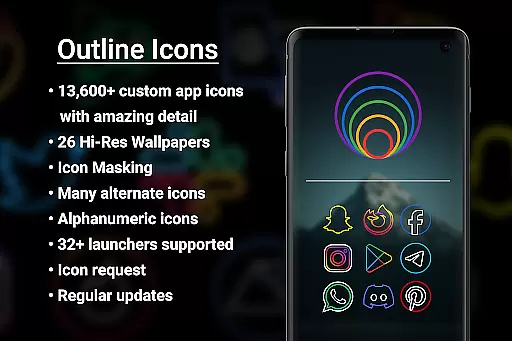

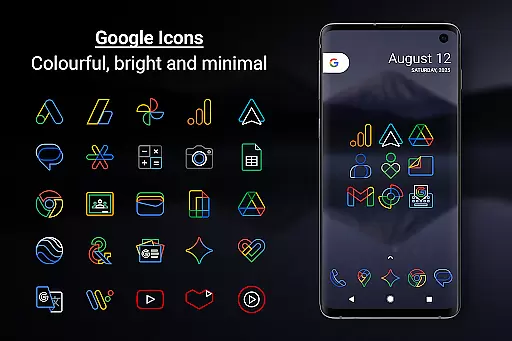
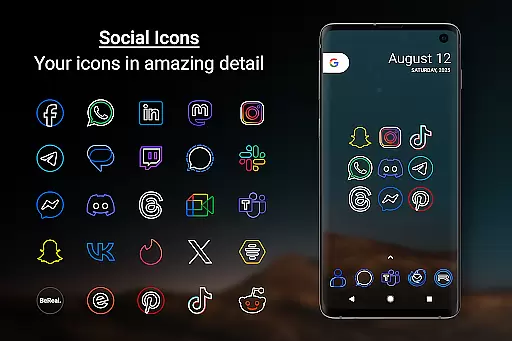
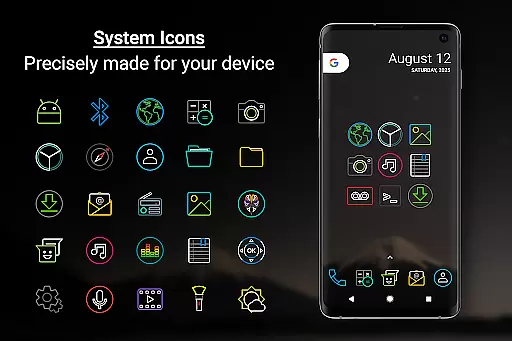
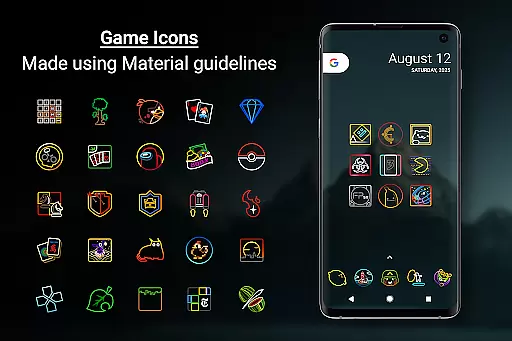
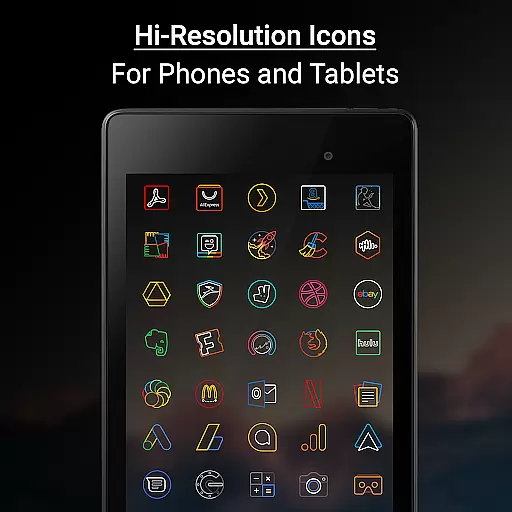

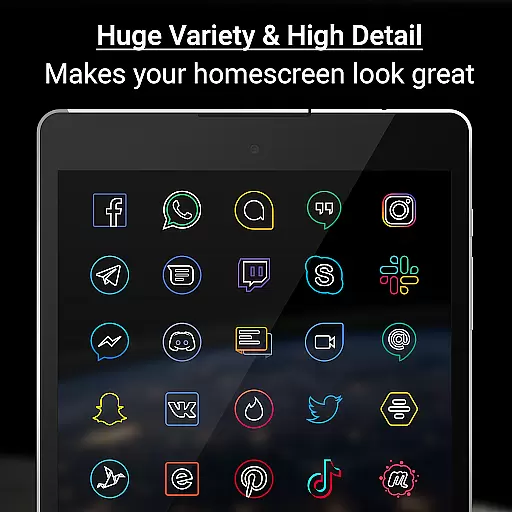
Outline Icons is a premium icon pack that transforms your home screen with an outline-style design. Featuring over 13,600 handcrafted HD icons and 26 high-resolution wallpapers, it ensures stunning visuals on any device. Designed to material design standards, the icons are sharp, colorful, and compatible with 32+ launchers.
This icon pack offers dynamic calendar support, icon masking for unthemed icons, and various customization options like alternate colors and category folders. Whether you're using Nova Launcher, Samsung's OneUI, or other supported launchers, Outline Icons provides a seamless experience for personalizing your Android device.
Outline Icons stands out with its meticulously crafted features. The pack includes 192x192 pixel icons at xxxhdpi resolution, ensuring clarity on all screen types. With support for 32+ launchers and unique features like Icon Masking and Dynamic Calendar integration, it caters to diverse user needs.
Users can enjoy additional perks such as alphanumeric icons in multiple colors, regular updates with new icons, and a royalty-free wallpaper selection. The inclusion of an icon request feature and premium fast-track requests ensures users receive the icons they need promptly, enhancing their customization experience.
Outline Icons offers an extensive range of customization options that cater to diverse user preferences. With over 13,600 hand-crafted HD icons, the pack ensures that users can find an icon for almost any app they have installed. This vast selection is complemented by support for 32+ launchers, making it versatile across different devices and operating systems.
The inclusion of features like Icon Masking for unthemed icons and Dynamic Calendar support enhances the personalization experience. Users can enjoy not only static but also dynamic changes in their home screens, adapting to different contexts or times. The availability of Category Folders in various colors and Alphabet icons in 10 colors further extends the customization possibilities.
For those seeking a cohesive look, Outline Icons provides 26 high-resolution wallpapers that complement the minimal and subtle style of the icons. These wallpapers are royalty-free, ensuring users can personalize their devices without worrying about copyright issues. The combination of sharp icons and matching wallpapers allows for a fully customized and visually appealing home screen.
Theme compatibility is a crucial aspect of Outline Icons, ensuring that the icon pack works seamlessly with a wide array of launchers. Supporting over 30 launchers, including popular ones like Nova Launcher, Action Launcher, and Apex Launcher, this icon pack guarantees that users won't be limited by their choice of launcher. Even Samsung users benefit from compatibility through the Samsung Theme Park app on OneUI 4.0 or newer.
Each icon is meticulously designed at 192 x 192 pixels (xxxhdpi), adhering to material design standards. This attention to detail ensures that icons remain sharp and detailed, regardless of the device's screen size or resolution. Such precision makes certain that the visual consistency is maintained across phones and tablets, providing a uniform appearance.
Moreover, Outline Icons includes alternate color system icons, offering additional flexibility in theme customization. Whether users prefer a clean, colorful, minimal look or something more vibrant, these options ensure that the icon pack can adapt to various themes. Compatibility extends beyond just launchers; it encompasses the overall aesthetic and functional needs of users, making it a comprehensive solution for personalizing Android devices.
Stunning outline design
Wide launcher support
High-quality HD icons
Regular updates
No ads
Paid premium requests
Limited to supported launchers
No iOS compatibility
Manual application required
Dependent on third-party launchers

A light in the dark, a unique style and an andless cutomization!
 4.30
4.30
Ultra realistic gold analog watch face with lots of customization options.
4.50
AI-powered Copilot. Personalized keyboard with gifs, stickers & themes
4.40
Unique Fonts, typefaces and stylish text. Fonts for Instagram, Whatsapp & others
4.20
Nothing Icon pack with more than 3750+ highly crafted icons.
4.70
Your home screen, just the way you like it.
4.30
Create unique, fun emojis with Funny Emoji Maker! Unlimited creativity!
4.00
Customize phone with anime themes, 3D icons, aesthetic widgets & wallpapers
4.80
Amazing letter fonts in your messages and social statuses
4.70
Wallpaper HD 4K Live - Thousands of high-quality Anime backgrounds for you.
4.80
Shimeji adds cute animated characters to your screen, lively and fun.
4.70
Unique Android Launcher
4.60
300+ Beautifully crafted widgets inspired by OneUI.
4.60 4.50
4.50 4.50
4.50
Organize and manage your photos and videos effortlessly with Photo Gallery
4.20
Transform your phone with stunning video wallpapers and a unique, personal touch
3.80
Turn your lock screen into fun with smile live wallpapers & animated wallpapers!
2.50
Modern Glass Icon Pack with glossy icons, clean minimal theme & aesthetic style
4.3


User Reviews