

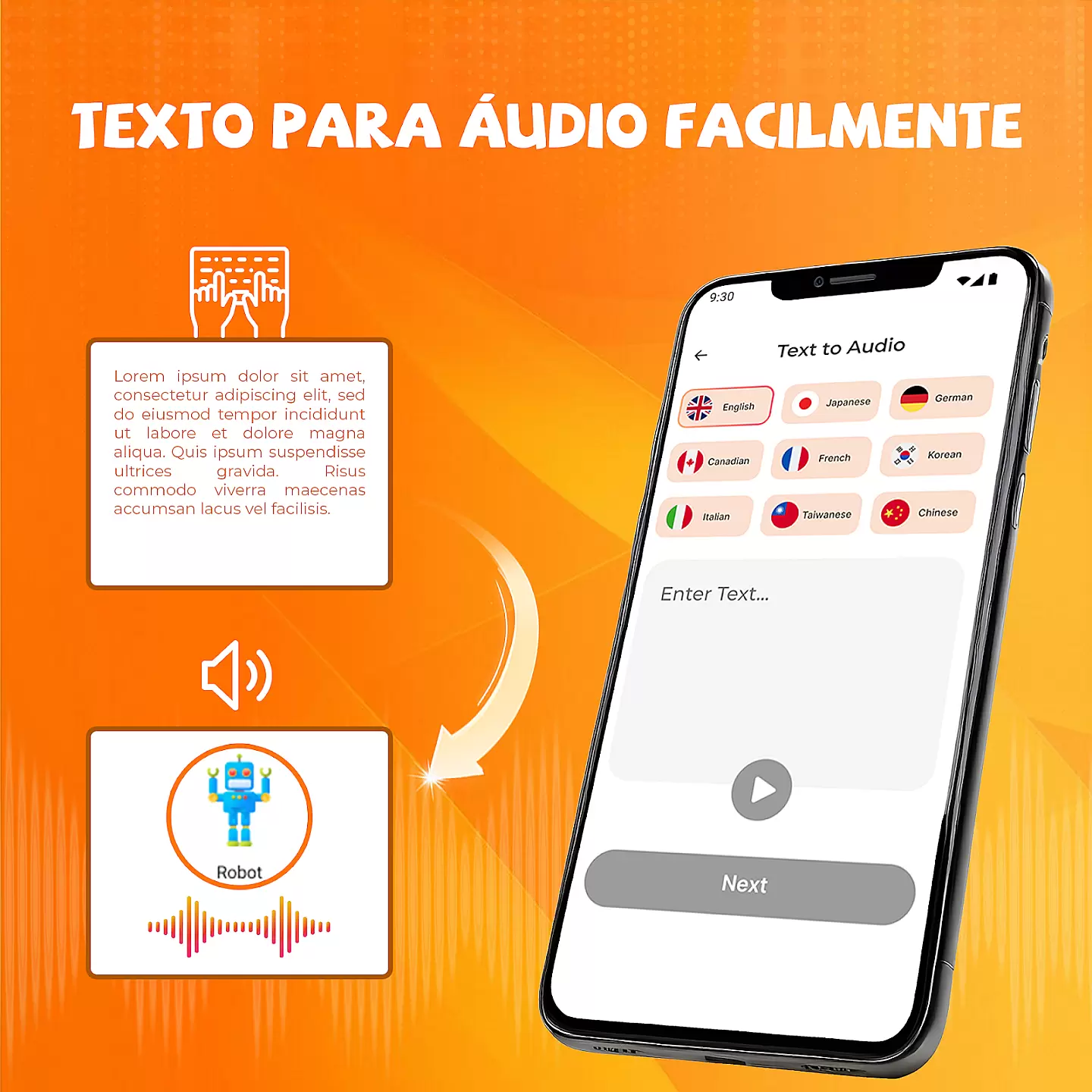
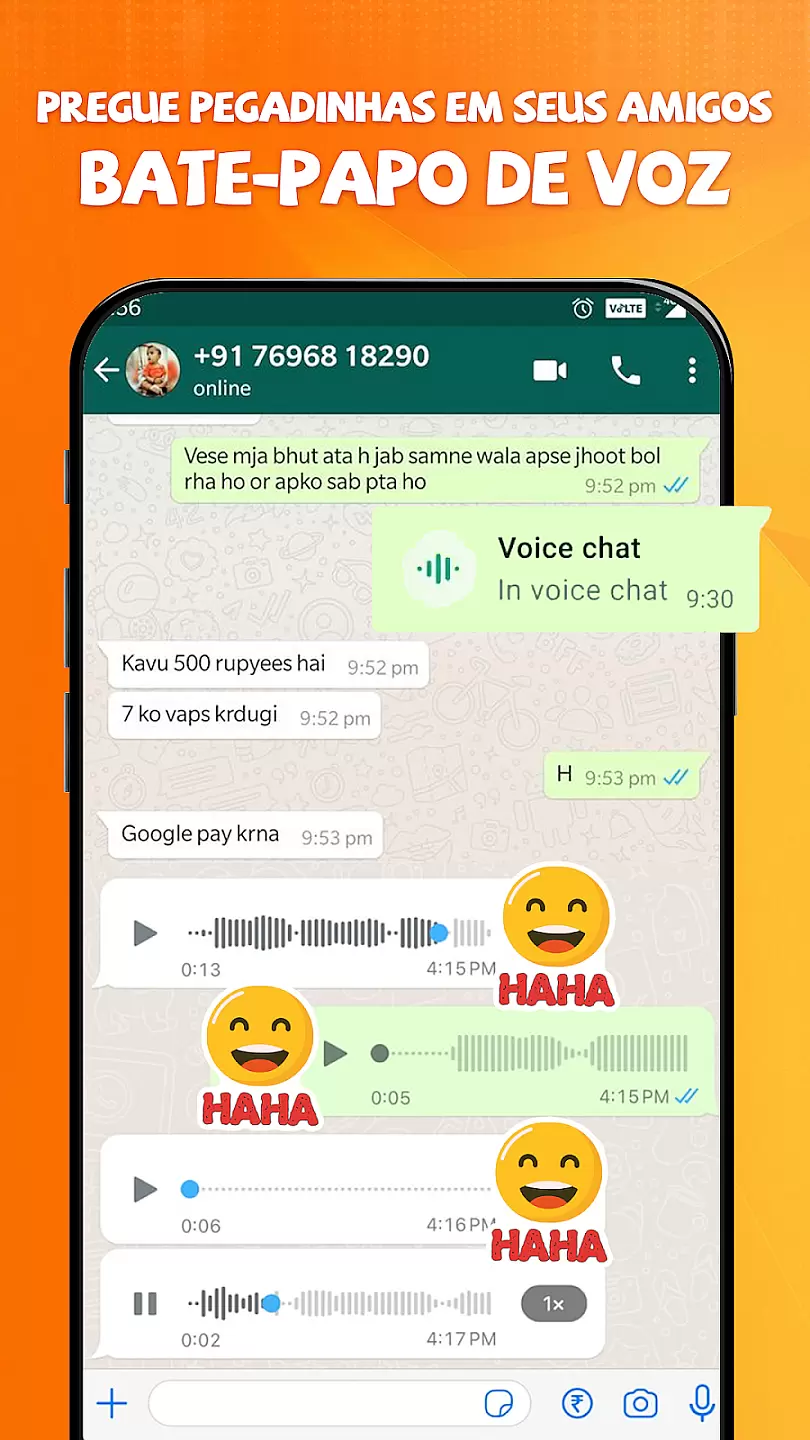
Voice Changer with Effects is an innovative audio tool designed to transform your voice recordings into various entertaining and creative styles. This app allows users to apply real-time effects, adjust pitch, and modify tone to create unique audio outputs.
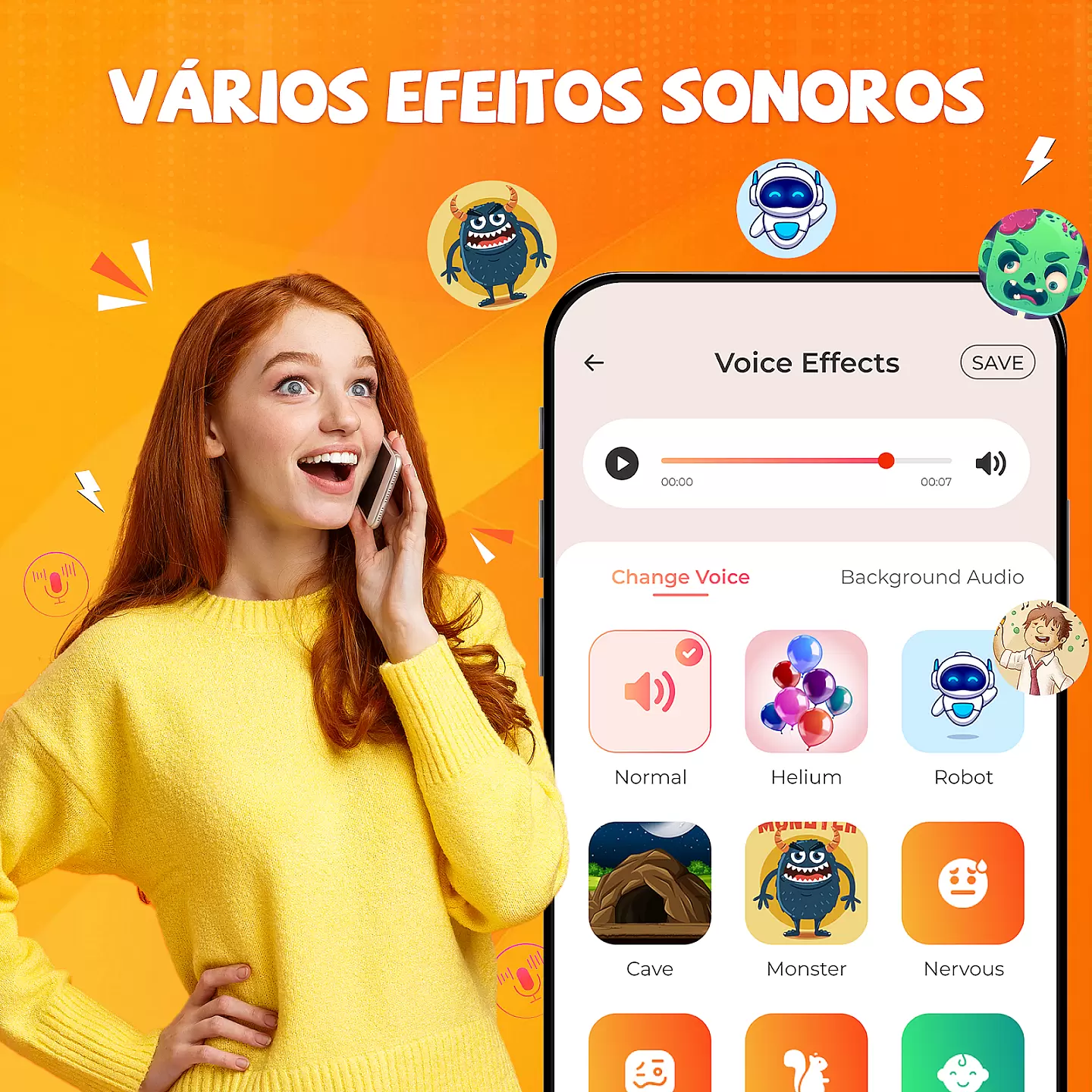
The application supports multiple sound effects including robotic, helium, monster, and many others. It's perfect for content creators, podcasters, or anyone looking to add a fun twist to their audio projects. The intuitive interface makes it easy to use while maintaining professional-grade quality.
Whether you're creating funny videos, enhancing podcasts, or simply experimenting with voice modulation, this app provides the tools needed to produce high-quality modified audio. Available on Android, it ensures accessibility and convenience for all users.
This voice modification app offers a comprehensive suite of features that cater to both casual users and audio professionals. With over 20 different effects to choose from, you can easily customize your recordings to match specific moods or themes.
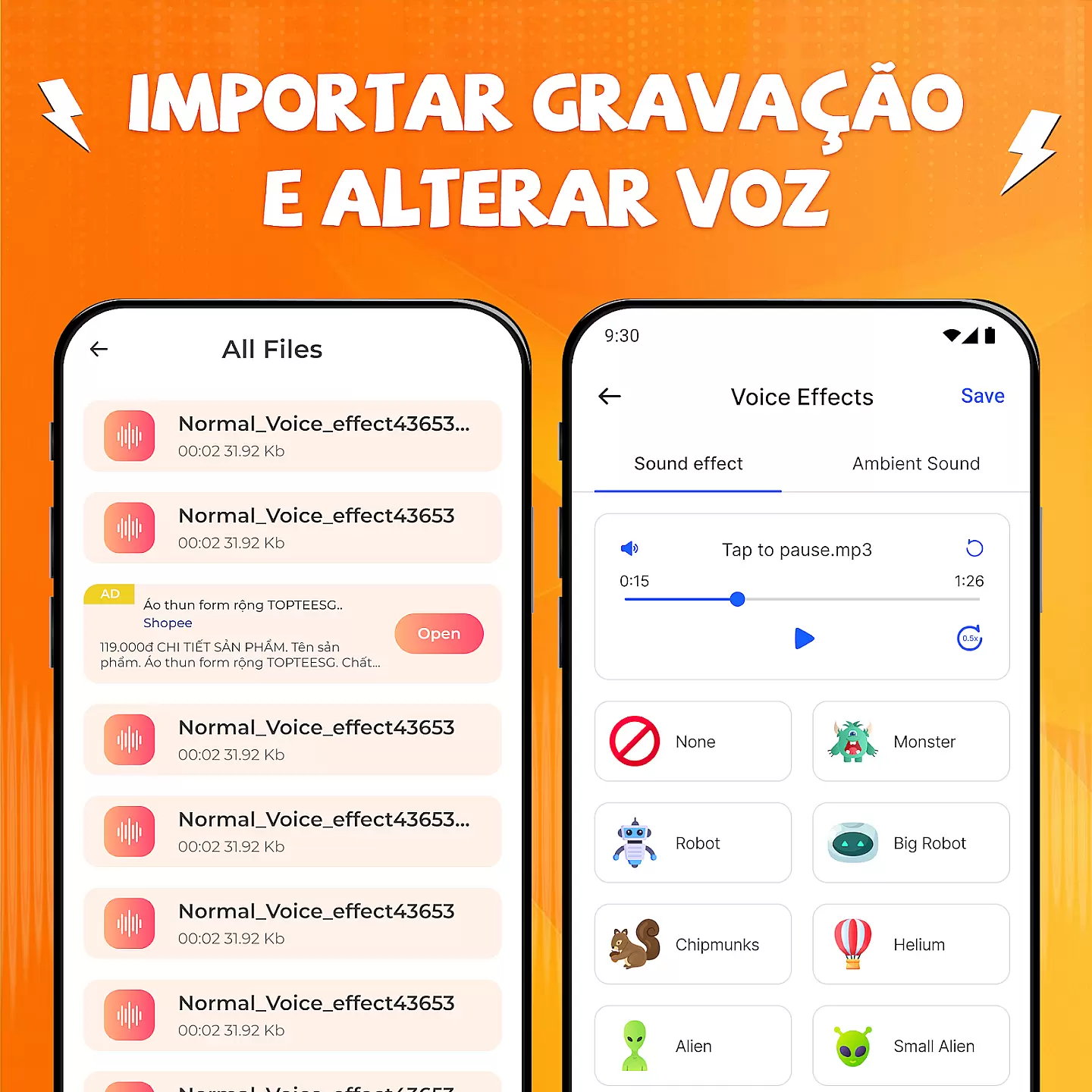
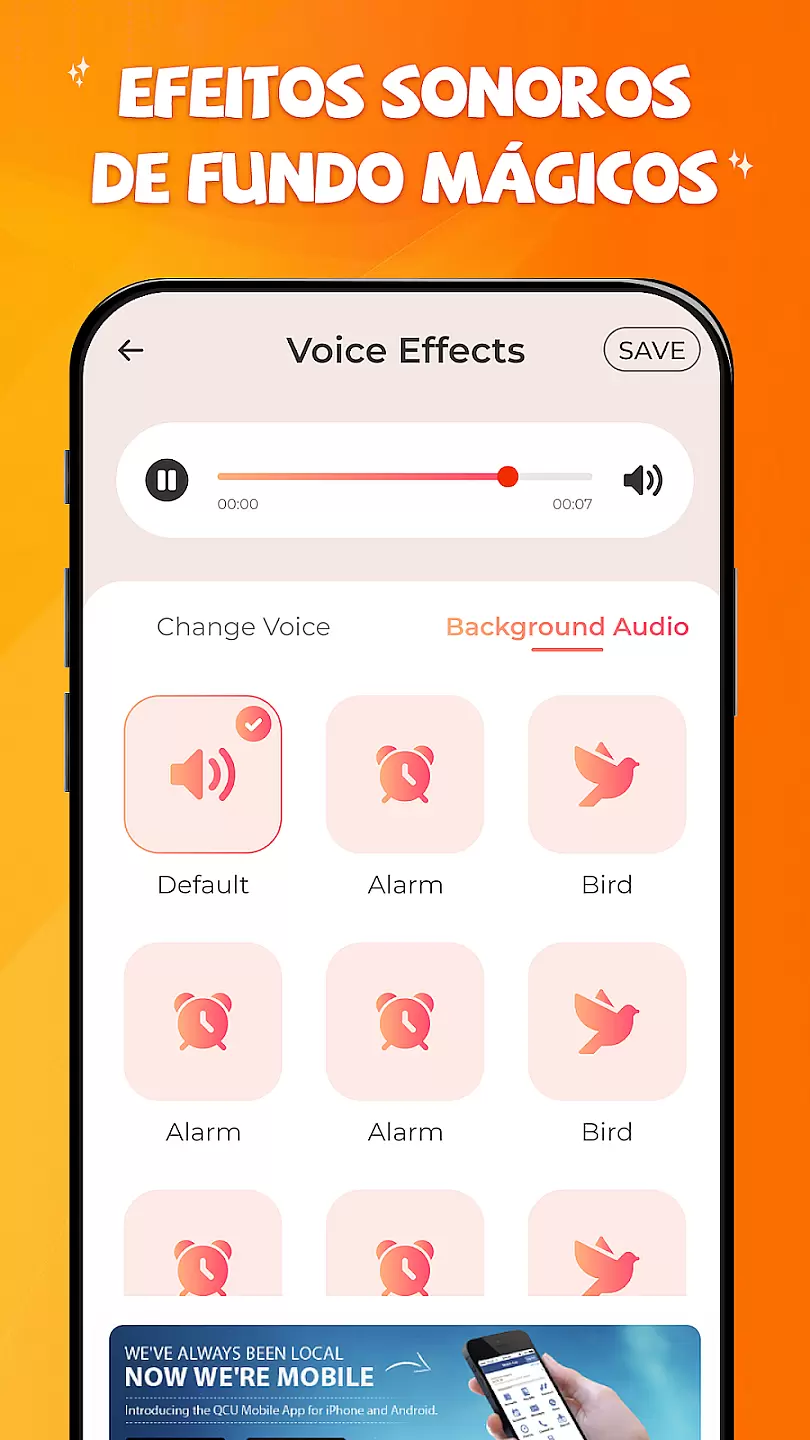
The app includes advanced pitch-shifting technology that maintains audio clarity while transforming voices. Users can record directly within the app or import existing files for modification. Additional features include adjustable reverb settings, equalizer controls, and noise reduction capabilities.
For those seeking more control, the app provides detailed parameter adjustments for each effect. These features make Voice Changer with Effects a versatile tool suitable for various applications, from entertainment purposes to professional audio production work.
Voice Modifier with Effects offers a wide array of customization options, allowing users to transform their voice in numerous ways. This feature is crucial for those who wish to experiment with different vocal styles and effects.
The app provides an extensive selection of voice effects such as robotic, helium, monster, and many more. Each effect has adjustable parameters, giving users the power to fine-tune their audio experience according to personal preferences or specific needs.
Users benefit from this vast customization capability by being able to create unique sounds that suit various occasions, whether it's for entertainment, professional voice-over work, or simply for fun conversations with friends.
This level of customization ensures that every user can achieve the exact sound they desire, making the app versatile and appealing to a broad audience seeking personalized audio solutions.
Theme compatibility in Voice Modifier with Effects ensures that all voice alterations maintain consistency across different platforms and devices. This aspect is important for delivering a seamless user experience regardless of where the modified audio is played back.
The application is designed to be compatible with various themes and audio settings on mobile devices, ensuring that the applied voice effects retain their quality and character. This means that whether you're using a custom skin or default theme on your device, the voice output remains true to its intended form.
By maintaining high theme compatibility, users enjoy uninterrupted functionality without worrying about discrepancies between how their altered voices sound during creation versus playback on any system setup.
Ultimately, this compatibility enhances user satisfaction by guaranteeing reliable performance and coherent audio results every time they use the appu2019s features.
User-friendly interface
Wide range of effects
High-quality audio processing
Real-time modification
Regular updates
Limited free features
In-app purchases required
Occasional bugs
Ads in free version
Storage space needed

A light in the dark, a unique style and an andless cutomization!
 4.30
4.30
Adult video chat, dating, making friends, random matching
4.20
Run multiple accounts of the same app on a single device
4.10
Want to make your phone more special than ever?
4.60 4.50
4.50
Nothing Icon pack with more than 3750+ highly crafted icons.
4.70
300+ widgets inspired by Material You and Material 3 expressive design.
4.60
Customize phone with anime themes, 3D icons, aesthetic widgets & wallpapers
4.80
Your home screen, just the way you like it.
3.80
A launcher for Samsung Good Lock and Good Guardians modules without ads
4.70
Personalize your phone with stunning HD and 4K wallpapers!
4.70
Beautiful realistic hybrid watch face with numerous customization options.
4.50
Wear Os Watch Face - Seasonal - Animated Snow Effect - 9 Animals
4.20
More than 3000+ themes and 9000+ wallpapers for everybody!
4.10
Realistic animated snow on your wrist, with 10 images landscapes to choose from
4.00 3.50
3.50
Turn your lock screen into fun with smile live wallpapers & animated wallpapers!
2.50
Capture moments that pass like a storm, second by second.
4.4
Modern Glass Icon Pack with glossy icons, clean minimal theme & aesthetic style
4.3


User Reviews